

SuperIntern v0.3
SuperIntern is a realtime meeting assistant that uses AI to transcribe, summarize, and organize meeting notes, helping users stay focused and never miss key points during discussions.
SuperIntern v0.3 is productivity software teams evaluate for productivity. Use this page to review pricing, integration signals, and the best alternatives before you commit.
Used in These Packs
Quick Overview
Best for: Productivity
What it does
Productivity software for decision-makers comparing workflow fit and alternatives.
Best fit
Productivity
Pricing snapshot
Freemium from $0 /month
Next step
Compare SuperIntern v0.3 with similar tools before you shortlist it.
Compare this tool before you shortlist it
Review alternatives, pricing posture, and workflow fit side by side.
SuperIntern v0.3
SuperIntern is an AI-powered realtime meeting assistant designed to eliminate the busywork associated with meetings. It structures and organizes key points as the meeting unfolds, creating well-formatted, easy-to-follow notes in real time. This allows users to grasp the full flow of discussion and prevents missing important details. Additionally, SuperIntern supports users by answering questions on the spot through chat, providing next-sentence suggestions, key question prompts, or draft emails based on the meeting context. It also features an Invisible Mode to keep the interface hidden during screen sharing or screenshots, maintaining a clean and professional display.
Always-On Meeting AI: Live Notes, Instant Answers
Own this listing?
Claim this page to add pricing, features, screenshots, and verified owner details.
Claim this listingKey Features
Real-time Structured Notes
AI structures and organizes key points during meetings, creating well-formatted, easy-to-follow notes in real time to capture the full discussion flow.
Contextual AI Chat Support
SuperIntern comprehends the full meeting context and supports users by interpreting discussions, offering next-sentence suggestions, key question prompts, and draft emails in chat.
Invisible Mode
Keeps the SuperIntern interface hidden during screen sharing or screenshots to maintain a clean and professional display.
Post-Meeting Summaries and Review
Provides refined summaries after meetings and allows users to review recordings, transcripts, and notes anytime.
Pricing
Free plan offers up to 60 minutes of usage with real-time transcription, meeting summaries, and post-meeting review features with no credit card required.
Free
$0 /month- Up to 60 minutes of usage
- Real-time transcription
- Real-time meeting summaries
- Post-meeting refined summaries
Plus
$20 /month- Up to 50 hours per month with no extra fee
- Additional usage: $0.02 per minute after 50 hours
- Includes all Free plan features
- Ask AI chat in real time
Enterprise
Customizable- Includes all Plus plan features
- User management
- Shared access to notes across teams
- Access to more powerful AI models
Use Cases
Meeting Note Taking
Automatically generate structured and comprehensive notes during meetings to avoid missing important points.
Real-time Meeting Assistance
Use AI chat to ask questions and get suggestions or draft communications based on the ongoing meeting context.
Post-Meeting Review
Review detailed transcripts, recordings, and refined summaries after meetings to ensure full understanding and follow-up.
Professional Screen Sharing
Use Invisible Mode to keep the assistant interface hidden during presentations or screen sharing for a clean display.
Integrations
Claim this listing to add integrations.
Benefits
Limitations
Frequently Asked Questions
Is there a free trial available?
Can I use SuperIntern during screen sharing?
What happens if I exceed the usage limit on the Plus plan?
Does SuperIntern support team collaboration?
Getting Started
- 1 Sign up for a free trial with no credit card required.
- 2 Start using SuperIntern during your meetings to capture real-time notes and summaries.
- 3 Use the AI chat feature to ask questions and get assistance during meetings.
- 4 Review your meeting recordings, transcripts, and summaries anytime after the meeting.
Support
Contact page
Contact sales and support via https://www.nanohuman.ai/contact
API
Compare SuperIntern v0.3 with similar tools
See how it stacks up against alternatives
Related Tools
View all 162 →
Autoslide AI PowerPoint Add In
Autoslide is a Windows-only PowerPoint add-in that integrates advanced AI models to generate slide content, design layouts, and visuals directly inside PowerPoint to help professionals create presentation slides faster.
TinyTools – a “tool collection” website
TinyTools is a free online collection of productivity tools designed to simplify tasks such as audio editing, PDF management, image processing, text formatting, and AI-powered content enhancement.


Mealpractice
MealPractice is an AI-powered meal planning tool that generates personalized recipes, helps organize weekly meal plans, and creates automated shopping lists with one-time credit-based purchases rather than subscriptions.

Granola Recipes
Granola Recipes is a feature within the all-new Granola Chat that combines AI prompts with your real work context to deliver useful, context-aware AI assistance tailored to your workflow.
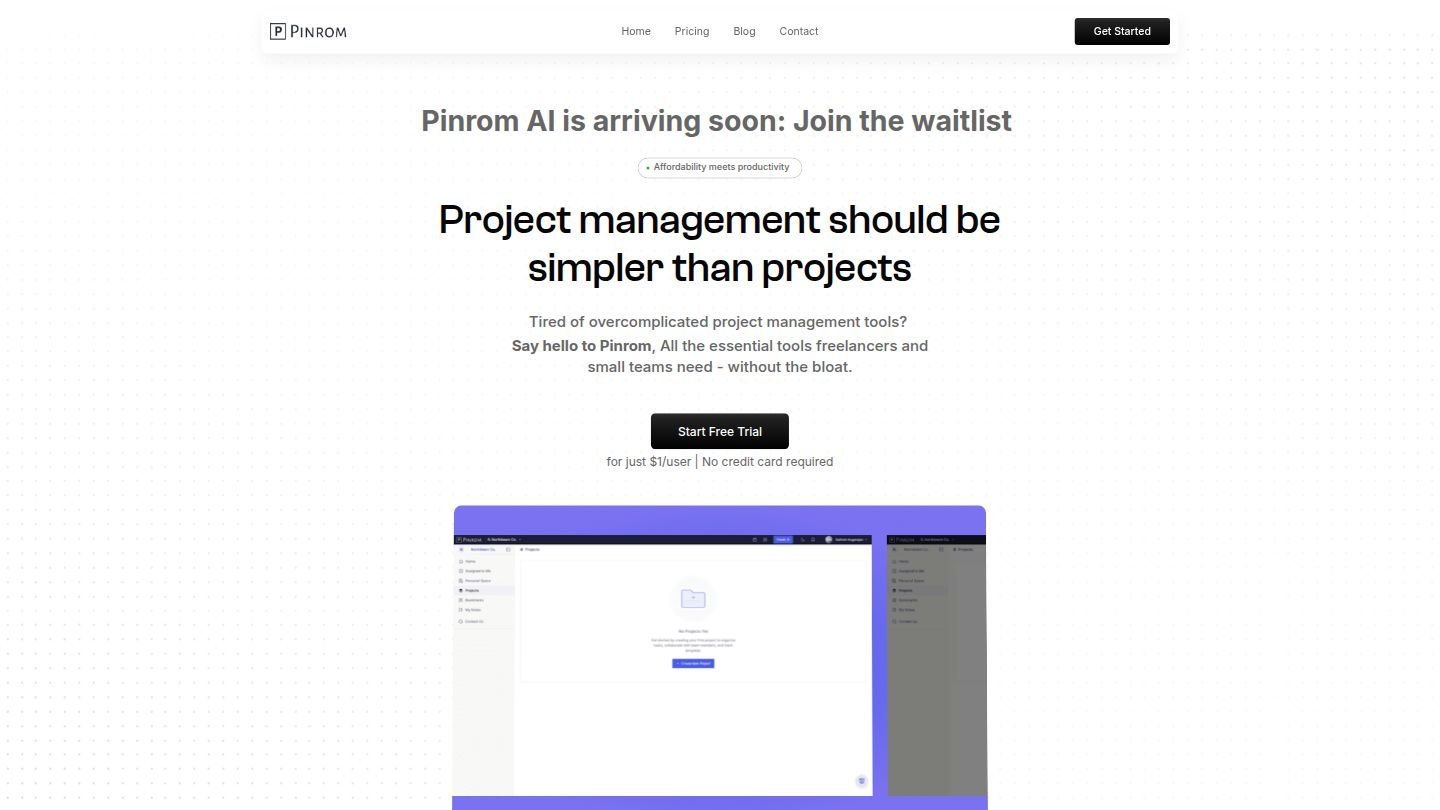


IdeaOracle
IdeaOracle is an AI-powered platform designed to help creative entrepreneurs organize, evaluate, and execute their business ideas with a focus on clarity, productivity, and personal well-being.
Premium Alternatives

Flux-kontext
FLUX Kontext is an instruction-based AI image editor that performs targeted, surgical edits specified by natural-language instructions while preserving the rest of the image. It’s designed for creators, designers, and marketers who need precise, iterative image modifications with character consistency and commercial usage rights.

Relayto
RELAYTO is a digital content experience and analytics platform that transforms PDFs and presentations into interactive, compliant experiences. It helps sales, marketing, and corporate communications teams increase engagement, capture buyer intent, and connect content analytics to existing systems.

influensly
Influensly is a subscription-based TikTok growth service that uses programmatic advertising and AI-driven targeting to drive organic, real-user followers, views, and engagement for influencers, brands, and businesses.

Chattyhiring
ChattyHiring provides AI-driven virtual recruiting assistants that automate candidate screening and interviews via messaging channels like WhatsApp and Email, delivering scored evaluations, transcripts, and interview summaries to help talent teams hire faster.


extruct-ai
Extruct AI is a company research API that lets teams find and research companies from a curated 10M-company index or the live web, returning source-backed answers for use in AI workflows, market research, and sales prospecting.

talkforce-ai
TalkForce AI provides AI-powered voice/call agents that automate customer service conversations—handling routine inquiries, bookings, cancellations, and outbound calls—while integrating with existing systems and handing off to humans when needed.