

Textero
Textero is an AI-powered essay generator and writing assistant focused on academic writing — it produces structured essays with real citations, supports uploaded source materials, includes an AI detector and citation assistant, and offers a suite of auxiliary writing tools.
Textero is education software teams evaluate for education. Use this page to review pricing, integration signals, and the best alternatives before you commit.
Used in These Packs
Quick Overview
Best for: Education
What it does
Education software for decision-makers comparing workflow fit and alternatives.
Best fit
Education
Pricing snapshot
Free
Next step
Compare Textero with similar tools before you shortlist it.
Compare this tool before you shortlist it
Review alternatives, pricing posture, and workflow fit side by side.
Textero
Textero is an AI essay writing assistant purpose-built for students and academics. It generates essays, outlines, and research-oriented drafts while allowing users to upload professor guidelines, rubrics, or source files so the output matches assignment requirements. The service emphasizes academic tone, uses scholarly sources, and provides built-in citation support (MLA, APA, Chicago and others) to help produce referenced, academically styled writing.
Textero also offers additional free AI tools — including an AI detector, paraphraser, PDF summarizer, outline generator, fixer tools and browser extensions — designed to help users refine, check, and adapt generated content. The tool targets a range of users from freshmen to PhD students who need to draft, structure, or polish academic writing efficiently.
Textero is an AI-powered essay generator and writing assistant focused on academic writing — it produces structured essays with real citations, supports uploaded source materials, includes an AI detector and citation assistant, and offers a suite of auxiliary writing tools.
Own this listing?
Claim this page to add pricing, features, screenshots, and verified owner details.
Claim this listingKey Features
AI Essay Generator
Generates full essays and drafts quickly based on user-provided topic, essay type, and uploaded instructions or files. Designed to produce academic-style writing with logical structure and coherent argument flow.
Upload Custom Sources & Instructions
You can upload professor guidelines, grading rubrics, reading materials or other files so the AI tailors the essay precisely to assignment requirements.
Built-in AI Citing Assistant
Automatic assistance for adding references and formatting citations in MLA, APA, Chicago and other styles; citations are drawn from scholarly and peer-reviewed sources.
Free AI Detector and AI Fixer
Includes a free AI detector to evaluate the AI-likeness of text and an AI Fixer tool to identify AI-generated sections and suggest edits to make text more natural.
Plagiarism & Originality Focus
Textero states it uses top-quality scholarly sources and includes plagiarism checking tools to help maintain originality and academic integrity.
Multilingual Support
Supports over 10 languages (examples cited: English, French, Spanish, German) so non-native speakers can produce and refine academic writing.
Export to Google Docs / Downloadable Files
Once satisfied with the essay, users can create and download a Google Doc or download the final file for submission or further editing.
Additional Free Writing Tools
A suite of companion tools: AI Paraphraser, AI Text Summarizer, Essay Rewriter, PDF Summarizer, Outline Generator, Proofreader, Citation Generators, Essay Grader and browser extensions (Textero for Chrome/Edge).
Session Word Limit
Each request allows up to 3,000 words per session (longer projects can be completed in parts).
Pricing
Textero offers free access to its AI detector and several free tools (summarizer, paraphraser, etc.) and allows some free essay generation. Detailed paid plan pricing is not listed on the provided page.
Use Cases
Drafting Course Essays and Assignments
Generate full drafts or section-by-section essays for argumentative, analytical, expository, narrative, or research-based assignments to speed up the writing process.
Research Paper Structuring and Citation
Help organize complex ideas, synthesize research, and automatically generate formatted in-text citations and reference lists for scholarly work.
Overcoming Writer’s Block & Editing
Use Textero to get a well-structured starting draft, then refine tone and content using built-in editing tools like the AI Fixer, paraphraser and proofreader.
Language Support for Non-native Speakers
Produce clearer, more natural academic English (and other supported languages), improving phrasing, flow and academic register.
Summarizing and Extracting from PDFs
Upload academic PDFs and use the PDF Summarizer to extract and condense key ideas for literature reviews or background sections.
Integrations
Google Docs
Export generated essays to Google Docs via the 'Create Google Doc' feature for easy editing and collaboration.
Browser Extensions (Chrome, Edge)
Textero offers browser extensions (Textero for Chrome and Textero for Edge) to integrate writing assistance into the browser environment.
Citation Styles (MLA, APA, Chicago)
Built-in citation assistant supports popular academic citation formats for integration into academic workflows.
Benefits
Limitations
Frequently Asked Questions
What types of essays can I generate with Textero?
What’s the maximum word count per request?
Can using AI to write essays be considered cheating or plagiarism?
Will the generated content bypass AI detectors?
How quickly can I get a complete draft?
Getting Started
- 1 Step 1: Provide details — enter essay topic, select essay type, and upload any files or instructions (rubrics, readings).
- 2 Step 2: Review and edit — read the generated essay, run the AI detector or plagiarism check, make edits and adjust tone or citations as needed.
- 3 Step 3: Download the final project — export to Google Docs or download the file when satisfied.
Support
Contact page
Reach Textero via the Contact Us page (site menu) for direct inquiries and support requests.
Docs & Guides
Online guides, blog posts, FAQ, and how-to content are available on the site to help users learn features and best practices.
FAQ
A Frequently Asked Questions section on the site covers common concerns about word limits, citation, academic integrity, and available tools.
API
Compare Textero with similar tools
See how it stacks up against alternatives
Related Tools
View all 160 →
Questgen
Questgen is an AI-powered quiz generator that creates various types of assessments such as MCQs, True/False, Fill-in-the-blanks, and more from text, PDFs, videos, and other formats instantly. It is designed for educators, students, HR teams, and edtech companies to save time and enhance learning and assessment processes.
Speakhelper
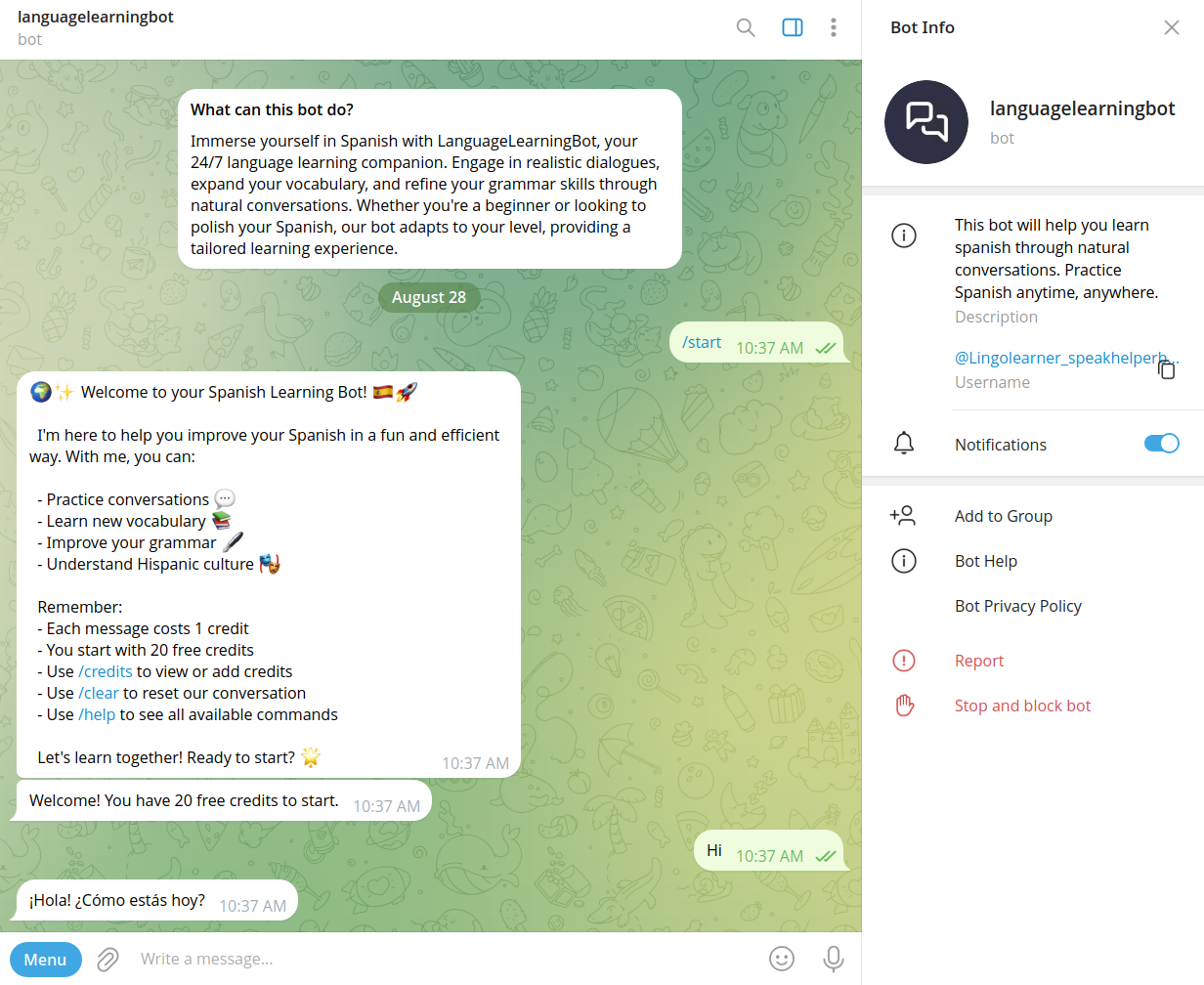
Speakhelper is a personal Spanish tutor chatbot that helps users improve their Spanish through natural conversations, vocabulary expansion, and grammar corrections, all integrated into daily life without the need for textbooks or memorization.
AIuse.blog
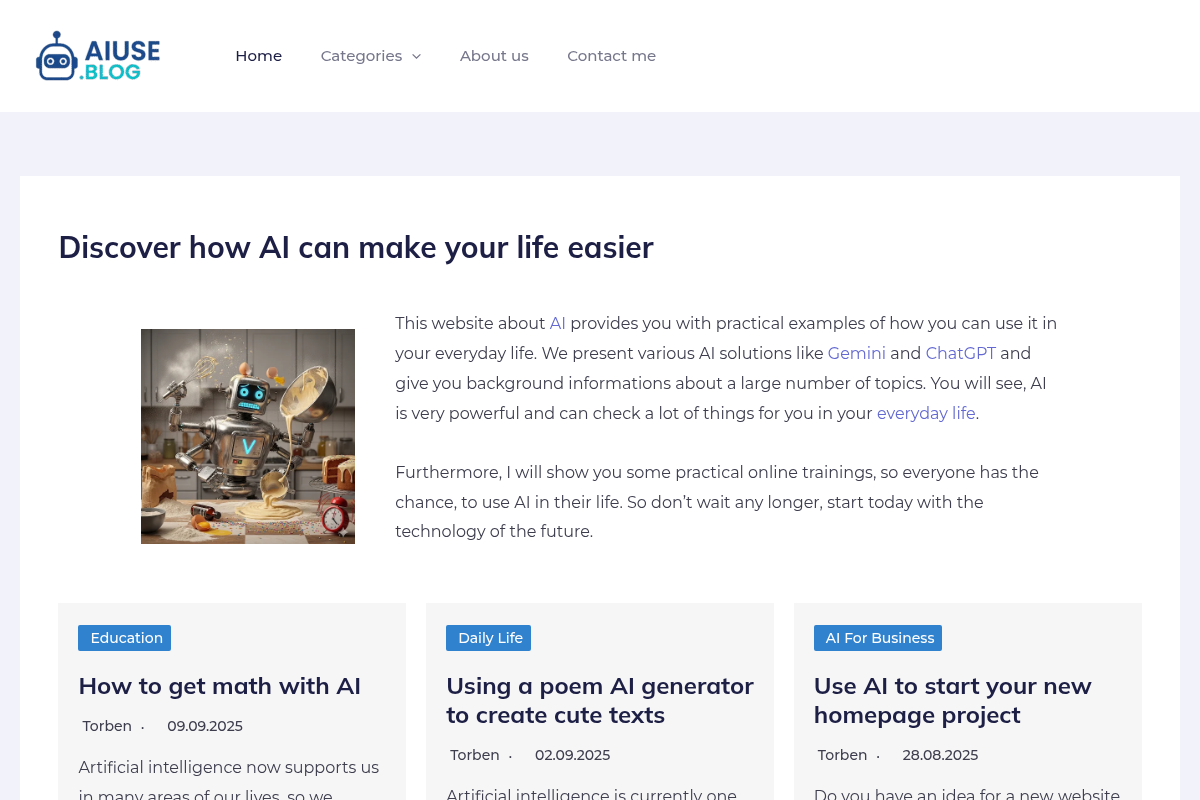
AIuse.blog is a website dedicated to showcasing practical examples of how artificial intelligence can simplify everyday life, education, business, and travel. It offers insights, tutorials, and AI tool recommendations to help users integrate AI into their daily routines.

Continualengine
PREP by Continual Engine is a cloud-based PDF and document remediation platform that uses AI-powered automation, OCR, and collaboration features to produce ADA/508/WCAG-compliant documents at scale for organizations, educational institutions, and government.

Mindmapai
MindMap AI is an AI-powered mind mapping web app that converts text, documents, media, and structured data into editable, presentation-ready mind maps. It targets students, professionals, researchers, and teams who want fast, structured visual thinking with AI co-editing and multi-language support.

Askyourpdf
AskYourPDF is an AI-powered document assistant that lets you chat with, summarize, and manage multiple PDF and text documents to extract insights quickly and boost productivity.

Premium Alternatives
analog-assistant
Analog AI offers self-learning, emotionally intelligent digital employees designed for virtual tours, short interviews, and customer service. These digital humans combine advanced emotional intelligence with common-sense reasoning to autonomously make decisions and escalate complex cases to human agents.
style-ai
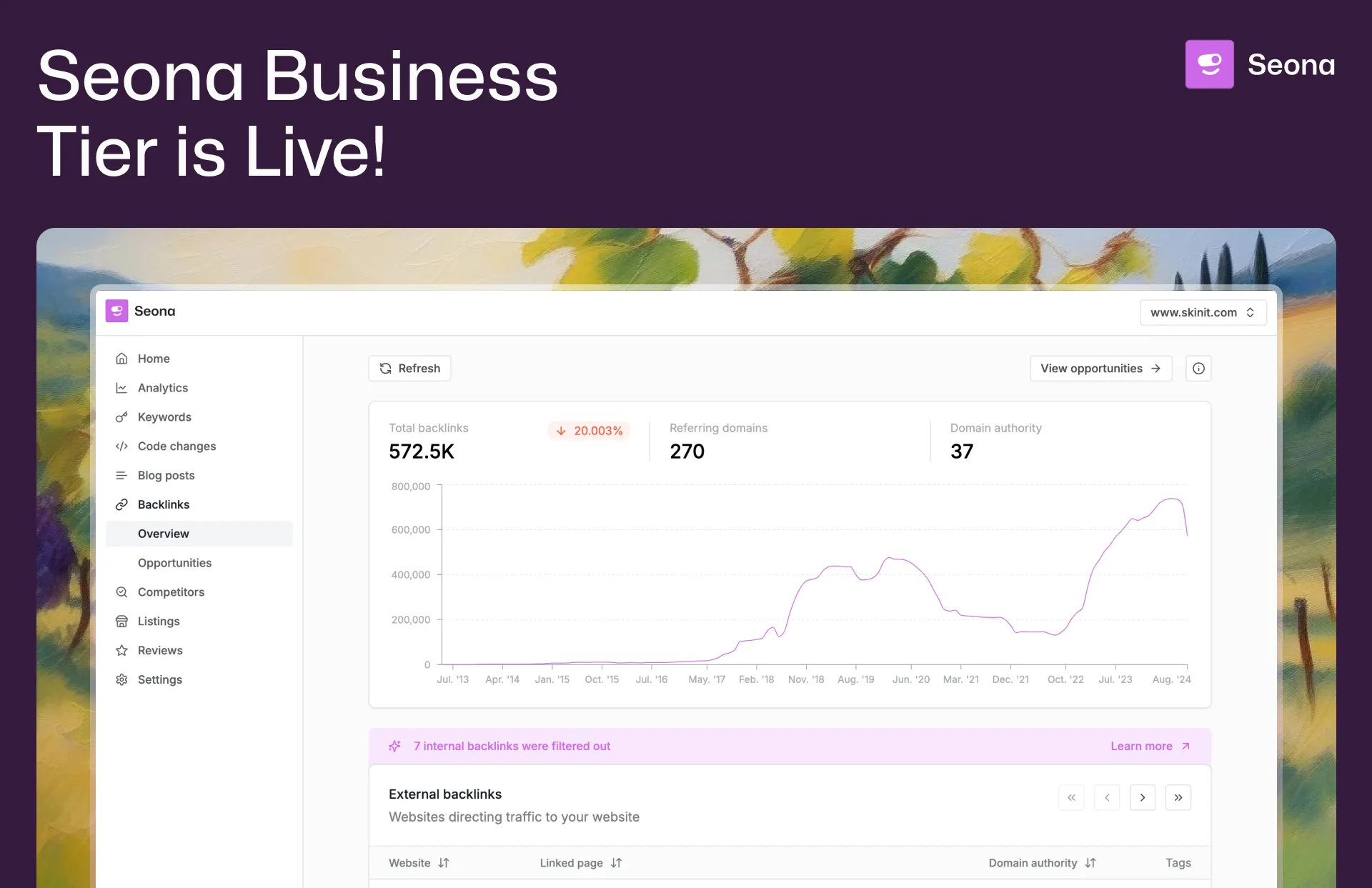
Conversion (formerly StyleAI) is an enterprise AI marketing platform designed to automate and optimize SEO, Google Ads, and marketing automation workflows. It empowers businesses with AI-driven tools for backlink building, competitor analysis, review management, and listing management to accelerate organic traffic and improve marketing efficiency.

Aithumbnail
AIThumbnail.so is an AI-powered thumbnail maker for YouTube that generates high-converting thumbnails in seconds, aiming to increase click-through rates and views for creators without design experience.


Profilebakery
ProfileBakery is an AI-powered headshot generator that creates professional studio-quality portraits from user photos, starting at $24. It targets individuals and teams seeking fast, affordable, and customizable professional headshots with privacy-focused storage and usage rights.
copyflow-pro
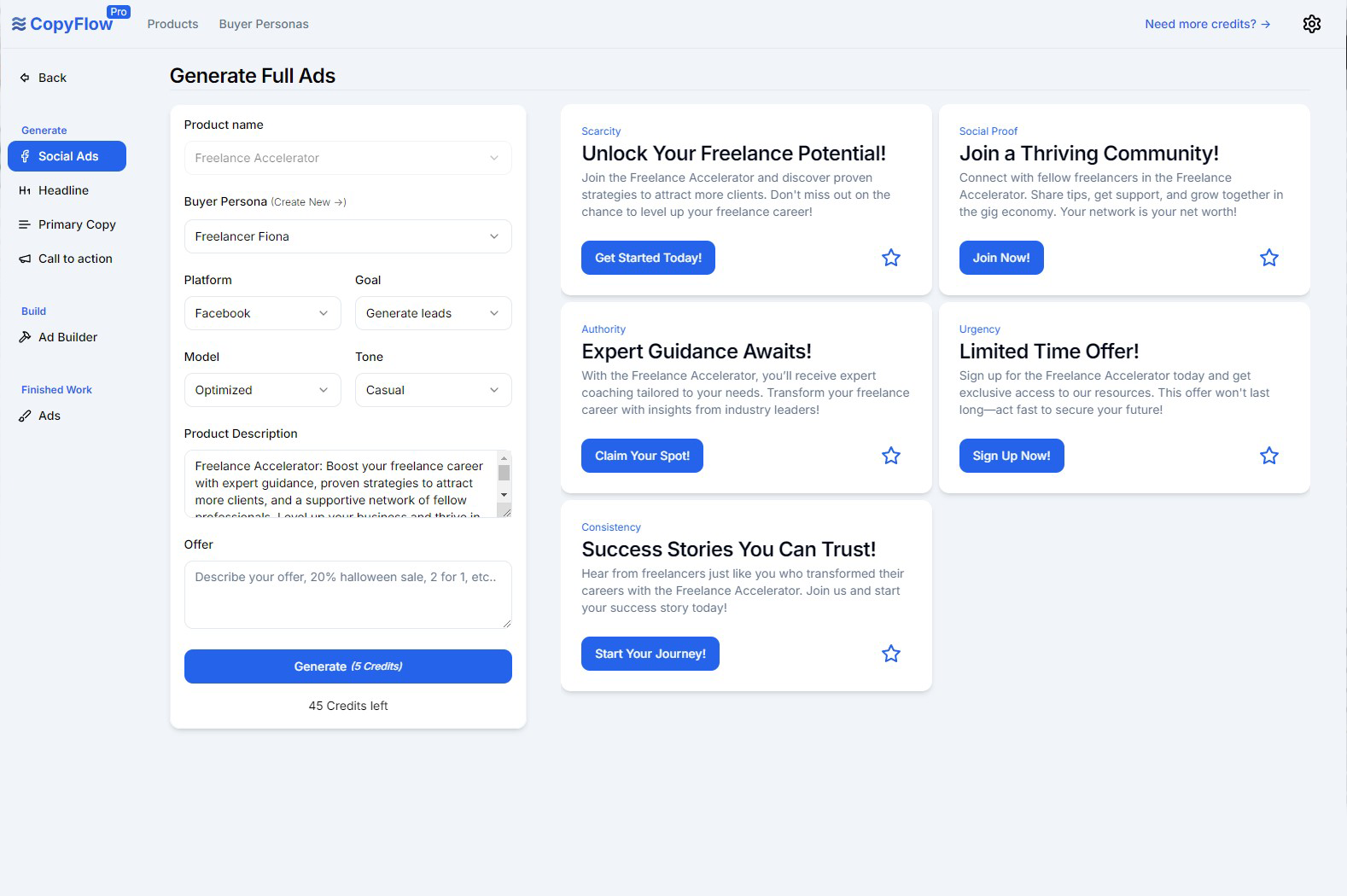
CopyFlow Pro is an AI-powered tool designed to generate high-converting PPC ad copy quickly, helping marketers create targeted headlines, primary copy, and calls-to-action tailored to their ideal customers.

Ailogomakerr
Ailogomakerr is an AI-powered logo maker that generates professional logos and complete branding kits (templates, social assets, mockups) in minutes, aimed at small-to-medium businesses, retailers, freelancers, and enterprises.
%22%2F%3E%20%3Ctext%20x%3D%2250%25%22%20y%3D%2250%25%22%20dominant-baseline%3D%22central%22%20text-anchor%3D%22middle%22%20font-family%3D%22system-ui%2C-apple-system%2Csans-serif%22%20font-weight%3D%22700%22%20font-size%3D%2250%22%20fill%3D%22white%22%3EA%3C%2Ftext%3E%20%3C%2Fsvg%3E)
AI Pro Resume
AI Pro Resume (AI Resume Builder) is an online AI-powered resume and cover letter builder that helps job seekers create ATS-friendly resumes, generate cover letters and summaries, and check resumes against Applicant Tracking Systems quickly.