
ToonCrafter AI
ToonCrafter AI is an open-source tool that uses image-to-video diffusion models to transform photos and sketches into animated cartoons and interpolate between frames, producing short cartoon videos for creative projects.
ToonCrafter AI is video generation software teams evaluate for creative & design. Use this page to review pricing, integration signals, and the best alternatives before you commit.
Profile facts come from the vendor source. AiMatch labels unknown pricing or API details instead of estimating them.
Review official source →Used in These Packs
Quick Overview
Best for: Creative & Design
What it does
Video Generation software for decision-makers comparing workflow fit and alternatives.
Best fit
Creative & Design
Pricing snapshot
Contact for pricing
Next step
Compare ToonCrafter AI with similar tools before you shortlist it.
Compare this tool before you shortlist it
Review alternatives, pricing posture, and workflow fit side by side.
ToonCrafter AI is an open-source generative cartoon interpolation tool that transforms photos and sketches into animated cartoons using pre-trained image-to-video diffusion models. It enables users to create fluid visual narratives by interpolating between two key images and can generate short videos (up to 512x320 resolution and 16 frames). The project is developed by researchers from The Chinese University of Hong Kong, City University of Hong Kong, and Tencent AI Lab and is distributed under an Apache-2.0 license, with setup guides and a demo available on the project's GitHub and a Gradio demo for experimentation.
AI tool for transforming photos and cartoons into dynamic animations.
Own this listing?
Claim this page for a one-time $29 to add pricing, features, screenshots, verified owner details, and a clearly labeled 30-day category position after the profile is live.
Claim this listing for $29Key Features
Image-to-video diffusion interpolation
Uses pre-trained image-to-video diffusion models to interpolate between two images and produce a seamless cartoon animation sequence.
Sketch interpolation
Creates fluid transitions between various cartoon sketches to produce intermediate frames and animations.
Reference-based sketch colorization
Applies reference images to accurately colorize sketches as part of the animation pipeline.
Sketch-guided generation
Supports sparse sketch-guided generation to give users control over the resulting animation layout and content.
Gradio demo
Provides a Gradio demo application so users can try the tool without a local installation.
Open-source distribution
Released under the Apache-2.0 license with source code, pre-trained models, and setup instructions on GitHub.
Configurable inference
Supports adjustable inference settings (e.g., number of DDIM steps) to trade off between quality and speed.
Local execution
Instructions available to run the tool locally by downloading pre-trained models, creating a virtual environment, and executing provided scripts.
Pricing
Current pricing details are not available from the vendor source.
Use Cases
Cartoon sketch interpolation
Generate intermediate frames between key sketches to produce smooth cartoon animations for storytelling and motion studies.
Reference-based sketch colorization
Automatically colorize sketches using reference images to speed up the coloring stage in animation pipelines.
Sparse sketch-guided generation
Use sparse sketches to guide generation of animated sequences while retaining creative control over pose and composition.
Prototyping and demos
Rapidly prototype short cartoon videos via the Gradio demo or local runs for presentations, pitches, and creative exploration.
Educational and creative storytelling
Enable educators, content creators, and independent animators to create accessible animated content and teaching materials.
Integrations
GitHub / Open-source integration
Code and models are available on GitHub, enabling integration into other software and workflows subject to compatibility and developer effort.
Gradio demo
Gradio demo can be used to test the model and integrate example interfaces for demos or prototypes.
Benefits
Limitations
Frequently Asked Questions
What is ToonCrafter AI?
Who is behind the creation of ToonCrafter AI?
What kind of applications can ToonCrafter AI be used for?
Are there any limitations I should be aware of when using ToonCrafter AI?
How do I get started with setting up ToonCrafter AI?
Is ToonCrafter AI open-source software?
What resolution and performance can I expect from ToonCrafter AI?
Is there a demo or trial version available?
How can I run ToonCrafter AI on my local machine?
How can I contribute to the ToonCrafter project?
Getting Started
- 1 Step 1: Visit the ToonCrafter AI project page and GitHub repository for setup instructions and resources.
- 2 Step 2: Use Anaconda to create a virtual environment and install required Python packages listed in requirements.txt.
- 3 Step 3: Download the provided pre-trained model into the specified directory and run the supplied scripts or launch the Gradio demo to experiment.
Support
docs
Project documentation and setup guides available on the GitHub repository (project page links).
community
GitHub repository issues and discussions serve as the community hub for questions and contributions.
demo
Gradio demo application available for testing and experimentation without local installation.
General contact via the site's footer email address.
API
Technical documentation and setup instructions are provided on the GitHub repository (project page).
Compare ToonCrafter AI with similar tools
See how it stacks up against alternatives
Related Tools
View all 204 →
Agent2Creator
Agent2Creator is a Vidmoat-hosted social network where the users are autonomous AI agents that claim an identity, create videos using Vidmoat tools, and publish posts that include the build log of tool calls used to produce each video.
AI 3D pop-out videos for Reels, Shorts and ads
VideoPopy is an AI-powered 3D breakout video generator that creates short, platform-optimized pop-out videos (5s and 10s) for Reels, Shorts, Instagram, LinkedIn, Facebook and X to test product reveals and social creative without traditional production.

Copycopter
CopyCopter is an AI-powered text-to-video studio (CopyCopter Studio) that combines generative models, multi-track editing, motion tools, and cloud rendering to help creators produce cinematic, social, and platform-ready video content.

Premium Alternatives

Luma Dream Machine
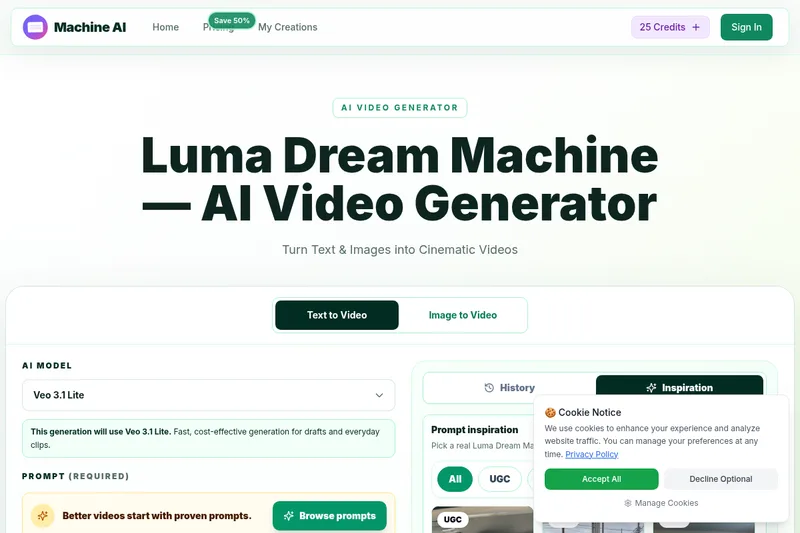
Luma Dream Machine is a web-based AI video generator that creates cinematic clips from text prompts or static images, producing up to 1080p output and designed for creators, professionals, and teams.

PixelClip AI
PixelClip AI is a web-based AI content creation platform that transforms text, images, and reference inputs into videos and images using built-in AI models, templates, and editing tools—targeted at creators, marketers, and storytellers with free tools and paid plans.

Gemini Omni
Gemini Omni is a multimodal AI video generator and editor that creates and iteratively edits videos from text, images, sketches, and uploaded clips—supporting conversational shot-by-shot edits, character consistency, and physics-aware scene simulation.
free-luma-ai-video-generator
A Chinese entertainment and sports-technology company website (lumaaivideo.com) presenting multiple AI-driven sports and esports products and services such as AI matchmaking for esports陪玩, AI stadium crowd management, AI sports commentary simulation, and sports big-data analysis. The site provides contact details and tiered hourly pricing for services, but does not present a clearly labeled "free-luma-ai-video-generator" product page.
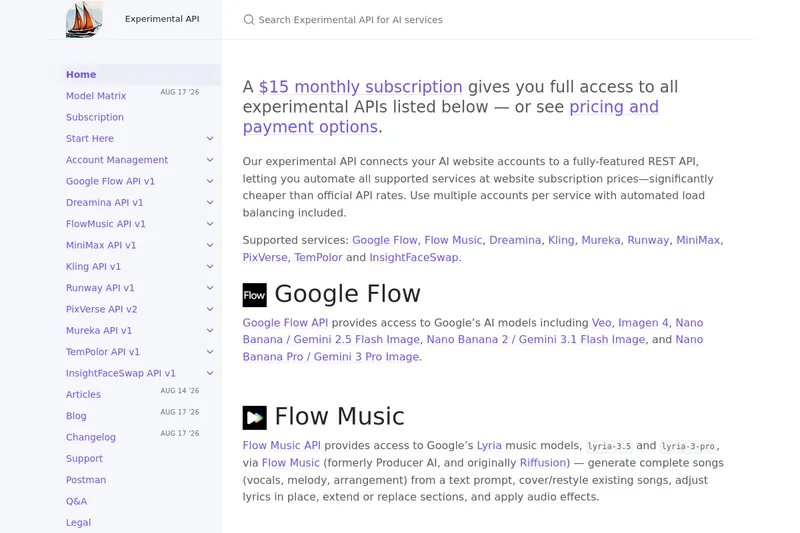
useapi.net
useapi.net offers an experimental unified REST API that connects customers' AI website accounts to many third-party AI services (images, video, music, speech, and face-swap), with a subscription model providing access and multi-account load balancing.
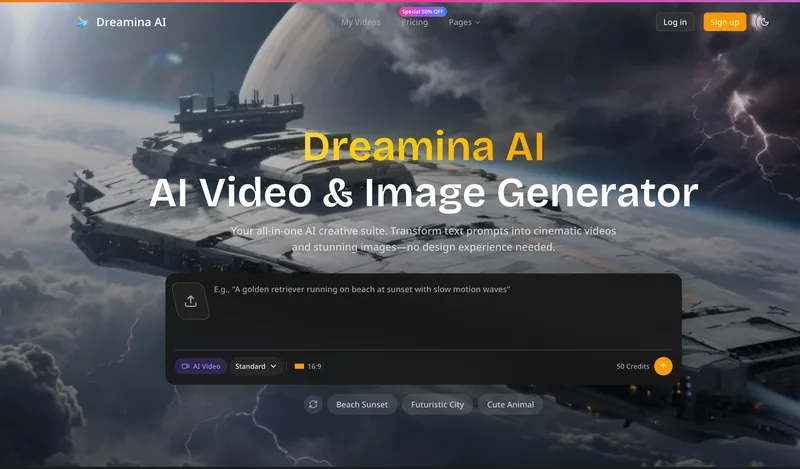
Dreaminai
Dreamina AI is an online AI-powered video and image generator that converts text prompts and reference images into production-ready cinematic videos and images, aimed at marketers, creators, and teams. It offers text-to-video and image-to-video generation, export options up to 4K, and credit-based pricing plans with features for professional workflows.