

Twittervideoindir
TwitterXVideo (Twittervideoindir) is a free browser-based tool to download Twitter/X videos, GIFs, audio, spaces and broadcasts as HD MP4 files without registration or installation.
Twittervideoindir is video software teams evaluate for video. Use this page to review pricing, integration signals, and the best alternatives before you commit.
Used in These Packs
Quick Overview
Best for: Video
What it does
Video software for decision-makers comparing workflow fit and alternatives.
Best fit
Video
Pricing snapshot
Free from Free
Next step
Compare Twittervideoindir with similar tools before you shortlist it.
Compare this tool before you shortlist it
Review alternatives, pricing posture, and workflow fit side by side.
Twittervideoindir
TwitterXVideo (also referenced as Twittervideoindir) is a web-based Twitter/X media downloader that lets users save videos, GIFs, audio, Spaces and broadcasts as HD MP4 files directly to their device. The service is designed for content creators and marketers who need a fast, no-installation workflow for bulk or single downloads, repurposing media, translating captions and rebuilding or re-publishing thread content. The tool emphasizes simplicity (paste a tweet link and download), cross-platform compatibility (desktop, iPhone, Android, tablets) and no registration required, with options for quality selection (HD, Full HD or lightweight MP4).
TwitterXVideo (Twittervideoindir) is a free browser-based tool to download Twitter/X videos, GIFs, audio, spaces and broadcasts as HD MP4 files without registration or installation.
Own this listing?
Claim this page to add pricing, features, screenshots, and verified owner details.
Claim this listingKey Features
One-click downloads
Paste any Tweet link and download video, GIFs, audio, spaces or broadcast media in MP4 instantly from the browser without installing software.
High-quality output
Choose from HD, Full HD or smaller MP4 formats to match device or platform requirements while preserving video quality.
No registration required
Download media without creating an account, logging in, or installing extensions or apps.
Cross-platform compatibility
Works on desktop browsers, iPhone, Android and tablets for on-demand downloads across devices.
Translate and subtitle export
Built-in tools to translate captions and export subtitles to localize content before reposting.
Republish and thread editing
Edit, rewrite or restructure downloaded thread text, insert/delete media, add assets and re-publish or schedule updated tweets.
Fast processing
Links are processed instantly to enable quick saves of media and broadcasts with minimal delay.
Pricing
Free downloads with no registration required; full functionality advertised as free on the site.
Free
Free- Download videos, GIFs, audio, Spaces and broadcasts
- No registration required
- Quality selection (HD/Full HD/lightweight MP4)
- Translate captions and export subtitles
Use Cases
Content repurposing
Download clips or full broadcasts to edit, add captions or adapt for other platforms such as Instagram, TikTok, or YouTube.
Localization and translation
Translate captions and export subtitles to republish content in different languages for local audiences.
Marketing and campaign management
Quickly gather tweet media to reuse in campaigns, compile highlights or schedule re-posts after editing thread copy.
Creator archiving and batch saves
Batch save multiple tweet media for archiving or assembling compilations without needing additional software.
Integrations
Twitter / X
Primary integration: accepts Tweet links from Twitter/X to extract and download attached media (videos, GIFs, audio, Spaces).
Benefits
Limitations
Frequently Asked Questions
How do I download Twitter videos?
Can I download GIFs and audio from Tweets?
Do I need to register to use TwitterXVideo?
Can I download Spaces and broadcasts?
Can I download private or protected Tweets?
Is there an API available?
Getting Started
- 1 Step 1: Copy the Tweet link — use the Tweet's Share menu and select 'Copy link to Tweet'.
- 2 Step 2: Paste the link into the TwitterXVideo downloader, select MP4 or audio, then click Download to save the media in HD or SD.
- 3 Step 3: (Optional) Use built-in editing tools to translate captions, edit text, add media or restructure threads, then re-publish or schedule the updated content.
Support
Contact support via [email protected].
Contact page
Site includes a 'Contact Us' page (link available on site) for additional inquiries.
Blog / Documentation
A blog and downloader help content are available on the site, but detailed developer documentation is not provided.
API
Compare Twittervideoindir with similar tools
See how it stacks up against alternatives
Related Tools
View all 85 →
VideoRecall
VideoRecall is an open-source browser extension that enables undo (Ctrl+Z) and redo (Ctrl+Y) functionality for video playback, allowing users to easily rewind or forward videos on all supported sites.


Stablediffusionweb
Webex is an all-in-one collaboration platform for meetings, calling, messaging, and team collaboration, designed for hybrid work and organizations of all sizes.

Videocaption
Videocaption is a browser-based tool that auto-generates and burns stylish, editable subtitles into videos for social and professional use, using AI transcription and support for .srt/.vtt files. It's aimed at creators, marketers, educators and teams who need fast, accessible captioning without heavy desktop software.


.jpg)
Wondercraft
Wondercraft is an AI video studio that combines best-in-class models for video, voice, images, music, and text into guided workflows, enabling teams and creators to generate business-ready video and audio (podcasts, ads, meditations) quickly without deep video expertise.
Premium Alternatives

Hyperenhancer
HyperEnhancer is an AI-powered image enhancer that upscales and restores low-resolution photos into high-fidelity, detailed images using content-aware, region-based enhancement—ideal for photographers, eCommerce, archival restoration, and digital artists.
style-ai
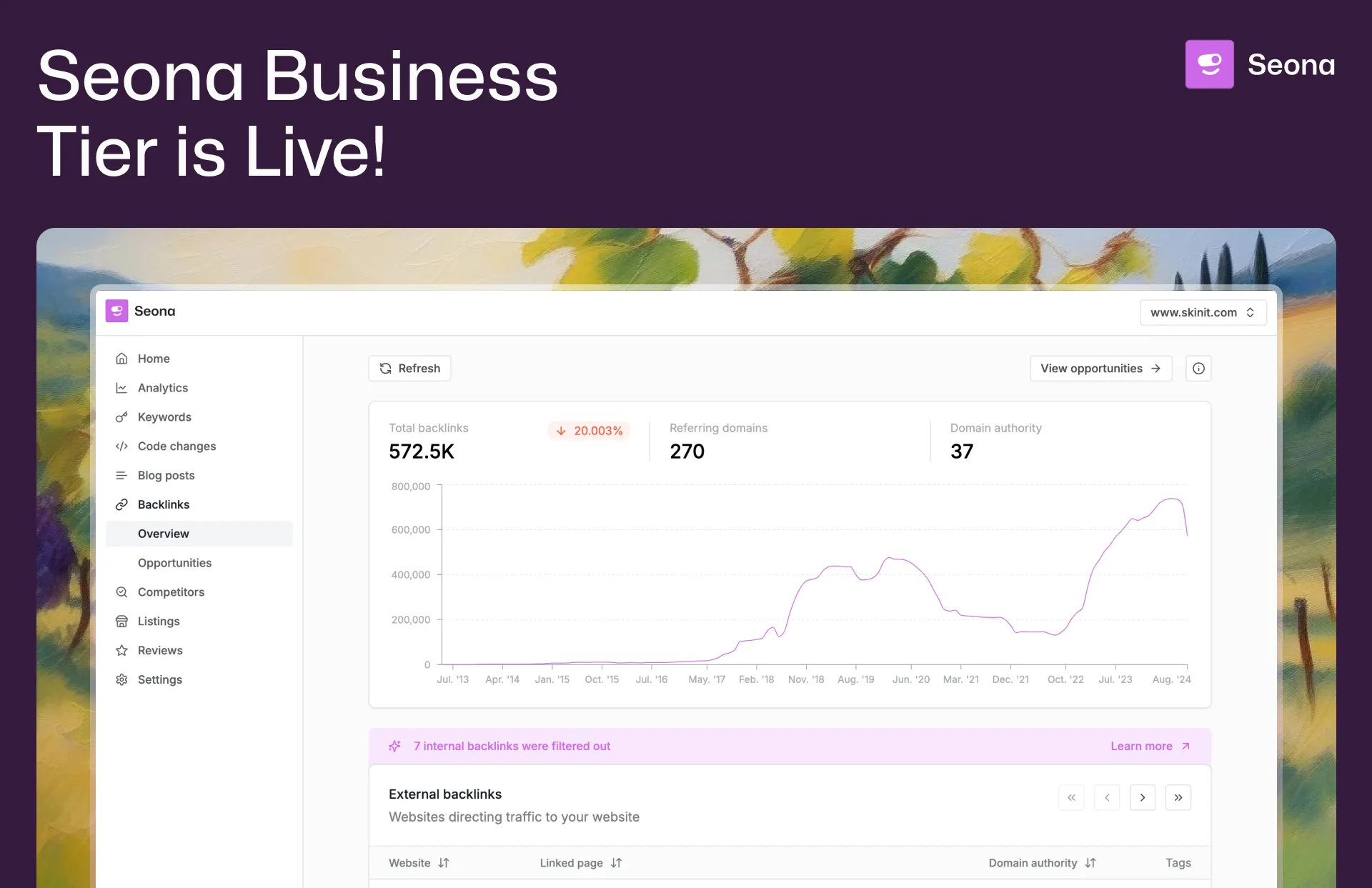
Conversion (formerly StyleAI) is an enterprise AI marketing platform designed to automate and optimize SEO, Google Ads, and marketing automation workflows. It empowers businesses with AI-driven tools for backlink building, competitor analysis, review management, and listing management to accelerate organic traffic and improve marketing efficiency.

Business
Adobe for Business delivers enterprise-grade digital marketing and customer experience solutions—combining AI-driven orchestration, content and workflow management, creative production, analytics, campaigns, and document services to personalize experiences across channels at scale.





Pixelmost
Pixelmost is an AI-powered app prototyping tool for iPhone, iPad, and Mac that generates mobile app mockups, interactive prototype flows, and app icons from a simple prompt in seconds. It's aimed at founders, designers, and product teams who need rapid visual concepts, pitch screens, and review-ready prototypes.