Userdesk
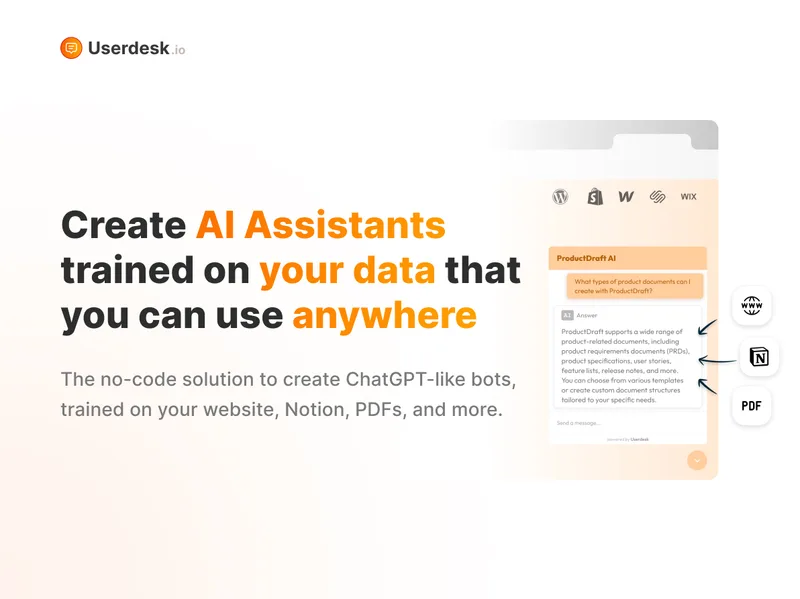
Userdesk is a no-code AI Assistant platform that creates ChatGPT-like bots trained on your website, Notion, PDFs, and other documents to engage visitors, collect leads, and provide automated support across web widgets, Slack, and other platforms.
Userdesk is chatbots & assistants software teams evaluate for content & marketing. Use this page to review pricing, integration signals, and the best alternatives before you commit.
Profile facts come from the vendor source. AiMatch labels unknown pricing or API details instead of estimating them.
Review official source →Quick Overview
Best for: Content & Marketing
What it does
Chatbots & Assistants software for decision-makers comparing workflow fit and alternatives.
Best fit
Content & Marketing
Pricing snapshot
Free
Next step
Compare Userdesk with similar tools before you shortlist it.
Compare this tool before you shortlist it
Review alternatives, pricing posture, and workflow fit side by side.
Userdesk is a no-code AI Assistant platform designed for businesses to deploy ChatGPT-like chatbots trained on existing content (web pages, Notion, PDFs, Google Drive, etc.). It focuses on lead generation and customer support by engaging website visitors, collecting purchase intent, booking calls, and providing instant replies. The product supports multiple deployment channels (web widget, Slack app, Shopify, WordPress, etc.), offers multilingual support (52+ languages), and advertises quick setup and automated data re-training when source content changes.
Userdesk is a no-code AI Assistant platform that creates ChatGPT-like bots trained on your website, Notion, PDFs, and other documents to engage visitors, collect leads, and provide automated support across web widgets, Slack, and other platforms.
Own this listing?
Claim this page for a one-time $29 to add pricing, features, screenshots, verified owner details, and a clearly labeled 30-day category position after the profile is live.
Claim this listing for $29Key Features
No-code Assistant Builder
Create trained AI ChatBots without coding and deploy them in minutes using the platform's no-code tools and quick setup flows.
Knowledge Source Integration
Connect existing content sources (Web Sites, Notion, Google Drive, PDF files) so the assistant is trained on your real documentation and pages.
Lead Generation & Conversion
Collect purchase intents, book calls, and capture leads automatically via assistants embedded on your website.
Instant Replies with Document Retrieval
Find the right piece of content across pages and documents to answer user questions so customers receive accurate replies without manual intervention.
Multi-language Support
Built-in support for 52+ languages; the assistant replies in the user's language even if the knowledge base is in another language.
Cross-platform Deployment
Deploy assistants as a web widget, Slack app, or integrate via an HTTP API; supported platforms include WordPress, Webflow, Wix, Squarespace, Shopify, and more.
Auto-sync / Re-training
When source data (website, Notion) is updated, the assistant is automatically re-trained to provide up-to-date information.
Visitor Insights & Analytics
Access user questions and patterns to understand customer pain points and discover common issues for product and support improvements.
Customizations & Branding
Personalize the chatbot to match your brand and website appearance.
24/7 Support via Assistant
The assistant provides around-the-clock responses so customers can get help even when human agents are offline.
Pricing
The site advertises a free option or trial with calls-to-action 'Try FREE now', but detailed plan prices are not listed on the supplied page.
Use Cases
Lead generation and conversion
Use the AI Assistant to collect purchase intent, book discovery calls, and capture leads automatically from website visitors.
Customer support and FAQs
Provide instant, accurate replies by retrieving answers from your web pages and documents to reduce manual support workload.
Internal knowledge & Slack assistant
Train assistants on company Notion data and deploy them in Slack to give teams quick answers based on internal documentation.
Product insights and feedback analysis
Monitor visitor questions and identify common issues and patterns to inform product improvements and prioritize fixes.
Multi-site / e-commerce integration
Embed AI Assistants on WordPress, Shopify, Webflow, or other sites to support customers across commercial platforms.
Integrations
Slack
Deploy an AI Assistant into Slack to answer internal or external queries.
WordPress
Add an AI Assistant to WordPress websites as a web widget.
Shopify
Add an AI Assistant to Shopify stores to support e-commerce interactions.
Webflow
Support for deploying assistants on Webflow websites.
Wix
Support for deploying assistants on Wix websites.
Notion
Train assistants on Notion data and sync knowledge from Notion pages.
Google Drive / PDFs
Connect Google Drive and PDF documents as knowledge sources for the assistant.
HTTP API
Build custom integrations using Userdesk's HTTP API.
Benefits
Limitations
No verified limitations are available.
Frequently Asked Questions
No verified FAQs are available.
Getting Started
- 1 Step 1: Sign up or click 'Try FREE now' on the Userdesk website to create an account.
- 2 Step 2: Connect your knowledge sources (website, Notion, Google Drive, PDFs) so the assistant can be trained on your content.
- 3 Step 3: Customize the assistant's appearance and behavior, choose deployment channel (web widget, Slack, API), and go live.
Support
Demo / Sales
Option to 'Book a demo' and get personalized onboarding as advertised on the site.
Onboarding
Personalized onboarding and a 50% off first month promotion are mentioned for new customers.
24/7 automated support
Platform provides 24/7 replies via the AI ChatBot so customers can get help when staff are offline.
Website
Primary access and contact through the Userdesk website (https://userdesk.io).
API
Compare Userdesk with similar tools
See how it stacks up against alternatives
Related Tools
View all 175 →



trainmy-ai
TrainMyAI builds custom, on-premise or cloud-hosted AI chatbots using retrieval-augmented generation (RAG) for private content, with access via WhatsApp, the web, and a private API while keeping all data on your own server.
chatterdocs-ai
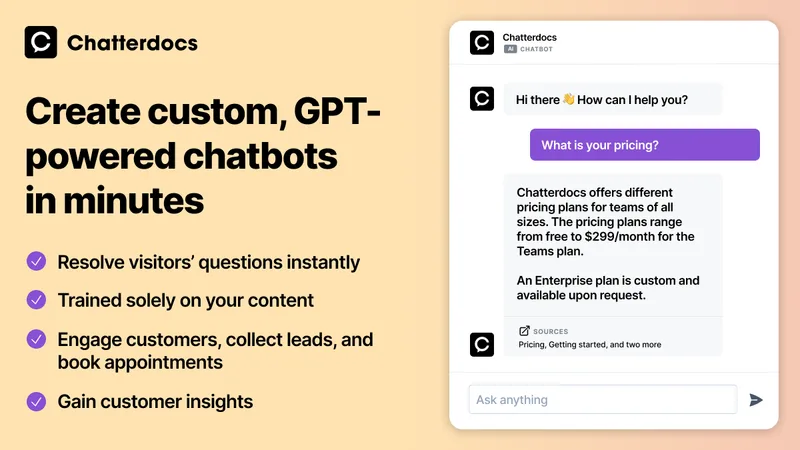
Chatterdocs (now merged into ResolveAI custom AI Chatbots) is a no-code platform to create GPT-powered chatbots that answer support questions, capture leads, and book appointments using your website and knowledge sources.

Premium Alternatives



ChatPersona AI
ChatPersona AI is an AI-powered OnlyFans chat tool delivered through a Chrome extension. It generates responses using selectable personas and is marketed to creators seeking to manage subscriber conversations, tips, and PPV sales.
chatlease
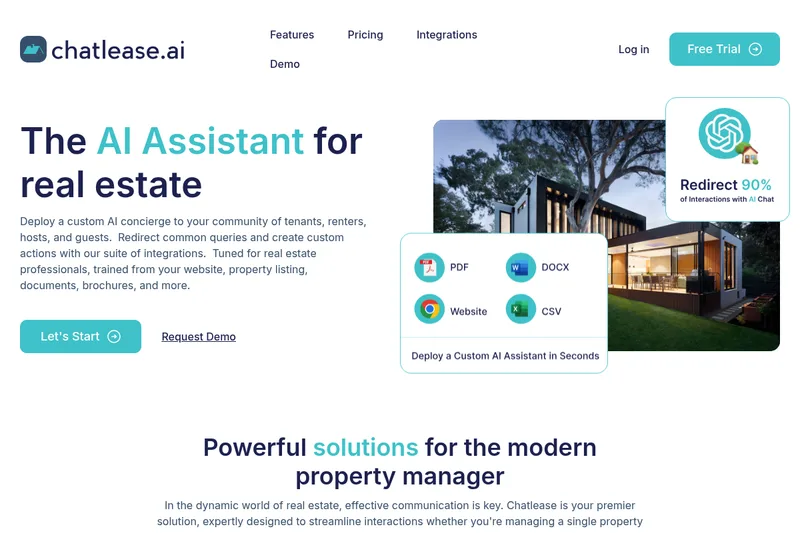
Chatlease is an AI concierge for real estate professionals that answers tenant, renter, guest, and prospect questions using property-specific content. It can also support lead capture, viewing appointments, and customer conversations across web chat and other channels.