WhatsTeca
WhatsTeca is a personal library tool for WhatsApp that organizes your messages with custom tags and emojis, making them searchable and easily accessible across devices.
WhatsTeca is productivity software teams evaluate for productivity. Use this page to review pricing, integration signals, and the best alternatives before you commit.
Used in These Packs
Quick Overview
Best for: Productivity
What it does
Productivity software for decision-makers comparing workflow fit and alternatives.
Best fit
Productivity
Pricing snapshot
Free
Next step
Compare WhatsTeca with similar tools before you shortlist it.
Compare this tool before you shortlist it
Review alternatives, pricing posture, and workflow fit side by side.
WhatsTeca
WhatsTeca is designed to help WhatsApp users organize their important messages by forwarding them with custom tags or emojis. It automatically categorizes and sorts messages into a personal dashboard that is searchable and private. The tool transcribes audio messages for easy searching and allows users to recategorize messages by replying with new tags or emojis. It works seamlessly with any WhatsApp contact or group without requiring additional apps, providing a secure and encrypted environment for message storage.
WhatsTeca helps you organize your WhatsApp messages effortlessly by forwarding messages with hashtags or emojis to automatically categorize and save them in a searchable dashboard.
Own this listing?
Claim this page to add pricing, features, screenshots, and verified owner details.
Claim this listingKey Features
Instant Categorization
Automatically categorize forwarded messages using custom tags or emojis.
Searchable Audio Transcriptions
Audio messages are transcribed and searchable, eliminating the need to listen repeatedly.
Recategorize In-Conversation
Easily move messages to different categories by replying with new tags or emojis.
Auto-Sort & Categorize
Messages are instantly tagged, sorted, and filed into a personal dashboard.
Cross-Device Access
Access your organized messages anytime on mobile or desktop.
Privacy and Security
All messages and media are encrypted and only accessible to the user.
Pricing
WhatsTeca offers a free plan to get started with message organization.
Use Cases
Organizing Work Messages
Tag and categorize work-related WhatsApp messages for easy retrieval and management.
Managing Personal Reminders
Use custom tags like #todo to keep track of personal tasks and reminders.
Storing Important Media
Forward important images, videos, and documents to WhatsTeca for secure storage and easy access.
Searching Audio Conversations
Search transcribed audio messages to quickly find relevant information without replaying audio.
Integrations
Works by forwarding messages directly from WhatsApp without needing additional apps.
Benefits
Limitations
Frequently Asked Questions
Is my data secure with WhatsTeca?
Do I need to install any app to use WhatsTeca?
Can I cancel my subscription anytime?
What types of media can I forward to WhatsTeca?
Getting Started
- 1 Step 1: Sign up for a free account on WhatsTeca.
- 2 Step 2: Forward WhatsApp messages to WhatsTeca with a tag or emoji.
- 3 Step 3: Access your organized messages anytime via the dashboard.
Support
docs
Support and usage information available on the website.
contact page
Contact through the website's contact page for assistance.
API
Compare WhatsTeca with similar tools
See how it stacks up against alternatives
Related Tools
View all 183 →
Autoslide AI PowerPoint Add In
Autoslide AI PowerPoint Add-In is a productivity tool designed to help professionals create and format PowerPoint presentations faster using AI-driven slide formatting, content generation, and a rich resource library.

Quicko Pro
Quicko Pro is an online tax practice management software designed for accountants and advisors, offering tools to manage orders, customers, payments, and teams efficiently with AI-powered features.

QA Manager
QA Management System (QAManageSys) is a comprehensive tool designed to help teams organize test suites, track test execution, and manage software releases efficiently. It features automated ticket creation for failed tests and detailed analytics to monitor testing progress.

Palettebrain
PaletteBrain is a macOS productivity app that brings ChatGPT-style AI to any app or website via a global shortcut. It uses your own OpenAI or Azure API keys, supports custom commands and templates, and is sold as a lifetime license with no recurring fees.

.png)
ABY Journal
ABY Journal is a private AI-powered diary app designed for insightful self-reflection, emotional pattern tracking, and personal growth, with a strong focus on user privacy and data security.


velocitipm
VelocitiPM is an AI-powered product management platform that automates product discovery and accelerates product delivery, enabling teams to build the right products 10x faster with unified workflows and AI-driven insights.
Premium Alternatives

Stringartgenerator
String Art Generator is a web-based tool that converts photos into precise, printable string-art patterns using an advanced algorithm, customizable settings, and high-resolution exports for hobbyists and professionals.
scanlist
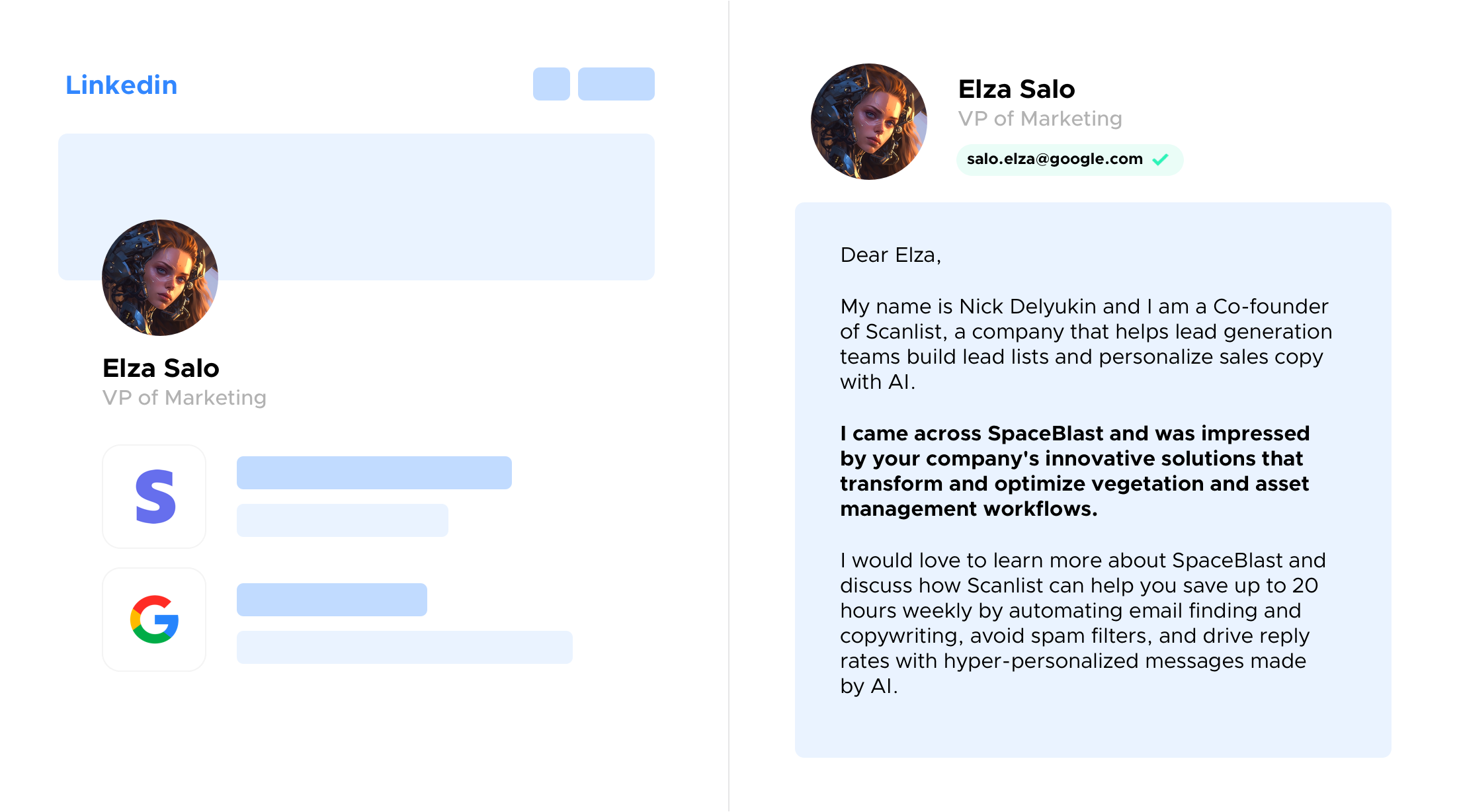
Scanlist is an AI-powered marketing assistant that helps users find business contacts, write personalized message sequences, and create high-quality marketing copies efficiently. It integrates real-time data enrichment and AI-driven content generation for sales, marketing, and recruiting teams.
ai-experts-top
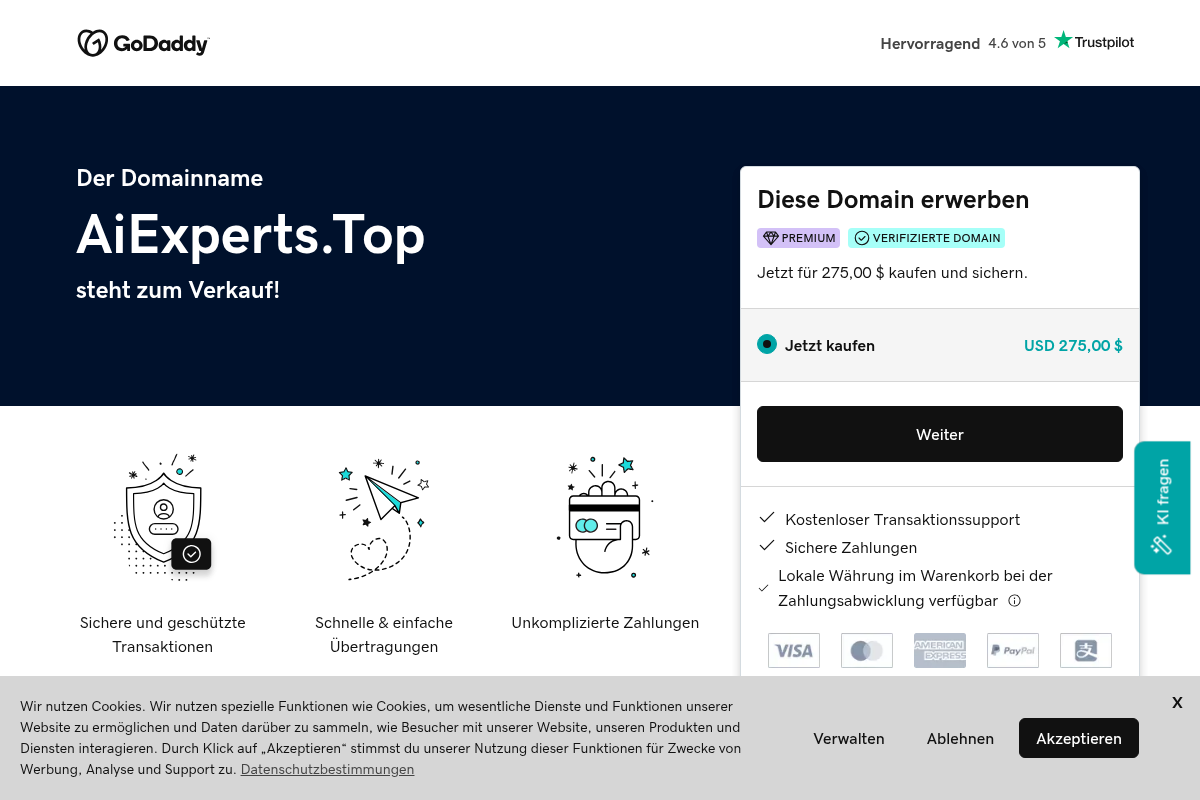
aiexperts.top is a premium domain name currently for sale, offering a simple and secure way to purchase or lease domain names through GoDaddy's platform.


200-chatgpt-mega-prompts-for-solopreneurs
200+ ChatGPT Mega-Prompts for Solopreneurs is a comprehensive prompt library designed to help marketers and solopreneurs enhance their productivity, marketing campaigns, and content creation using AI-powered prompts.