

Z-img
Z-Image is an online AI image generator that produces high-fidelity, photorealistic 4K images with accurate text rendering in 20+ languages using a lightweight, turbo model. It targets creators who need fast, multilingual, and commercially-usable image generation without heavy VRAM requirements.
Z-img is image & design software teams evaluate for image & design. Use this page to review pricing, integration signals, and the best alternatives before you commit.
Used in These Packs
Quick Overview
Best for: Image & Design
What it does
Image & Design software for decision-makers comparing workflow fit and alternatives.
Best fit
Image & Design
Pricing snapshot
Freemium from Free to try
Next step
Compare Z-img with similar tools before you shortlist it.
Compare this tool before you shortlist it
Review alternatives, pricing posture, and workflow fit side by side.
Z-img
Z-Image is an online AI image generator and playground designed to create photorealistic 4K visuals quickly while rendering accurate text in multiple languages. Built around a lightweight 6B-parameter Turbo model, it emphasizes speed (sub-second generation on enterprise GPUs), bilingual prompt understanding (especially strong for Chinese/Hanzi), low VRAM usage for consumer GPUs, and professional-grade instruction-following. The platform is open-sourced under Apache 2.0 and positioned for a wide range of users—from e-commerce photographers to designers creating posters and typographic work—who need reliable text rendering and rapid iteration.
The service provides a simple workflow (enter prompt, generate, download/upscale) and features like aspect-ratio control, negative prompts, seed control, auto-saved history, and privacy assurances (user generations are not used for training). It also advertises local deployment options and integration readiness (e.g., ComfyUI, GitHub, Hugging Face).
Z-Image is an online AI image generator that produces high-fidelity, photorealistic 4K images with accurate text rendering in 20+ languages using a lightweight, turbo model. It targets creators who need fast, multilingual, and commercially-usable image generation without heavy VRAM requirements.
Own this listing?
Claim this page to add pricing, features, screenshots, and verified owner details.
Claim this listingKey Features
Turbo (Blazing Fast) Model
Generates high-quality images in as few as 8 steps with sub-second latency on enterprise GPUs, optimized for speed and responsiveness.
Accurate Multilingual Text Rendering
Renders accurate text inside images in 20+ languages and has strong native support for Chinese (Hanzi) prompts to avoid gibberish characters.
Lightweight 6B Parameters
A 6B-parameter model designed for low VRAM usage so it runs smoothly on consumer GPUs (e.g., RTX 3090/4090).
Photorealistic 4K Output
Capable of generating ultra-HD, high-fidelity visuals suitable for professional use, including e-commerce photography and portraits.
Aspect Ratio & Seed Control
Multiple aspect ratios (e.g., 16:9, 9:16, 1:1, ultrawide) and seed control allow reproducible iterations and flexible framing.
Negative Prompts
Supports negative prompts to remove or avoid unwanted elements in generated images.
History Gallery & Auto-save
Auto-saves generations locally so users can revisit, compare, and iterate over past outputs.
Privacy Focus
Explicitly states that private user generations are not used to train models, emphasizing data privacy.
Open Source & Commercial-Friendly License
Released under the Apache 2.0 license, enabling free commercial use and integration.
Upscale / Hires Fix
Built-in options to download or upscale images (Hires Fix) for higher-detail outputs.
ComfyUI & Community Readiness
Marked as ComfyUI ready and references official resources such as GitHub and Hugging Face for community workflows and deployments.
Pricing
100% Free to try; limited free usage available (exact limits and quotas not publicly listed on the page).
Free Trial
Free to try- Access to the online generator for trial usage
- Limited free generations (site advertises '100% Free to try')
Credit-based Usage
Pricing details not fully published- UI references cost in credits (example shown: 'Cost 2 credits' per generation)
- Paid/credit-based usage for additional or higher-volume generations
Use Cases
E-commerce Product Photography
Generate consistent, high-quality product visuals and variants quickly for listings and marketing.
Posters & Typographic Design
Create posters and designs that require embedded, legible text in English or Chinese directly within the image.
Photorealistic Portraits and Editorial Images
Produce studio-grade portraiture and editorial visuals with photorealistic detail.
Creative Image Editing & Iteration
Use seed control and negative prompts to refine and iterate on specific visual details.
Rapid Visual Prototyping
Quickly generate multiple concept variations for pitches, mockups, or storyboarding.
Multilingual Marketing Assets
Produce visuals with accurate multilingual text suitable for localized campaigns and international audiences.
Integrations
ComfyUI
Compatibility for community-driven UI/workflow tooling and local pipelines.
GitHub Repo
Open-source model and resources are referenced on GitHub for deployment and contribution (documentation link on site).
Hugging Face
Model assets and community resources are referenced via Hugging Face for model downloads and demos.
Hires Fix / Upscaler
Built-in or linked upscaling workflow to improve output resolution and detail after generation.
Benefits
Limitations
Frequently Asked Questions
What is Z-Image and how does it work?
Is it free to use online?
How does Z-Image handle text rendering inside images?
How is Z-Image different from FLUX or Midjourney?
Can I use the generated images for commercial purposes?
How can I write better prompts for Z-Image?
Is my data and privacy safe?
Can I run Z-Image locally on my own computer?
Getting Started
- 1 Step 1: Enter a prompt in English or Chinese describing the image you want.
- 2 Step 2: Click Generate to render using the Turbo model (typically completes in under a second on supported hardware).
- 3 Step 3: Download your image or send it to Hires Fix/upscale for higher-resolution output; view past results in the History Gallery.
Support
Documentation
Documentation and deployment guides are referenced on the site (link to docs available on the site).
Contact
A 'Contact Us' link is present on the site footer for direct inquiries (specific contact details not provided on the page).
Newsletter / Updates
Subscribe to weekly updates for workflows, prompt tips, and model announcements via the site signup.
Community Resources
References to GitHub and Hugging Face provide community support, code, and model assets.
API
Compare Z-img with similar tools
See how it stacks up against alternatives
Related Tools
View all 400 →


Anrdoezrs
Deep Art AI (Deep Art Effects / Deep Art Creator) is an AI-powered image editing suite for desktop and mobile that turns photos into stylized artworks, upscales images up to 4x, colorizes black-and-white photos, and performs automatic enhancements — all with local/offline processing to prioritize user privacy.


Impossibleimages
Impossible Images is an AI-generated stock image library and free text-to-image generator that lets users browse, generate, buy, download, upscale, and (eventually) contribute AI-created images for design, marketing, social and print projects.
Architecturehelper
Architecture Helper is an AI-based tool that analyzes photos of buildings and interiors to identify architectural influences and characteristics, and lets users mix styles to generate new architectural and interior images. It targets architecture enthusiasts, students, real estate professionals, and travelers who want guided exploration and creative generation.

Trendingprompt
TrendingPrompt is a daily-updated library of high-performing AI prompts for image and text generation models. It helps creators discover, copy, and test curated prompts by category, model, and trend to accelerate prompt engineering and content production.
Premium Alternatives
Aiportraitgen
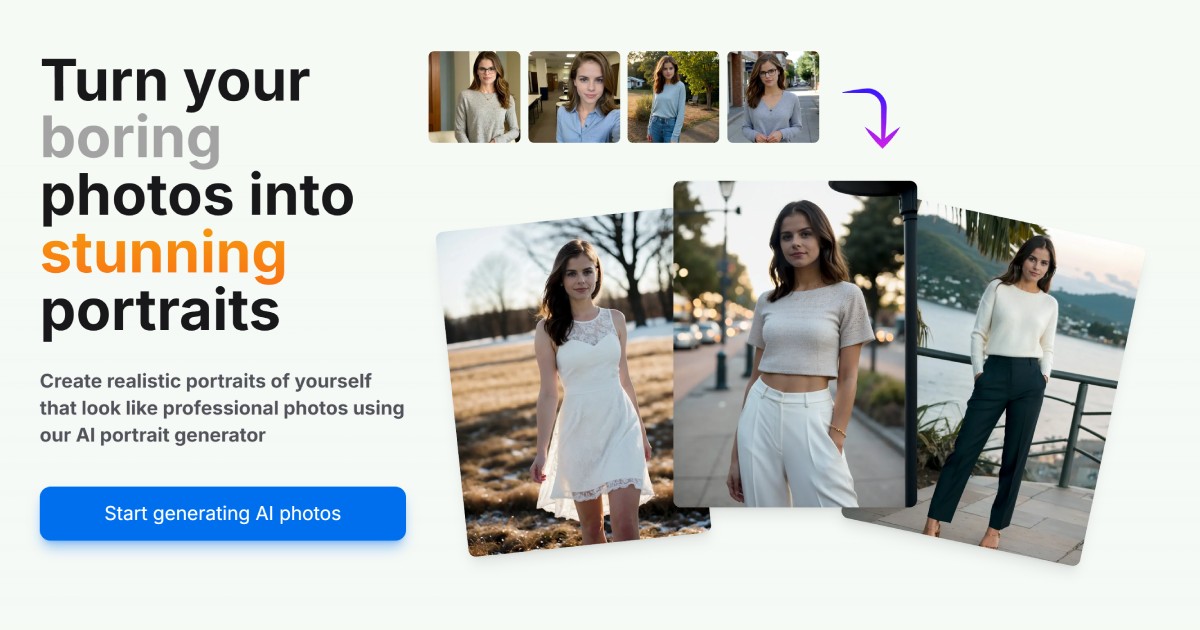
AI Portrait Gen is a web-based generator that creates realistic, high-quality AI portrait photos from a few user-supplied images. Users pick outfits, locations and styles, pay per-use with credits, and receive professional-looking portraits for profiles, social, or personal use.



Snapfusion
SnapFusion.AI is a subscription-based service that provides access to AI-generated art, marketed as an easy way to experience the creative power of AI.
3daistudio
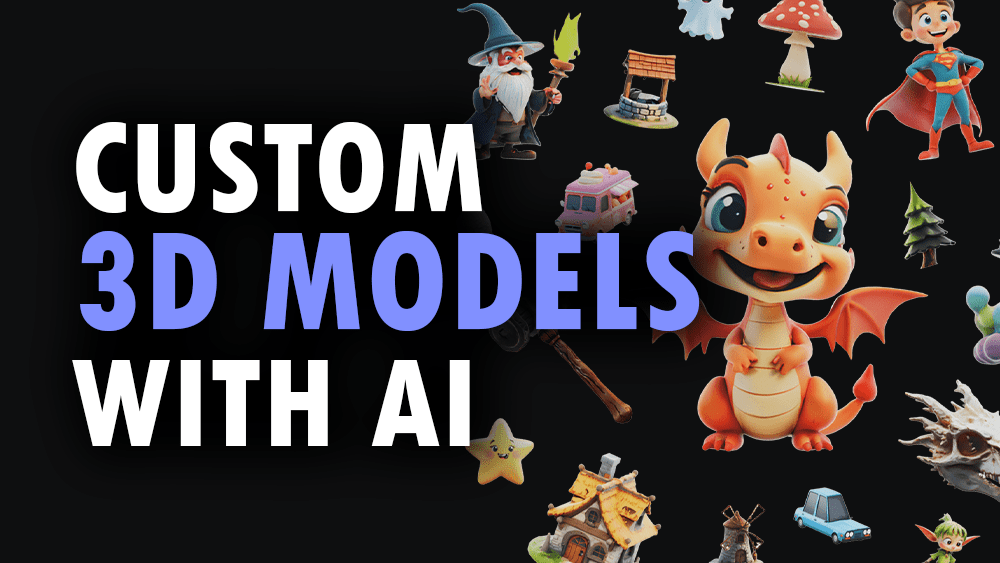
3D AI Studio is an AI-powered platform that generates production-ready 3D models, textures, and optimized meshes from text prompts or images in seconds. It targets creators, game developers, studios, and 3D printing users who need fast, export-ready assets without manual modelling.

Stablediffusionai
Stable Diffusion AI Generator Online (StableDiffusionAI) is a web-based text-to-image platform powered by Stable Diffusion and SDXL that lets users create high-resolution AI art from text prompts with tools for inpainting, outpainting, embeddings and model customizations.
Bunnystudio
Bunny Studio is a platform for professional voice-over, audio, and video production that connects businesses with 13,000+ human creatives for fast, scalable content delivered with transparent pricing and full buyout rights.

question-base
Question Base is an AI-powered answer agent integrated with Slack that automatically responds to repetitive internal questions by searching verified documentation and knowledge bases, helping teams save time and improve knowledge management.