

Acdsystems
ACDSee Photo Studio for Mac 26 is a macOS photo management and non‑destructive editing application that combines AI-powered tools (AI Keywords, AI Denoise, AI Presets, facial recognition) with digital asset management to speed photographers' workflows.
Acdsystems is image & design software teams evaluate for image & design. Use this page to review pricing, integration signals, and the best alternatives before you commit.
Used in These Packs
Quick Overview
Best for: Image & Design
What it does
Image & Design software for decision-makers comparing workflow fit and alternatives.
Best fit
Image & Design
Pricing snapshot
Freemium from $79.95 USD (promotional price shown on page)
Next step
Compare Acdsystems with similar tools before you shortlist it.
Compare this tool before you shortlist it
Review alternatives, pricing posture, and workflow fit side by side.
Acdsystems
ACDSee Photo Studio for Mac 26 is designed to streamline photo management and editing for hobbyist and professional photographers on macOS. It combines advanced Digital Asset Management (DAM) with non-destructive RAW editing and a suite of AI-powered tools—such as AI Keywords, AI Denoise, AI Presets, and AI Facial Recognition—to accelerate common tasks and make large photo libraries instantly searchable. The product emphasizes local processing (AI features run on-device rather than on remote servers), privacy, and a workflow that minimizes manual import by connecting directly to your hard drive. Additional features include mobile sync, camera RAW support, batch processing, and migration assistance for users moving from Adobe Lightroom or Photoshop.
ACDSee Photo Studio for Mac 26 is a macOS photo management and non‑destructive editing application that combines AI-powered tools (AI Keywords, AI Denoise, AI Presets, facial recognition) with digital asset management to speed photographers' workflows.
Own this listing?
Claim this page to add pricing, features, screenshots, and verified owner details.
Claim this listingKey Features
AI Keywords
Automatically generates searchable keywords for images with zero manual tagging, enabling instant searches across your library.
AI Denoise
Machine learning based denoising that reduces pixel noise while preserving detail; can be run on single images or batches.
AI Presets
Intelligent, non-destructive presets that analyze each photo and apply tailored edits across multiple images to save editing time.
AI Facial Recognition
Detects faces automatically and learns name-to-face associations to accelerate person-based searches and organization.
Group By in Manage Mode
New grouping/sorting options in Manage Mode to group images by camera, date, file size, file type and other metadata for easier browsing.
Non-Destructive RAW Editing
Parametric RAW editing with tools such as Masking Group (subject/background/sky/object selection), Color and Tone Wheels, Light EQ™, and Clone tool while preserving original files.
Digital Asset Management (DAM)
Advanced metadata, ratings, categories, keyword/category filtering, saved searches, duplicate detection and batch operations to manage large archives.
ACDSee Mobile Sync
Mobile apps (iOS and Android) let you send photos and videos directly from mobile devices into ACDSee on Mac, including on-the-fly edits.
Camera RAW & macOS RAW Support
Supports RAW processing on macOS allowing exposure, clarity, sharpness, color and noise corrections via the non-destructive editor.
Batch Processing & Workflow Tools
Batch resize, rename, convert formats, and apply AI Presets across many files to streamline repetitive tasks.
Pricing
Free trial available (Try For Free option shown on product page)
Promotional Price
$79.95 USD (promotional price shown on page)- Full feature set of Photo Studio for Mac 26
- AI tools and DAM features
- Includes access to product support and updates
Full Price
$99.99 USD (full price shown on page)- Full feature set of Photo Studio for Mac 26
- AI tools and DAM features
- Includes access to product support and updates
Use Cases
Organizing large photo libraries
Use AI Keywords, saved searches, categories and batch tools to quickly find, group and manage thousands of images without slow imports.
Fast, consistent batch editing
Apply AI Presets and batch operations to produce consistent results across many images quickly—useful for event, wedding, and commercial photographers.
Portrait management and identification
AI Facial Recognition lets you catalog and search photos by person, speeding workflows for family historians and portrait photographers.
Migrating from Adobe products
Photographers moving from Lightroom or Photoshop can point ACDSee at existing photo folders without lengthy import processes.
On-the-go mobile to desktop workflow
Send shots from mobile devices into the desktop app using ACDSee Mobile Sync for seamless transfer and editing.
Integrations
ACDSee Mobile Sync (iOS & Android)
Send photos and videos directly from mobile devices into ACDSee Photo Studio on Mac for seamless transfer and continued editing.
Migration from Adobe Photoshop & Lightroom
Workflow interoperability that allows users to point ACDSee to existing photo collections rather than import them—simplifies switching from Adobe products.
macOS RAW support
Works with the macOS RAW system support to handle a wide variety of camera RAW formats within the non-destructive editor.
Benefits
Limitations
Frequently Asked Questions
Do ACDSee's AI features send images to the cloud?
How do I migrate my photos from Lightroom or Photoshop?
Is there a way to try ACDSee before buying?
What is the refund policy?
What are the system requirements?
Getting Started
- 1 Step 1: Try the product for free (Try for Free option on product page) or purchase ACDSee Photo Studio for Mac 26.
- 2 Step 2: Install ACDSee on your Mac, then point the application to the folders that contain your photos (no import required).
- 3 Step 3: Configure AI features and start organizing using AI Keywords, Saved Searches and Manage Mode; use ACDSee Mobile Sync to transfer mobile photos.
Support
Documentation
Online Help and User Guide available from the product documentation links on the site.
Video Tutorials
ACDSee Video Tutorials and a Video Tutorial Resource Center for walkthroughs and tips.
Workshops
Live, interactive ACDSee Workshops offered monthly to learn product features and workflows.
Community
ACDSee Connect community and product forums for peer support and sharing.
Customer Support
Contact Customer Support and ACDSee Support Center links are provided on the site for product help and troubleshooting.
API
Compare Acdsystems with similar tools
See how it stacks up against alternatives
Related Tools
View all 400 →
Cartoonize
Cartoonize (by Colorcinch) is an AI-powered online photo-to-cartoon and image editing tool that converts photos into cartoons, sketches, paintings, and avatars with one click while offering a broader set of photo-editing features like background removal, upscaling, and overlays.


Fluximage
Fluximage (fluximage.app) is an online AI image generation platform that hosts the FLUX model family and provides access to Ideogram 2.0 — an image generator specialized in advanced text rendering and design. The platform offers free trial access to models and tools for logos, posters, web design, and photorealistic or stylized image generation.

Niji7
Niji V7 (niji7.art) is an anime- and illustration-focused AI image generation service offering the Niji V7 model—optimized for cleaner line work, refined eye detail, improved coherency, and better prompt following—designed for artists, illustrators, and creators producing manga, light novels, VTuber assets, and publication-ready artwork.
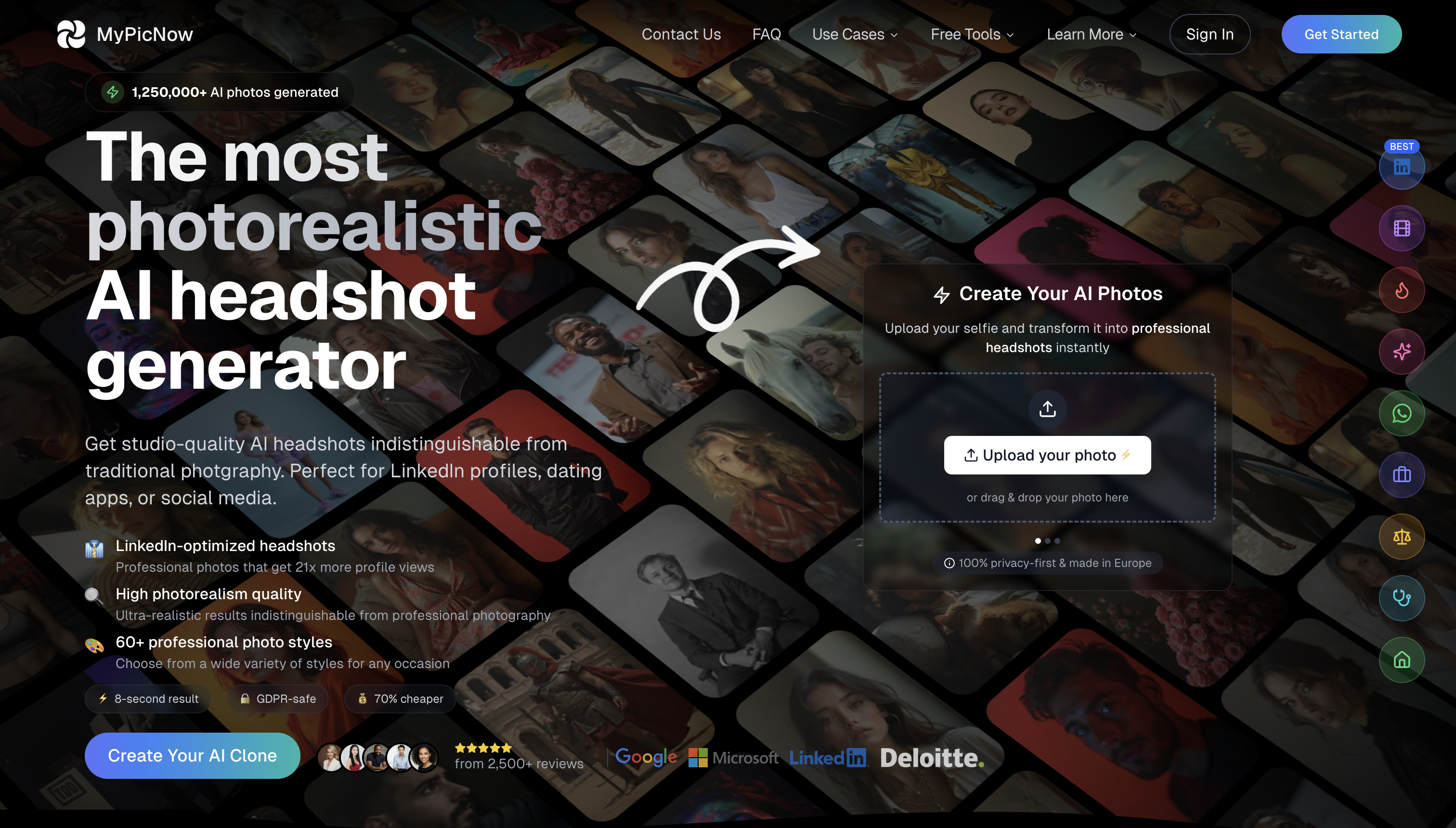


hippist-ai
hippist AI is an AI-powered platform that generates professional product photos with lifelike AI models, enabling brands to create stunning visuals quickly, affordably, and without the need for traditional photoshoots.

Fluxkontext
Flux Kontext AI is an AI-powered image generation and editing platform that transforms images using natural-language prompts, powered by the FLUX.1 model family. It targets creators, marketers, developers and businesses needing professional-grade, prompt-guided image edits and style transfers.
Premium Alternatives


Parachute Backup
Parachute Backup is a seamless, set-and-forget backup tool for iCloud Photos and iCloud Drive that automatically syncs your data to your own storage or other cloud providers, ensuring your digital memories and documents are safely backed up without subscriptions or lock-in.


Sketchtoimage
Sketch To Image (by Connekt Studio) transforms hand-drawn or digital sketches into polished images across multiple styles using AI, with additional tools for upscaling and converting images to short videos.

Continualengine
PREP by Continual Engine is a cloud-based PDF and document remediation platform that uses AI-powered automation, OCR, and collaboration features to produce ADA/508/WCAG-compliant documents at scale for organizations, educational institutions, and government.

Digitalocean
DigitalOcean is a cloud infrastructure provider focused on simplicity and cost-effectiveness, offering virtual machines, managed services, and a unified Gradient™ AI Inference Cloud for building, training, and running AI applications.