

Aiocr
AI OCR is a browser-based AI-powered OCR tool that converts images and PDFs into editable text, Excel/CSV, or high-quality images while processing locally for privacy and preserving original layout and formatting.
Aiocr is image & design software teams evaluate for education & research. Use this page to review pricing, integration signals, and the best alternatives before you commit.
Profile facts come from the vendor source. AiMatch labels unknown pricing or API details instead of estimating them.
Review official source →Used in These Packs
Quick Overview
Best for: Education & Research
What it does
Image & Design software for decision-makers comparing workflow fit and alternatives.
Best fit
Education & Research
Pricing snapshot
Freemium from Free (generous free tier; allows substantial daily conversions)
Next step
Compare Aiocr with similar tools before you shortlist it.
Compare this tool before you shortlist it
Review alternatives, pricing posture, and workflow fit side by side.
AI OCR is a web-based OCR service that runs entirely in the browser and uses deep learning models to extract editable text from images and PDFs while preserving layout and formatting. It targets users who need fast, private OCR processing—students, researchers, business professionals, legal and healthcare organizations, and developers. The service emphasizes local privacy (files processed on-device), multi-language support, handwriting recognition, and conversion outputs such as editable text, Excel/CSV, and high-quality images.
AI OCR is a browser-based AI-powered OCR tool that converts images and PDFs into editable text, Excel/CSV, or high-quality images while processing locally for privacy and preserving original layout and formatting.
Own this listing?
Claim this page for a one-time $29 to add pricing, features, screenshots, verified owner details, and a clearly labeled 30-day category position after the profile is live.
Claim this listing for $29Key Features
Local, In-Browser Processing
All OCR jobs run locally in your browser so files are not uploaded to remote servers, preserving privacy.
Deep Learning Recognition
Uses AI deep learning models with context-aware language processing and post-processing to improve recognition of ambiguous characters, complex fonts, and handwriting.
Layout Analysis & Format Retention
Analyzes document structure (columns, headers, footers, tables) and reconstructs original layout including paragraphs, lists, styles, and tables.
Multi-format Output
Converts images/PDFs to editable text, exports tables to Excel/CSV, and converts PDF pages to high-quality images (JPG, PNG).
Handwriting Recognition
Trained models support recognition of various handwriting styles; accuracy varies with legibility.
Pre-processing & Speed
Smart image pre-processing (noise reduction, binarization, deskewing) and fast local processing (noted ~1s per 1MP image on a laptop).
Massive Language Support
Supports 50+ OCR language options including English, Chinese, Japanese, French, German, Spanish, Portuguese, and more.
Pricing
Yes — a generous free tier allowing a substantial number of daily conversions is offered.
Free
Free (generous free tier; allows substantial daily conversions)- Browser-based OCR processing
- Basic image and PDF conversions
Premium
Paid premium plans (no specific prices listed on page)- Batch processing
- API access for power users and businesses
Use Cases
Students & Researchers
Digitize textbook pages, reference materials, and archives to extract quotes and citations without manual typing.
Business Data Entry
Convert invoices, receipts, purchase orders, and business cards into editable formats for CRM/ERP import and expense reporting.
Legal & Healthcare Archives
Make scanned case files, contracts, and patient records searchable and editable for faster retrieval and processing.
Developers & Automation
Extract text from screenshots, code snippets, or documents for pipelines or integrations; API access mentioned for power users.
Social Media & Screenshots
Extract text from images, posts, and screenshots for reposting, archiving, or analysis.
Integrations
Excel / CSV Export
Exports detected tables and data into editable Excel spreadsheets and CSV files for use in spreadsheets and data tools.
CRM / ERP Import
Converted invoices, receipts, and business cards can be exported and imported into CRM or ERP systems (described as a use case).
Benefits
Limitations
Frequently Asked Questions
Is this OCR service free to use?
Can it read handwriting?
What happens to my files after conversion?
Do I need to install any software?
How accurate is the table conversion?
Getting Started
- 1 Step 1: Open the AI OCR web tool in a modern browser (no installation required).
- 2 Step 2: Drag and drop or upload an image or PDF into the tool.
- 3 Step 3: Choose recognition language and desired output (text, Excel/CSV, image), then run the local OCR and copy or download results.
Support
Contact page
Use the 'Contact us' link on the website to reach the team.
Documentation / How-to
On-page instructions explain drag-and-drop usage and step-by-step conversion workflows (Image to Text, PDF to Text, Image to Excel).
API
API access is mentioned for power users and businesses on premium plans; no API documentation URL is provided on the page.
Compare Aiocr with similar tools
See how it stacks up against alternatives
Related Tools
View all 386 →

Palette
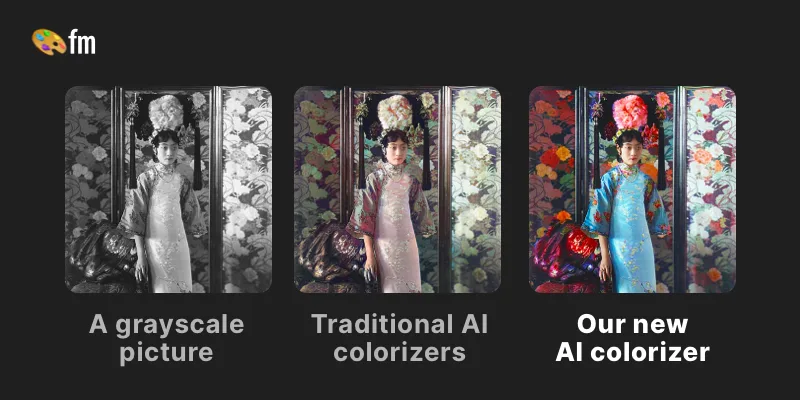
Palette is a web service that uses AI-driven colorization to convert black & white or faded photos into realistic, high-resolution color images using selectable color filters, adjustable keywords, and batch uploads. It targets photographers, creators, and production workflows with free previews, paid credits, and subscription or one-time purchase options.

ImageUpscalerAI
ImageUpscalerAI is a web-based AI image upscaler that enlarges photos, cartoons and other images (up to 400%/200%) using an AI engine; it offers a free limited tier and a PRO subscription with no conversion limits and a commercial usage license.
OutfitSwapStudio
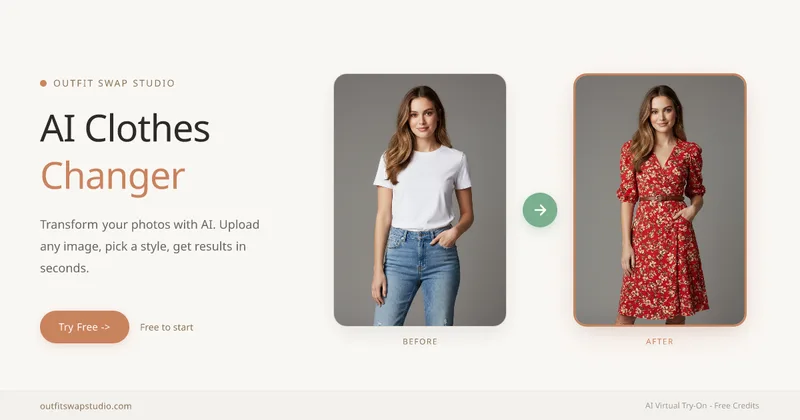
OutfitSwapStudio is a browser-based suite of four AI clothing tools for restyling photos, previewing garments, copying looks from reference images, and changing garment colors. Users can start with 10 free credits and pay only for successful results.
Scenario
Scenario is a creative AI infrastructure platform for production-grade generation of image, video, audio, and 3D assets. It provides model training on brand assets, a library of hundreds of models, visual workflow builders, reusable apps, and an API-first architecture for teams and enterprises.

Pixian
Pixian.AI is a web and API service that removes image backgrounds using a custom AI model, offering a free tier for small images and paid processing for high-resolution images. It targets both casual users and developers with drag-and-drop web tools, an API, and features like face stickers and multiple output options.
Premium Alternatives

Realistic AI
Realistic AI is a web-based generator and editing suite for photorealistic images and videos. Users can create from text prompts or photos, choose from multiple AI models, and use additional tools to humanize, restore, upscale, or retouch images.

drawingpics
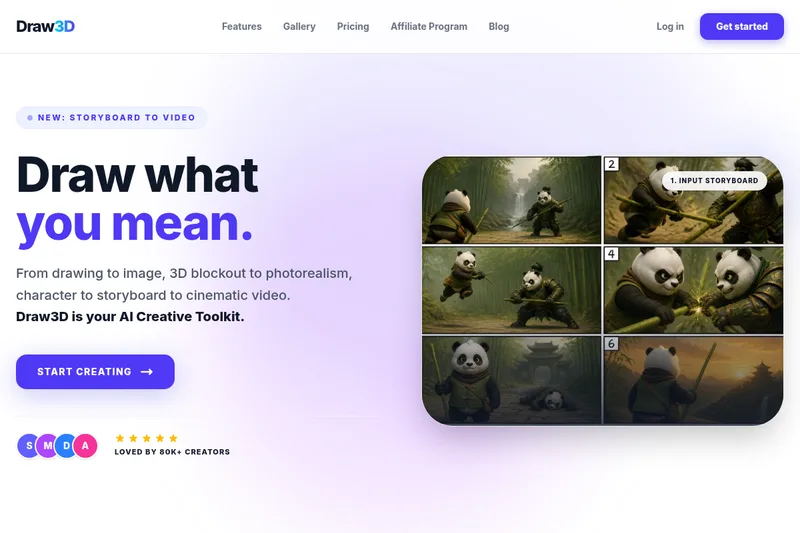
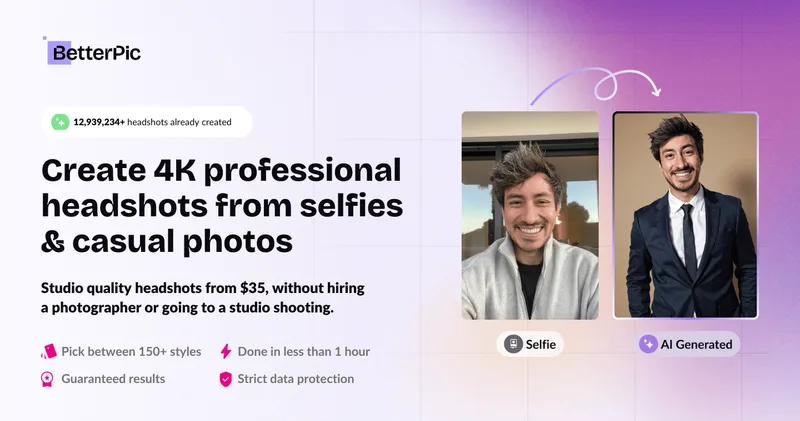
DrawingPics is a native macOS app for Apple Silicon that converts sketches into photorealistic or stylized images in real time using Core ML and the Apple Neural Engine. It runs fully offline, is available as a one-time purchase, and targets creators and small studios.

Ghibli Art Generator
Ghibli Art Generator is a web-based AI tool that transforms user photos into Studio Ghibli–inspired artwork using a proprietary deep-learning style generator, offering multiple film-style filters, batch processing, and downloadable high-resolution outputs.


PreCheck
PreCheck is an AI-powered facial recognition and face-search platform that lets users upload a single photo to find where that face appears across the web, and also provides reverse phone and email lookups for identity, reputation management, and fraud prevention.