
Aircaption
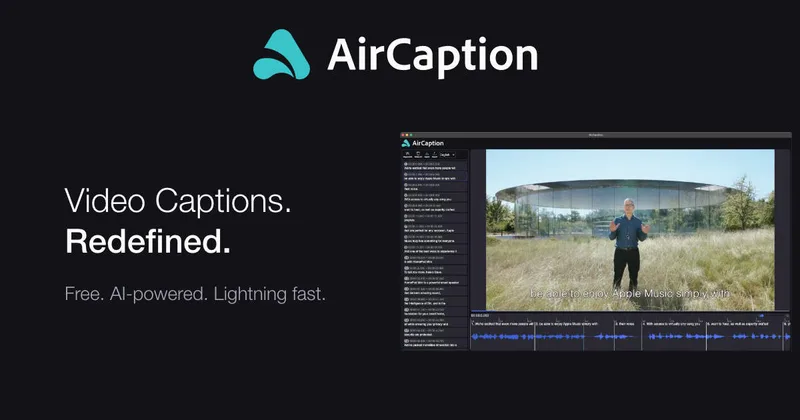
AirCaption is a desktop speech-to-text and captioning app for Mac and Windows that transcribes audio and video locally using AI models, enabling offline, privacy-first generation, editing, and export of captions in multiple languages.
Aircaption is transcription software teams evaluate for creative & design. Use this page to review pricing, integration signals, and the best alternatives before you commit.
Profile facts come from the vendor source. AiMatch labels unknown pricing or API details instead of estimating them.
Review official source →Quick Overview
Best for: Creative & Design
What it does
Transcription software for decision-makers comparing workflow fit and alternatives.
Best fit
Creative & Design
Pricing snapshot
Contact for pricing
Next step
Compare Aircaption with similar tools before you shortlist it.
Compare this tool before you shortlist it
Review alternatives, pricing posture, and workflow fit side by side.
AirCaption is a desktop application for transcribing audio and video and generating captions. It runs locally on Mac and Windows, uses AI models (noted as NVIDIA models), and emphasizes privacy — stating that media and captions never leave the computer. The product supports subtitle export, editing of caption text and timing, hotkeys for faster editing, batch transcription via drag-and-drop queues, and subtitle generation in up to 67 languages (beta).
AirCaption is a desktop speech-to-text and captioning app for Mac and Windows that transcribes audio and video locally using AI models, enabling offline, privacy-first generation, editing, and export of captions in multiple languages.
Own this listing?
Claim this page for a one-time $29 to add pricing, features, screenshots, verified owner details, and a clearly labeled 30-day category position after the profile is live.
Claim this listing for $29Key Features
Local / Offline Processing
Works entirely offline; no internet required and media and captions never leave your computer.
AI-powered Transcription
Generates AI captions using 'latest and greatest AI models from NVIDIA' to transcribe audio and video.
Multi-language Subtitles
Subtitle video in up to 67 languages (beta).
Editing Tools
Easily edit text and timing of captions with an intuitive interface and hotkeys for speed.
Import/Export Caption Files
Import and edit existing caption files and export caption files after review.
Batch Transcription Queue
Transcribe entire folders by drag-and-drop into a queue for automated processing.
Desktop Availability
Available for Mac and Windows as a downloadable application.
Pricing
Current pricing details are not available from the vendor source.
Use Cases
Video Editors
Transcribe footage to search raw clips and accurately subtitle final videos.
Podcasters
Transcribe episodes for blog posts or to provide captions to audiences.
Language Learners
Use subtitles to aid understanding of spoken content and facilitate comprehension.
Legal Professionals
Transcribe depositions, court hearings, or legal proceedings.
Marketers
Caption promotional videos to increase engagement, reach a wider audience, and improve SEO.
Researchers
Transcribe interviews and audio recordings for analysis.
Event Organizers
Caption recorded event videos for better accessibility.
Online Course Creators
Enhance learning by adding captions to course videos to aid comprehension.
Journalists
Transcribe interviews or press briefings for accurate reporting.
Integrations
NVIDIA AI models
AirCaption uses NVIDIA AI models for speech recognition and transcription according to the site.
Benefits
Limitations
No verified limitations are available.
Frequently Asked Questions
No verified FAQs are available.
Getting Started
- 1 Step 1: Download and install the AirCaption desktop app for Mac or Windows.
- 2 Step 2: Import audio or video files (or drop entire folders into the queue).
- 3 Step 3: Generate AI captions, review and edit text and timing, then export caption files.
Support
Contact
Site provides a Contact link and pages for managing subscription and license; see the product website for contact details.
API
Compare Aircaption with similar tools
See how it stacks up against alternatives
Related Tools
View all 51 →

StageWhisper Lite
StageWhisper Lite is a free, on-device Mac app that listens to calls and produces local transcripts, summaries, and action items without uploading audio or screen content to external servers.
Scriber-Pro 2.0
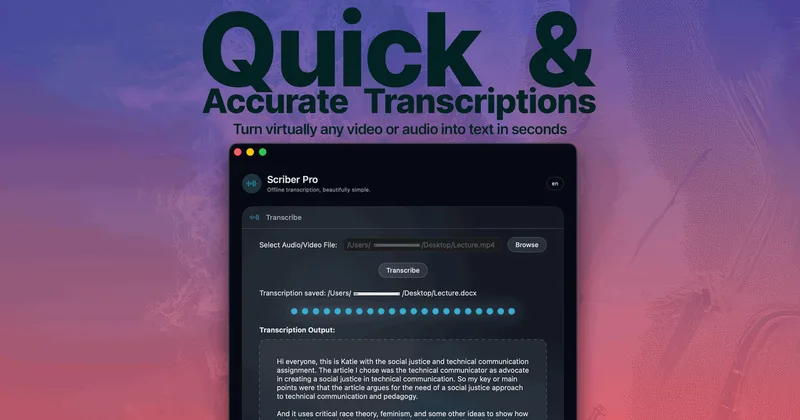
Scriber Pro 2.0 is a macOS app for transcribing audio and video locally, including files, YouTube links, and M3U8/HLS web streams. It saves transcripts in a searchable library and exports them in several document formats.
TrueScribe
TrueScribe is a Windows and Linux desktop app for transcribing, editing, searching, translating, and researching audio and video recordings. Processing runs locally by default, with optional cloud models for selected features.

Recly
Recly is a free, open-source recorder and transcription app for Galaxy Watch, Apple Watch, iPhone, Mac, and Windows. It stores recordings and transcripts in your Google Drive, with on-device transcription or transcription through a provider you choose using your own API key.
limitless-ai
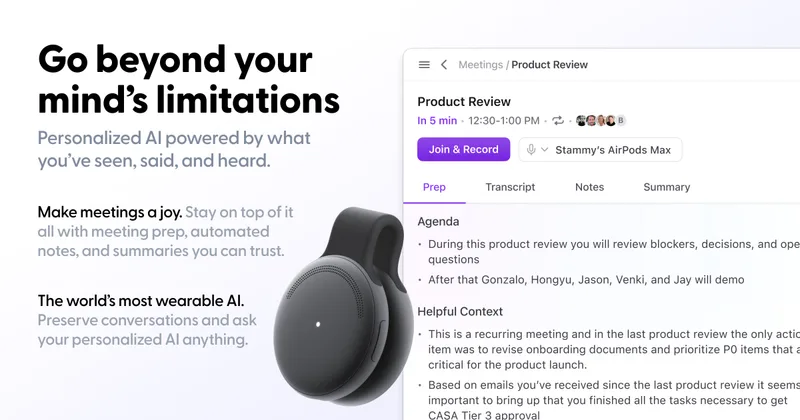
Limitless was an AI-enabled wearable and software company (notably the Pendant and Rewind app) focused on personal AI and meeting recording/transcription; the company has been acquired by Meta and will continue limited support for existing Pendant customers through 2026.
Youtube To Transcript.ai
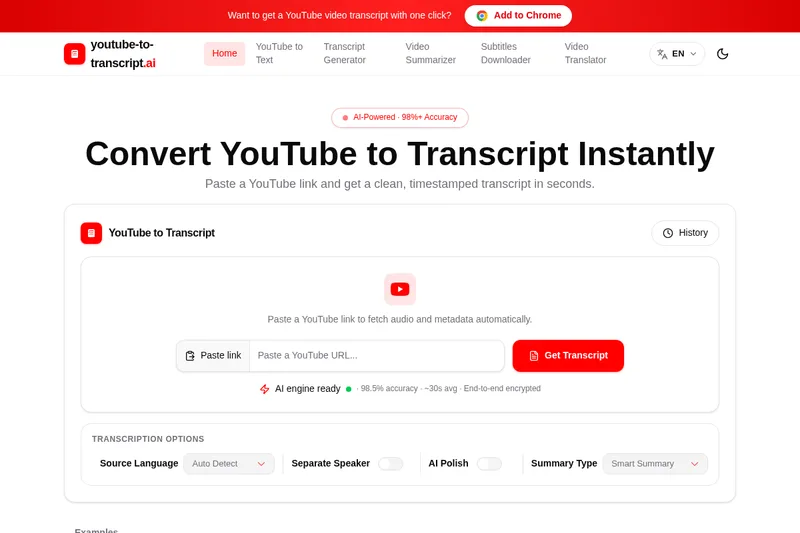
YouTube-to-Transcript.ai converts YouTube links into timestamped transcripts using available subtitles or AI speech recognition. It also offers summaries, speaker labels, multilingual support, and transcript exports for creators, researchers, educators, and other video users.

Meetjamie
MeetJamie (Jamie) is a privacy-first AI meeting note taker that automatically produces structured notes, transcripts, speaker-labeled audio summaries, and action items for online, hybrid, or in-person meetings in 100+ languages — designed for individuals and enterprises without joining calls as a bot.
Premium Alternatives


transcripci-n
Transcripción+ ofrece servicios de transcripción de audio a texto combinando transcripciones profesionales humanas y transcripción automática potenciada por IA, además de resúmenes, identificación de hablantes, traducción y una API para integraciones.



MeetNote
Meetnote is an AI meeting assistant that captures browser audio without joining calls as a bot, then generates speaker-labeled transcripts, summaries, action items, and searchable meeting records. It works through a Chrome extension and web workspace for Google Meet, Microsoft Teams, Zoom, and other browser audio.