
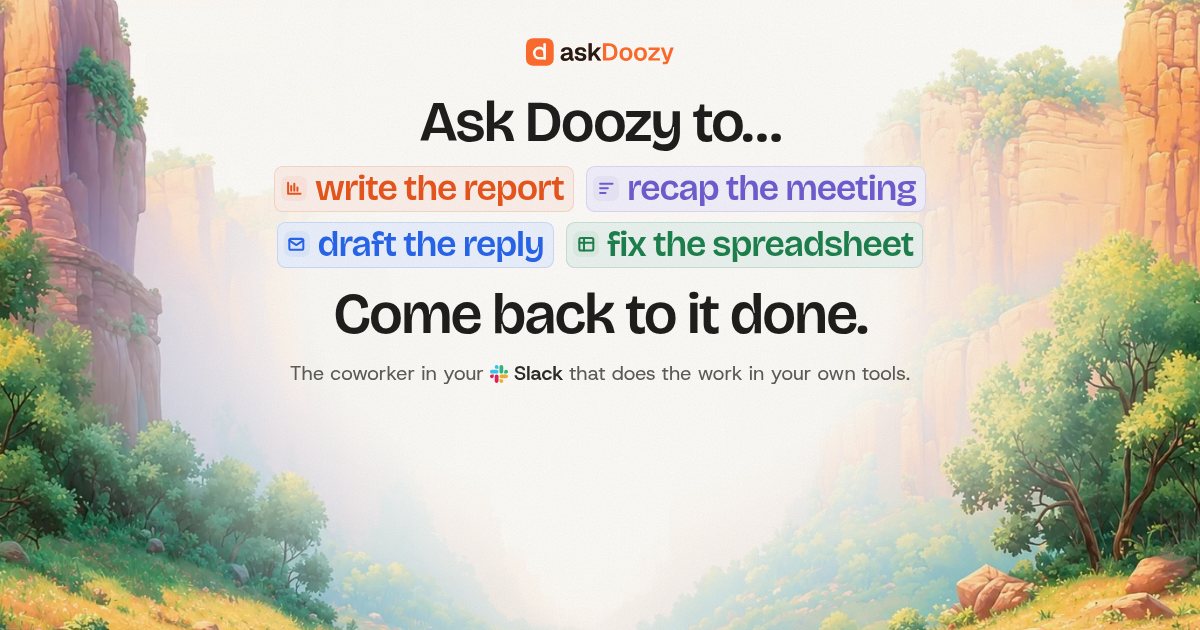
AskDoozy
AskDoozy is an AI coworker that works inside Slack: mention it in a thread with a task, and it uses connected tools to complete the work and post the result with a record of its actions. It is designed for support, operations, sales, founders, and software teams.
AskDoozy is ai tools software teams evaluate for ai agents. Use this page to review pricing, integration signals, and the best alternatives before you commit.
Profile facts come from the vendor source. AiMatch labels unknown pricing or API details instead of estimating them.
Review official source →Quick Overview
Best for: AI Agents
What it does
AI Tools software for decision-makers comparing workflow fit and alternatives.
Best fit
AI Agents
Pricing snapshot
Paid from $20/month as listed on the page
Next step
Compare AskDoozy with similar tools before you shortlist it.
Compare this tool before you shortlist it
Review alternatives, pricing posture, and workflow fit side by side.
Doozy is an AI coworker that operates in Slack. A user mentions it in a thread and describes a task in plain language; Doozy works with connected tools, posts progress and results back in the thread, and records the actions it takes.
The page presents workflows for support, operations, founders, software teams, and sales. Examples include checking refunds against Stripe, reconciling invoices, summarizing business metrics, triaging Sentry errors, opening GitHub pull requests, and updating CRM deals. Users can also create schedules and provide reusable notes and Skills.
An AI coworker in Slack that does your real work Discussion | Link
Own this listing?
Claim this page for a one-time $29 to add pricing, features, screenshots, verified owner details, and a clearly labeled 30-day category position after the profile is live.
Claim this listing for $29Key Features
Slack thread task handling
Users mention Doozy in a Slack thread with a task. It reports progress and returns the result in that thread.
Work across connected systems
Doozy can use ready-made connectors, GitHub, and tools with an API, database, or MCP server. The page says users choose what it may access.
Schedules
Users can describe recurring work in plain language, such as posting a support queue summary every Monday, and receive the report in the thread.
Memory and Skills
Doozy keeps notes in plain Markdown that people can read and correct. Skills let users write procedures for how work should be done.
Action records and audit log
The page says actions are recorded in the thread and changes made by people, Slack, or Doozy appear in an audit log that cannot be edited.
Sandboxed task execution
The page says each task runs in its own locked room, connector keys stay outside it, and secrets are provided only when requested by name with a stated reason.
Model choice
Every plan includes Doozy's AI. Paid plans can instead use a customer-provided key from OpenAI, Anthropic, Google, or DeepSeek.
Pricing
A 14-day free trial is available with no card required. The page says nothing is billed until an owner picks a plan.
Starter
$20/month as listed on the page- Monthly usage allowance
- Doozy's AI included or bring your own model key
- Slack, GitHub, and connectors
- Usage packs available
Pro
$99/month as listed on the page- About 6× Starter's usage allowance
- Doozy's AI included or bring your own model key
- Slack, GitHub, and connectors
- Usage packs available
Team
$349/month as listed on the page- About 30× Starter's usage allowance
- Doozy's AI included or bring your own model key
- Slack, GitHub, and connectors
- Usage packs available
Scale
$999/month as listed on the page- About 90× Starter's usage allowance
- Doozy's AI included or bring your own model key
- Slack, GitHub, and connectors
- Usage packs available
Use Cases
Support analysis
Review conversations alongside billing data, find refunds or churn reasons, and produce lists, counts, sheets, or scheduled queue summaries.
Operations and finance workflows
Check overdue invoices, reconcile Stripe payouts against a finance sheet, and flag discrepancies in a sheet or thread.
Business reporting
Prepare weekly summaries of revenue, new customers, and churn, or draft investor updates with figures linked to their sources.
Software operations
Triage new Sentry errors, file Linear tickets, run queries, or open a GitHub pull request for a dependency change.
Sales follow-up
Record call notes against a HubSpot deal, set a next step, identify quiet deals, and draft follow-up messages for review.
Integrations
Slack
Doozy lives in Slack, where users mention it in a thread and receive progress and results.
GitHub
Doozy can work with GitHub and open pull requests. The page says it cannot merge pull requests or push to the main branch.
Linear
The page shows Doozy filing Linear tickets from triaged errors.
Notion
Listed as a ready-made connector and shown among connected tools in example workflows.
HubSpot
Used in examples to look up account owners and update sales deals.
Stripe
Used in examples to check refunds, cancellations, invoices, and payouts.
Intercom
Used in an example to retrieve customer conversation context for churn analysis.
Sentry
Used in an example to identify errors since a deploy.
Other tools
The page says users can provide a Skill and key for a tool with an API or database, and that Doozy supports tools with an MCP server. It also says Doozy can read the web and use a browser.
Benefits
Limitations
Frequently Asked Questions
Can Doozy see our passwords and API keys?
Can it change things without asking?
Who sees what's asked in private channels and DMs?
What happens when we use up the month?
What counts toward usage?
Which AI does it use?
Do we need an engineer to set it up?
What can it work with?
What happens after the free trial?
Getting Started
- 1 Add Doozy to Slack.
- 2 Connect the tools you want it to use from the browser.
- 3 Mention Doozy in a thread and describe the task in plain language.
Support
The page directs users to write to [email protected].
FAQ
The page includes answers about security, usage, model options, setup, supported tools, and the end of the trial.
Security and legal resources
The footer links to Security, AI & Data Use, Sub-processors, Privacy Policy, Terms of Service, Cookie Policy, and Billing & Refunds.
API
Compare AskDoozy with similar tools
See how it stacks up against alternatives
Related Tools
View all 663 →
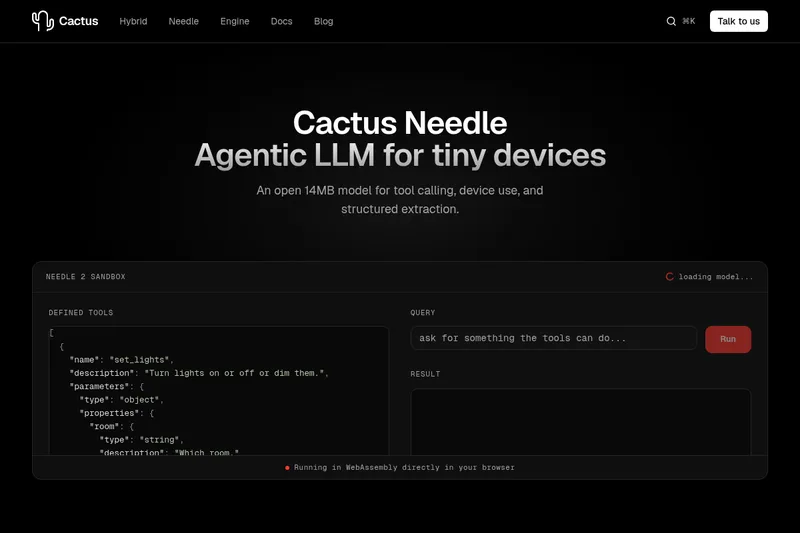
Needle2
Needle 2 is an open, production-ready 45M-parameter agentic LLM from Cactus designed for tool calling, device control, and structured extraction on extremely small devices; the shipped CQ2-bit binary is ~14 MB and runs in ~28 MB of RAM across Cortex-M, microcontrollers, phones, Raspberry Pi and WebAssembly.
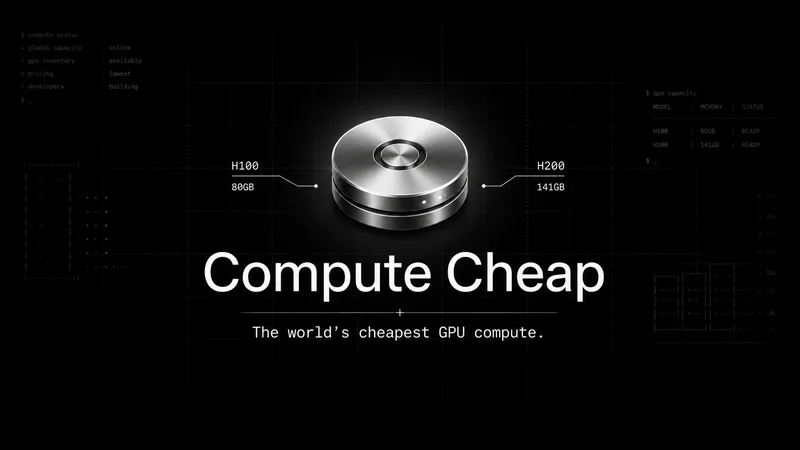
The cheapest GPU cloud
Compute Cheap provides low-cost GPU compute for training and inference, offering H100 and H200 SXM GPUs as interruptible or reserved capacity with published per-GPU-hour pricing and a simple request/reserve/run workflow.

Oodle.ai
Oodle Agent Observability provides agent/LLM observability at scale with S3-backed columnar storage, fast search (<1s P99), out-of-the-box AI-powered insights, and flat ingestion-based pricing designed to retain 100% of traces affordably for debugging and optimizing production agents.


Budget-Friendly Alternatives
The cheapest GPU cloud
Compute Cheap provides low-cost GPU compute for training and inference, offering H100 and H200 SXM GPUs as interruptible or reserved capacity with published per-GPU-hour pricing and a simple request/reserve/run workflow.
Oodle.ai
Oodle Agent Observability provides agent/LLM observability at scale with S3-backed columnar storage, fast search (<1s P99), out-of-the-box AI-powered insights, and flat ingestion-based pricing designed to retain 100% of traces affordably for debugging and optimizing production agents.

%22%2F%3E%20%3Ctext%20x%3D%2250%25%22%20y%3D%2250%25%22%20dominant-baseline%3D%22central%22%20text-anchor%3D%22middle%22%20font-family%3D%22system-ui%2C-apple-system%2Csans-serif%22%20font-weight%3D%22700%22%20font-size%3D%2250%22%20fill%3D%22white%22%3EL%3C%2Ftext%3E%20%3C%2Fsvg%3E)