Catenary
Catenary is a local-first spatial IDE that orchestrates AI coding agents (Claude Code, Codex, Cursor, Grok, OpenCode, Pi, etc.) on an infinite canvas, combining floating terminals, Monaco editors, browsers and isolated git worktrees with visual wires and a side-by-side editor for tracking agent activity.
Catenary is ai tools software teams evaluate for ai agents. Use this page to review pricing, integration signals, and the best alternatives before you commit.
Profile facts come from the vendor source. AiMatch labels unknown pricing or API details instead of estimating them.
Review official source →Used in These Packs
Quick Overview
Best for: AI Agents
What it does
AI Tools software for decision-makers comparing workflow fit and alternatives.
Best fit
AI Agents
Pricing snapshot
Freemium from US$ 0
Next step
Compare Catenary with similar tools before you shortlist it.
Compare this tool before you shortlist it
Review alternatives, pricing posture, and workflow fit side by side.
Catenary is a spatial IDE that lets developers run and orchestrate multiple AI coding agents simultaneously on a single infinite canvas. Panels such as terminals, Monaco editors, browsers and parallel git worktrees float on the canvas so you can pan, zoom and arrange agent work visually while watching each agent operate. It is local-first: there is no account, no telemetry, and your API keys and code remain on your machine. Catenary targets developer workflows — providing isolated worktrees for experiments, git-aware diffs, context wires to relay data between agents, and a Maestro mode to recruit and coordinate helper agents.
Spatial canvas IDE for AI coding agents Discussion | Link
Own this listing?
Claim this page for a one-time $29 to add pricing, features, screenshots, verified owner details, and a clearly labeled 30-day category position after the profile is live.
Claim this listing for $29Key Features
Infinite Canvas with Floating Panels
Terminals, Monaco editors, browsers and parallel git worktrees float on one infinite canvas. You can pan, zoom and arrange every agent and view them working in parallel.
Isolated Worktrees & Branches
One-click creation of isolated branches and worktrees per task/agent so experiments do not touch your main working tree; each task gets a color and its own state in the sidebar and canvas.
Monaco Editor with Side-by-Side Diffs
Includes VS Code's Monaco editor inside the canvas with a side-by-side diff view showing exactly what an agent changed; the file tree is git-aware.
Context Wires
Drag wires to send context between panels and agents; wires can relay automatically or act as permissions so downstream agents receive only requested context.
Maestro Mode
One agent can recruit, brief and wire a team of helpers (default up to five, adjustable up to ten). Actions are gated by editable approval cards before changes appear on the canvas.
Multi-project & Parallel Branches
Each open project has its own canvas; tasks run in isolated worktrees with their own agent so multiple projects and branches can run in parallel without cross-contamination.
Local-first Privacy & Offline Guarantees
Catenary keeps code and keys local, sends zero bytes of source code or terminal output to remote servers, and documents outbound traffic (two hosts) and what it never sends.
Pricing
Full-featured local installation at no cost with limitations on parallel tasks and Maestro helpers; no account or telemetry required.
Free
US$ 0- Canvas, terminals, editor, browser, git
- Unlimited connection wires
- Unlimited projects open at the same time
- 1 parallel tasks
Pro (Lifetime, launch price)
US$ 19 (launch); standard price after launch US$ 29- Canvas, terminals, editor, browser, git
- Unlimited connection wires
- Unlimited projects open at the same time
- Unlimited parallel tasks
Use Cases
Parallel experimentation
Run multiple experiments or branches at once in isolated worktrees and visually compare results without affecting your working tree.
Agent-assisted refactoring and fixes
Recruit agents to perform refactors, fix performance issues (e.g., N+1 queries) and review or apply suggested changes with side-by-side diffs before accepting them.
Coordinated multi-agent workflows
Use Maestro mode to brief and wire teams of helper agents that organize themselves while you approve actions, enabling complex delegated workflows.
Privacy-preserving AI integrations
Run agents that use your own API keys (Anthropic, OpenAI, Google, local runtimes) so prompts and keys are not routed through a third party.
Integrations
Anthropic (Claude)
Orchestrate agents using Claude-backed models with your own API key.
OpenAI (Codex and other models)
Connect to OpenAI models using your API key for agent functionality.
Google models
Use Google-hosted models via your own credentials for agent tasks.
Ollama / LM Studio (local runtimes)
Point agents at local LLM runtimes so model inference can run entirely on your machine.
Git & GitHub Releases
Git-aware file tree and update-checks via a GitHub Releases file (used to check for new versions).
Benefits
Limitations
Frequently Asked Questions
No verified FAQs are available.
Getting Started
- 1 Download the appropriate build for your OS from the site (Windows, macOS Apple Silicon/Intel, Linux AppImage/.deb/.tar.gz).
- 2 Run the installer; note the HEADS UP that the installer is not code-signed yet and the OS may block it on first run — follow the docs for the two-click allowance.
- 3 Launch the app and create a New Task to spawn an isolated worktree, branch and agent, or use Maestro to recruit helpers.
- 4 Configure your preferred agent/LM by supplying your own API key or pointing to a local runtime (Ollama, LM Studio) — keys are kept local.
Support
Report bugs or request support via [email protected] (listed on the site footer).
docs
Documentation and installation guidance linked from the product site (Docs link on https://thecatenary.app/).
releases
Download and update information via GitHub Releases (github.com/GioNicolas/catenary-releases).
API
Compare Catenary with similar tools
See how it stacks up against alternatives
Related Tools
View all 672 →
Needle2
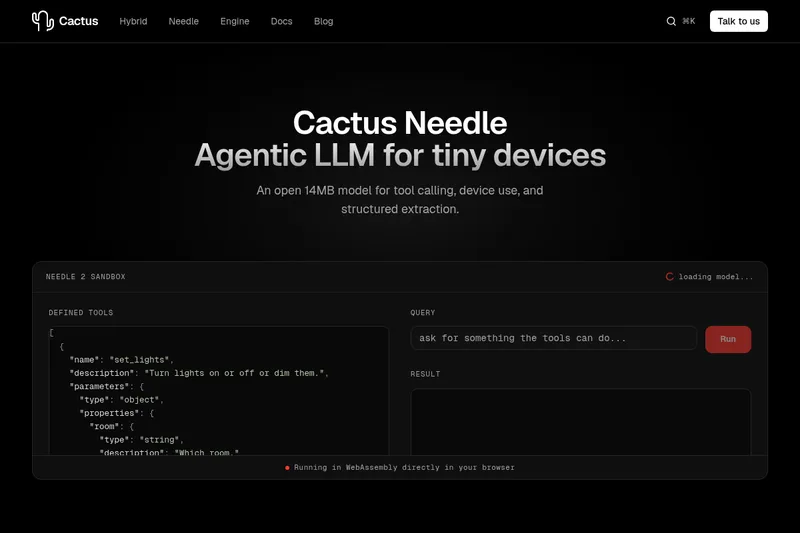
Needle 2 is an open, production-ready 45M-parameter agentic LLM from Cactus designed for tool calling, device control, and structured extraction on extremely small devices; the shipped CQ2-bit binary is ~14 MB and runs in ~28 MB of RAM across Cortex-M, microcontrollers, phones, Raspberry Pi and WebAssembly.

The cheapest GPU cloud
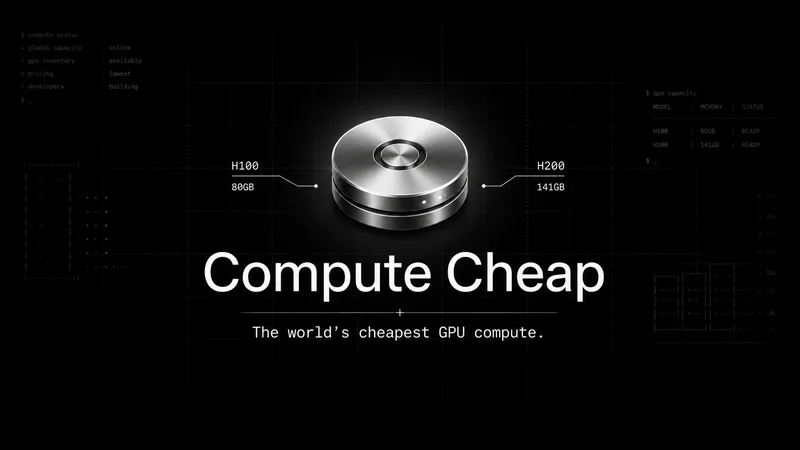
Compute Cheap provides low-cost GPU compute for training and inference, offering H100 and H200 SXM GPUs as interruptible or reserved capacity with published per-GPU-hour pricing and a simple request/reserve/run workflow.
Oodle.ai
Oodle Agent Observability provides agent/LLM observability at scale with S3-backed columnar storage, fast search (<1s P99), out-of-the-box AI-powered insights, and flat ingestion-based pricing designed to retain 100% of traces affordably for debugging and optimizing production agents.


Premium Alternatives
Abliterated LLM provider for cyber tasks
Refuseless hosts GLM 5.3 Abliterated models through an OpenAI-compatible API for cybersecurity and coding work. The page states that prompts are not retained and shows integrations with OpenCode and Pi.
PHNTM ONE
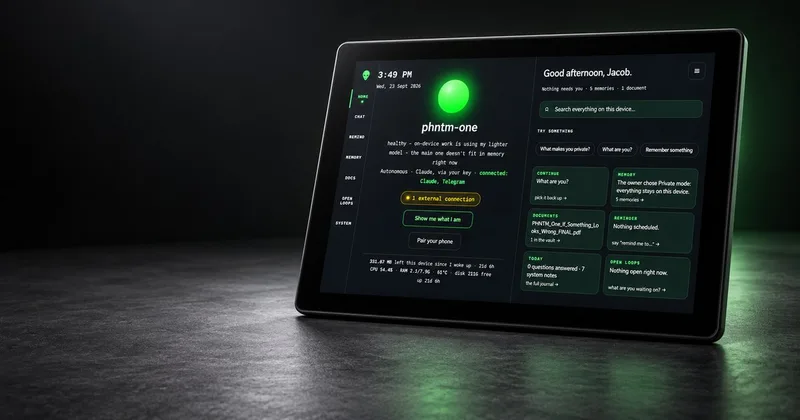
PHNTM One is a private, local-first AI appliance: a hand-built desktop device (Raspberry Pi 5, 8 GB, 10.1″ touchscreen) that runs an on-device model (Gemma 3 4B) to provide a voice-capable assistant, memories, document reading, timers, Home Assistant integration and offline knowledge — sold as a one-time $549 purchase with no subscription and zero telemetry by default.
AletheionAGI
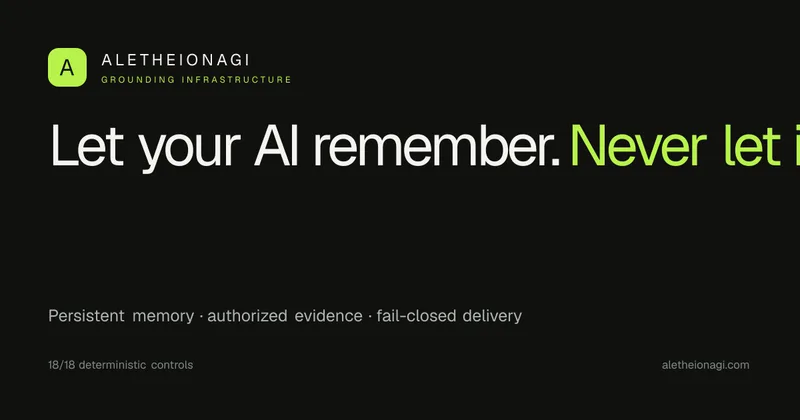
AletheionAGI provides a grounded-memory layer for AI systems that enforces evidence-bound delivery, namespace isolation, and policy authorization so AI readers cannot produce unsupported claims. It's targeted at production-facing use cases like customer support, commerce agents and internal copilots.

ClaudeThings
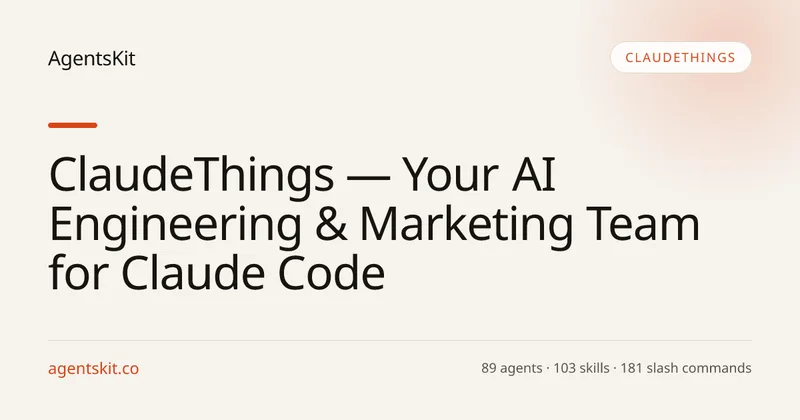
ClaudeThings provides a packaged, continuously-updating set of 89 specialized agents, 103 pre-built skills, and 181 slash commands that act as an AI engineering and marketing team for Claude Code — delivered as a private GitHub repo and installed with a single npx command. It adapts to any stack via a CLAUDE.md project manifest and is sold as a one-time purchase with lifetime updates.