
composio
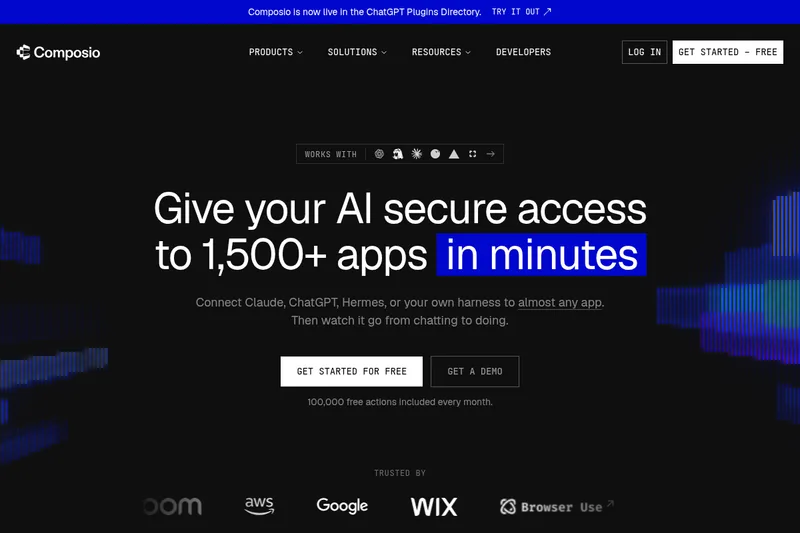
Composio connects AI assistants and custom agents to more than 1,500 apps, with managed authentication and tools for executing actions. Developers use it to add integrations to agents, while teams can connect assistants to apps used in their workflows.
One of 579 tools in AI Agents
Who it's for
- AI agent developers who want to add app integrations, authentication, and tool execution without building each integration from scratch.
- Teams using assistants such as ChatGPT or Claude that want those assistants to take actions in apps such as Gmail, Slack, Notion, or Google Calendar.
- Organizations deploying agents across teams that need the listed SSO, governance, and audit controls.
How it fits your workflow
Connect Composio to an AI assistant or integrate its platform into a custom agent. Connect the apps the agent needs; the page describes app sign-in as a one-time secure connection per app.
The agent describes the requested task, and Composio finds relevant actions from its app catalog, loads the actions needed, and can suggest a plan with guardrails before tool calls run.
For multi-step work, use Composio's remote runtime for code, actions, files, and intermediate results. The page says each execution runs in its own isolated sandbox.
Pricing
The vendor doesn't publish prices. Check with composio directly.
Prices checked on Jul 15, 2026 from the vendor's site. They can change; confirm before you buy.
Key features
- Large connector catalog
- Connectors to 1,000+ apps (examples listed include Gmail, Slack, Notion, Salesforce, HubSpot, GitHub, Zendesk, Stripe, Shopify, and many more).
- Managed authentication
- Fully managed OAuth for every connector with inline auth triggered by user intent, scoped permissions, and lifecycle handling to remove auth debugging.
- Sandboxed programmatic execution
- Remote ephemeral sandboxes where tools run as code, multi-step workflows, sub-LLM invocations, and large responses stored on a remote filesystem your agent can browse.
- SDK and CLI
- Developer SDK and CLI for installing tools, managing auth, running workflows, and embedding tool access into agent sessions and apps (code examples provided).
- Session & context-aware tools
- Context-aware sessions carry sandbox state, files, and progress so agents keep context across executions (session.authorize, session.tools()).
- Enterprise controls
- Governance, SSO, org-wide controls, MCP Gateway for managed servers and tool routing, and account-level access controls for teams at scale.
Works with
- Gmail / Calendar / Slack / Notion
- Sales & Marketing (Salesforce, HubSpot, Mailchimp, Google Analytics, LinkedIn)
- Engineering & Observability (GitHub, Sentry, Datadog, PagerDuty, Linear)
- Finance & Commerce (Stripe, NetSuite, Brex, Xero, Shopify, Klaviyo, Gorgias)
- Content & Media (YouTube, LinkedIn, ElevenLabs, Canva)
- Auth & Security (Auth0, Cloudflare)
Limitations to know
- The public page contains product descriptions and onboarding guidance but does not list detailed pricing tiers or rate limits.
- Developer signup and usage require signing up at the composio.dev developer flow (the site repeatedly directs developer signup to composio.dev).
Alternatives to consider
-
Fastn Adaptive Context
Choose it if you want a middleware platform that emphasizes context optimization, batching tool calls, and enterprise security and governance for autonomous workflows.
-
Sim
Choose it if you want a workspace for building, deploying, and managing agents with visual and code-based agent building alongside integrations.
Getting started
- Select an assistant connection or the developer platform, depending on whether you are connecting an existing assistant or building an agent.
- Connect Composio to the assistant, or follow the developer documentation to add Composio to your agent.
- Connect the apps you want to use; the page says this usually takes a couple of clicks.
- Give the assistant or agent a task that uses the connected apps.