

Fastn Adaptive Context (by Fastn)
Fastn Adaptive Context (by Fastn) is a composable middleware platform that connects agentic systems to tools and APIs, optimizing context, batching tool calls, and enforcing enterprise security and governance for production-grade autonomous workflows.
Fastn Adaptive Context (by Fastn) is ai agents software teams evaluate for software & gaming. Use this page to review pricing, integration signals, and the best alternatives before you commit.
Profile facts come from the vendor source. AiMatch labels unknown pricing or API details instead of estimating them.
Review official source →Used in These Packs
Quick Overview
Best for: Software & Gaming
What it does
AI Agents software for decision-makers comparing workflow fit and alternatives.
Best fit
Software & Gaming
Pricing snapshot
Contact for pricing
Next step
Compare Fastn Adaptive Context (by Fastn) with similar tools before you shortlist it.
Compare this tool before you shortlist it
Review alternatives, pricing posture, and workflow fit side by side.
Fastn Adaptive Context is described as an intelligent gateway between agents and tools that streamlines context, compresses tool chains, and lowers token costs while ensuring enterprise security and compliance. The platform provides tool orchestration to filter tools and schemas based on agent intent, tool composition to batch and merge frequent tool chains for lower latency and API cost, and performance optimizations (caching and adaptive schemas) to reduce latency and compute waste. Fastn is positioned for embedding integrations and automation into applications at enterprise scale, with features for auditability, RBAC, and compliance.
No-code AI platform for developers to integrate data sources into a unified API.
Own this listing?
Claim this page for a one-time $29 to add pricing, features, screenshots, verified owner details, and a clearly labeled 30-day category position after the profile is live.
Claim this listing for $29Key Features
Tool Orchestration
Filters tools and schemas according to the intention of an agent’s task to reduce context bloat, decrease hallucinations, and lower token consumption.
Tool Composition / Aggregate Actions
Learns frequent tool chaining and batches/merges tool calls to lower latency and API costs.
Performance Optimization
Caches results and adapts schemas to reduce latency, boost reliability, and reduce compute waste.
Tracking & Auditability
Tracks usage, cost, and reasoning paths to provide transparency and auditing of agent decisions and tool usage.
Enterprise Security & Governance
Enforces RBAC, compliance, and prompt safety; lists security standards such as SOC 2 Type II, ISO, GDPR compliance, and HIPAA-/PCI-readiness.
Developer SDK / Integration (AgentConnect)
Provides developer integration examples (React AgentConnect component) for embedding agents and connecting to Fastn's MCP endpoints.
Extensive Integrations via MCP
Offers access to 1000+ tools with the ability to build more and connect through a single MCP server.
Pricing
Current pricing details are not available from the vendor source.
Use Cases
Embed agent-powered integrations in applications
Embed integrations that connect APIs, legacy systems, and enterprise workflows into user-facing apps using AgentConnect and Fastn's middleware.
Optimize autonomous agent workflows
Use Tool Orchestration and Tool Composition to reduce token costs, latency, and hallucinations for agentic automation tasks.
Enterprise automation with compliance and auditing
Deploy agent-driven automation while enforcing RBAC, compliance, tracking, and audit trails for governance.
Scale integrations and reduce operational cost
Aggregate actions and cache results to lower API costs and improve system performance at scale (10K+ concurrent requests, sub-100ms latency claimed).
Integrations
MCP server (1000+ tools)
Access and connect to 1000+ existing tools via a single MCP server and extend with additional integrations.
AgentConnect SDK
Developer-facing integration (React component) for embedding agent interfaces and connecting to Fastn endpoints.
Benefits
Limitations
No verified limitations are available.
Frequently Asked Questions
No verified FAQs are available.
Getting Started
- 1 Sign up or log in on the Fastn site and review 'Connect Your First Agent' onboarding.
- 2 Install and integrate the AgentConnect SDK (example: import AgentConnect from '@fastn-ai/agent-connect' and embed component).
- 3 Configure tools and MCP endpoints, group tools by use case or tenant, and set RBAC/compliance guardrails.
- 4 Test agent flows, monitor usage and costs, and optimize via Tool Composition and caching.
- 5 Contact Fastn for enterprise implementation assistance or book a demo if needed.
Support
Primary contact email: [email protected]
enterprise support
24/7 Technical Support, Implementation Assistance, Custom Solution Reviews, and Dedicated Technical Account Manager (enterprise offerings).
sales/demo
Book a demo or 'Connect Your First Agent' as calls-to-action available on the site.
resources
Whitepaper, blog, changelog and trust center links provided on the site for additional documentation and guidance.
API
Compare Fastn Adaptive Context (by Fastn) with similar tools
See how it stacks up against alternatives
Related Tools
View all 672 →
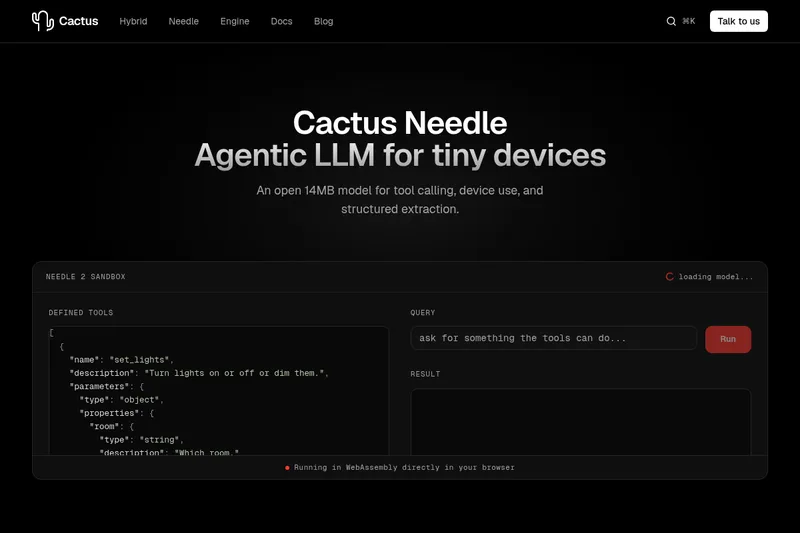
Needle2
Needle 2 is an open, production-ready 45M-parameter agentic LLM from Cactus designed for tool calling, device control, and structured extraction on extremely small devices; the shipped CQ2-bit binary is ~14 MB and runs in ~28 MB of RAM across Cortex-M, microcontrollers, phones, Raspberry Pi and WebAssembly.

The cheapest GPU cloud
Compute Cheap provides low-cost GPU compute for training and inference, offering H100 and H200 SXM GPUs as interruptible or reserved capacity with published per-GPU-hour pricing and a simple request/reserve/run workflow.

Oodle.ai
Oodle Agent Observability provides agent/LLM observability at scale with S3-backed columnar storage, fast search (<1s P99), out-of-the-box AI-powered insights, and flat ingestion-based pricing designed to retain 100% of traces affordably for debugging and optimizing production agents.


Premium Alternatives
Abliterated LLM provider for cyber tasks
Refuseless hosts GLM 5.3 Abliterated models through an OpenAI-compatible API for cybersecurity and coding work. The page states that prompts are not retained and shows integrations with OpenCode and Pi.
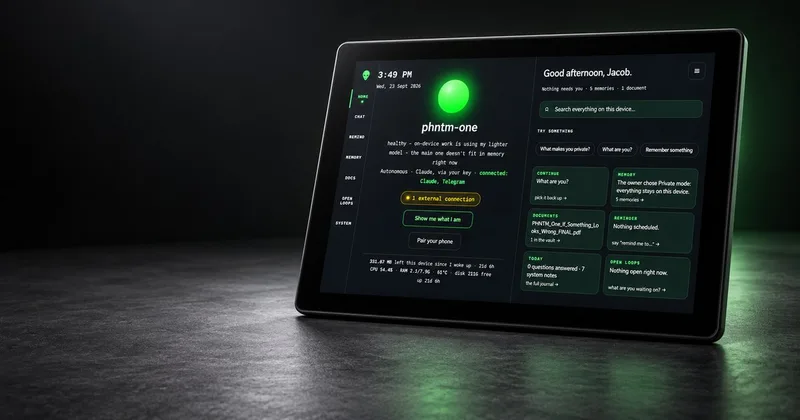
PHNTM ONE
PHNTM One is a private, local-first AI appliance: a hand-built desktop device (Raspberry Pi 5, 8 GB, 10.1″ touchscreen) that runs an on-device model (Gemma 3 4B) to provide a voice-capable assistant, memories, document reading, timers, Home Assistant integration and offline knowledge — sold as a one-time $549 purchase with no subscription and zero telemetry by default.
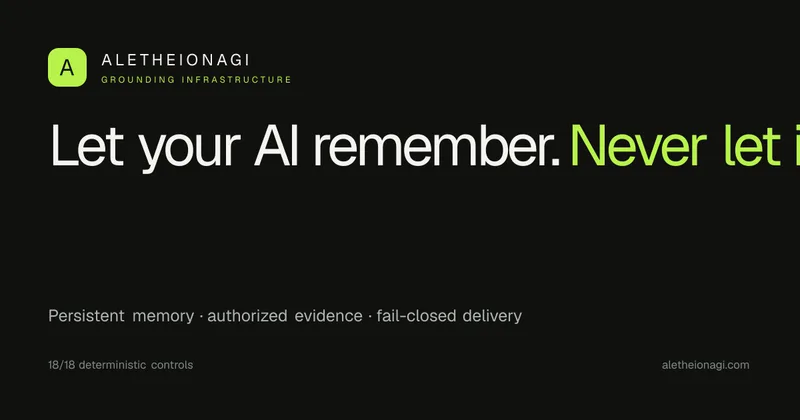
AletheionAGI
AletheionAGI provides a grounded-memory layer for AI systems that enforces evidence-bound delivery, namespace isolation, and policy authorization so AI readers cannot produce unsupported claims. It's targeted at production-facing use cases like customer support, commerce agents and internal copilots.

ClaudeThings
ClaudeThings provides a packaged, continuously-updating set of 89 specialized agents, 103 pre-built skills, and 181 slash commands that act as an AI engineering and marketing team for Claude Code — delivered as a private GitHub repo and installed with a single npx command. It adapts to any stack via a CLAUDE.md project manifest and is sold as a one-time purchase with lifetime updates.
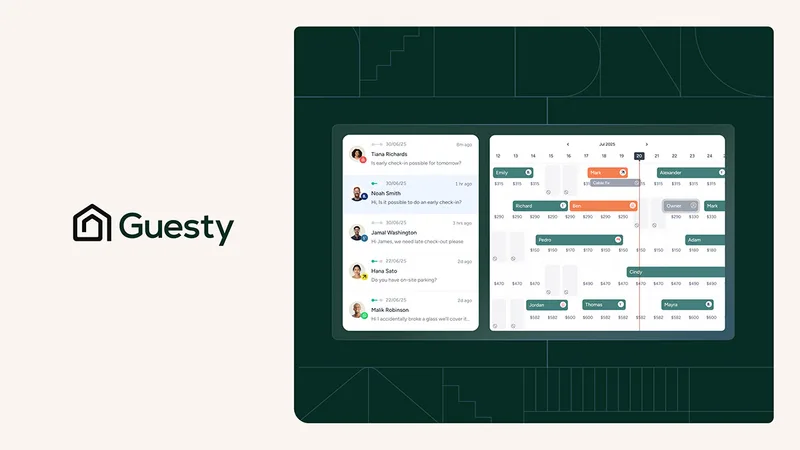

Jurny
Jurny is an AI-powered property management platform for short-term rental operators, boutique hotels, and multi-property portfolios. Its jOS platform combines guest communications, reservations, channel management, pricing, and property operations, with NIA agents automating routine tasks.