Compozy
Compozy is an open-source, local-first CLI that orchestrates 40+ AI coding agents through a seven-phase structured pipeline to take an idea to shipped code (merged PR) using a single binary with zero runtime dependencies.
Compozy is automation software teams evaluate for ai agents. Use this page to review pricing, integration signals, and the best alternatives before you commit.
Profile facts come from the vendor source. AiMatch labels unknown pricing or API details instead of estimating them.
Review official source →Used in These Packs
Quick Overview
Best for: AI Agents
What it does
Automation software for decision-makers comparing workflow fit and alternatives.
Best fit
AI Agents
Pricing snapshot
Contact for pricing
Next step
Compare Compozy with similar tools before you shortlist it.
Compare this tool before you shortlist it
Review alternatives, pricing posture, and workflow fit side by side.
Compozy is an open-source CLI that orchestrates 40+ AI coding agents in a single, structured pipeline from idea to merged pull request. It enforces a seven-phase workflow (Idea, PRD, TechSpec, Tasks, Execution, Review, Memory) where each phase produces versioned markdown artifacts that live in your repository. Compozy is local-first: a single binary with zero runtime dependencies, no accounts, no telemetry, and all execution runs on the user's machine. It is targeted at developers and teams who want traceable, auditable AI-assisted development integrated directly into their codebase.
Compozy is a next-level agentic orchestration platform that enables creation, deployment, and management of robust multi-agent AI systems using scalable YAML workflows, built for performance, reliability, and enterprise control.
Own this listing?
Claim this page for a one-time $29 to add pricing, features, screenshots, verified owner details, and a clearly labeled 30-day category position after the profile is live.
Claim this listing for $29Key Features
Multi-Agent Orchestration
Orchestrates 40+ AI coding agents (Claude Code, Codex, Gemini, Ollama, OpenRouter, OpenCode, Moonshot, and more) through one CLI pipeline; route tasks to different agents and add agents by name without plugins or configuration files.
Structured Seven-Phase Pipeline
Enforces seven structured phases (Idea → PRD → TechSpec → Tasks → Execution → Review → Memory) where each phase produces a versioned markdown artifact and phase gates prevent skipping steps.
Codebase-Aware Agents
Automatically analyzes and enriches task context with repository structure, patterns, dependencies, and references so agents start with full understanding of the codebase before executing tasks.
Workflow Memory
Persists cross-task memory as compacted structured markdown so decisions, constraints, and learnings carry forward without bloating token windows.
Markdown-First Artifacts
All artifacts (PRDs, specs, tasks, reviews) are plain markdown committed to the repository—no proprietary formats or external databases—so artifacts can be diffed and versioned like code.
Local-First, Single Binary
Runs entirely on the user's machine with zero runtime dependencies; no accounts, no telemetry, and the code never leaves the laptop.
Open Source (MIT)
Compozy is MIT-licensed, repository is public, and contributions are encouraged via GitHub.
Pricing
Open-source (MIT-licensed) and self-hosted; install and run locally at no cost.
Use Cases
From Idea to Shipped Code
Automate the full feature lifecycle: generate PRDs and tech specs from an idea, break work into tasks, execute code changes, run automated reviews, and produce a merged PR.
Consistent, Traceable Development
Maintain an auditable trail of decisions and artifacts (versioned markdown) so every decision can be traced back through the pipeline and committed to the repo.
Multi-Agent Task Routing
Route specific tasks to the agents best suited to them (e.g., different LLMs or specialized agents) without managing multiple consoles or manually re-providing context.
Repository-Aware Task Execution
Run agents that begin with an enriched view of the repository to reduce repeated context provisioning and improve code change quality.
Integrations
Claude / Claude Code
Supported agent for code generation and task execution as listed among the 40+ agents.
Codex
Supported agent option for code-related tasks.
Gemini
Supported agent option for task routing and execution.
Ollama
Supported local or remote agent alternative.
OpenRouter
Supported agent routing provider.
OpenCode
Supported code-focused agent.
Vercel
Listed among supported agents/integrations for deployment or related tasks.
Moonshot
Included in the supported agents list.
Benefits
Limitations
No verified limitations are available.
Frequently Asked Questions
No verified FAQs are available.
Getting Started
- 1 Install Compozy: choose an installer (Homebrew: brew install compozy/tap/compozy, NPM: npx compozy@latest, Go: go install github.com/compozy/compozy@latest, or build from source via the GitHub repo).
- 2 Initialize and analyze your repository (Compozy automatically enriches tasks by scanning the repo structure and dependencies).
- 3 Run a pipeline or task (use the CLI commands such as compozy run or compozy enrich --task <task-id> to start the seven-phase workflow).
Support
docs
Documentation and usage guides are available from the site ('Read the Docs' and 'Documentation' links are referenced).
open-source repo
Source code, issues, and contributions via the GitHub repository (git clone https://github.com/compozy/compozy.git).
contributing
Contribution guidance is referenced on the site ('Contributing').
API
Compare Compozy with similar tools
See how it stacks up against alternatives
Related Tools
View all 657 →
Needle2
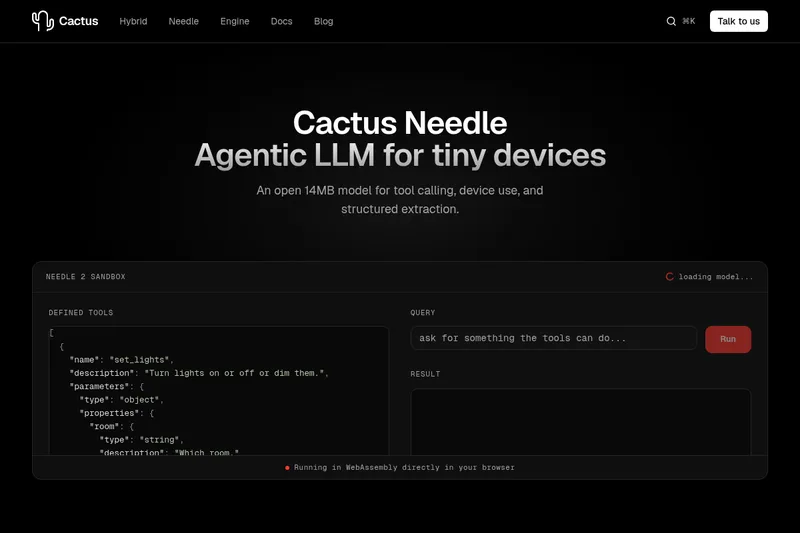
Needle 2 is an open, production-ready 45M-parameter agentic LLM from Cactus designed for tool calling, device control, and structured extraction on extremely small devices; the shipped CQ2-bit binary is ~14 MB and runs in ~28 MB of RAM across Cortex-M, microcontrollers, phones, Raspberry Pi and WebAssembly.
The cheapest GPU cloud
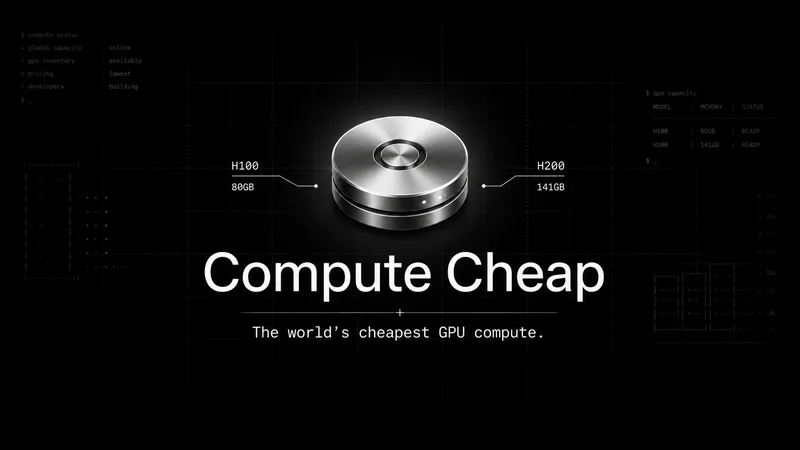
Compute Cheap provides low-cost GPU compute for training and inference, offering H100 and H200 SXM GPUs as interruptible or reserved capacity with published per-GPU-hour pricing and a simple request/reserve/run workflow.
Oodle.ai
Oodle Agent Observability provides agent/LLM observability at scale with S3-backed columnar storage, fast search (<1s P99), out-of-the-box AI-powered insights, and flat ingestion-based pricing designed to retain 100% of traces affordably for debugging and optimizing production agents.


Premium Alternatives
Abliterated LLM provider for cyber tasks
Refuseless hosts GLM 5.3 Abliterated models through an OpenAI-compatible API for cybersecurity and coding work. The page states that prompts are not retained and shows integrations with OpenCode and Pi.
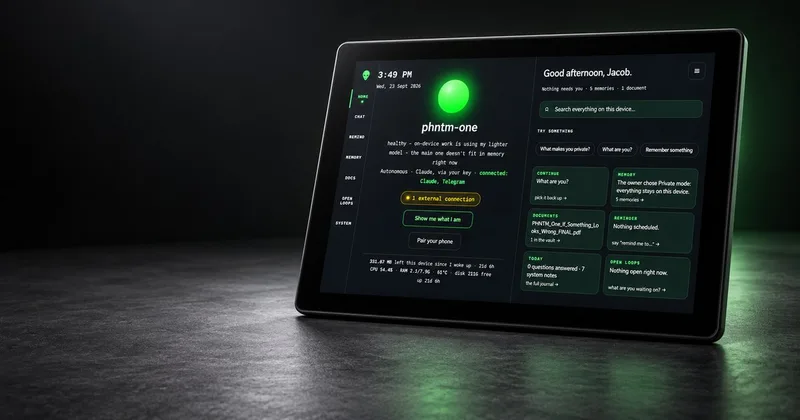
PHNTM ONE
PHNTM One is a private, local-first AI appliance: a hand-built desktop device (Raspberry Pi 5, 8 GB, 10.1″ touchscreen) that runs an on-device model (Gemma 3 4B) to provide a voice-capable assistant, memories, document reading, timers, Home Assistant integration and offline knowledge — sold as a one-time $549 purchase with no subscription and zero telemetry by default.
AletheionAGI
AletheionAGI provides a grounded-memory layer for AI systems that enforces evidence-bound delivery, namespace isolation, and policy authorization so AI readers cannot produce unsupported claims. It's targeted at production-facing use cases like customer support, commerce agents and internal copilots.

ClaudeThings
ClaudeThings provides a packaged, continuously-updating set of 89 specialized agents, 103 pre-built skills, and 181 slash commands that act as an AI engineering and marketing team for Claude Code — delivered as a private GitHub repo and installed with a single npx command. It adapts to any stack via a CLAUDE.md project manifest and is sold as a one-time purchase with lifetime updates.