
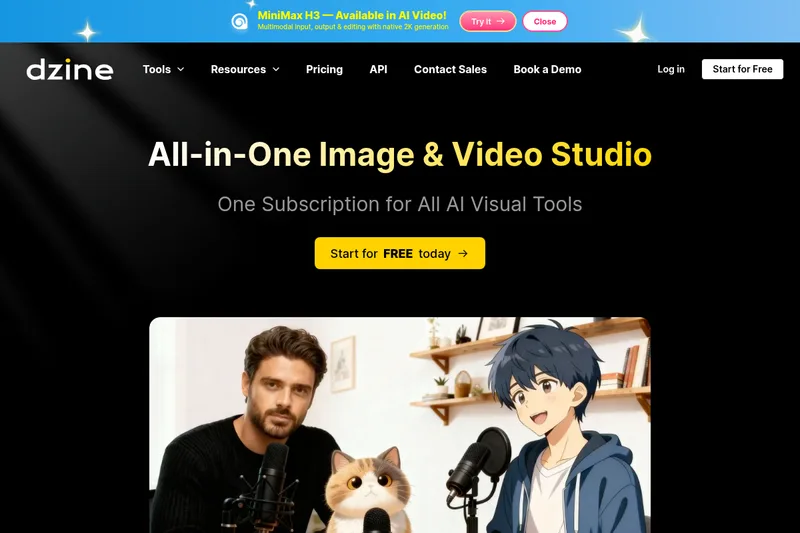
dzine
Dzine is an all-in-one AI image and video creation platform that provides controllable, layer-based composition, predefined styles, and many AI-assisted editing tools for creators and professionals.
dzine is image & design software teams evaluate for creative & design. Use this page to review pricing, integration signals, and the best alternatives before you commit.
Profile facts come from the vendor source. AiMatch labels unknown pricing or API details instead of estimating them.
Review official source →Used in These Packs
Quick Overview
Best for: Creative & Design
What it does
Image & Design software for decision-makers comparing workflow fit and alternatives.
Best fit
Creative & Design
Pricing snapshot
Freemium from Free (includes 100 credits at signup; credits valid for 12 months)
Next step
Compare dzine with similar tools before you shortlist it.
Compare this tool before you shortlist it
Review alternatives, pricing posture, and workflow fit side by side.
Dzine is an AI-powered creative platform for generating and editing images and videos with fine-grained control. It combines a layer-based composition board, predefined styles, sketching and positioning tools, and AI assistants to help users craft complex designs without deep prompt engineering. The product targets creators and professional workflows—offering features for image-to-image, text-to-image, text-to-video, lip-syncing, and production-ready exports—and provides a free plan with credits to get started.
AI image and design tool with unparalleled control over composition and style.
Own this listing?
Claim this page for a one-time $29 to add pricing, features, screenshots, verified owner details, and a clearly labeled 30-day category position after the profile is live.
Claim this listing for $29Key Features
Predefined Styles
Choose from built-in styles to customize designs without writing complex style prompts.
Layer-based Composition
Drag-and-drop layer board for accurate layout adjustment, layering, positioning, and composition control.
Dzine Assistant (Prompt Assistant)
Natural-language design agent that helps write and optimize prompts through conversation.
Auto-selection / Cutout to Layers
Auto-selection tool splits images into layers and saves objects as reusable assets.
Enhance Tools
One-click 'Enhance' tools to improve image clarity and fix common AI artifacts (faces, hands, etc.).
High-resolution Export
Export PNG/JPG up to 6144 × 6144px and at 2x, 3x, and 4x resolutions for HD outputs.
Image & Video Generation Modes
Supports text-to-image, image-to-image, text-to-video, image-to-video, video-to-video and related generation flows.
Chat Editor
Edit images via chat-style commands to change colors, swap backgrounds, adjust lighting, and remove objects.
Lip-Sync & Talking Avatar
AI lip-sync features including multiple-person lip-sync and talking avatar generation with natural-sounding voices.
2D to 3D / Virtual Try-on
Tools including 2D-to-3D conversion, image-to-3D model and virtual try-on workflows.
Wide Model Support
Supports multiple backend models (listed on the site) to power generation.
Pricing
Free plan with 100 credits at signup (credits valid for 12 months) and 30 free credits refreshed daily (as stated on the site).
Free
Free (includes 100 credits at signup; credits valid for 12 months)- 100 credits on registration
- Access to core image and video tools
Paid / Subscription
Not specified on the provided page (upgrade available for more credits and premium features)- Additional credits and premium features
- Enterprise / Contact Sales options
Use Cases
Character & Asset Design
Create and iterate playable characters or design assets faster using layer-based composition and consistent character tools.
Product & Ad Video Creation
Transform product images into cinematic, high-performing video ads quickly using templates and controllable generation.
Talking Avatars & Lip-Synced Videos
Generate talking avatars and multi-person lip-synced videos for marketing, storytelling, or social content without voiceover recording.
Image Editing & Graphic Design
Use Chat Editor, enhance, remove/replace objects, change backgrounds and apply 120+ effects for graphic workflows.
WebUI / Midjourney Users Migrating
Provides a more user-friendly alternative for users of WebUI or Midjourney who want visual controls alongside prompts.
3D & Virtual Try-on
Convert images to 3D models and test virtual try-on scenarios for e-commerce and product visualization.
Integrations
Nano Banana Pro
Supported generation model listed on the site.
Sora 2
Supported generation model listed on the site.
Kling 2.6
Supported generation model listed on the site.
Hailuo AI
Supported generation model listed on the site.
Wan 2.6
Supported generation model listed on the site.
Veo 3.1
Supported generation model listed on the site.
Z-image / Seedream 4.5
Supported generation model listed on the site.
Benefits
Limitations
Frequently Asked Questions
What Is Dzine?
Is Dzine AI image generator suitable for beginners?
How fast is Dzine AI video generator?
Is Dzine AI free?
What is Dzine's most special service?
Getting Started
- 1 Sign up for a free Dzine account (Start for Free).
- 2 Receive 100 free credits upon registration (credits valid for 12 months).
- 3 Choose a tool (text-to-image, image-to-video, lip-sync, Chat Editor), pick a style or use Dzine Assistant, and generate or edit your project.
Support
Docs / Tutorials
Resources, Blog, and Tutorials sections are listed on the site for learning and troubleshooting.
FAQ
Frequently Asked Questions page available on the site.
Contact Sales / Book a Demo
Contact Sales and Book a Demo options are provided for enterprise or sales inquiries.
Affiliate Program
Affiliate Program is listed as a resource on the site.
API
Compare dzine with similar tools
See how it stacks up against alternatives
Related Tools
View all 386 →
Image2
Image2 is an AI image generator and editor that creates and refines visuals from text prompts and source images — suitable for product shots, ad creatives, posters, packaging mockups, and consistent branded assets. It is powered by GPT Image 2 and additional AI models and supports iterative generation plus image editing.

Styldod
Styldod provides decision-grade visual and media workflows that turn home photos into actionable outcomes for real estate, renovation planning, and enterprise listing workflows via self-serve ReimagineHome, expert-delivered services, and an embeddable Smart Media Module.

Cartoonize AI
Cartoonize AI is a web-based AI image tool that converts photos into a wide range of cartoon and stylized images (anime, Pixar, Studio Ghibli, pixel art, etc.) with adjustable settings and high-resolution downloads.

Headshotpro
HeadshotPro is an AI-powered service that generates professional business headshots from a small set of selfies, producing hundreds of realistic, production-ready images for individuals and teams.
exactly.ai
exactly.ai is a brand-focused AI image-generation platform that trains private style models from a brand's assets to produce on-brand illustrations, photography, and animations at scale for creative teams and enterprises.

Premium Alternatives

DreamPic.AI
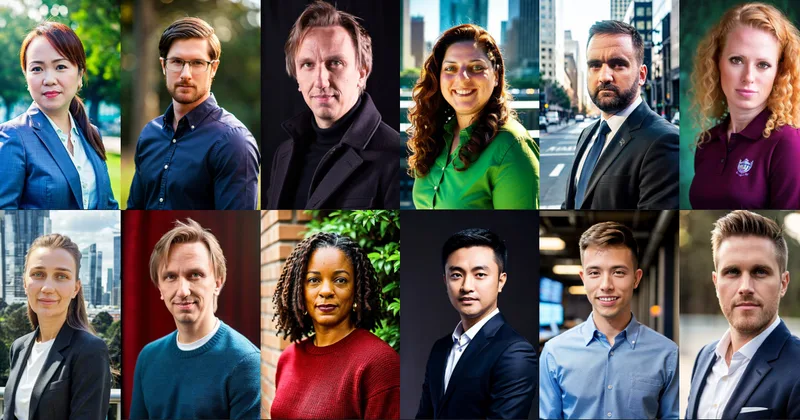
DreamPic.AI is a web service that uses AI (Stable Diffusion + DreamBooth) to train a personalized model from user photos and generate high-resolution, stylized images and avatars of people in hundreds of styles.

Createacaricatureofme
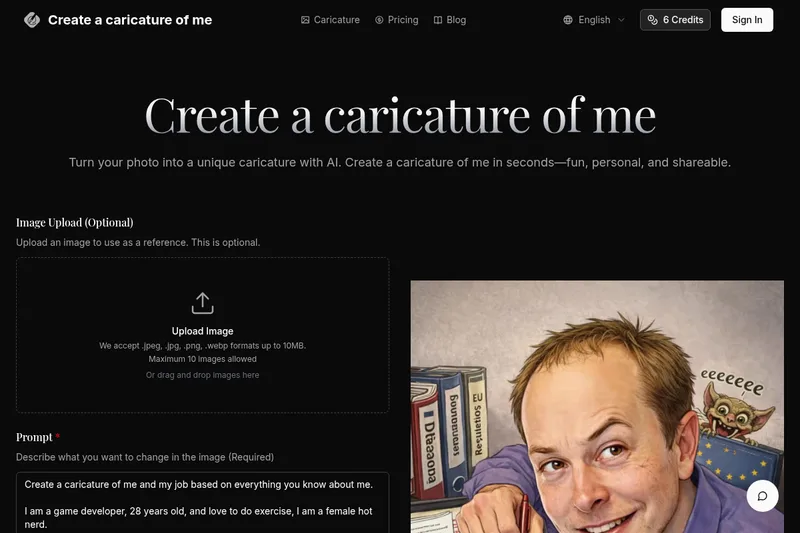
Create a Caricature of Me is a web-based AI image tool that turns user photos into personalized caricatures in seconds. Users can upload images, provide a prompt, choose AI models and output formats, then generate and download stylized caricatures for social, personal, or light professional use.
Prophotos
ProPhotos is a commercial AI-powered headshot generator that creates photorealistic, industry-specific professional headshots from user-uploaded photos, aimed at individuals and enterprises wanting quick, production-ready portraits for LinkedIn, resumes, and corporate use.