Vectorizer
Vectorizer.AI is a browser-based, AI-powered raster-to-vector conversion service that turns PNG/JPG/GIF/BMP/WebP images into editable vector formats (SVG, EPS, DXF, PDF) for logos, illustrations, print, web, CAD, CNC, and other design workflows.
Vectorizer is image & design software teams evaluate for image & design. Use this page to review pricing, integration signals, and the best alternatives before you commit.
Profile facts come from the vendor source. AiMatch labels unknown pricing or API details instead of estimating them.
Review official source →Used in These Packs
Quick Overview
Best for: Image & Design
What it does
Image & Design software for decision-makers comparing workflow fit and alternatives.
Best fit
Image & Design
Pricing snapshot
Free
Next step
Compare Vectorizer with similar tools before you shortlist it.
Compare this tool before you shortlist it
Review alternatives, pricing posture, and workflow fit side by side.
Vectorizer.AI is an online raster-to-vector conversion tool that runs entirely in the browser. It uses proprietary deep learning models combined with classical algorithms (the 'Deep Vector Engine' and 'Vector Graph') to convert raster images (PNG, JPG, GIF, BMP, WebP) into scalable, editable vector outputs (SVG, EPS, DXF, PDF). The service is aimed at designers and professionals who need clean, resolution-independent vector artwork for logos, illustrations, print, web, CAD/CNC, and other production workflows, providing an interactive preview and direct downloads without software installation.
Vectorizer.AI is a browser-based, AI-powered raster-to-vector conversion service that turns PNG/JPG/GIF/BMP/WebP images into editable vector formats (SVG, EPS, DXF, PDF) for logos, illustrations, print, web, CAD, CNC, and other design workflows.
Own this listing?
Claim this page for a one-time $29 to add pricing, features, screenshots, verified owner details, and a clearly labeled 30-day category position after the profile is live.
Claim this listing for $29Key Features
AI-powered Tracing (Deep Vector Engine)
Deep learning networks trained in-house and combined with classical algorithms convert pixels into geometric shapes and tease out fine detail beyond traditional methods.
Vector Graph & Full Shape Fitting
Proprietary computational geometry framework enables automated edits and fitting of whole geometric shapes (circles, ellipses, rounded rectangles, stars) with parameterized support and arbitrary rotation.
Advanced Curve Support
Supports straight lines, circular/elliptical arcs, and quadratic and cubic Bezier curves rather than approximating everything as cubic Beziers.
Clean Corners & Tangent Matching
Analyzes and optimizes corners and tangents to produce more natural, aligned results compared with conventional vectorizers.
Symmetry Modelling
Detects and models mirror and rotational symmetries to improve accuracy and consistency.
Adaptive Simplification & Palette Control
Automatically simplifies faint boundaries and auto-detects palette colors; users can adjust palette size to control output complexity and colors.
Sub-pixel Precision
Uses anti-aliasing and pixel data to position boundaries with sub-pixel accuracy for finer detail.
High Performance
Runs on state-of-the-art GPUs and parallel algorithms to deliver fast conversions in the browser.
Full Color & Transparency Support
Supports full 32-bit ARGB input including partial transparency and anti-aliasing.
Multiple Export Formats & Options
Exports to SVG (default), EPS, DXF, PDF and cleaned PNG with format-specific options for compatibility and control over curve types and grouping.
Pre-crop to Maximize Resolution
Allows cropping before processing so only the cropped area counts against the maximum resolution limit.
Pricing
The site provides a free interactive preview and allows downloading results from example images for free; see the Pricing page for paid plan details.
Use Cases
Logo and Illustration Vectorization
Convert raster logos and illustrations into editable, scalable vector artwork suitable for brand assets and design files.
Print & Production Graphics
Prepare artwork for print processes such as screen printing, laser engraving, and vinyl cutting where vector formats are required.
CAD & CNC Workflows
Export DXF paths for CAD, CNC, and other manufacturing workflows that need precise vector paths.
Scans and Hand-drawn Art
Works well on scans or photos of sketches and other drawn artwork to produce editable vectors.
Web and High-DPI Graphics
Produce resolution-independent SVGs for high-DPI screens and responsive web use.
Integrations
No verified integration details are available.
Benefits
Limitations
Frequently Asked Questions
What makes Vectorizer.AI stand out?
What input and output file formats are supported?
What are the resolution and file size limits?
Does the service support transparency?
Will it work on AI-generated images?
Can I use the output for machine learning training?
How long are uploaded images retained?
Is there a difference between vectorizing and embedding?
Getting Started
- 1 Step 1: Pick or drag-and-drop a bitmap image (PNG, JPG, GIF, BMP, WebP) onto the page.
- 2 Step 2: The service analyzes and processes the image automatically using its AI and geometric algorithms.
- 3 Step 3: Inspect the interactive preview and download the result in your chosen vector format (SVG, EPS, DXF, PDF) or as a cleaned PNG.
Support
Support page
Access help and submit issues via the Support link on the Vectorizer.AI website.
Documentation/FAQ
On-site FAQ and explanatory content address formats, limits, and workflow guidance.
Terms & Privacy
Terms of Service and Privacy policy links are available on the site for legal and data-retention details.
API
Compare Vectorizer with similar tools
See how it stacks up against alternatives
Related Tools
View all 386 →

Bestfaceswap
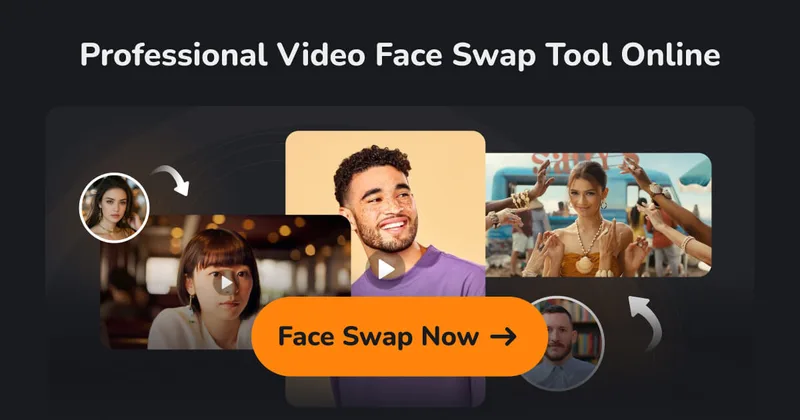
BestFaceSwap is a web-based AI face swapping service for photos and videos that creates realistic, high-quality face swaps using facial landmark detection, 3D reconstruction, and depth maps — aimed at creators and filmmakers.

free-ai-clipart-generator
Free AI clipart generator that creates custom 1024×1024 PNG clipart on demand—no sign-up, no watermarks. Pick a style, type an idea, and download ready-to-use images with an hourly high-quality quota and curated PNG collections.

Imagetoprompt
Image to Prompt is a free, AI-powered web tool that analyzes uploaded images and generates detailed text prompts for AI art generators (e.g., Stable Diffusion, Midjourney, DALL‑E) in multiple languages to speed up creative workflows.
imakeit.ai
imakeit.ai is a browser-based AI image generator and editor powered by GPT Image 2. It creates and edits visuals from text prompts and reference images, with adjustable quality, 1K–4K output, and upfront credit costs.

RemoveBackgroundAI
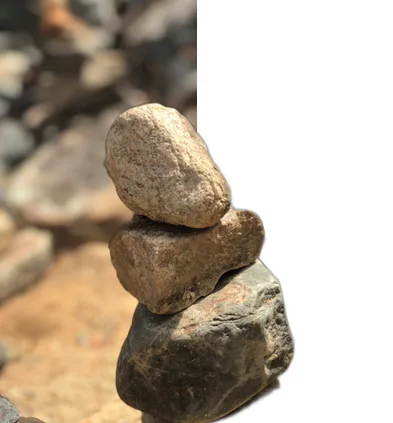
RemoveBackgroundAI is a web-based AI tool that automatically removes backgrounds from images and videos in seconds, offering free no-signup use, HD output, and an API for automation.
Premium Alternatives
imaginebuddy
Imagine Buddy is a web-based library of professionally crafted AI product photoshoot prompts that helps creators and brands generate campaign-ready product imagery using AI image generators like Gemini, ChatGPT/DALL·E, Midjourney, and Stable Diffusion.

Artiphoria AI
Artiphoria AI is a web-based AI image generation software that creates unique images in one click using neural networks and machine learning, aimed at artists, designers, creators and businesses.

Aux Machina
Aux Machina is an AI-powered image creation platform that generates custom, royalty-free visuals and offers upcoming AI-assisted image-editing tools, aimed at creators, marketers, and teams who need quick, high-quality images.
Illusion Diffusion
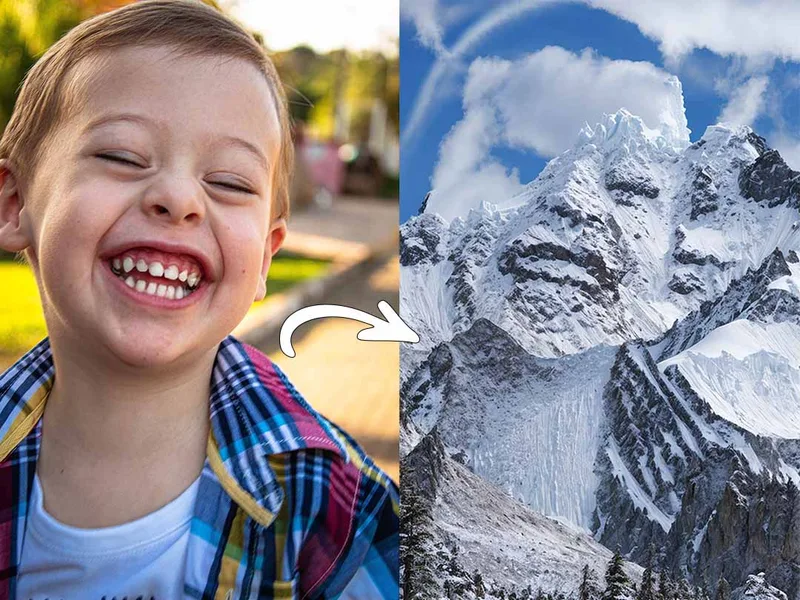
Illusion Diffusion is a web-based AI photo-to-art generator that transforms designs, text, or photos into illusion-style artwork using ControlNet, OpenPose, and Stable Diffusion models. It offers credit-based image generation, downloadable results, and presets for text-to-image and brand/logo reimagining.
Photostudio
Blockode AI Photo Studio is an AI-powered photoshoot generator that trains a custom model from your uploaded selfies to produce stylized, high-resolution AI photoshoots. It targets users who want custom-generated portraits with options for commercial use.