

Dreamshootai
DreamShootAI is an AI-driven couple photo studio that converts user selfies into photo-realistic couple, wedding, engagement, boudoir photos and short AI videos, offering themed photo packs, virtual try-on, and interactive AI companion features.
Dreamshootai is image & design software teams evaluate for image & design. Use this page to review pricing, integration signals, and the best alternatives before you commit.
Profile facts come from the vendor source. AiMatch labels unknown pricing or API details instead of estimating them.
Review official source →Used in These Packs
Quick Overview
Best for: Image & Design
What it does
Image & Design software for decision-makers comparing workflow fit and alternatives.
Best fit
Image & Design
Pricing snapshot
Free from $24.50 / $35/m (as listed on page)
Next step
Compare Dreamshootai with similar tools before you shortlist it.
Compare this tool before you shortlist it
Review alternatives, pricing posture, and workflow fit side by side.
DreamShootAI is presented as an AI couple photo studio that lets users upload selfies to create photo‑realistic couple, wedding, engagement, boudoir, and other themed photos while preserving real facial features. The service provides both single and couple AI model creation, themed photo packs, an AI video generator to convert photos into short videos, virtual try-on for outfits, and interactive "AI Dream Partners" that can be used to generate images and chat. The product is offered as a subscription with plans starting at $24.5/month and includes two free generations at signup to test the service.
DreamShootAI is an AI-driven couple photo studio that converts user selfies into photo-realistic couple, wedding, engagement, boudoir photos and short AI videos, offering themed photo packs, virtual try-on, and interactive AI companion features.
Own this listing?
Claim this page for a one-time $29 to add pricing, features, screenshots, verified owner details, and a clearly labeled 30-day category position after the profile is live.
Claim this listing for $29Key Features
AI model training (single & couple)
Create a custom AI clone by uploading clear selfies; the site describes a Studio workflow to train single models (≈30 minutes) or couple models (≈1 hour).
Photo generation from themed packs
Pre-curated photo packs (wedding, engagement, headshots, boudoir, cyberpunk, mafia, etc.) produce themed albums of 20–40 photos in one click.
Custom prompt-based generation
Generate photos by writing prompts to describe desired scenes, outfits, and poses for bespoke outputs.
AI Video generator
Turn generated photos into short cinematic videos by selecting "AI Video" and providing a prompt; intended for social content and personal videos.
AI Dream Partners (interactive companions)
Customizable AI partner characters that users can chat with and generate photos featuring those companions.
Virtual Try-on
Upload a link to an outfit to virtually try the clothing on generated photos to preview how garments would look.
AI Photo Editor & special filters
Includes an AI photo editor with prompts, special filters, and tools to design albums and fine-tune outputs.
High-resolution and 4K outputs (Premium)
Premium plan advertises 4K ultra-high-quality outputs and the ability to generate videos with your AI partner.
Pricing
Includes 2 free generations at sign-up and free tools such as background changer and generic Flux image generator; full features that use a user's own AI model require a paid plan.
Starter
$24.50 / $35/m (as listed on page)- 200 AI photo credits
- Create photo albums in minutes
- AI Photo Editor with prompts
- Special AI photo filters
Pro
$35.00 / $50/m (as listed on page)- 300 AI photo credits
- Create photo albums in minutes
- AI Photo Editor with prompts
- Special AI photo filters
Premium
$63.00 / $90/m (as listed on page)- 600 AI photo credits
- Create photo albums in minutes
- AI Photo Editor with prompts
- Special AI photo filters
Use Cases
Wedding & engagement media
Generate wedding and engagement photos and videos for websites, invitations, and planning (supports uploads to sites like TheKnot, Zola, Weddingwire).
Professional headshots
Create LinkedIn photos and professional headshots for CVs and online profiles without visiting a studio.
Content creation & social media
Produce daily content, short videos, and trend-driven imagery for influencers and creators quickly.
Boudoir & intimate photography
Generate private, intimate couple or boudoir photoshoots without needing to undress in front of a photographer or visit a studio.
Virtual outfit try-on & styling
Use Virtual Try-on to preview outfits on generated photos for wedding attire, gala looks, or online shopping decisions.
Integrations
Stripe
Payment processing is operated by Stripe.
Vercel & Cloudflare
Site hosting / serving infrastructure referenced for security and delivery.
TheKnot, Zola, Weddingwire
Mentioned as platforms where generated wedding photos/videos can be used (compatibility for wedding websites).
Benefits
Limitations
Frequently Asked Questions
What is DreamShootAI?
How can I use DreamShootAI?
How do I get 6 months free when signing up for a plan?
Is DreamShootAI free?
What type of photos should I use for creating my AI clone?
Is my personal data secure at DreamShootAI?
What is your refund policy?
Getting Started
- 1 Sign up for an account (option to continue with Google or email) and receive 2 free generations at sign-up.
- 2 In Studio, choose "Create a new model" and select either a couple AI model or a single AI model.
- 3 Upload clear, recent photos (recommended 8–12 photos per person with varied angles/expressions) and click Train Model (≈30 minutes for single models, ≈1 hour for couple models).
- 4 After training, pick a photo package or write a custom prompt to generate photos; optionally convert generated photos to short videos or use Virtual Try-on.
- 5 Download high-resolution outputs and use them on social media or wedding websites as needed.
Support
Primary support and refund requests via [email protected].
help center / docs
Site references a Help Center and pages like Privacy Policy, Terms of Service, and FAQ for additional information.
legal / policies
Privacy Policy, Terms of Service and Cookie Policy are available from site footer for formal inquiries and details.
API
Compare Dreamshootai with similar tools
See how it stacks up against alternatives
Related Tools
View all 386 →
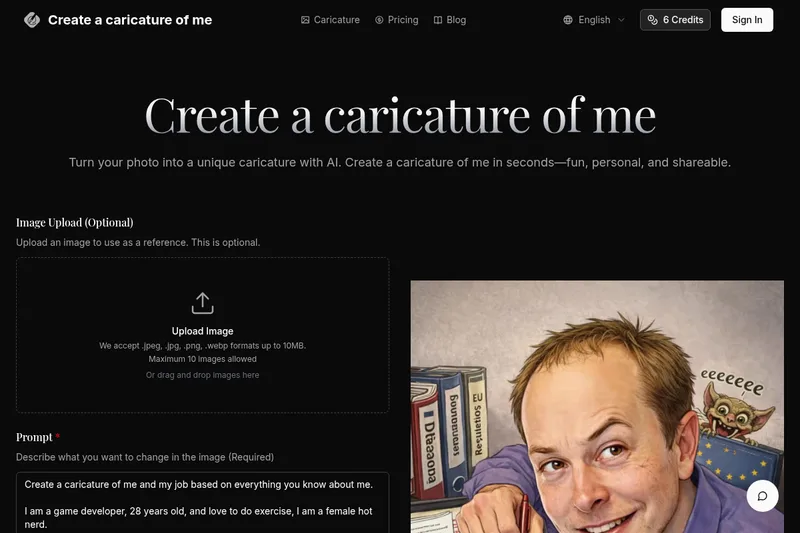
Createacaricatureofme
Create a Caricature of Me is a web-based AI image tool that turns user photos into personalized caricatures in seconds. Users can upload images, provide a prompt, choose AI models and output formats, then generate and download stylized caricatures for social, personal, or light professional use.

Aux Machina
Aux Machina is an AI-powered image creation platform that generates custom, royalty-free visuals and offers upcoming AI-assisted image-editing tools, aimed at creators, marketers, and teams who need quick, high-quality images.
ImageStyle
ImageStyle is a web platform for exploring AI image prompts, visual styles, and prompt libraries — offering instant inspiration and tools to turn directions into generated images or videos using selectable AI models.

Nanobanana
Nano Banana is a web-based AI image editor that enables natural-language text-based image edits, consistent multi-character editing, and high-resolution scene-preserving transformations for creators and professionals.
exactly.ai
exactly.ai is a brand-focused AI image-generation platform that trains private style models from a brand's assets to produce on-brand illustrations, photography, and animations at scale for creative teams and enterprises.
Premium Alternatives
Aithumbnail
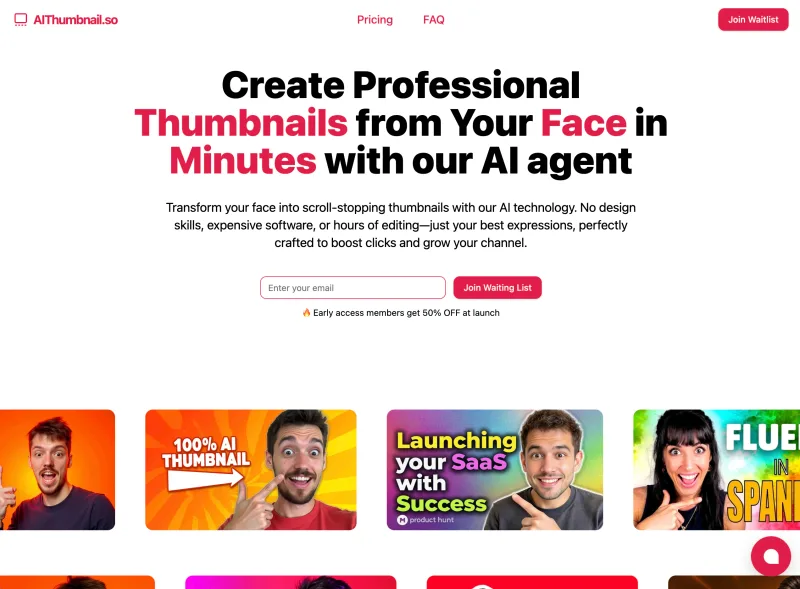
AIThumbnail.so is an AI-powered thumbnail maker for YouTube and creators that generates high-converting thumbnails in under a minute, offering features like Replica Mode, one-photo face integration, and AI smart suggestions to boost CTR and views.

drawingpics
DrawingPics is a native macOS app for Apple Silicon that converts sketches into photorealistic or stylized images in real time using Core ML and the Apple Neural Engine. It runs fully offline, is available as a one-time purchase, and targets creators and small studios.

Image-AI.pro
Image-AI.pro is a professional AI image generation platform powered by the proprietary img-v2 Pro engine, offering studio-quality, multi-style image generation with instant, no-registration access and an optional VIP membership for faster, higher-resolution outputs.