Gpthelp
GPTHelp provides an embeddable AI chatbot trained automatically on a website's content to answer visitors' questions, customizable in design and AI behavior, with conversation monitoring and human handoff options.
Gpthelp is chatbots & assistants software teams evaluate for chatbots & assistants. Use this page to review pricing, integration signals, and the best alternatives before you commit.
Profile facts come from the vendor source. AiMatch labels unknown pricing or API details instead of estimating them.
Review official source →Quick Overview
Best for: Chatbots & Assistants
What it does
Chatbots & Assistants software for decision-makers comparing workflow fit and alternatives.
Best fit
Chatbots & Assistants
Pricing snapshot
Free
Next step
Compare Gpthelp with similar tools before you shortlist it.
Compare this tool before you shortlist it
Review alternatives, pricing posture, and workflow fit side by side.
GPTHelp is an AI chatbot platform that quickly builds a ChatGPT-style bot for a website by automatically fetching and training on the site's pages, files, and FAQs. It is aimed at website owners who want to provide instant answers to visitors and automate support workflows. The product emphasizes a fully automated onboarding flow (enter a URL, GPTHelp fetches pages and starts training) and includes customization and monitoring features so site owners can tailor the bot's design and behavior and intervene in conversations when needed.
GPTHelp provides an embeddable AI chatbot trained automatically on a website's content to answer visitors' questions, customizable in design and AI behavior, with conversation monitoring and human handoff options.
Own this listing?
Claim this page for a one-time $29 to add pricing, features, screenshots, verified owner details, and a clearly labeled 30-day category position after the profile is live.
Claim this listing for $29Key Features
Automated website training
GPTHelp automatically fetches all the pages on your website and trains the chatbot on your website content.
Multiple content sources
The chatbot can answer based on your website, files, FAQ and more.
Design customization
Change everything in the design including color, size, icons and name to fit your needs.
AI behavior & personality
Modify the AI's behaviour and personality, decide when to elevate to human support, and define what details to collect from users.
Conversation monitoring & takeover
Monitor conversations, view chat history, take over conversations, and modify the AI's answers.
Fast setup
Create a chatbot in minutes by entering your website URL; GPTHelp handles fetching and training automatically.
Pricing
Get Started Free — the site advertises a free start ("Get Started Free", "Try it for free! Cancel anytime.") but specific paid plan details are not provided on the supplied page.
Use Cases
Customer self-service
Provide instant answers to visitors based on website content, FAQs, and files to reduce manual support queries.
Automated FAQ handling
Replace manual FAQ setup by training the chatbot on site content so it can answer common questions automatically.
Hybrid support with human escalation
Let the AI handle routine questions and elevate complex conversations to human support when needed, as configured.
Integrations
No verified integration details are available.
Benefits
Limitations
No verified limitations are available.
Frequently Asked Questions
No verified FAQs are available.
Getting Started
- 1 Enter your website's address so GPTHelp can fetch all pages on your site.
- 2 Start training — GPTHelp will train the AI chatbot on your website content.
- 3 Customize the chatbot's design, name, AI behaviour/personality and monitoring settings, then embed or deploy on your site.
Support
Contact via email at [email protected]
contact page
A 'Contact us' link is present on the site for additional inquiries.
API
Compare Gpthelp with similar tools
See how it stacks up against alternatives
Related Tools
View all 175 →

Dewstack
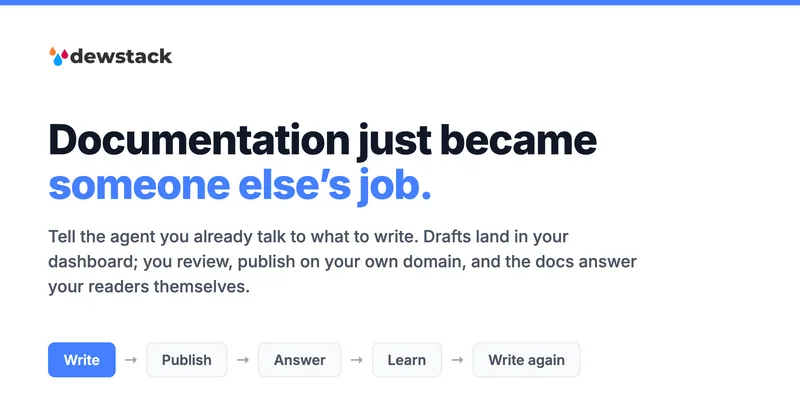
Dewstack is an AI-powered documentation platform that centralizes content, auto-generates SOPs and manuals from recorded workflows, and provides SmartDocs AI for instant, source-cited answers to user questions. It targets teams and enterprises that need searchable, brandable knowledge bases and self-serve support.


Wati
Wati is an AI-powered customer engagement platform centered on WhatsApp that helps businesses acquire, qualify, and support customers across messaging channels using no-code chatbots, AI agents, a unified team inbox, and integrations with popular CRMs and e-commerce platforms.

ChatSKU
ChatSKU turns product catalogs into an AI-powered B2B buying assistant that answers product questions, builds quotes, and captures orders. It is designed for manufacturers, distributors, and wholesalers, and can be added to an existing website with an embedded script.
Chatgptbuddy
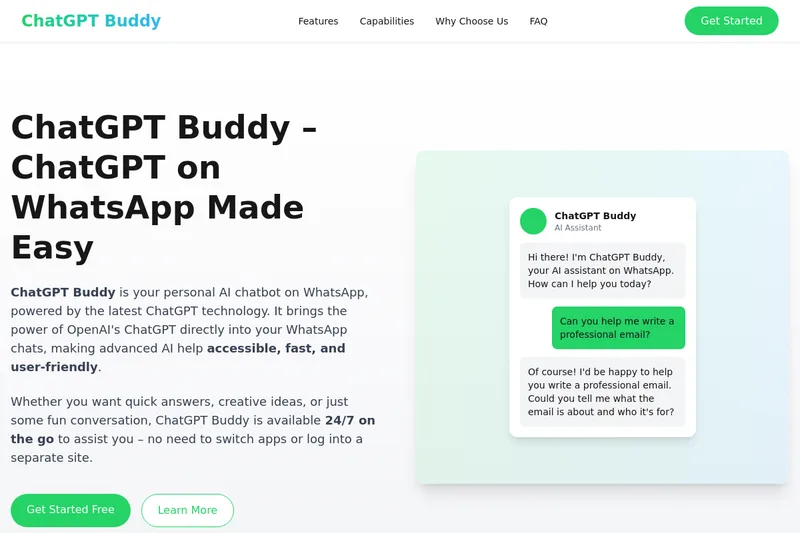
ChatGPT Buddy is a WhatsApp-based AI chatbot that brings OpenAI's ChatGPT directly into WhatsApp chats for individuals and businesses, offering 24/7 conversational assistance, content generation, and automation via the WhatsApp Business API.
Premium Alternatives
chatlease
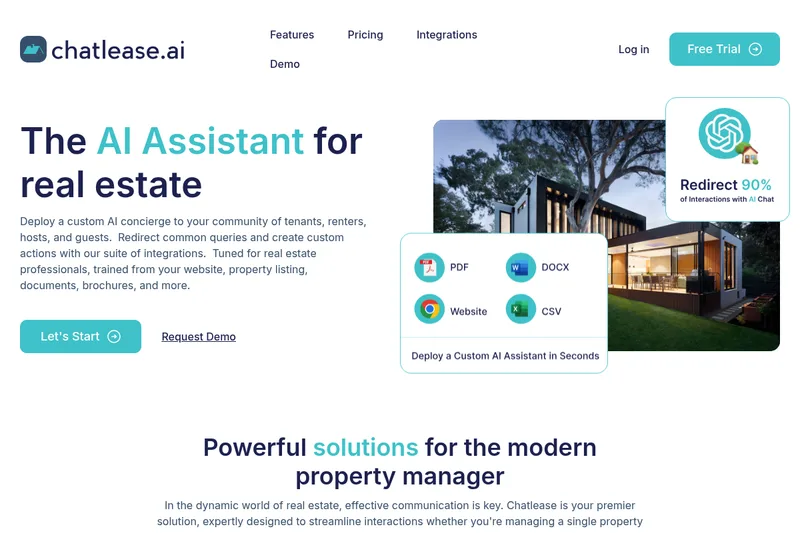
Chatlease is an AI concierge for real estate professionals that answers tenant, renter, guest, and prospect questions using property-specific content. It can also support lead capture, viewing appointments, and customer conversations across web chat and other channels.


InsertChatGPT
InsertChat is an AI front desk for small businesses that answers phone calls and messages using business-provided information. It can book appointments, capture leads, and bring conversations from calls, website chat, SMS, email, and WhatsApp into a shared inbox for staff.