ImageToCartoon
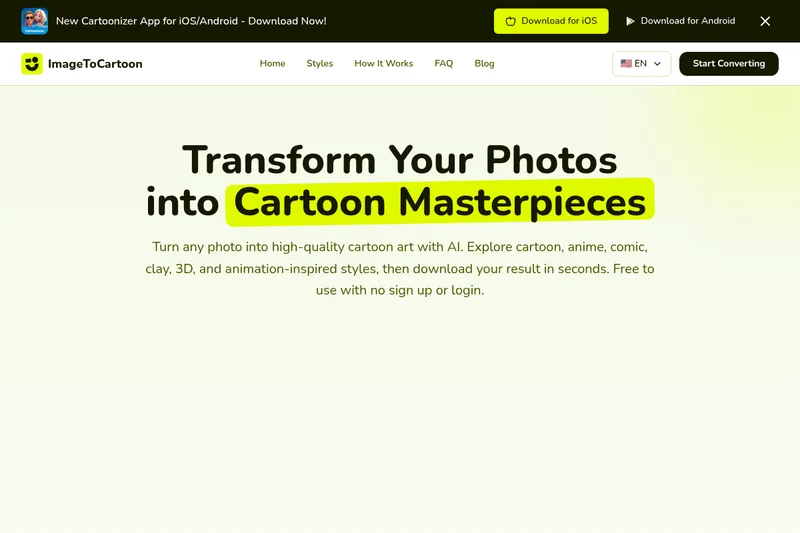
ImageToCartoon is a free, web-based AI photo-to-cartoon converter that transforms photos into a wide range of cartoon and animation-inspired styles (anime, comic, 3D, clay, etc.) with no signup required.
ImageToCartoon is image & design software teams evaluate for image & design. Use this page to review pricing, integration signals, and the best alternatives before you commit.
Profile facts come from the vendor source. AiMatch labels unknown pricing or API details instead of estimating them.
Review official source →Used in These Packs
Quick Overview
Best for: Image & Design
What it does
Image & Design software for decision-makers comparing workflow fit and alternatives.
Best fit
Image & Design
Pricing snapshot
Free from Free
Next step
Compare ImageToCartoon with similar tools before you shortlist it.
Compare this tool before you shortlist it
Review alternatives, pricing posture, and workflow fit side by side.
ImageToCartoon is a browser-based AI tool that converts photos into high-quality cartoon-style images across a broad library of artistic looks. The service advertises more than 80 unique styles including anime, manga, comic, 3D animation-inspired, claymation, and classic cartoon looks. It is free to use, requires no signup or login, and returns results quickly for use as avatars, social posts, prints, and other creative projects. Supported input formats include JPEG, PNG, and WebP, with uploads up to 10MB.
ImageToCartoon turns your photos into downloadable cartoon art in seconds, with no sign-up or login and multiple styles to choose from. ImageToCartoon is a AI Tool featured on Dang.ai. Learn more about ImageToCartoon's AI tool.
Own this listing?
Claim this page for a one-time $29 to add pricing, features, screenshots, verified owner details, and a clearly labeled 30-day category position after the profile is live.
Claim this listing for $29Key Features
AI-powered conversion
Uses AI models to transform photos into various cartoon and animation-inspired styles quickly and automatically.
80+ styles
Large style library including Studio Ghibli, Disney/Pixar, anime, manga, Simpsons, 3D animation, claymation, pop art, and more.
Web-based, no download
Fully web-based tool that works in the browser on PC, Mac, tablets, and smartphones without installing software.
Supports common image formats
Accepts JPG, PNG, and WebP image formats (up to 10MB).
Fast processing and instant download
Generates cartoon results in seconds and provides high-quality output ready for download.
Group photos and full-body support
Tool supports portraits, group photos, and full-body shots and can detect multiple faces.
Privacy / temporary storage
Uploaded images and generated results are automatically deleted from systems within 2 hours.
Mobile-friendly
Designed to work on iPhone, Android, and tablets without app installation (also offers mobile apps for iOS/Android).
Pricing
Free to use with no sign up or login.
Free
Free- No signup or login required
- Access to 80+ styles
- Supports JPG, PNG, WebP up to 10MB
- Instant AI processing and download
Use Cases
Profile avatars
Create stylized avatars for social media profiles, gaming, or professional branding.
Social posts and content
Generate eye-catching cartoon images for social media posts, stories, and promotional content.
Prints and physical goods
Produce high-quality cartoon images suitable for prints, merchandise, or gifts.
Pet portraits
Convert pet photos into cute cartoon or stylized portraits for personal use or gifts.
Group and full-body photos
Cartoonize group photos and full-body shots while preserving outlines and style consistency.
Commercial projects
Use generated images in commercial projects provided you own or have permission for the original photo.
Integrations
No verified integration details are available.
Benefits
Limitations
Frequently Asked Questions
What is the Best Way to Cartoonize a Picture?
Can I Cartoon My Face Online for Free?
Is It Safe to Cartoonize Photos Online?
What Types of Cartoon Effects Can I Apply?
Do I Need to Download Any Software?
Can I Use the Cartoon Images for Commercial Projects?
Does It Work for Group Photos or Full-Body Shots?
How Long Does It Take to Cartoonize a Photo?
Can I Cartoon My Pet's Photo?
Is This Cartoon Maker Mobile-Friendly?
Getting Started
- 1 Step 1: Upload your image by dragging, dropping, pasting from clipboard, or using an image URL (JPG, PNG, WebP up to 10MB).
- 2 Step 2: Browse the style library and choose one of 80+ unique cartoon styles.
- 3 Step 3: Let the AI process the image — conversion typically completes in seconds.
- 4 Step 4: Download the generated cartoon image for use in avatars, social posts, prints, or other projects.
Support
Docs/FAQ
On-site FAQ and blog provide usage guidance and answers to common questions.
Contact
Support contact available via the site's Contact/Support link (see site footer).
API
Compare ImageToCartoon with similar tools
See how it stacks up against alternatives
Related Tools
View all 378 →

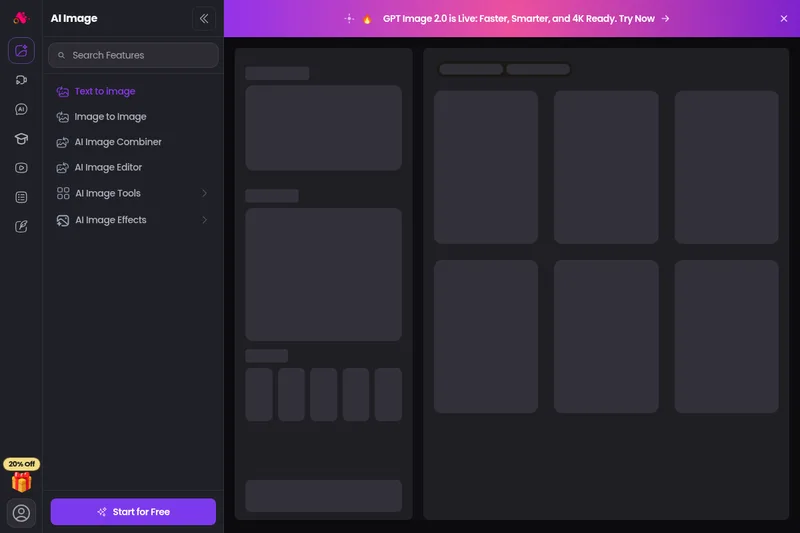
Arting
Arting AI is a free, web-based AI image generator and creative suite that converts text and images into high-quality artwork using multiple advanced models (e.g., GPT Image 2.0, Stable Diffusion, Lora). It offers tools for text-to-image, image-to-image, enhancement, watermark removal, video tools, and a smart prompt system with sample galleries.
Aigardenplanner
AIGardenPlanner is a browser-based, AI-powered garden design tool that turns photos, sketches or 3D models of an outdoor space into photorealistic garden designs, animated videos and explorable 3D walkthroughs. It targets home gardeners and landscaping professionals with an instant visualizer, a free drag-and-drop 3D editor, plant recommendation and identification tools, and subscription plans with commercial licensing.

Aighibliimage
AI Ghibli (Aighibliimage) is an AI-powered web platform that transforms user photos into artwork inspired by Studio Ghibli’s visual style using selectable sub-styles and adjustable parameters.
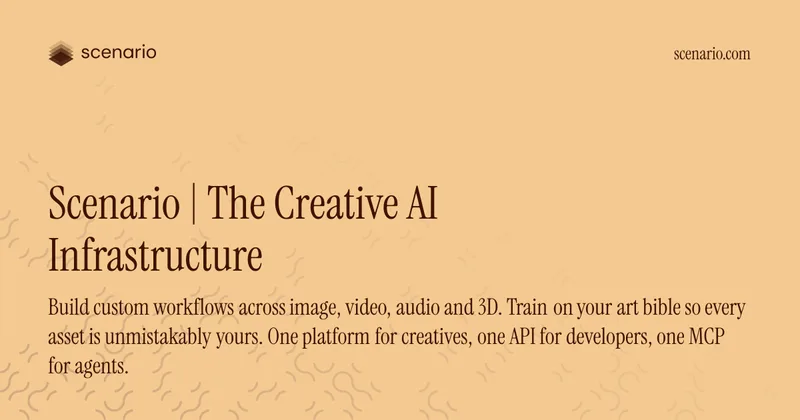
Scenario
Scenario is a creative AI infrastructure platform for production-grade generation of image, video, audio, and 3D assets. It provides model training on brand assets, a library of hundreds of models, visual workflow builders, reusable apps, and an API-first architecture for teams and enterprises.
Premium Alternatives
Hairstyleai
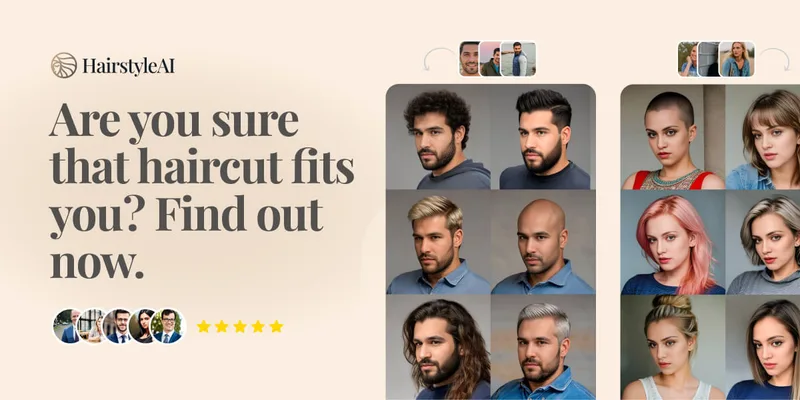
HairstyleAI is a virtual AI hairstyle try-on service (powered by HeadshotPro.com) that lets users preview new haircuts on their photos before committing to a real cut, offering dozens of generated looks and downloadable HD images.

GPT Image 2.5
GPT Image 2.5 is a prompt-based image generation and editing workspace offering two model modes—Flare for fast creative exploration and Sunburst for detail-focused edits—designed for product visuals, portraits, campaigns, and other content creation workflows.

Createacaricatureofme
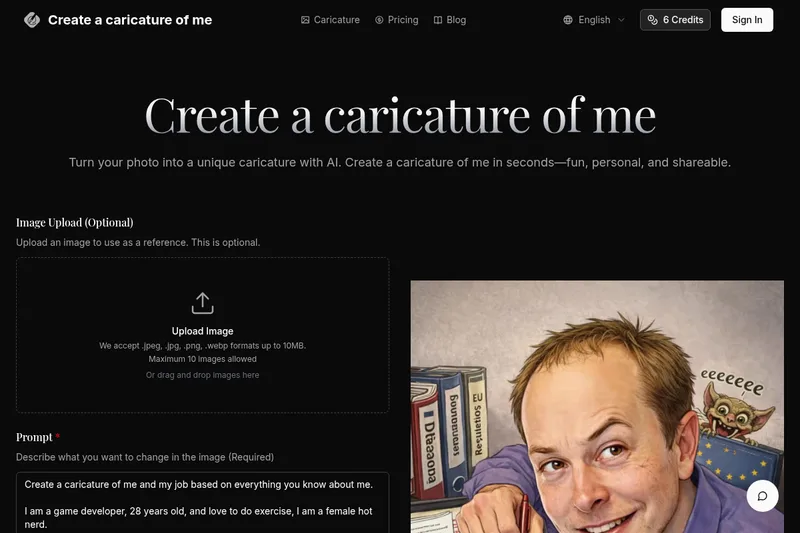
Create a Caricature of Me is a web-based AI image tool that turns user photos into personalized caricatures in seconds. Users can upload images, provide a prompt, choose AI models and output formats, then generate and download stylized caricatures for social, personal, or light professional use.