
Lific
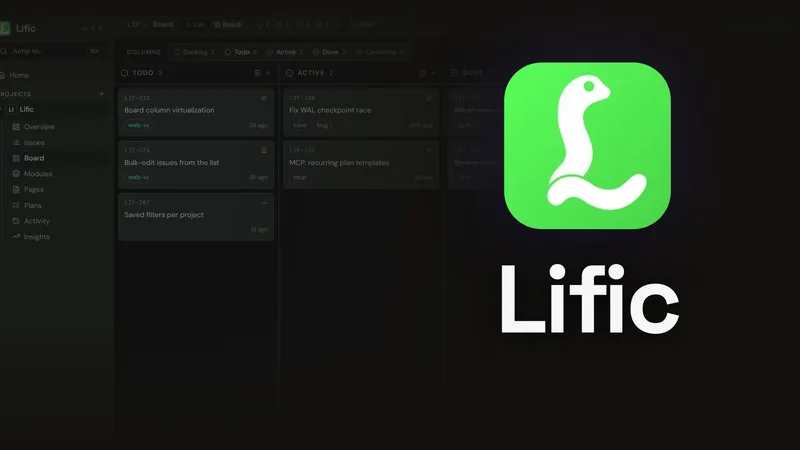
Lific is a self-hosted, single-binary issue tracker and planning tool designed for coding agents and human teams — it exposes a web UI, CLI, REST API and MCP tool surface so agents and developers can track plans, issues, comments, and audits on your own server.
Lific is developer tools software teams evaluate for software & gaming. Use this page to review pricing, integration signals, and the best alternatives before you commit.
Profile facts come from the vendor source. AiMatch labels unknown pricing or API details instead of estimating them.
Review official source →Used in These Packs
Quick Overview
Best for: Software & Gaming
What it does
Developer Tools software for decision-makers comparing workflow fit and alternatives.
Best fit
Software & Gaming
Pricing snapshot
Free from Free
Next step
Compare Lific with similar tools before you shortlist it.
Compare this tool before you shortlist it
Review alternatives, pricing posture, and workflow fit side by side.
Lific is an open-source, self-hosted issue tracker and planning system tailored for coding agents and human teams. It runs as a single binary (CLI + web UI) and exposes the tracker to agents via MCP (Machine Client Protocol) so agent sessions can read and update issues, plans, pages, comments, and search as persistent tools rather than ephemeral context. The product is targeted at developers and teams who want agent-assisted workflows, project-scoped roles and access control, and an auditable trail of both human and agent activity.
Setup is designed to be fast: lific init creates the config, database, and an API key while registering a background service; lific connect auto-detects installed AI clients and writes MCP configs so agents pick up the tracker after a restart. The web UI is available at localhost:3456 and provides issue lists, kanban boards, documents, modules, and threaded comments.
A free, self-hosted issue tracker built for coding agents. Single binary, native MCP. Plans and issues live on your server instead of in the context window, so work outlives the session.
Own this listing?
Claim this page for a one-time $29 to add pricing, features, screenshots, verified owner details, and a clearly labeled 30-day category position after the profile is live.
Claim this listing for $29Key Features
Single-binary, self-hosted installation
Distribute and run Lific as one binary; install via cargo or grab static releases for Linux and macOS; lific init writes config, creates the DB, prints an API key, and registers a background service.
MCP tool surface for agents
Agents access the full tracker (issues, plans, pages, comments, search) as MCP tools so work persists beyond a session.
lific connect auto-configuration
Detects installed AI clients (examples: OpenCode, Claude Code, Cursor, Zed) and writes MCP configs for selected clients so they connect to the local server.
Web UI and CLI
Provides a web UI at localhost:3456 with issue lists, kanban board, documents, modules, and thread comments; CLI offers equivalent verbs and JSON output for scripting.
Plans tied to issues
Plans are nested trees of steps stored in the tracker with each step tied to a real issue; completing steps closes issues and keeps boards current.
Identifiers that persist
All items receive durable identifiers like APP-42 that can be used in logs, commits, and conversations.
Workable filter for triage
A filter that returns only issues with every blocker resolved so triage can be done without complex graph queries.
Roles, OAuth 2.1, and audit trails
Project-scoped roles (viewer, maintainer, lead), OAuth 2.1 for connected clients, and audit records that show who made changes and through which interface (web, MCP, API, CLI).
CI and scripting-friendly
Commands emit JSON when stdout is not a terminal; the tool is intended to fit into scripts and CI pipelines.
Health checks and diagnostics
lific doctor performs health checks and exits nonzero when setup is broken.
Pricing
Free and open source under the Apache-2.0 license; self-hosted distribution (no paid tiers mentioned).
Open Source
Free- Apache-2.0 licensed source
- Self-hosted single binary
- MCP, REST, CLI, and web UI
Use Cases
Agent-driven development
Provide agents with a persistent tracker via MCP so they can plan, open/close issues, and leave comments as part of long-lived workflows.
Team planning and execution
Create nested plans and tie steps to issues so teams can track progress at both session and quarter scales with role-based access control.
Human + agent collaboration
Humans and agents discuss work in the same threaded comments and mention workflows, sharing an auditable history of decisions and changes.
Scripting and CI integration
Use CLI JSON output and REST/MCP interfaces to integrate tracking into scripts, continuous integration, and developer tooling.
Integrations
OpenCode / Claude Code / Cursor / Zed (MCP clients)
lific connect can detect these AI clients on your machine and write MCP configs so they connect to the local Lific MCP server.
OAuth 2.1 connected clients
Connected tools can sign in through an OAuth 2.1 flow so agent actions are attributed to the correct identity.
REST and MCP APIs
Tracker exposes resources over REST and MCP for programmatic access and integrations.
Benefits
Limitations
Frequently Asked Questions
No verified FAQs are available.
Getting Started
- 1 Install Lific: cargo install lific or download a static binary from the releases page for Linux/macOS.
- 2 Initialize the instance: run lific init to write config, create the database, and print your API key (and register the background service).
- 3 Connect AI clients: run lific connect to detect AI clients and write MCP config for selected clients, then restart those clients to pick up the MCP server.
- 4 Verify health: run lific doctor to perform health checks (exits nonzero if setup is broken).
Support
GitHub
Repository and issue tracker; the site invites users to 'Star on GitHub' and references releases for static binaries.
Discord
Community chat referenced on the site for discussion and help.
Docs / Website
Primary documentation and installation instructions are available on the project website (https://lific.dev/).
API
https://lific.dev/
Compare Lific with similar tools
See how it stacks up against alternatives
Related Tools
View all 149 →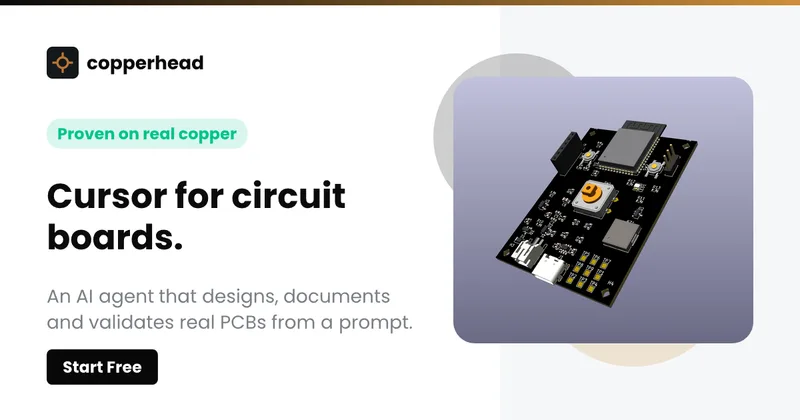
Copperhead
Copperhead is an open-source AI engineering platform and CLI that helps hardware teams design, verify, and ship printed circuit boards by editing KiCad files, running KiCad checks (ERC/DRC), and producing gerbers, firmware, and documentation in a gated, auditable pipeline.



Docs.dev Your Own Hosted Docs Platform in Minutes
Docs.dev is a deployable documentation template that runs as a Cloudflare Worker in your account, using your GitHub repo as the source of truth and agent-powered drafting (e.g., Claude Code or Codex) to generate reviewable docs branches that your team publishes via commit.


Bullet · Fast, by design.
Bullet is a fast coding agent and developer tool that routes, searches, and executes code-focused tasks with a tight loop to minimize latency — offered as a macOS download and currently available in private beta.
statuslin.es
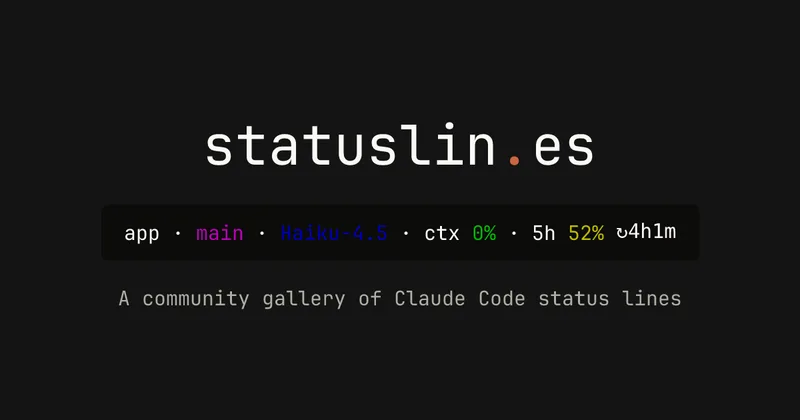
statuslin.es is a community gallery of Claude Code status lines—copyable, previewed scripts and themes for terminal/status-bar displays that show Claude model stats (tokens, cost, limits), git info, and other runtime metrics.

Premium Alternatives
%22%2F%3E%20%3Ctext%20x%3D%2250%25%22%20y%3D%2250%25%22%20dominant-baseline%3D%22central%22%20text-anchor%3D%22middle%22%20font-family%3D%22system-ui%2C-apple-system%2Csans-serif%22%20font-weight%3D%22700%22%20font-size%3D%2250%22%20fill%3D%22white%22%3EO%3C%2Ftext%3E%20%3C%2Fsvg%3E)
OTP Inspired actor supervisor based full stack templates
ShipStacks provides production-grade, OTP-inspired full-stack SaaS templates that include supervisors/actor patterns, auth, payments, uploads, AI chat and agent playbooks, and Docker-ready deployment in multiple languages and frameworks.
TokenDelivery.ai
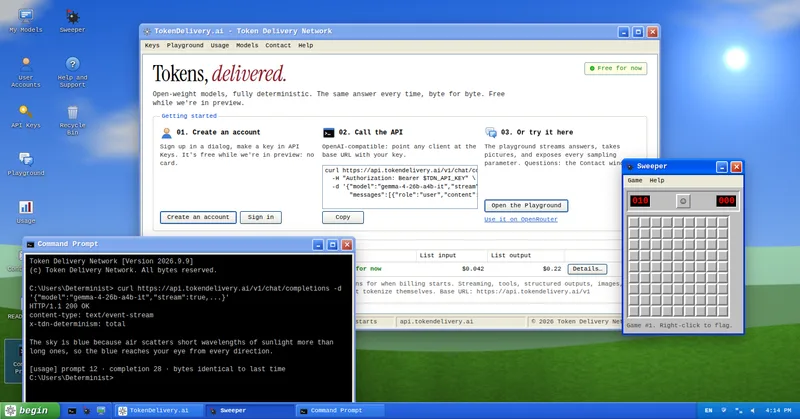
TokenDelivery.ai (Token Delivery Network) is an OpenAI-compatible model API and playground that offers reproducible, deterministic model outputs, streaming responses, multimodal inputs (images and short videos), and exposed sampling parameters. It is free during preview and provides API keys, a playground, and a documented base URL for developers.

Servers for AI, not another AWS
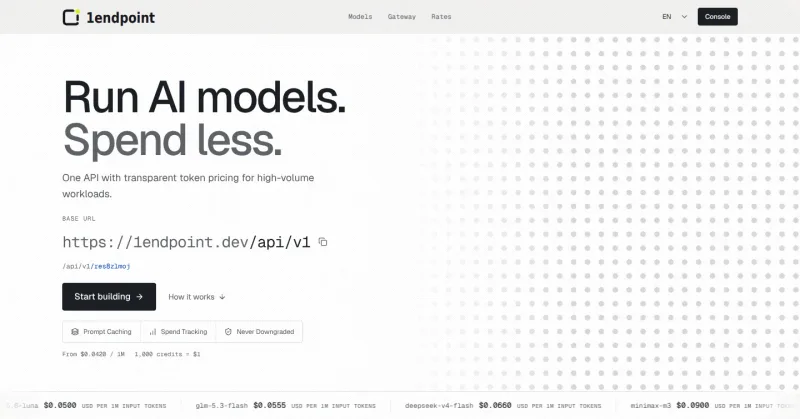
RAW offers dedicated GPU and CPU servers specifically built for AI workloads — provision real metal with root access and CUDA via a single API. It emphasizes low cost (claims up to 100× cheaper than AWS), $0 egress, fast provisioning, and enterprise features for inference, training, agents, and vector databases.

MacVisor Runs VMs with VLANs and Firewall on Apple Silicon
MacVisor is a native Apple Silicon virtualization platform for running and managing macOS and Linux VMs, with Windows 11 and AI sandboxes available as Tech Previews. It includes snapshots, templates, VLAN networking, host-enforced firewall controls, and CLI automation.

Finetunefast
FinetuneFast provides finetuning boilerplates, inference templates, and deployment tooling to accelerate building and shipping ML models (text-to-image, LLMs, RAG, TTS) — aimed at developers, indie makers and businesses who want production-ready examples and fast time-to-deploy.
wrapfast
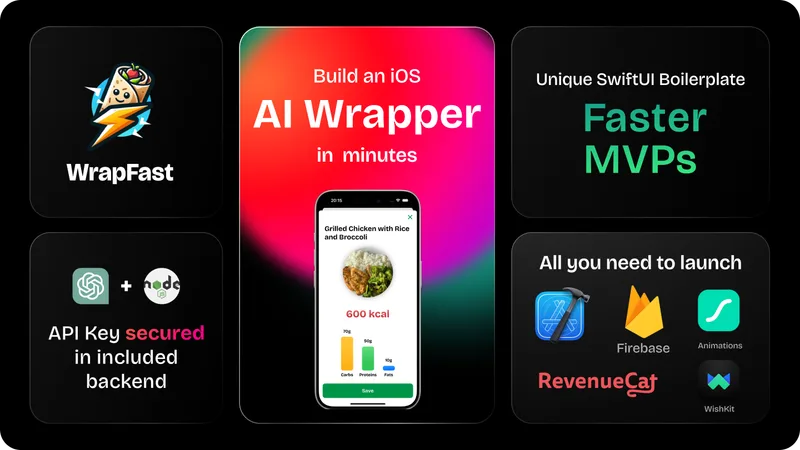
WrapFast is a SwiftUI boilerplate and starter kit for building iOS apps and AI wrappers quickly. It includes an Xcode SwiftUI project, a Node.js Express backend to secure AI API keys, AI integrations (OpenAI & Anthropic), monetization flows, cloud database support, documentation, and a Discord community aimed at indie makers and solo founders.