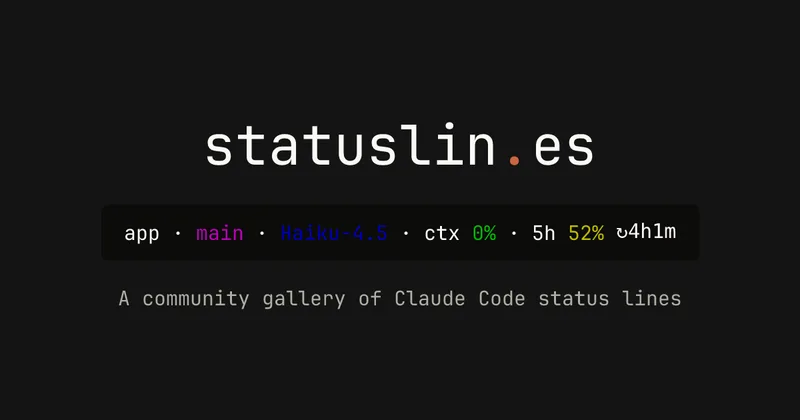
statuslin.es
statuslin.es is a community gallery of Claude Code status lines—copyable, previewed scripts and themes for terminal/status-bar displays that show Claude model stats (tokens, cost, limits), git info, and other runtime metrics.
statuslin.es is developer tools software teams evaluate for developer tools. Use this page to review pricing, integration signals, and the best alternatives before you commit.
Profile facts come from the vendor source. AiMatch labels unknown pricing or API details instead of estimating them.
Review official source →Used in These Packs
Quick Overview
Best for: Developer Tools
What it does
Developer Tools software for decision-makers comparing workflow fit and alternatives.
Best fit
Developer Tools
Pricing snapshot
Contact for pricing
Next step
Compare statuslin.es with similar tools before you shortlist it.
Compare this tool before you shortlist it
Review alternatives, pricing posture, and workflow fit side by side.
statuslin.es is a community-driven gallery showcasing Claude Code status lines—small scripts and prompt/status-bar themes that render live previews from the actual scripts so users can inspect them before copying. The gallery lists many community-contributed designs showing model info (e.g., Opus 4.8), token usage, cost, rate limits, git/branch details, context meters, and other developer-facing metrics. The site is aimed at developers and power users who want terminal/status-line displays that surface Claude model and session information. It includes a setup guide to wire a selected status line into your environment, and UI affordances such as sorting, filtering, submission, and Sign in with GitHub.
Browse a community gallery of Claude Code status lines. See real rendered previews and copy one in a single paste.
Own this listing?
Claim this page for a one-time $29 to add pricing, features, screenshots, verified owner details, and a clearly labeled 30-day category position after the profile is live.
Claim this listing for $29Key Features
Community gallery
A browsable collection of community-submitted Claude Code status lines with multiple pages of examples and sorting/filtering (e.g., 'Sort: Trending', 'Filter', 'Submit a status line').
Rendered previews from real scripts
Every card shows previews rendered from the real script so you can see how the status line will look before copying or installing it.
Copyable scripts & setup guide
Cards provide the status line script (Bash, Node, Python, etc.) and the site includes a setup guide: 'To wire one up yourself, read the setup guide.'
Developer-focused metrics
Status lines surface AI-specific and repo metrics such as context token bars, token counts, session cost, burn rate, model name (e.g., Opus 4.8), git branch, diffs, and rate-limit segments.
Language/environment examples
Examples and tags show multiple runtimes and shells (Bash, Node, Python) and note platform-specific behavior (e.g., 'Dependency-free Node', 'Needs no jq').
Sign-in & submission
UI includes 'Sign in with GitHub' and an option to submit status lines to the gallery.
Pricing
Current pricing details are not available from the vendor source.
Use Cases
Terminal/status bar integration
Install community status line scripts into shell prompts or status bars to display live Claude model metrics, git branch, and session context.
Monitoring model usage and cost
Use status lines that surface token counts, session cost, burn rate, and rate-limit segments to monitor AI usage in real time.
Developer workflow visibility
Display repo, PR, diff counts, recent tool/agent activity, and other session metadata in a compact status line for code review and development context.
Theme and style experimentation
Browse themed designs (e.g., 'Catppuccin Frappé') and layout variants (single-line, multi-line, boxed panels) to select a visual style that fits a user's terminal.
Integrations
GitHub
Sign in with GitHub is available (button shown in header/footer) and the gallery references git/repo/PR metadata in many status lines.
Shells and runtimes (Bash, Node, Python)
Status line examples are provided for Bash, Node, and Python environments, enabling installation into terminal workflows.
Benefits
Limitations
Frequently Asked Questions
No verified FAQs are available.
Getting Started
- 1 Visit the gallery page at https://statuslin.es/ and browse entries (Sort/Filter available).
- 2 Select a status line card to view the rendered preview and included script.
- 3 Follow the linked setup guide on the site to wire the chosen status line into your shell or environment; optionally sign in with GitHub to submit or manage contributions.
Support
docs
Guide and Resources links are available on the site for setup instructions and documentation.
An 'Email' link is listed in the site footer for contact (no explicit address shown on the provided page).
github
A 'GitHub' link is listed in the footer for repository or issue-based support (no explicit repository URL shown on the provided page).
API
Compare statuslin.es with similar tools
See how it stacks up against alternatives
Related Tools
View all 149 →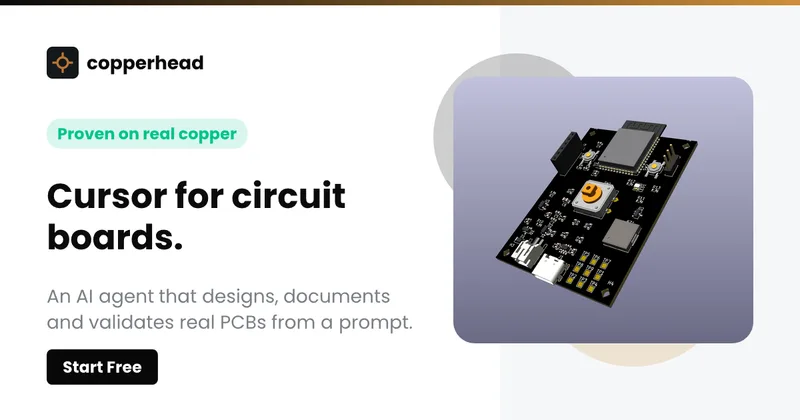
Copperhead
Copperhead is an open-source AI engineering platform and CLI that helps hardware teams design, verify, and ship printed circuit boards by editing KiCad files, running KiCad checks (ERC/DRC), and producing gerbers, firmware, and documentation in a gated, auditable pipeline.



Docs.dev Your Own Hosted Docs Platform in Minutes
Docs.dev is a deployable documentation template that runs as a Cloudflare Worker in your account, using your GitHub repo as the source of truth and agent-powered drafting (e.g., Claude Code or Codex) to generate reviewable docs branches that your team publishes via commit.

Bullet · Fast, by design.
Bullet is a fast coding agent and developer tool that routes, searches, and executes code-focused tasks with a tight loop to minimize latency — offered as a macOS download and currently available in private beta.


Premium Alternatives
%22%2F%3E%20%3Ctext%20x%3D%2250%25%22%20y%3D%2250%25%22%20dominant-baseline%3D%22central%22%20text-anchor%3D%22middle%22%20font-family%3D%22system-ui%2C-apple-system%2Csans-serif%22%20font-weight%3D%22700%22%20font-size%3D%2250%22%20fill%3D%22white%22%3EO%3C%2Ftext%3E%20%3C%2Fsvg%3E)
OTP Inspired actor supervisor based full stack templates
ShipStacks provides production-grade, OTP-inspired full-stack SaaS templates that include supervisors/actor patterns, auth, payments, uploads, AI chat and agent playbooks, and Docker-ready deployment in multiple languages and frameworks.
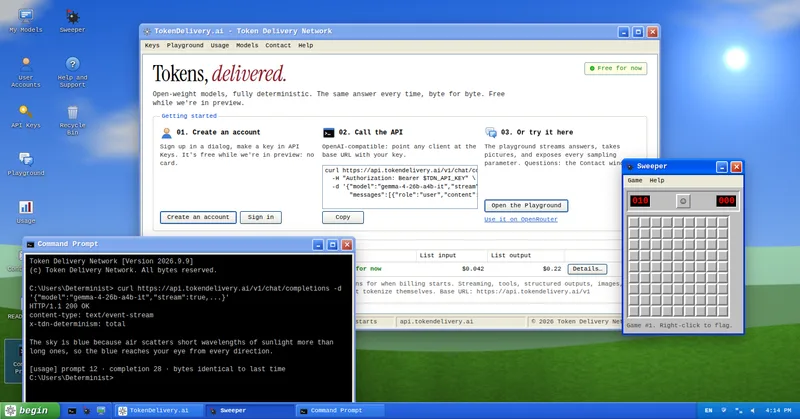
TokenDelivery.ai
TokenDelivery.ai (Token Delivery Network) is an OpenAI-compatible model API and playground that offers reproducible, deterministic model outputs, streaming responses, multimodal inputs (images and short videos), and exposed sampling parameters. It is free during preview and provides API keys, a playground, and a documented base URL for developers.

Servers for AI, not another AWS
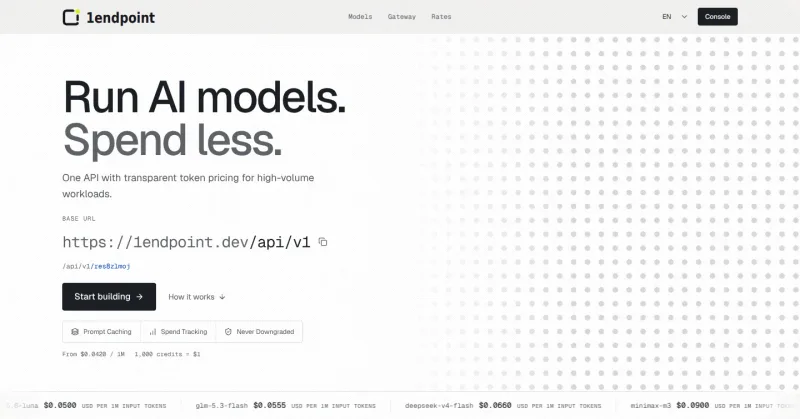
RAW offers dedicated GPU and CPU servers specifically built for AI workloads — provision real metal with root access and CUDA via a single API. It emphasizes low cost (claims up to 100× cheaper than AWS), $0 egress, fast provisioning, and enterprise features for inference, training, agents, and vector databases.

MacVisor Runs VMs with VLANs and Firewall on Apple Silicon
MacVisor is a native Apple Silicon virtualization platform for running and managing macOS and Linux VMs, with Windows 11 and AI sandboxes available as Tech Previews. It includes snapshots, templates, VLAN networking, host-enforced firewall controls, and CLI automation.
StartKit.AI
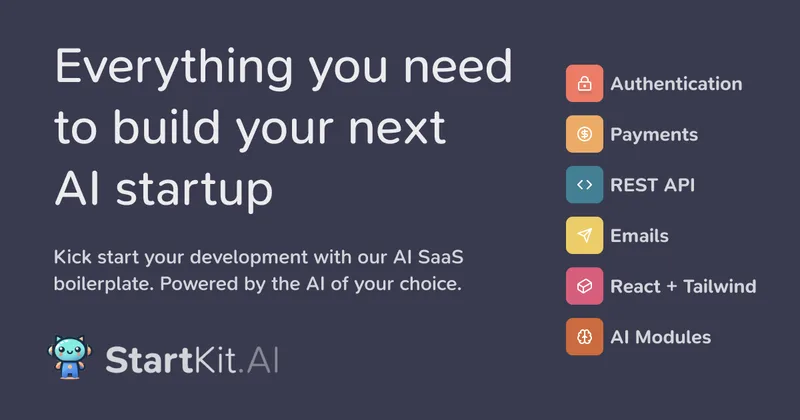
StartKit.AI is a purchasable, production-focused Node.js boilerplate that provides a complete SaaS app and pre-built AI modules to help developers ship AI startups quickly, including demos for chat, PDF, images, RAG, authentication, payments, and integrations with AI providers.