
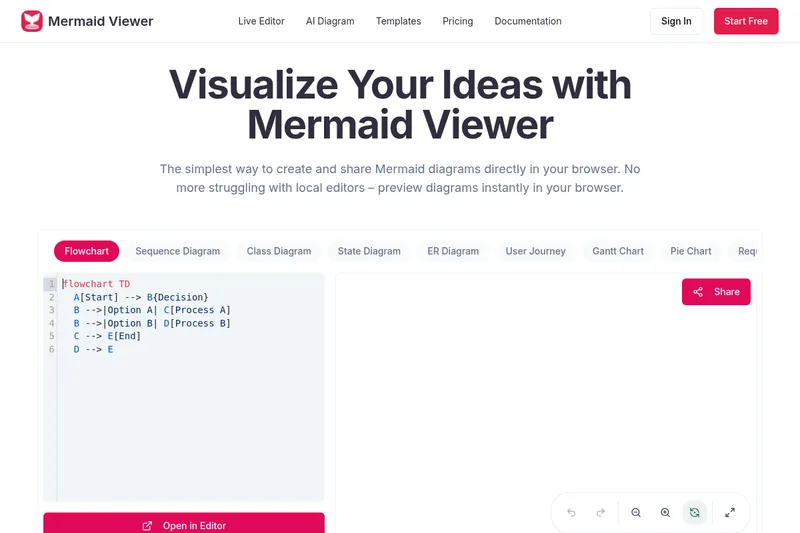
Mermaidviewer
Mermaid Viewer is a browser-based diagram editor for creating and sharing Mermaid diagrams with live preview, AI-assisted code generation, export options, collaboration, and enterprise deployment.
Mermaidviewer is developer tools software teams evaluate for creative & design. Use this page to review pricing, integration signals, and the best alternatives before you commit.
Profile facts come from the vendor source. AiMatch labels unknown pricing or API details instead of estimating them.
Review official source →Used in These Packs
Quick Overview
Best for: Creative & Design
What it does
Developer Tools software for decision-makers comparing workflow fit and alternatives.
Best fit
Creative & Design
Pricing snapshot
Freemium from $0
Next step
Compare Mermaidviewer with similar tools before you shortlist it.
Compare this tool before you shortlist it
Review alternatives, pricing posture, and workflow fit side by side.
Mermaid Viewer is a browser-based editor for creating, previewing, and exporting Mermaid diagrams without installing local tools. It offers a live preview that updates as you type, AI-assisted code generation (a "Generate with GPT-4" button), export to multiple formats, and pre-built templates to speed diagram creation. The product targets developers and teams, with no-signup usage for casual users and enterprise deployment options (Docker and role-based access control) for organizations.
Privacy-first design keeps diagram data in the user's browser (the site states it does not store data), while paid plans unlock higher export quality, increased AI conversation limits, version history, collaboration features, and enterprise integration for private deployment and access control.
Mermaid Viewer is a browser-based diagram editor for creating and sharing Mermaid diagrams with live preview, AI-assisted code generation, export options, collaboration, and enterprise deployment.
Own this listing?
Claim this page for a one-time $29 to add pricing, features, screenshots, verified owner details, and a clearly labeled 30-day category position after the profile is live.
Claim this listing for $29Key Features
Live Preview
Visualize changes as you type with instant rendering of Mermaid diagrams—no explicit "Render" button required.
AI-Assisted Coding (GPT-4)
A "Generate with GPT-4" button converts text descriptions into Mermaid code and paid plans include higher rates of AI conversations.
Smart Export
Export diagrams as SVG, PNG, PDF or Markdown with options for custom DPI and dark/light themes; higher-quality exports available on paid plans.
Smart Debugging
Syntax error highlighting and auto-correction suggestions to help fix Mermaid code.
Real-time Collaboration
Share editor links so team members can co-edit diagrams in real time and use version history on paid plans.
Templates
Recommended and pre-built templates (flowcharts, timelines, wireframes, etc.) to start diagrams quickly.
Enterprise Integration
Support for Docker private deployment and role-based access control for enterprise customers.
Pricing
Free plan: $0, 3 diagrams, 5 AI conversations per day, low-res PNG export with watermark, basic sharing, no version history.
Free
$0- 3 diagrams
- 5 AI conversations per day
- Low-res PNG export (with watermark)
- Basic sharing
Starter
$69.99/year- 30 diagrams
- 500 AI conversations per month
- High-res PNG export (no watermark)
- Unlimited sharing
Pro
$119.99/year- Unlimited diagrams
- Unlimited AI conversations
- All formats (PNG/JPG/PDF/SVG)
- Advanced sharing & statistics
Use Cases
Architecture & System Design
Create flowcharts and architecture diagrams quickly using live preview, templates, and AI-assisted generation to accelerate design work.
Product & Project Timelines
Use timeline templates to visualize milestones and project phases for academic or product roadmaps.
Process & Governance Flows
Model governance committee decisions, agenda intake, voting, and follow-up tracking using flowchart templates.
Design-to-Engineering Handoff
Collaborate on wireframe and process diagrams with shared editor links and exports for engineering documentation.
Enterprise Private Deployment
Deploy Mermaid Viewer privately via Docker with role-based access control for internal or regulated environments.
Integrations
Docker (private deployment)
Enterprise customers can deploy Mermaid Viewer privately using Docker for on-premises or private cloud setups.
VS Code plugin
A VS Code plugin is referenced in user feedback, indicating editor integration for in-IDE diagram creation (testimonial mentions the plugin).
Benefits
Limitations
Frequently Asked Questions
No verified FAQs are available.
Getting Started
- 1 Step 1: Enter Mermaid code in the editor (or use the GPT-4 generator to create code from a description).
- 2 Step 2: View the real-time preview that updates automatically as you type.
- 3 Step 3: Export the diagram as SVG, PNG, PDF, or Markdown or share the editor link for collaboration.
Support
docs
Documentation and tutorials available (site lists "Docs & Tutorials" and "MermaidDocs & Tutorials").
Contact via support email: [email protected]
API
Compare Mermaidviewer with similar tools
See how it stacks up against alternatives
Related Tools
View all 147 →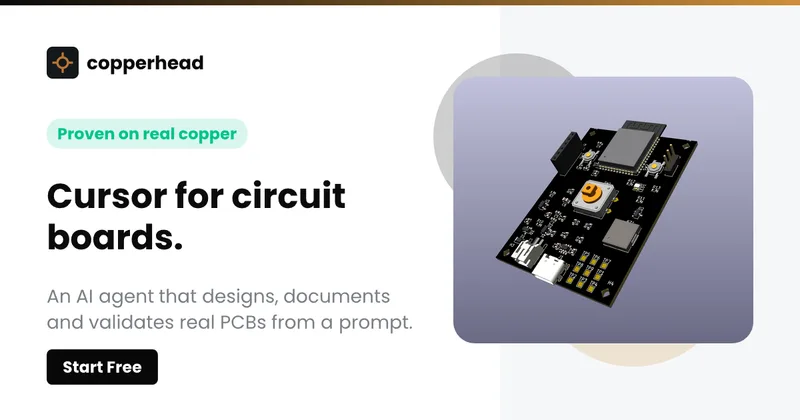
Copperhead
Copperhead is an open-source AI engineering platform and CLI that helps hardware teams design, verify, and ship printed circuit boards by editing KiCad files, running KiCad checks (ERC/DRC), and producing gerbers, firmware, and documentation in a gated, auditable pipeline.



Docs.dev Your Own Hosted Docs Platform in Minutes
Docs.dev is a deployable documentation template that runs as a Cloudflare Worker in your account, using your GitHub repo as the source of truth and agent-powered drafting (e.g., Claude Code or Codex) to generate reviewable docs branches that your team publishes via commit.

Bullet · Fast, by design.
Bullet is a fast coding agent and developer tool that routes, searches, and executes code-focused tasks with a tight loop to minimize latency — offered as a macOS download and currently available in private beta.
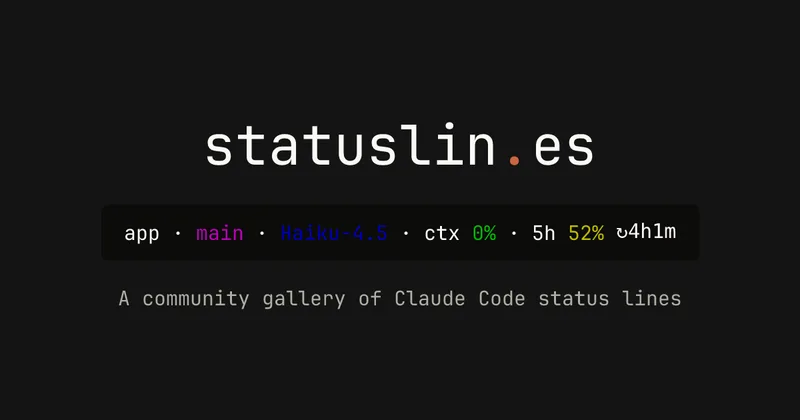
statuslin.es
statuslin.es is a community gallery of Claude Code status lines—copyable, previewed scripts and themes for terminal/status-bar displays that show Claude model stats (tokens, cost, limits), git info, and other runtime metrics.

Premium Alternatives
%22%2F%3E%20%3Ctext%20x%3D%2250%25%22%20y%3D%2250%25%22%20dominant-baseline%3D%22central%22%20text-anchor%3D%22middle%22%20font-family%3D%22system-ui%2C-apple-system%2Csans-serif%22%20font-weight%3D%22700%22%20font-size%3D%2250%22%20fill%3D%22white%22%3EO%3C%2Ftext%3E%20%3C%2Fsvg%3E)
OTP Inspired actor supervisor based full stack templates
ShipStacks provides production-grade, OTP-inspired full-stack SaaS templates that include supervisors/actor patterns, auth, payments, uploads, AI chat and agent playbooks, and Docker-ready deployment in multiple languages and frameworks.
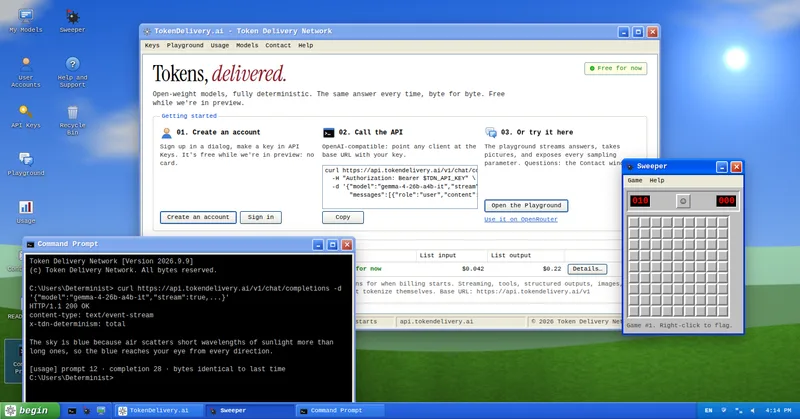
TokenDelivery.ai
TokenDelivery.ai (Token Delivery Network) is an OpenAI-compatible model API and playground that offers reproducible, deterministic model outputs, streaming responses, multimodal inputs (images and short videos), and exposed sampling parameters. It is free during preview and provides API keys, a playground, and a documented base URL for developers.

Servers for AI, not another AWS
RAW offers dedicated GPU and CPU servers specifically built for AI workloads — provision real metal with root access and CUDA via a single API. It emphasizes low cost (claims up to 100× cheaper than AWS), $0 egress, fast provisioning, and enterprise features for inference, training, agents, and vector databases.

runpod
Runpod is an AI Developer Cloud that provides on-demand GPU infrastructure—Pods, Serverless endpoints, and multi-node Clusters—enabling teams to experiment, train, fine-tune, deploy, and scale AI workloads across 31 global regions with support for 30+ GPU SKUs.
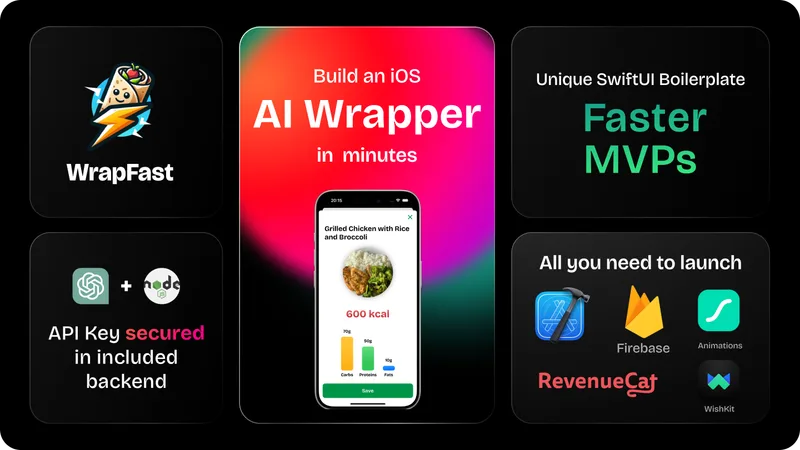
wrapfast
WrapFast is a SwiftUI boilerplate and starter kit for building iOS apps and AI wrappers quickly. It includes an Xcode SwiftUI project, a Node.js Express backend to secure AI API keys, AI integrations (OpenAI & Anthropic), monetization flows, cloud database support, documentation, and a Discord community aimed at indie makers and solo founders.