
MQLens
MQLens is a free, open-source native MongoDB GUI for macOS, Windows, and Linux focused on real developer workflows — supporting SSH/TLS/enterprise auth, aggregation pipelines with explain plans, GridFS, an embedded mongosh, and an optional AI query assistant.
MQLens is developer tools software teams evaluate for developer tools. Use this page to review pricing, integration signals, and the best alternatives before you commit.
Profile facts come from the vendor source. AiMatch labels unknown pricing or API details instead of estimating them.
Review official source →Used in These Packs
Quick Overview
Best for: Developer Tools
What it does
Developer Tools software for decision-makers comparing workflow fit and alternatives.
Best fit
Developer Tools
Pricing snapshot
Free from Free
Next step
Compare MQLens with similar tools before you shortlist it.
Compare this tool before you shortlist it
Review alternatives, pricing posture, and workflow fit side by side.
MQLens is a tiny, native cross-platform MongoDB GUI (Tauri/Rust) designed for developers and operators who work with SSH/TLS and enterprise-authenticated MongoDB deployments. It aims to be private and production-capable: credentials stay encrypted on your machine, there is no telemetry, no account required, and the project is free and open-source under Apache-2.0. The app bundles core workflow features — visual and raw query composition, aggregation pipelines, explain plans, schema analysis, GridFS browsing, and an embedded mongosh — plus an optional AI query assistant that uses the user's provider key.
MQLens is a free, native, cross-platform MongoDB GUI with the power of paid tools: every auth mode (SCRAM, X.509, AWS, Kerberos, LDAP), TLS/SSH/proxy, aggregation pipelines with explain plans, bulk edit, index/view management, schema analysis, GridFS, an embedded mongosh, and an AI query assistant. Credentials are encrypted locally with zero telemetry. Apache-2.0.
Own this listing?
Claim this page for a one-time $29 to add pricing, features, screenshots, verified owner details, and a clearly labeled 30-day category position after the profile is live.
Claim this listing for $29Key Features
Cross-platform native app
Native desktop application for macOS, Windows, and Linux built with Tauri/Rust (not Electron); platform installers and AppImage are provided.
Comprehensive auth & network support
Supports all auth modes (SCRAM, X.509, MONGODB-AWS (IAM), Kerberos, and LDAP), TLS (system/custom CA, client cert), SSH tunnels, and SOCKS5 proxy to handle real deployment networking.
Staged Test Connection
Test connection phases reported (parse → DNS → connect → ping) so each phase of connection setup is visible.
Querying and aggregation
Run find and aggregate operations with full controls; visual query builder alongside editable raw queries and full aggregation pipeline editing.
Explain plans
Visual explain-plan tree for both find and aggregate queries, plus index, collection, and view management.
Data browsing and guarded editing
Inspect documents as table, tree, or JSON and view/insert/edit/delete with guardrails and counted confirmations for bulk update-many/delete-many.
Schema analysis
Per-field types and coverage analysis including nested paths to understand field presence and types at a glance.
GridFS browser
Browse and download GridFS files from buckets and manage file storage within the app.
Embedded mongosh
Embedded shell backed by a real mongosh binary for command-line workflows inside the app.
AI query assistant (optional)
Optional AI assistant to draft queries from plain language; requires the user's provider key which is kept in the backend.
Security by default
Connection profiles and settings encrypted at rest with AES-256-GCM (Argon2id key derivation); TLS certificate validation is opt-in with an explicit in-app warning.
Pricing
Free and open source — no account, no email, no telemetry. Just download and connect.
Free / Open Source
Free- Apache-2.0 licensed source
- No account required, no telemetry
- Full app functionality (connectivity, query, aggregation, explain plans, GridFS, mongosh, optional AI assistant)
Use Cases
Connecting to enterprise MongoDB deployments
Use MQLens to connect to standalone, replica set, or connection-string endpoints with SCRAM, X.509, MONGODB-AWS (IAM), Kerberos, or LDAP and network plumbing like SSH tunnels or SOCKS5 proxy.
Building and debugging aggregation pipelines
Compose full aggregation pipelines visually or in raw form, run them, and inspect explain plans rendered as a visual tree to optimize queries and indexes.
Safe bulk edits and data exploration
Browse and edit documents with table/tree/JSON views and guarded bulk update/delete operations that require confirmation counts to avoid accidental mass changes.
Managing large objects and shell workflows
Browse and download GridFS files and run administrative or development commands with the embedded mongosh shell.
Drafting queries with AI assistance
Generate draft queries from plain-language prompts using the optional AI assistant while keeping generated queries editable and visible.
Integrations
mongosh
Embedded mongosh backed by a real mongosh binary to run shell commands inside the app.
User-provided AI provider
Optional AI query assistant that uses the user's own provider API key (the key is held in the backend).
Benefits
Limitations
Frequently Asked Questions
No verified FAQs are available.
Getting Started
- 1 Step 1: Download the appropriate installer for your platform from the MQLens site (Windows .exe/.msi, macOS .dmg, Linux .deb/.rpm/AppImage).
- 2 Step 2: Install and launch MQLens (e.g., run the installer on Windows, drag the .dmg to Applications on macOS, or install the .deb/.rpm on Linux).
- 3 Step 3: Point MQLens at your MongoDB instance, configure connection/auth settings (SSH/TLS/auth), and optionally set a master password; verify downloads using GPG signatures if desired.
Support
Docs
Documentation and getting started guides available on the MQLens website.
Changelog / Releases
View releases and changelog information on the site and linked GitHub repository.
Issues
Report issues and track development via the project's GitHub issues (links available from the site).
API
Compare MQLens with similar tools
See how it stacks up against alternatives
Related Tools
View all 149 →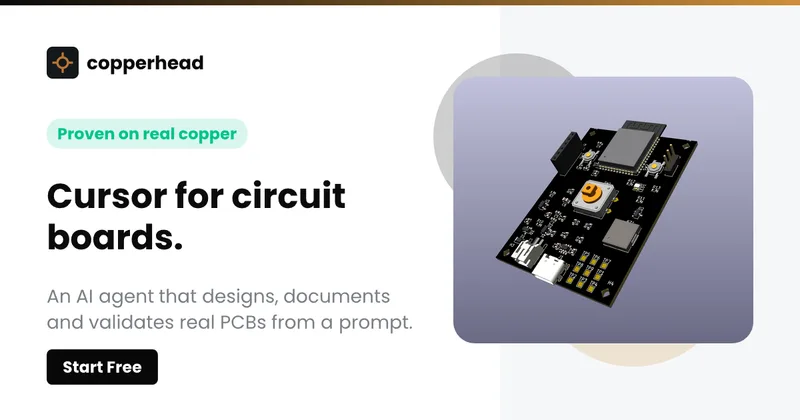
Copperhead
Copperhead is an open-source AI engineering platform and CLI that helps hardware teams design, verify, and ship printed circuit boards by editing KiCad files, running KiCad checks (ERC/DRC), and producing gerbers, firmware, and documentation in a gated, auditable pipeline.


Docs.dev Your Own Hosted Docs Platform in Minutes
Docs.dev is a deployable documentation template that runs as a Cloudflare Worker in your account, using your GitHub repo as the source of truth and agent-powered drafting (e.g., Claude Code or Codex) to generate reviewable docs branches that your team publishes via commit.

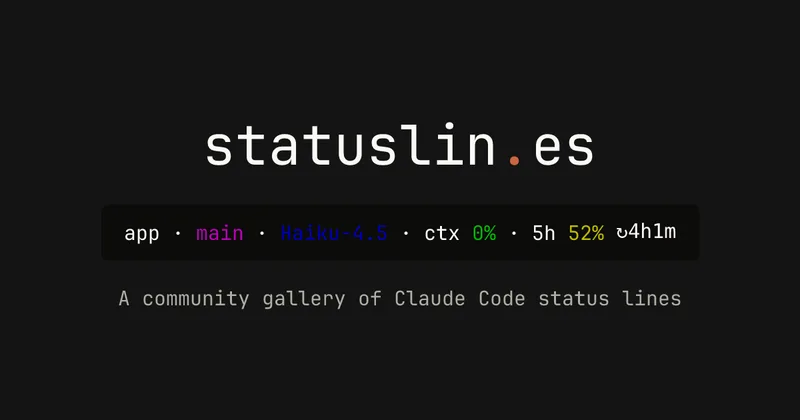
statuslin.es
statuslin.es is a community gallery of Claude Code status lines—copyable, previewed scripts and themes for terminal/status-bar displays that show Claude model stats (tokens, cost, limits), git info, and other runtime metrics.

Bullet · Fast, by design.
Bullet is a fast coding agent and developer tool that routes, searches, and executes code-focused tasks with a tight loop to minimize latency — offered as a macOS download and currently available in private beta.

Premium Alternatives
%22%2F%3E%20%3Ctext%20x%3D%2250%25%22%20y%3D%2250%25%22%20dominant-baseline%3D%22central%22%20text-anchor%3D%22middle%22%20font-family%3D%22system-ui%2C-apple-system%2Csans-serif%22%20font-weight%3D%22700%22%20font-size%3D%2250%22%20fill%3D%22white%22%3EO%3C%2Ftext%3E%20%3C%2Fsvg%3E)
OTP Inspired actor supervisor based full stack templates
ShipStacks provides production-grade, OTP-inspired full-stack SaaS templates that include supervisors/actor patterns, auth, payments, uploads, AI chat and agent playbooks, and Docker-ready deployment in multiple languages and frameworks.
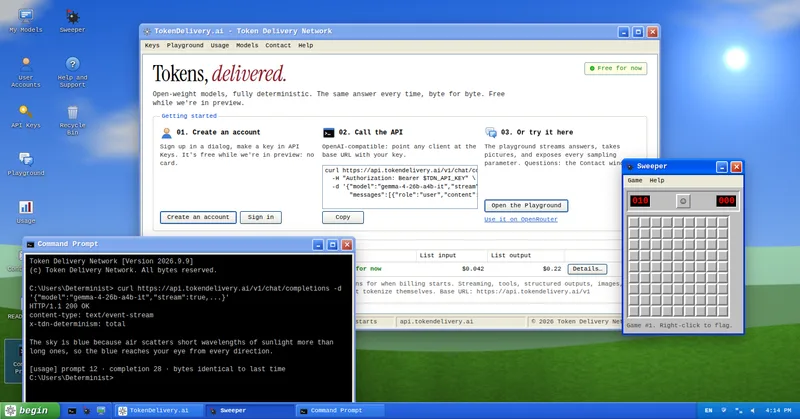
TokenDelivery.ai
TokenDelivery.ai (Token Delivery Network) is an OpenAI-compatible model API and playground that offers reproducible, deterministic model outputs, streaming responses, multimodal inputs (images and short videos), and exposed sampling parameters. It is free during preview and provides API keys, a playground, and a documented base URL for developers.
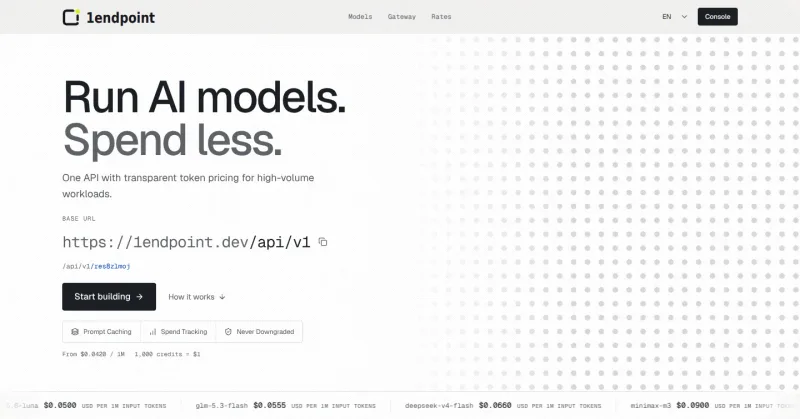

Servers for AI, not another AWS
RAW offers dedicated GPU and CPU servers specifically built for AI workloads — provision real metal with root access and CUDA via a single API. It emphasizes low cost (claims up to 100× cheaper than AWS), $0 egress, fast provisioning, and enterprise features for inference, training, agents, and vector databases.

MacVisor Runs VMs with VLANs and Firewall on Apple Silicon
MacVisor is a native Apple Silicon virtualization platform for running and managing macOS and Linux VMs, with Windows 11 and AI sandboxes available as Tech Previews. It includes snapshots, templates, VLAN networking, host-enforced firewall controls, and CLI automation.
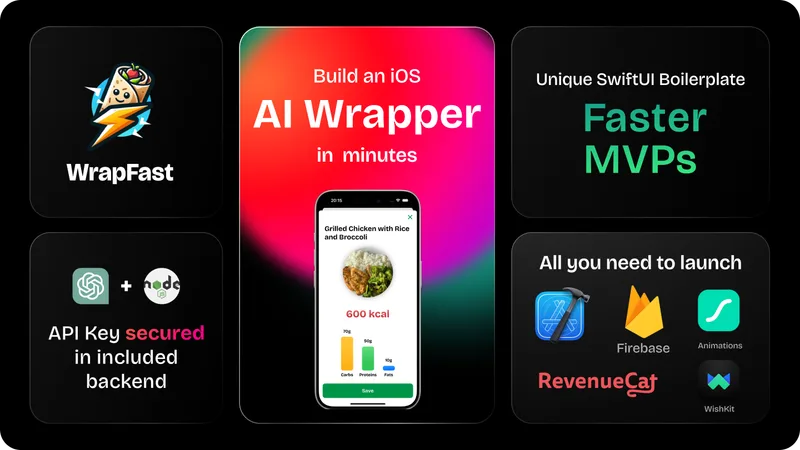
wrapfast
WrapFast is a SwiftUI boilerplate and starter kit for building iOS apps and AI wrappers quickly. It includes an Xcode SwiftUI project, a Node.js Express backend to secure AI API keys, AI integrations (OpenAI & Anthropic), monetization flows, cloud database support, documentation, and a Discord community aimed at indie makers and solo founders.
StartKit.AI
StartKit.AI is a purchasable, production-focused Node.js boilerplate that provides a complete SaaS app and pre-built AI modules to help developers ship AI startups quickly, including demos for chat, PDF, images, RAG, authentication, payments, and integrations with AI providers.