
ninjachat-ai
NinjaChat is an all-in-one AI workspace for using 50+ AI models in one app. It combines chat, web search, file-based projects, voice, image and video creation, and a unified API for developers.
ninjachat-ai is chat software teams evaluate for education & research. Use this page to review pricing, integration signals, and the best alternatives before you commit.
Profile facts come from the vendor source. AiMatch labels unknown pricing or API details instead of estimating them.
Review official source →Used in These Packs
Quick Overview
Best for: Education & Research
What it does
Chat software for decision-makers comparing workflow fit and alternatives.
Best fit
Education & Research
Pricing snapshot
Pricing available on request
Next step
Compare ninjachat-ai with similar tools before you shortlist it.
Compare this tool before you shortlist it
Review alternatives, pricing posture, and workflow fit side by side.
NinjaChat brings multiple AI models and tools into one workspace. The page describes access to 50+ models for chat, alongside live web search with citations, projects that keep files available to chats, voice conversations, and image and video creation.
For developers, NinjaChat offers a unified API for chat, image, video, and search, with OpenAI SDK compatibility and configurable model routing. The product is presented for people who want to work across AI models and modalities in one app, as well as developers building with those capabilities.
AI chatbot platform with multiple AI models, PDF analysis, image generation, and more.
Own this listing?
Claim this page for a one-time $29 to add pricing, features, screenshots, verified owner details, and a clearly labeled 30-day category position after the profile is live.
Claim this listing for $29Key Features
Multi-model chat
Use more than 50 AI models in one app, including models from providers such as OpenAI, Anthropic, Google, xAI, and others.
Model comparison
Ask a question and compare answers from multiple models, then keep the response that best fits the task.
Live web search
Search the web and receive summaries with citations; the page also describes reading and summarizing YouTube content.
Projects with files
Keep files in a project and ask questions in chats that have access to those project files. The page shows documents, spreadsheets, audio, photos, and a Google Drive file example.
Voice conversations
Speak rather than type, hear responses aloud, and choose from voices shown for several languages.
Image and video creation
Create and edit images, generate videos, and use templates for tasks such as product photos, headshots, storyboards, and product videos.
Unified developer API
Use one API for chat, image generation, video generation, and search. The page shows an OpenAI SDK-compatible example and model routing options.
API request visibility
The developer section describes traces, token counts, and actual cost for requests.
Privacy controls
Manage memory and chat history, or use Incognito mode, which the page says is not saved to chat history or memory.
Pricing
Current pricing details are not available from the vendor source.
Use Cases
Research with cited web results
Search for current information and read summaries with citations instead of opening each source manually.
Work with project materials
Keep files in a project and ask questions about them from chats in that project.
Create visual content
Generate or edit images and videos, including from photos or prompts and with the templates shown on the page.
Compare model responses
Submit a question to multiple models and compare their answers in one place.
Build with multiple AI modalities
Use the unified API to connect an application to chat, image, video, and search capabilities.
Integrations
Google Drive
The page shows a Google Drive file as an example of material available in a project.
YouTube
The page describes finding and summarizing YouTube content in a workspace thread.
OpenAI SDK-compatible clients
The API is described as OpenAI SDK compatible, with an example that changes the base URL to NinjaChat's API endpoint.
Benefits
Limitations
Frequently Asked Questions
No verified FAQs are available.
Getting Started
- 1 Open NinjaChat and start a conversation.
- 2 Select an AI model or use the available model selection options, then enter a prompt.
- 3 For project-based work, create or open a project and add files to it before asking questions.
- 4 For developer use, consult the API documentation and make a request using the provided API endpoint and SDK-compatible example.
Support
Support
A Support link is listed in the site navigation.
API documentation
The site navigation and developer section link to API documentation.
API
API documentation is linked from the developer section and site navigation. The page shows an OpenAI SDK-compatible Python example using the NinjaChat API endpoint.
Compare ninjachat-ai with similar tools
See how it stacks up against alternatives
Related Tools
View all 81 →

Jivochat
JivoChat is an all-in-one omnichannel live chat and customer service platform that consolidates website live chat, messengers (WhatsApp, Instagram, Telegram, Facebook), email and phone into a single interface, adds AI-powered automation and analytics, and provides apps and APIs for businesses to manage customer conversations and sales.

pandachat-ai
PandaChat runs supervised AI customer operations for complex Adria/DACH e‑commerce stacks: a managed team of specialists and supervisors that connects to your systems, handles multilingual 24/7 support across channels, and sends daily briefings with value reports.
Premium Alternatives
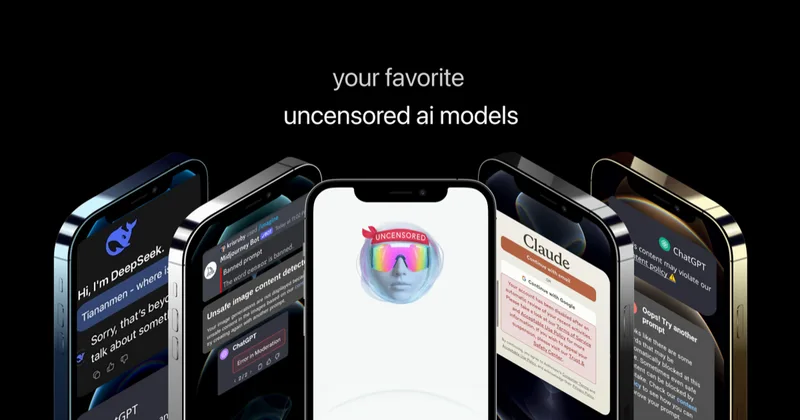
Uncensored
Uncensored AI is a chat and developer platform that provides access to a broad catalog of powerful, minimally filtered AI models for chat, voice, vision, code, and API access, with privacy features like auto-redaction and developer tooling.
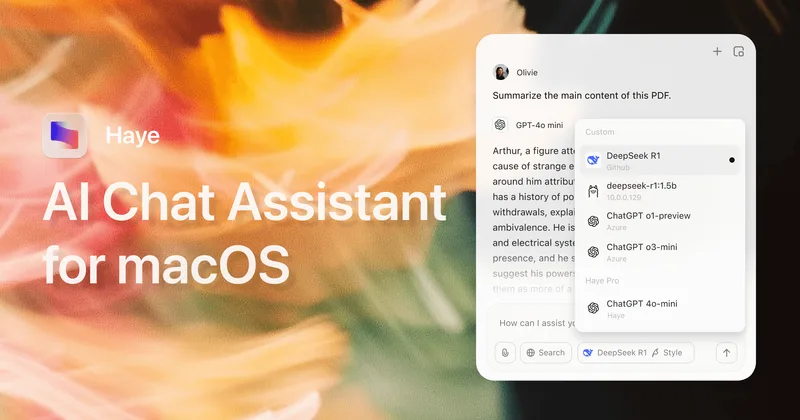
pandachat-ai
PandaChat runs supervised AI customer operations for complex Adria/DACH e‑commerce stacks: a managed team of specialists and supervisors that connects to your systems, handles multilingual 24/7 support across channels, and sends daily briefings with value reports.

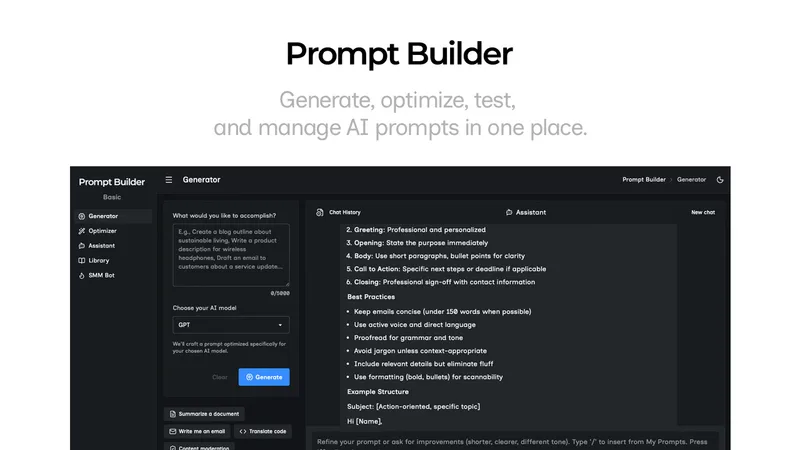
Promptbuilder
Prompt Builder is a web app that generates, optimizes, tests, and manages AI prompts tuned to specific models (ChatGPT, Gemini, Claude, Grok, etc.), with a prompt library, optimizer, built-in chat assistant, and versioning for prompt workflows.
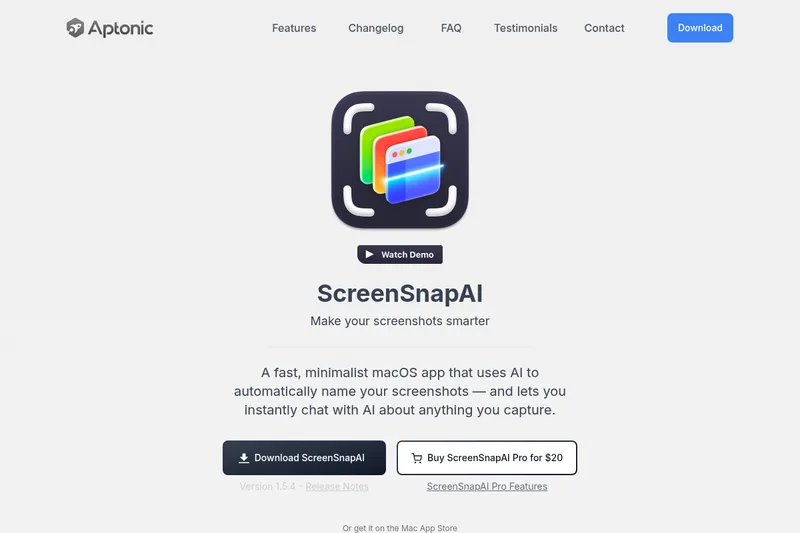
screensnapai
ScreenSnapAI is a native macOS app that automatically names and tags screenshots and lets users ask AI questions about selected areas of their screen. It supports Intel and Apple Silicon Macs running macOS 13 or later.