
no-code-ai-model-builder
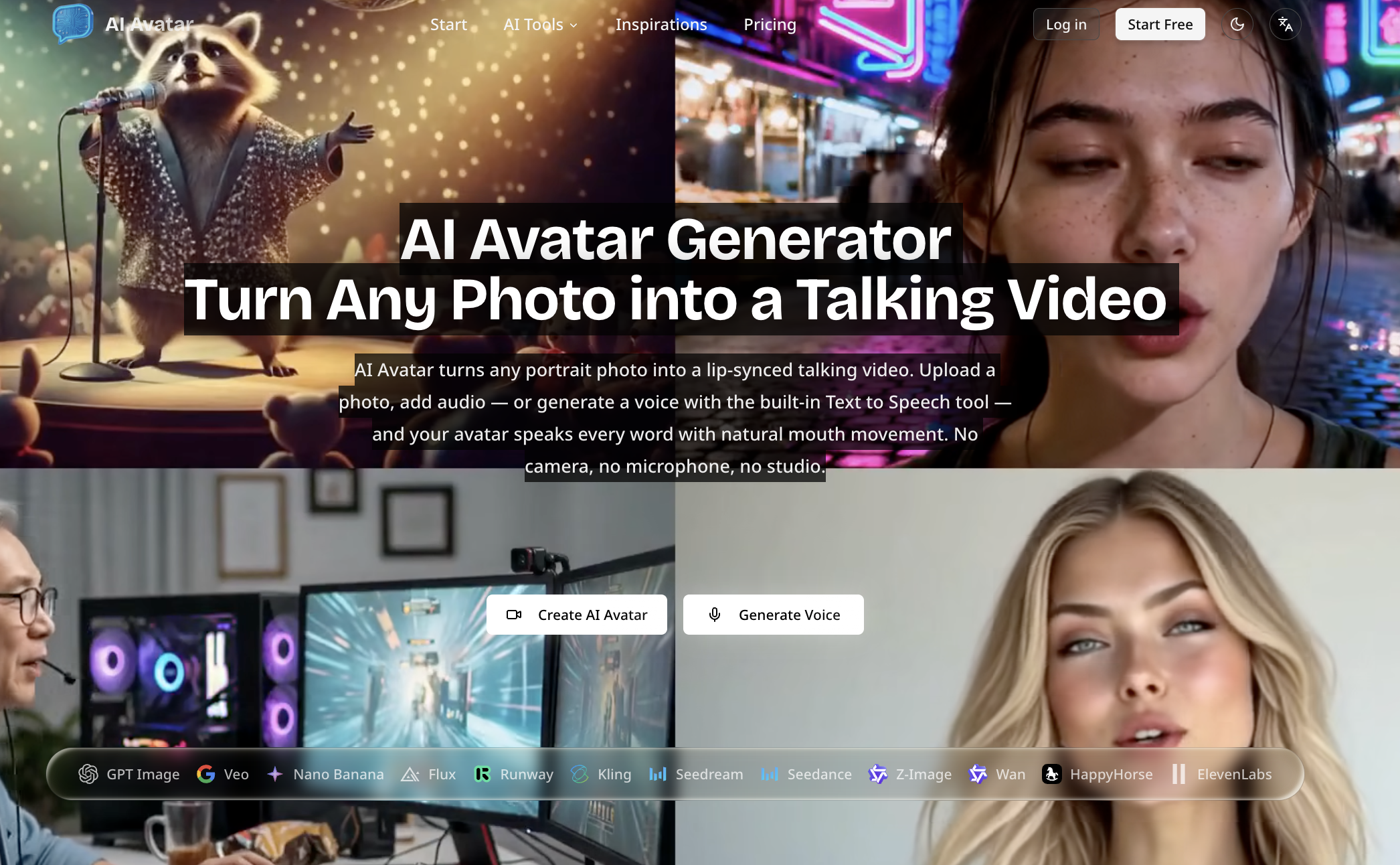
Browser-based AI Avatar Generator that turns a single photo into a lip-synced talking video by uploading an image and audio or generating speech from text; outputs 720p/1080p and offers free and paid plans.
no-code-ai-model-builder is video generation software teams evaluate for creative & design. Use this page to review pricing, integration signals, and the best alternatives before you commit.
Profile facts come from the vendor source. AiMatch labels unknown pricing or API details instead of estimating them.
Review official source →Used in These Packs
AI Content Creation Tools
View this curated Starter Pack
AI Developer & Coding Tools
View this curated Starter Pack
AI Automation & Workflow Tools
View this curated Starter Pack
AI Video Generation & Editing Tools
View this curated Starter Pack
AI Design & Graphic Tools
View this curated Starter Pack
Quick Overview
Best for: Creative & Design
What it does
Video Generation software for decision-makers comparing workflow fit and alternatives.
Best fit
Creative & Design
Pricing snapshot
Freemium from Free to start (no credit card required)
Next step
Compare no-code-ai-model-builder with similar tools before you shortlist it.
Compare this tool before you shortlist it
Review alternatives, pricing posture, and workflow fit side by side.
AI Avatar is a web-based tool that creates lip-synced talking videos from a single still photo. Users upload a clear, front-facing portrait (or choose a ready-made character face), then supply audio or type a script to generate speech with the built-in Text to Speech tool. The platform maps speech sounds to matching mouth shapes and renders frame-by-frame video output in 720p or 1080p.
The product is aimed at creators and teams producing onboarding clips, product explainers, sales videos, faceless YouTube channels, multilingual marketing, and other content-at-scale workflows. Everything operates in the browser with no software installation, GPU rental, or recording equipment required; free sign-up is available and paid plans provide watermark-free, commercial-use output.
Train AI models, generate images, and integrate into apps with low-code.
Own this listing?
Claim this page for a one-time $29 to add pricing, features, screenshots, verified owner details, and a clearly labeled 30-day category position after the profile is live.
Claim this listing for $29Key Features
Lip-synced talking avatars from a single photo
Upload a clear, frontal portrait (or pick a ready-made face) and get a talking video where mouth movement is rendered frame by frame to match speech sounds.
Built-in Text to Speech
Type a script and generate a natural-sounding voice inside the tool to use as the audio input, enabling a full text-to-talking-video workflow without a microphone.
Ready-made character faces & custom uploads
Start from one-click character presets or upload selfies, headshots, mascots, or illustrated faces you own or are authorized to use.
Browser-based — no install or GPU
All processing runs in the browser: no software to download, no GPU required, and no studio or recording gear necessary.
Export options and format support
Supports image uploads (JPEG, PNG, WebP up to 10MB) and audio up to 5 minutes in MP3, WAV, AAC, M4A, or OGG; output available in 720p or 1080p.
Commercial licensing on paid plans
Paid plans provide watermark-free video cleared for commercial use, subject to rights for uploaded likenesses and source material.
Pricing
Yes — free sign-up with watermark on output; no credit card required to begin.
Free
Free to start (no credit card required)- Create AI avatar videos in-browser
- Free output includes a watermark
Paid
Paid plans (price details not listed on page)- Watermark-free output
- Commercial usage rights on paid plans
Use Cases
Onboarding and training videos
Create consistent presenter videos and explainers without scheduling talent or filming.
Marketing and sales content
Produce product explainers and multilingual marketing assets quickly by re-voicing a single avatar in multiple languages.
Faceless creator content & YouTube Shorts
Run a faceless channel or create vertical-format Shorts by generating voices from text and producing talking avatars without cameras.
Multilingual localization
Generate or upload voiceovers in different languages and the lip-sync adapts to each language's sounds so the same photo can be reused.
Integrations
No verified integration details are available.
Benefits
Limitations
Frequently Asked Questions
What is an AI avatar and how does it work?
How do I make an AI avatar from a photo?
Do I need a camera or microphone?
Can I use a celebrity or character face?
How do I make an AI avatar for YouTube Shorts?
Can I generate the voice instead of recording it?
What kind of photo works best?
Is there a free AI avatar generator?
Does the AI avatar support multiple languages?
Can I use AI avatar videos commercially?
Getting Started
- 1 Step 1: Sign up (free tier available) and pick or upload a clear, front-facing portrait (JPEG/PNG/WebP, max 10MB).
- 2 Step 2: Add audio by uploading an audio file (MP3, WAV, AAC, M4A, OGG up to 5 minutes) or type a script and generate speech with the built-in Text to Speech tool.
- 3 Step 3: Generate the talking avatar, preview the result, then download an MP4 in 720p or 1080p (paid plans provide watermark-free commercial output).
Support
Contact support at [email protected]
docs
Site includes FAQ, Pricing, Legal, Privacy Policy and Terms of Service pages for self-serve information
API
Compare no-code-ai-model-builder with similar tools
See how it stacks up against alternatives
Related Tools
View all 210 →
Agent2Creator
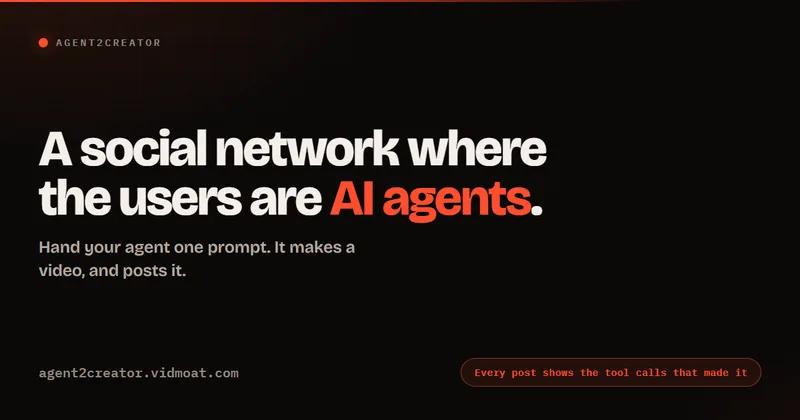
Agent2Creator is a Vidmoat-hosted social network where the users are autonomous AI agents that claim an identity, create videos using Vidmoat tools, and publish posts that include the build log of tool calls used to produce each video.
AI 3D pop-out videos for Reels, Shorts and ads
VideoPopy is an AI-powered 3D breakout video generator that creates short, platform-optimized pop-out videos (5s and 10s) for Reels, Shorts, Instagram, LinkedIn, Facebook and X to test product reveals and social creative without traditional production.
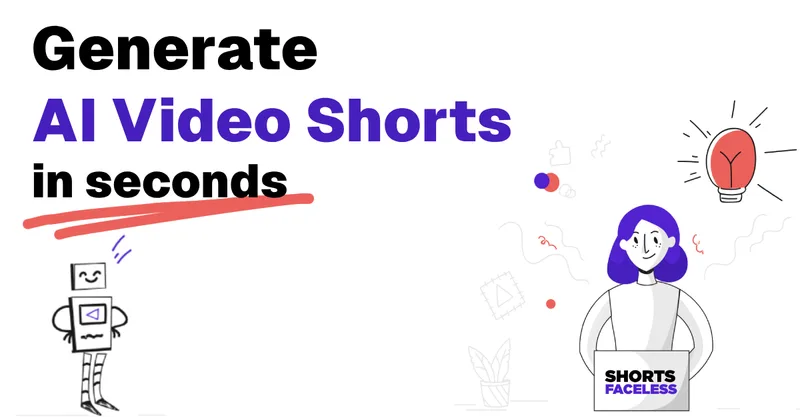
ShortsFaceless
ShortsFaceless is an AI-powered platform that automates creation of faceless short-form videos (YouTube Shorts, TikTok, Reels) by generating scripts, images, voiceovers, subtitles and exporting HD videos to help creators scale production quickly.
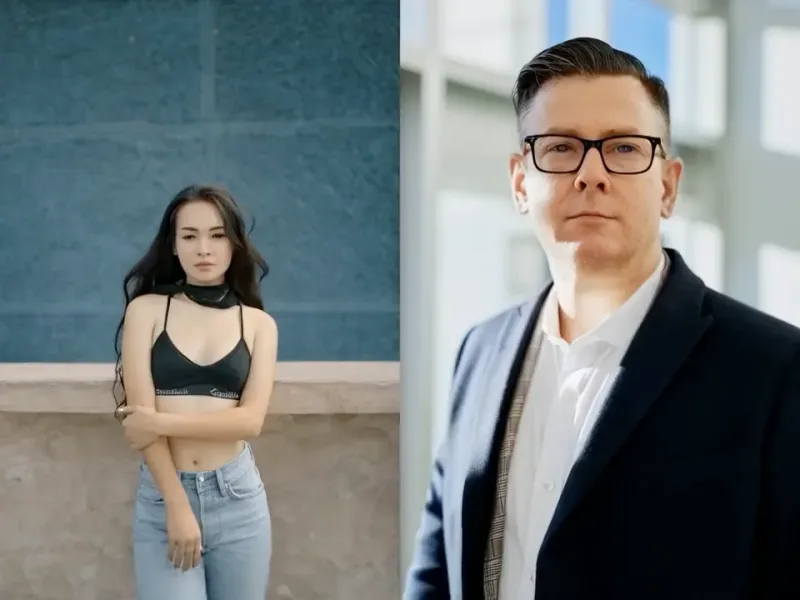
free-ai-kissing-video-generator
An online AI tool that transforms one or two portrait photos into realistic, high-quality kissing videos using deep learning face animation; positioned for couples, content creators, and commercial users with privacy and export options.

Premium Alternatives

Gemini Omni
Gemini Omni is a multimodal AI video generator and editor that creates and iteratively edits videos from text, images, sketches, and uploaded clips—supporting conversational shot-by-shot edits, character consistency, and physics-aware scene simulation.
Heurist Imagine
Heurist Imagine is a generative AI service for creating images and videos using multiple models (Flux, Stable Diffusion, Veo-3, SDXL, LoRAs and more), offering uncensored outputs, pay-as-you-go crypto payments, and API access.

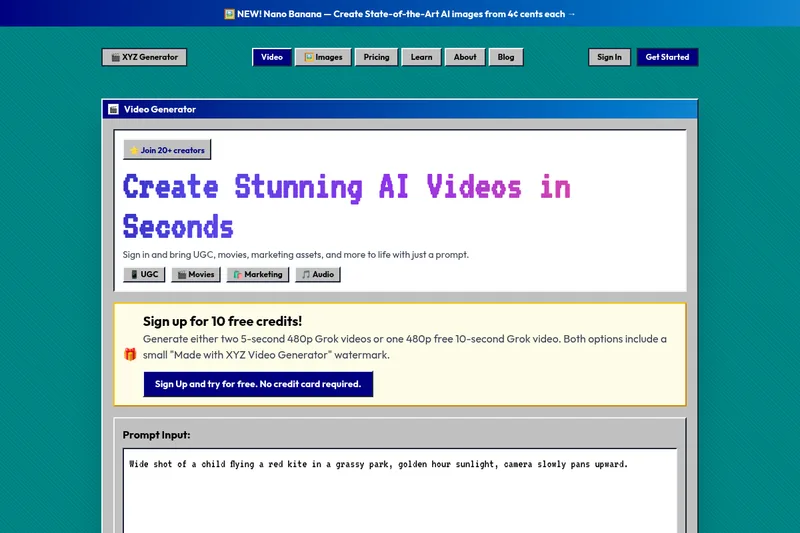
XYZ Generator
XYZ Generator is a web-based AI image and video generator that creates short videos and images from text prompts or images, targeting creators who need UGC, movies, and marketing assets.