
Outpost Launcher
Outpost is a macOS drag-and-launch companion that lets you instantly access your favorite contacts, apps, folders, and custom actions via a floating palette activated by a hotkey, streamlining file management and workflow.
Outpost Launcher is productivity software teams evaluate for productivity. Use this page to review pricing, integration signals, and the best alternatives before you commit.
Used in These Packs
Quick Overview
Best for: Productivity
What it does
Productivity software for decision-makers comparing workflow fit and alternatives.
Best fit
Productivity
Pricing snapshot
Contact for pricing
Next step
Compare Outpost Launcher with similar tools before you shortlist it.
Compare this tool before you shortlist it
Review alternatives, pricing posture, and workflow fit side by side.
Outpost Launcher
Outpost is designed to enhance productivity on macOS by providing a drag-and-launch interface that appears instantly at the cursor location with a single hotkey. It allows users to quickly access and launch contacts, apps, folders, cloud locations, scripts, and custom actions without switching windows or digging through Finder. The tool is ideal for creative professionals, power users, and anyone looking to reduce context switching and streamline file management workflows.
Outpost Launcher is an instant drag-and-launch companion for macOS that provides a cursor-centered palette for contacts, apps, folders, and custom actions, activated by hotkey or mouse shake to streamline file and shortcut management without window switching.
Own this listing?
Claim this page to add pricing, features, screenshots, and verified owner details.
Claim this listingKey Features
Hotkey-First Design
Access Outpost instantly via a customizable hotkey without interrupting your workflow.
Cursor-Centered Palette
A floating palette appears around your pointer with frosted-glass icons, positioned exactly where you are working.
Themes
Choose from multiple beautiful themes including Glass, Minimal, Matte, and Clear, and resize the palette to your preference.
Custom Destinations
Pin folders, apps, cloud locations, scripts, and Quick Actions to create shortcuts tailored to your workflow.
Drag-and-Drop Friendly
Drag files and folders directly onto destinations without opening multiple windows or navigating Finder.
Cargo Hold
Collect multiple files and folders in a cargo hold to drag them out all at once, simplifying asset gathering.
Power Users & Automators Support
Supports custom workflows and scripts that can be triggered with a single drag for automation enthusiasts.
Pricing
Claim this listing to add current pricing tiers.
Use Cases
Creative Professionals
Streamline asset management and project organization by quickly moving files between clients or folders.
Power Users and Automators
Create and trigger custom workflows and scripts to automate file handling and actions.
Reducing Context Switching
Keep focus on your work by avoiding window switching and navigating through Finder when sending files.
Integrations
macOS Quick Actions
Supports pinning and triggering macOS Quick Actions directly from the palette.
Scripts
Allows integration with custom scripts to automate workflows.
Cloud Locations
Pin cloud storage locations for quick access and file management.
Benefits
Limitations
Frequently Asked Questions
How do I activate Outpost?
Can I customize the appearance of the palette?
Is Outpost suitable for automation?
Does Outpost support cloud storage locations?
Getting Started
- 1 Download and install Outpost from the Mac App Store.
- 2 Set your preferred hotkey to activate the floating palette.
- 3 Pin your favorite folders, apps, cloud locations, and scripts as custom destinations.
- 4 Start dragging files or folders onto destinations or into the cargo hold to organize and launch.
Support
Website
Support and contact information available via the Parachute Apps website.
API
Compare Outpost Launcher with similar tools
See how it stacks up against alternatives
Related Tools
View all 183 →
Autoslide AI PowerPoint Add In
Autoslide AI PowerPoint Add-In is a productivity tool designed to help professionals create and format PowerPoint presentations faster using AI-driven slide formatting, content generation, and a rich resource library.

dialect-ai
Dialect-AI, now powered by Minck, is a personal AI assistant platform designed to simplify and automate daily work tasks across various departments, enhancing productivity and eliminating repetitive workloads.


Todo2
Todo2 is an AI-powered project management tool integrated directly within the Cursor development environment, designed to transform developers into superhuman project managers by enabling research, planning, and execution of entire projects without leaving the IDE.


Premium Alternatives


Documentpro
DocumentPro is an AI-powered document processing and workflow automation platform that extracts structured data from any document format and exports it to downstream systems, delivered via API or a web app for rapid embed and deployment.

Unicorns Club
SI Copilot is an AI-powered platform designed to automate the creation, management, and utilization of custom datasets for training large language models (LLMs) and other AI applications, enabling fast, efficient, and high-quality dataset generation tailored to specific user needs.
question-base
Question Base is an AI-powered answer agent integrated with Slack that automatically responds to repetitive internal questions by searching verified documentation and knowledge bases, helping teams save time and improve knowledge management.


Praneetbrar
Praneet Brar is a web developer and research engineer who designs and builds custom web applications, AI-powered apps, launch/discovery platforms, and productized templates for startups, makers, and businesses.
Fantasygen
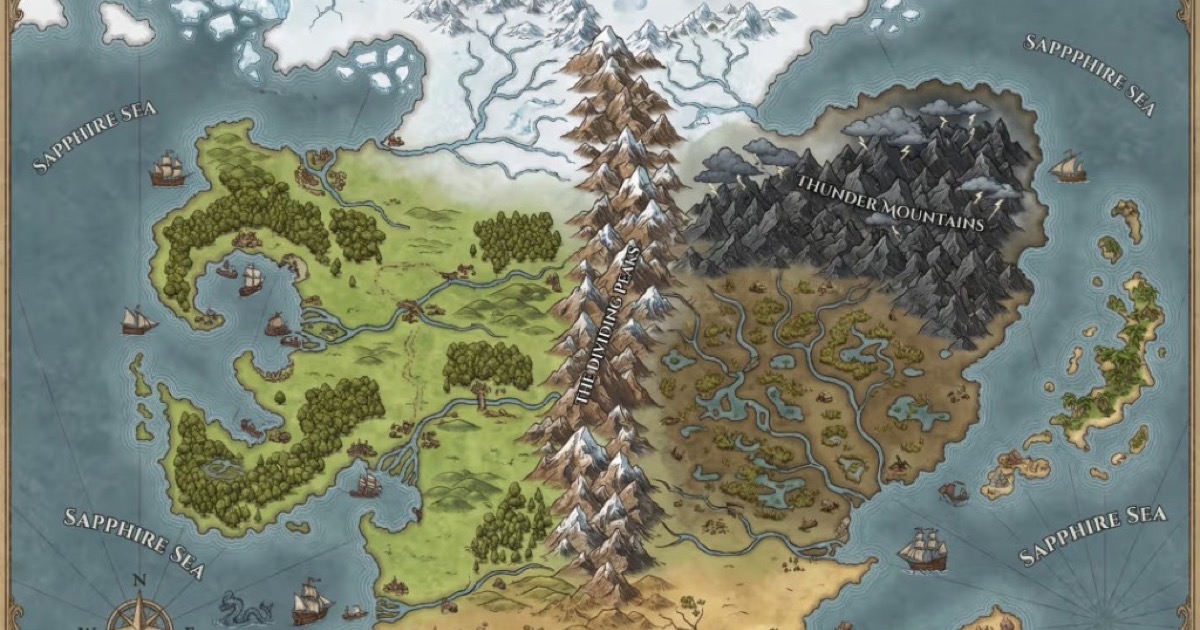
FantasyGen is an AI-powered fantasy map generator and map maker that creates D&D battlemaps, world maps, dungeon maps, city maps, and more instantly from text prompts. It's aimed at game masters, authors, worldbuilders, and game developers who need fast, high-quality maps without drawing skills.