
Boltai
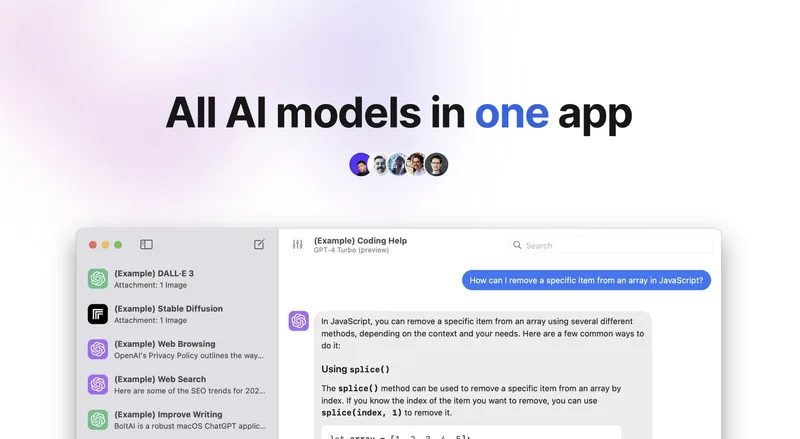
BoltAI is a native macOS AI workspace for power users that unifies access to 300+ AI models and providers (OpenAI, Anthropic, Google, Mistral, Azure, Bedrock, local models via Ollama/LM Studio) in a single app, with multimodal analysis, advanced agent/workflow tools, and privacy-first local storage.
Boltai is ai agents software teams evaluate for software & gaming. Use this page to review pricing, integration signals, and the best alternatives before you commit.
Profile facts come from the vendor source. AiMatch labels unknown pricing or API details instead of estimating them.
Review official source →Quick Overview
Best for: Software & Gaming
What it does
AI Agents software for decision-makers comparing workflow fit and alternatives.
Best fit
Software & Gaming
Pricing snapshot
Contact for pricing
Next step
Compare Boltai with similar tools before you shortlist it.
Compare this tool before you shortlist it
Review alternatives, pricing posture, and workflow fit side by side.
Boltai
BoltAI is a native macOS application designed for Mac power users who want a single, private workspace for interacting with many AI models and providers. The app claims native macOS performance (built with SwiftUI and AppKit) and supports switching between OpenAI, Anthropic, Google, Mistral, Azure, Bedrock, Ollama and other local models. It is aimed at both quick prompt tasks and complex, long-running workflows by offering projects, multi-chat threads, reusable agents, and fine-grained LLM controls.
BoltAI emphasizes multimodal capabilities (PDFs, screenshots, code, UI captures), local privacy (chats stored locally, API keys can be encrypted with a passphrase, and content is not used to train models), and extensibility through tools, MCP servers, and attached documents. The product supports Mac, iPhone and iPad with secure sync across devices.
BoltAI is a native macOS AI workspace for power users that unifies access to 300+ AI models and providers (OpenAI, Anthropic, Google, Mistral, Azure, Bedrock, local models via Ollama/LM Studio) in a single app, with multimodal analysis, advanced agent/workflow tools, and privacy-first local storage.
Own this listing?
Claim this page for a one-time $29 to add pricing, features, screenshots, verified owner details, and a clearly labeled 30-day category position after the profile is live.
Claim this listing for $29Key Features
Multi-provider & multi-model switching
Instantly switch between 300+ AI models and multiple providers (OpenAI, Anthropic, Google, Mistral, Azure, Bedrock, Ollama/local models) from a single app.
Native macOS performance
Built using SwiftUI and AppKit for Universal Shortcut Keys and optimized performance on Apple M1/M2/M3/M4 and Intel Macs.
Structured workflows and projects
Work with projects, multi-chat threads, forking, and reusable agents to keep work structured and scalable from quick prompts to complex workflows.
Multimodal analysis
Analyze PDFs, screenshots, code, UI captures, and research documents with vision-enabled models to get explanations, summaries, and structured results.
Fine-grained LLM controls
Tune temperature, max tokens, top-p/top-k, penalties, and system instructions for precise model behavior across providers.
Extensibility with tools, skills and MCP
Extend agents with code execution, MCP tools, attached documents, and connect to local/remote MCP servers to build richer automated workflows.
Local model support & zero-latency options
Run powerful LLMs locally via Ollama and LM Studio for fast private responses without per-token costs.
Privacy-first defaults
Chats are stored locally and not used to train models; API keys can be encrypted with a passphrase.
Global shortcut & quick access
Open BoltAI instantly over any app with a single keystroke to bring AI assistance into any workflow.
Screenshot → Answer
Capture the screen and receive explanations, fixes, or summaries from vision-enabled models.
Prompt library & attachments
Save reusable prompts and attach files or reference documents to manage context automatically.
Fork & branch chats
Explore alternative ideas without losing the original conversation thread for comparison and iteration.
Pricing
Current pricing details are not available from the vendor source.
Use Cases
Coding assistance
Explain code, get fixes or suggestions, and use vision-enabled captures and code execution tools to iterate faster.
Writing and editing
Rewrite text, adjust tone, and leverage prompt libraries and models across providers for content creation and editing.
Research & document analysis
Summarize and extract structure from PDFs, screenshots, and research documents using multimodal models.
Automating workflows
Build reusable agents with custom instructions, tools, and attached knowledge to automate document generation, data extraction, or long-running tasks.
Comparative model evaluation
Fork and branch chats or switch models/providers instantly to compare outputs and iterate on prompts or configurations.
Integrations
OpenAI
Use OpenAI models within BoltAI for chat and generation workflows.
Anthropic
Access Anthropic models (Claude) and take advantage of reasoning/adaptive thinking support.
Google / Gemini
Use Google/Gemini models as providers in the unified workspace.
Mistral
Use Mistral models as one of the supported providers.
Azure & Bedrock
Route requests through Azure and Bedrock providers where supported.
Ollama & LM Studio (local models)
Run local LLMs for private, low-latency inference.
MCP servers
Connect to local and remote MCP servers and toggle tools per agent for configurable workflows.
Search & tools (Perplexity, Kagi, WolframAlpha, DALL·E, etc.)
Integrate various search and tool providers (Kagi Search, Perplexity, WolframAlpha, DALL·E listed among supported tools).
Benefits
Limitations
Frequently Asked Questions
No verified FAQs are available.
Getting Started
- 1 Step 1: Download BoltAI for macOS (Intel & Apple Silicon, macOS 13+).
- 2 Step 2: Configure provider access by setting up your API key(s) in the app.
- 3 Step 3: Configure models, agents, or local model backends (Ollama/LM Studio) and, if desired, encrypt API keys with a passphrase or enable cloud sync across devices.
Support
docs
Help Center available via the BoltAI website for documentation and guides.
contact
Contact Us / company contact available via the site footer (Contact link).
changelog
Changelog and release notes available on the website (example: BoltAI 2.13.5 release entry).
roadmap
Product roadmap accessible from the site for planned features and updates.
updates
Email subscription for product updates via the site footer subscription form.
API
Compare Boltai with similar tools
See how it stacks up against alternatives
Related Tools
View all 560 →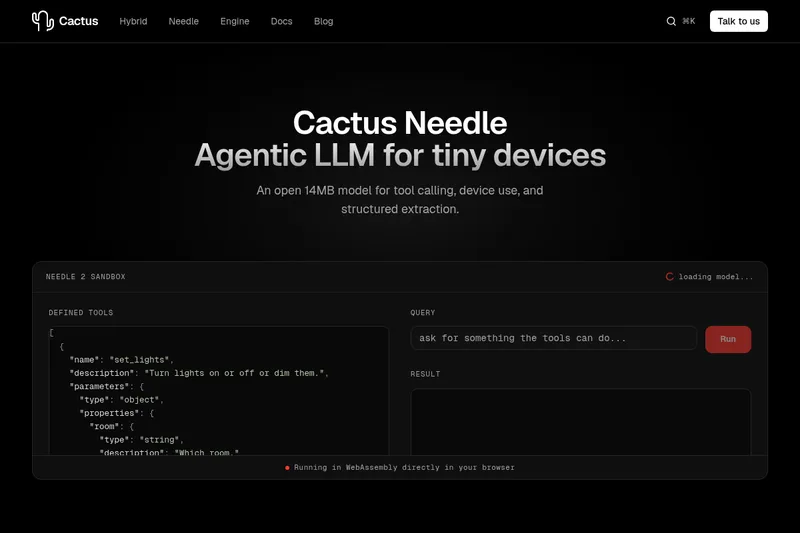
Needle2
Needle 2 is an open, production-ready 45M-parameter agentic LLM from Cactus designed for tool calling, device control, and structured extraction on extremely small devices; the shipped CQ2-bit binary is ~14 MB and runs in ~28 MB of RAM across Cortex-M, microcontrollers, phones, Raspberry Pi and WebAssembly.
The cheapest GPU cloud
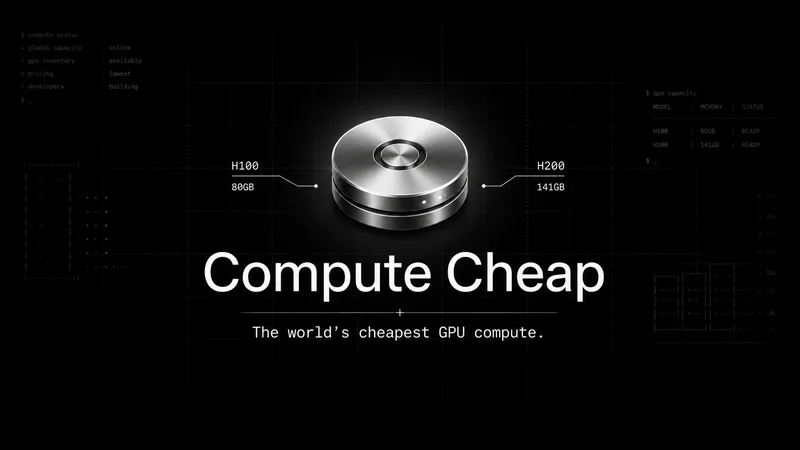
Compute Cheap provides low-cost GPU compute for training and inference, offering H100 and H200 SXM GPUs as interruptible or reserved capacity with published per-GPU-hour pricing and a simple request/reserve/run workflow.
Oodle.ai
Oodle Agent Observability provides agent/LLM observability at scale with S3-backed columnar storage, fast search (<1s P99), out-of-the-box AI-powered insights, and flat ingestion-based pricing designed to retain 100% of traces affordably for debugging and optimizing production agents.


Nous
Nous is an open-source context graph for agentic GTM (go-to-market) teams that centralizes identity-resolved people and company data from multiple GTM tools so agents can read a single, source-traced account context in one call. It is available as a hosted service and as a self-hostable stack.

AgentDrive
AgentDrive is a cloud filesystem by Token Canopy that provides durable, shared drives for AI agents and human teammates to store and share files and context across work sessions, with an API intended for direct agent use.
Premium Alternatives
PHNTM ONE
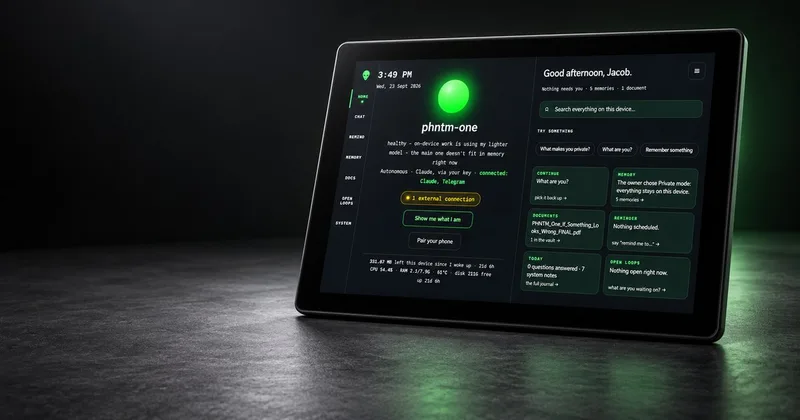
PHNTM One is a private, local-first AI appliance: a hand-built desktop device (Raspberry Pi 5, 8 GB, 10.1″ touchscreen) that runs an on-device model (Gemma 3 4B) to provide a voice-capable assistant, memories, document reading, timers, Home Assistant integration and offline knowledge — sold as a one-time $549 purchase with no subscription and zero telemetry by default.
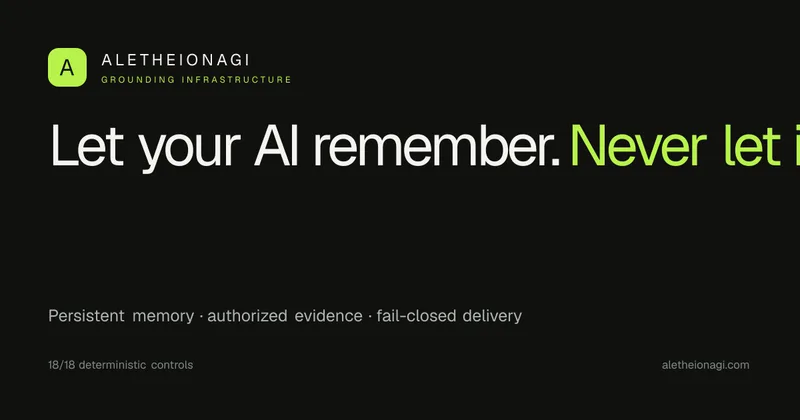
AletheionAGI
AletheionAGI provides a grounded-memory layer for AI systems that enforces evidence-bound delivery, namespace isolation, and policy authorization so AI readers cannot produce unsupported claims. It's targeted at production-facing use cases like customer support, commerce agents and internal copilots.
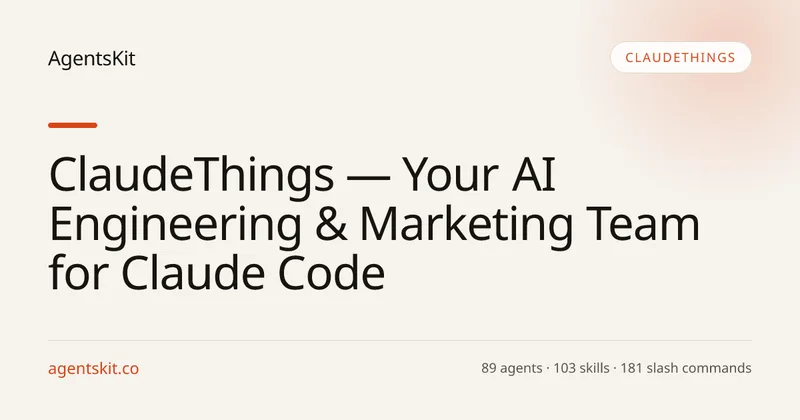
ClaudeThings
ClaudeThings provides a packaged, continuously-updating set of 89 specialized agents, 103 pre-built skills, and 181 slash commands that act as an AI engineering and marketing team for Claude Code — delivered as a private GitHub repo and installed with a single npx command. It adapts to any stack via a CLAUDE.md project manifest and is sold as a one-time purchase with lifetime updates.


fireworks-ai
Fireworks AI is an enterprise-grade platform for training, fine-tuning, and serving open and closed AI models, offering a drop-in replacement for closed-model APIs, an optimized inference engine, and tooling to own specialized intelligence and reduce AI spend.