Tintype
Tintype is a compartment-based execution system designed for teams managing overlapping projects, consolidating communication, files, tools, and tasks into a single intelligent channel to improve efficiency and reduce context-switching.
Tintype is future of work software teams evaluate for software & gaming. Use this page to review pricing, integration signals, and the best alternatives before you commit.
Used in These Packs
Quick Overview
Best for: Software & Gaming
What it does
Future of Work software for decision-makers comparing workflow fit and alternatives.
Best fit
Software & Gaming
Pricing snapshot
Contact for pricing
Next step
Compare Tintype with similar tools before you shortlist it.
Compare this tool before you shortlist it
Review alternatives, pricing posture, and workflow fit side by side.
Tintype
Tintype is a system built to help teams working across multiple simultaneous projects by organizing all elements—team members, communication, files, tools, and actions—into compartments centered around specific objectives. This approach reduces context-switching by over 40%, recovers more than 10 hours per week for team members, and improves execution speed by 15–20%. It is ideal for teams that require seamless collaboration and efficient project management across overlapping workflows. Tintype supports local work with automatic cloud synchronization, ensuring that updates are saved locally but instantly shared with the team without consuming local storage.
TryTintype.io is a cool AI tool that simplifies project management. It’s built for teams who want to stay organized without the hassle. With smart features like task tracking and collaboration, it helps you get stuff done faster. Perfect for anyone tired of clunky workflows!
Own this listing?
Claim this page to add pricing, features, screenshots, and verified owner details.
Claim this listingKey Features
Compartments
Centralized channels that bring together communication, team members, files, tools, and tasks organized around a single project objective.
Local Work with Auto-Sync
Allows users to work on files locally with automatic synchronization to the cloud, ensuring the team always has the latest versions without using local storage.
Compartment Insights
Provides key metrics and analytics across tasks, teams, and compartments to track progress, performance, and workspace activity.
App Integrations
Supports integration with various essential business tools such as Trello, Salesforce, WhatsApp, and others to unify workflows.
Pricing
Pricing information is not available on the website.
Use Cases
Managing Overlapping Projects
Teams working on multiple projects simultaneously can use Tintype to keep all related communication, files, and tasks organized in one place.
Cross-Functional Team Collaboration
Facilitates collaboration among diverse roles such as producers, developers, designers, and editors by centralizing project components.
Reducing Context Switching
Helps teams reduce the time lost switching between different tools and communication channels by consolidating everything into compartments.
Integrations
Trello
Integrate task management boards to keep project tasks synchronized.
Salesforce
Connect CRM data to compartments for streamlined customer and sales workflows.
Link communication channels to maintain seamless team conversations.
Benefits
Limitations
Frequently Asked Questions
What is a compartment in Tintype?
Can I work offline with Tintype?
Which apps can I integrate with Tintype?
Getting Started
- 1 Create a compartment by defining goals, timelines, and deliverables.
- 2 Add your team members and assign roles within the compartment.
- 3 Link your essential apps and tools to integrate your workflow.
- 4 Work using your regular processes while Tintype keeps everything synchronized.
Support
Contact Page
Reach out via the contact page on the Tintype website for support.
Documentation
Detailed feature descriptions and onboarding guides are available on the website.
API
No public API documentation is available.
Not applicable or not disclosed.
Compare Tintype with similar tools
See how it stacks up against alternatives
Related Tools
View all 182 →
Autoslide AI PowerPoint Add In
Autoslide AI PowerPoint Add-In is a productivity tool designed to help professionals create and format PowerPoint presentations faster using AI-driven slide formatting, content generation, and a rich resource library.

Menubartime
Time (Menubartime) is a native macOS menu bar app for tracking unlimited time zones, managing calendar events, and one-click joining of video meetings — built for remote workers and global teams.


Blaze
Text Blaze is a productivity tool that lets individuals and teams create reusable text snippets and dynamic templates to eliminate repetitive typing across Chrome, macOS, and Windows. It includes forms, formulas, automation features, and sharing/collaboration for consistent messaging and faster workflows.

auto-gmail-chatgpt-for-email
Auto Gmail is an AI-powered tool that automatically drafts up to 80% of your emails within Gmail, saving time and enhancing customer communication by learning your style and generating responses in the background.
calenai
calen is an AI calendar assistant that schedules, reschedules, finds free time, and manages your calendar via natural-language chat across the web, Telegram, and email. It automates event creation, attendee invites, and meeting coordination with Google Calendar integration and multi-channel access.


Premium Alternatives

Bestaiprompts
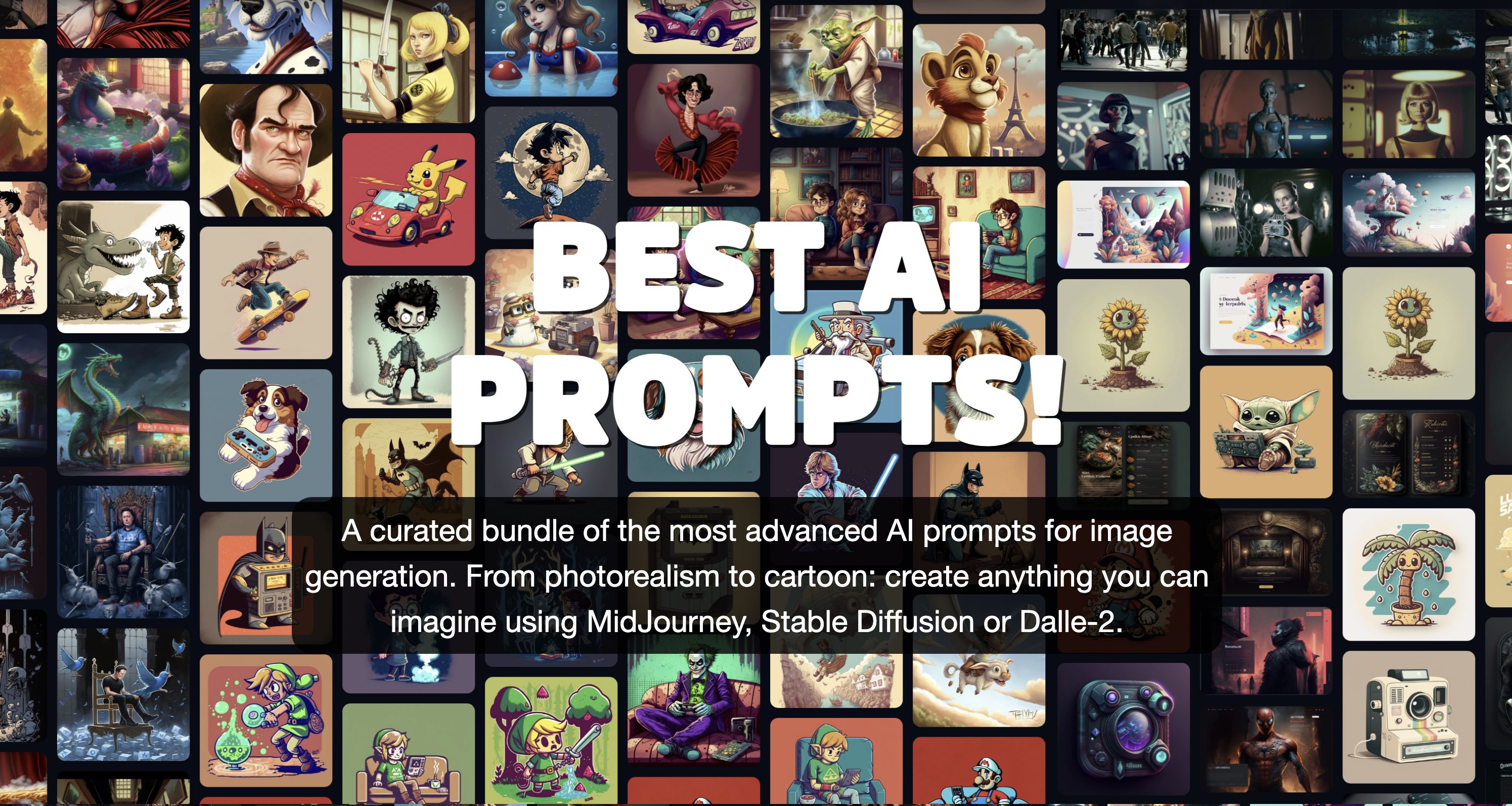
BestAIPrompts is a curated, one-time-purchase bundle of advanced image-generation prompts for Midjourney and other generative AIs, offering 2,203+ prompts across multiple creative categories for professionals and amateurs.
Tweetdetective
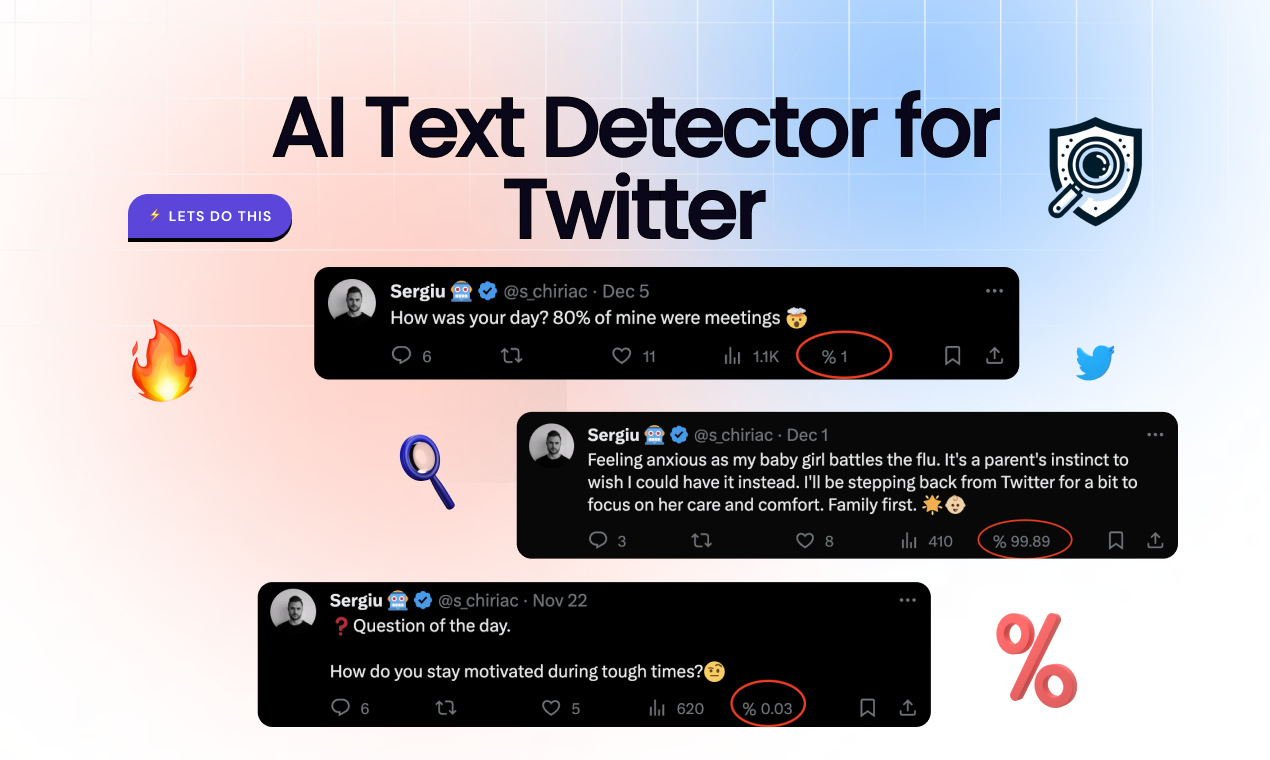
TweetDetective is a Chrome extension that analyzes tweets and surfaces the probability a tweet was generated by AI, using models trained to detect content from systems like ChatGPT and Bard.

Bestfaceswap
Browser-based AI face swapping for photos and videos that creates realistic, high-quality swaps (1080p) with a simple 3-step workflow aimed at creators, filmmakers, and casual users.