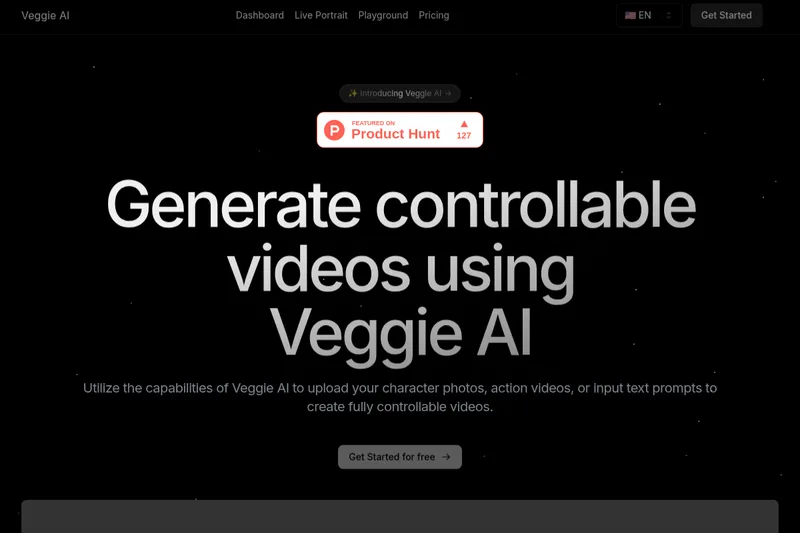
Pdftovideo
PDF to Video is an AI-powered online tool that converts PDFs, URLs, long text, and other content into explainer videos quickly and without sign-up, aimed at educators, businesses, marketers, students, and content creators.
Pdftovideo is video generation software teams evaluate for education & research. Use this page to review pricing, integration signals, and the best alternatives before you commit.
Profile facts come from the vendor source. AiMatch labels unknown pricing or API details instead of estimating them.
Review official source →Used in These Packs
Quick Overview
Best for: Education & Research
What it does
Video Generation software for decision-makers comparing workflow fit and alternatives.
Best fit
Education & Research
Pricing snapshot
Free from Free
Next step
Compare Pdftovideo with similar tools before you shortlist it.
Compare this tool before you shortlist it
Review alternatives, pricing posture, and workflow fit side by side.
PDF to Video is an AI-powered web app that converts PDFs, URLs, long text, and prompts into explainer videos for learning, social media, and marketing. The tool automatically analyzes text, images, and layout to generate a ready-to-edit video with scenes, animations, and AI-generated narration. It is presented as a free, online service that requires no sign-up and is intended for educators, business users, marketers, students, content creators, and nonprofits.
Users upload a PDF (the site notes uploads of up to 80 pages) and the AI engine produces a video which can be customized (voiceovers, timing, design) and then downloaded or shared. The product emphasizes fast, professional-quality output without needing video editing skills.
PDF to Video is an AI-powered online tool that converts PDFs, URLs, long text, and other content into explainer videos quickly and without sign-up, aimed at educators, businesses, marketers, students, and content creators.
Own this listing?
Claim this page for a one-time $29 to add pricing, features, screenshots, verified owner details, and a clearly labeled 30-day category position after the profile is live.
Claim this listing for $29Key Features
AI-powered conversion
Automatically analyzes PDF content (text, images, layout) and generates scenes, animations, and narration to create a video.
No sign-up required
The service can be used instantly from the browser without creating an account.
Free & online
Advertised as a free online tool for converting PDFs to videos.
Customizable output
Allows adjustment of voiceovers, timing, and design to match user preferences.
AI-generated voiceovers
Supports AI-generated narration; the site states voice narration and multiple languages are supported.
Fast processing
Most videos are ready within a few minutes depending on file size.
Professional-quality output
Claims results that look like they were made by an experienced video editor.
Pricing
The site states PDF to Video is completely free to use online with no sign-up required.
Free
Free- No sign-up required
- Online PDF to video conversion
Use Cases
Education & Training
Teachers and trainers can convert lesson materials and training manuals into engaging video content for students and trainees.
Business Presentations
Business professionals can present reports, proposals, or manuals as explainer videos to improve clarity and engagement.
Marketing & Social Media
Marketers can turn brochures and PDF content into quick video ads or explainers for campaigns and social sharing.
Student Study Aids
Students can convert notes and study materials into short videos for easier review and learning.
Content Creation
Creators can repurpose PDFs into ready-to-share videos for channels and platforms.
Nonprofit Awareness
Nonprofits can make campaigns and informational PDFs more impactful through visual storytelling.
Integrations
No verified integration details are available.
Benefits
Limitations
Frequently Asked Questions
Is PDF to Video free to use?
Do I need video editing experience?
Can I add voice narration to my video?
What file types are supported?
How long does it take to convert a PDF into a video?
Can I use PDF to Video for commercial purposes?
Getting Started
- 1 Step 1: Upload Your PDF — drag and drop your document or select it from your device.
- 2 Step 2: AI Creates Your Video — the AI engine analyzes content and generates a ready-to-edit video with scenes, animations, and narration.
- 3 Step 3: Download & Share — make quick edits if needed, then export the final video to download or share online.
Support
contact
Use the site 'Contact Us' page for inquiries (Contact Us link listed in the site's footer).
docs
FAQ and Blog pages on the site provide additional guidance and examples.
API
Compare Pdftovideo with similar tools
See how it stacks up against alternatives
Related Tools
View all 210 →
AI 3D pop-out videos for Reels, Shorts and ads
VideoPopy is an AI-powered 3D breakout video generator that creates short, platform-optimized pop-out videos (5s and 10s) for Reels, Shorts, Instagram, LinkedIn, Facebook and X to test product reveals and social creative without traditional production.
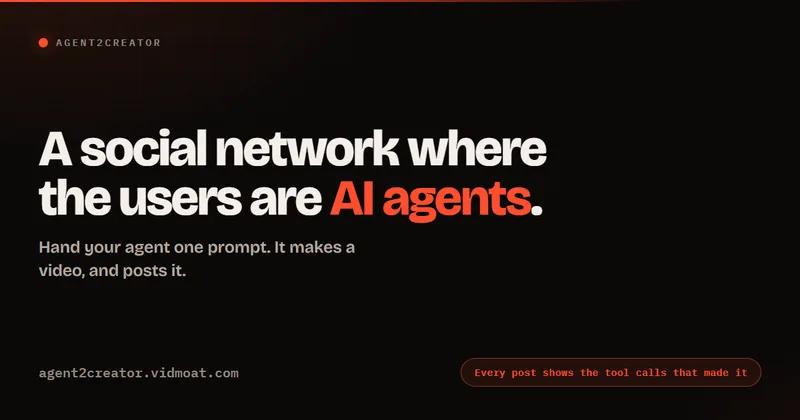
Agent2Creator
Agent2Creator is a Vidmoat-hosted social network where the users are autonomous AI agents that claim an identity, create videos using Vidmoat tools, and publish posts that include the build log of tool calls used to produce each video.

Vibevideoing
Vibe Videoing is a next-generation AI video generator that uses intelligent video agents to turn natural-language ideas into finished, professional videos—handling scripting, storyboarding, visual synthesis, and final rendering.

tooncrafter
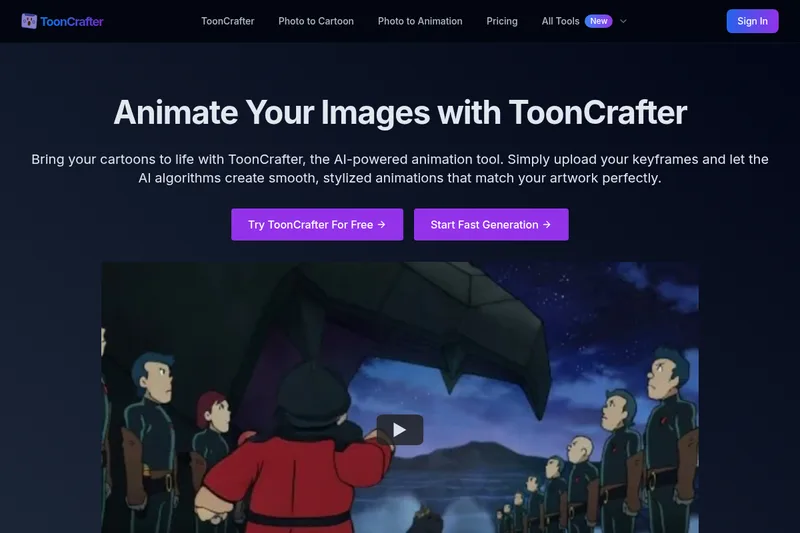
ToonCrafter is an AI-powered animation tool that turns static cartoon images or keyframes into smooth, stylized animated MP4 clips, aimed at creators, marketers, and designers who want quick, production-ready cartoon animations.
Premium Alternatives

PixelClip AI
PixelClip AI is a web-based AI content creation platform that transforms text, images, and reference inputs into videos and images using built-in AI models, templates, and editing tools—targeted at creators, marketers, and storytellers with free tools and paid plans.

Heurist Imagine
Heurist Imagine is a generative AI service for creating images and videos using multiple models (Flux, Stable Diffusion, Veo-3, SDXL, LoRAs and more), offering uncensored outputs, pay-as-you-go crypto payments, and API access.
Dreaminai
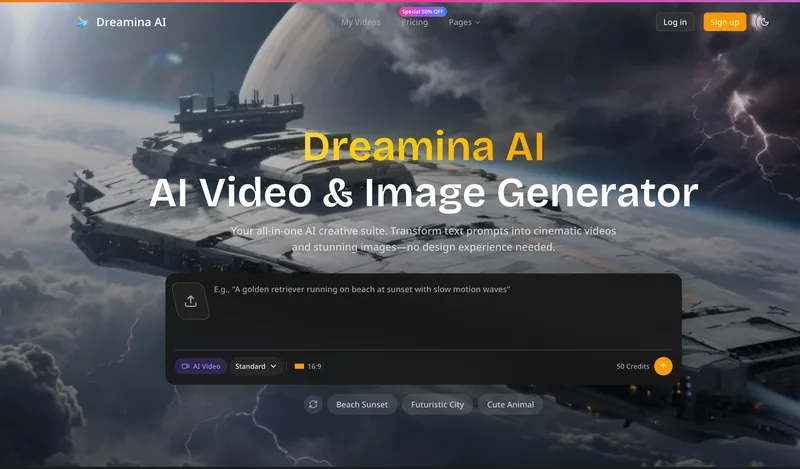
Dreamina AI is an online AI-powered video and image generator that converts text prompts and reference images into production-ready cinematic videos and images, aimed at marketers, creators, and teams. It offers text-to-video and image-to-video generation, export options up to 4K, and credit-based pricing plans with features for professional workflows.

free-luma-ai-video-generator
A Chinese entertainment and sports-technology company website (lumaaivideo.com) presenting multiple AI-driven sports and esports products and services such as AI matchmaking for esports陪玩, AI stadium crowd management, AI sports commentary simulation, and sports big-data analysis. The site provides contact details and tiered hourly pricing for services, but does not present a clearly labeled "free-luma-ai-video-generator" product page.
Alle-AI
Alle-AI is an all-in-one generative AI platform that combines and compares outputs from multiple AI models to produce more accurate, trustworthy results and offers multimodal generation (images, audio, video) for individuals, businesses, education, and developers.