
Photosynthesis
Photosynthesis is an iPhone camera app that captures two lenses simultaneously and combines their real optical detail into a single high-resolution photo, providing the detail of a zoom lens with the field of view of the main/ultra-wide lens — explicitly without generative AI.
Photosynthesis is image & design software teams evaluate for image & design. Use this page to review pricing, integration signals, and the best alternatives before you commit.
Profile facts come from the vendor source. AiMatch labels unknown pricing or API details instead of estimating them.
Review official source →Used in These Packs
Quick Overview
Best for: Image & Design
What it does
Image & Design software for decision-makers comparing workflow fit and alternatives.
Best fit
Image & Design
Pricing snapshot
Freemium from Free (14-day full access; thereafter free with limits)
Next step
Compare Photosynthesis with similar tools before you shortlist it.
Compare this tool before you shortlist it
Review alternatives, pricing posture, and workflow fit side by side.
Photosynthesis is a camera app for iPhone that captures two lenses at once and merges their real optical detail into a single high-resolution photo. It pairs the fine detail of a zoom (or inner) lens with the wider field of view from the main or ultra-wide lens so you can reframe or crop later without losing optical detail. The app emphasizes that every pixel of detail comes from the device's cameras and that no generative AI is used; machine learning is used only for alignment and colour matching. The product is presented as an iPhone app coming Summer 2026 with an Early Access program and an in-app camera, custom editor, and professional export options.
Photosynthesis fires two of your iPhone's cameras at once and fuses the results into one high-res photo, with no generative AI. Coming to iPhone in 2026.
Own this listing?
Claim this page for a one-time $29 to add pricing, features, screenshots, verified owner details, and a clearly labeled 30-day category position after the profile is live.
Claim this listing for $29Key Features
Simultaneous dual-lens capture
One press of the shutter captures two of your iPhone’s lenses together, allowing a combined capture even during motion.
Optical detail fusion
Combines the fine detail of the inner/zoom lens with the wider framing of the outer/main or ultra-wide lens into a single photo using only camera-captured pixels.
Machine-learning alignment and colour matching
Uses machine learning to align and match colour between lens captures so the merged image appears seamless.
Easy framing guidance
Viewfinder brackets indicate the area covered by the more detailed lens so you can frame your subject for best results.
Custom two-lens editor
A built-in editor with standard tools plus two-lens-specific controls: tweak inner-lens alignment, paint corrections for ghosting/doubling, apply filters, crop and rotate.
Professional export formats
Export to layered Photoshop (PSD), spatial photo, side-by-side 3D, and a Photosynthesis file that preserves layers and edits for re-import.
Backup and auto-export
Optional backup to iCloud, auto-transfer to a chosen folder, and the ability to export to the Photos app or other apps.
Support for 2- and 3-lens iPhones
Every iPhone with 2 or 3 rear lenses from iPhone 11 onward is supported; 2-lens phones combine those lenses, 3-lens ('Pro') phones can choose pairings or combine all three (beta).
Pricing
Free plan: 14 days fully unlocked trial; after that you keep unlimited capture and in-app editing but exports to flat external files are limited to 5 per month. Optional backups to iCloud are available.
Free
Free (14-day full access; thereafter free with limits)- Everything unlocked for the first 14 days
- Unlimited capture and in-app editing and viewing after trial
- 5 exports per month to external/flat files after trial
Subscribe
Pay monthly or yearly (specific pricing not listed)- Unlimited capture, editing and viewing
- Unlimited exports
Lifetime unlock
One-time purchase (specific price not listed)- Unlock everything permanently
- Unlimited exports and professional export formats
Use Cases
Live events and concerts
Capture front-row detail of a subject while preserving crowd and venue context by combining 1x + zoom pairings.
Wide scenes you may crop later
Shoot the widest frame possible and retain optical detail in the centre so you can crop or reframe later without losing quality.
Everyday and close-range photography
From awkward selfies to architectural shots, combine main and ultra-wide lenses (1x + 0.5x) to keep context and detail; close-range alignment may be harder but per-lens exports are available.
Professional post-processing
Create layered exports for advanced editing workflows (PSD, spatial, side-by-side 3D) and re-import via the Photosynthesis file for iterative edits.
Integrations
iCloud
Optional backup of every capture to your iCloud storage.
Photos app (iOS)
Auto-export or manually export finished photos into the iOS Photos library.
Filesystem / custom folder
Auto-transfer a copy of every photo to a chosen folder outside the app.
Photoshop (PSD)
Export layered Photoshop (PSD) documents for advanced external editing.
Benefits
Limitations
Frequently Asked Questions
Which iPhone models are supported?
Is the detail created by AI?
Why can’t I zoom in the viewfinder?
Can I set focus manually?
Does it work up close?
Where are my photos saved?
Getting Started
- 1 Apply for Early Access (if you want beta access) or install Photosynthesis when it becomes available in Summer 2026.
- 2 Open the app and run or skip the short tutorial to learn framing and two-lens basics.
- 3 Frame your subject inside the viewfinder brackets that indicate the more detailed (inner) lens.
- 4 Press the shutter — Photosynthesis captures both lenses simultaneously and processes a combined image.
- 5 Edit in the built-in two-lens editor, adjust alignment or paint corrections if needed, then export or backup as desired.
Support
Contact [email protected] for support.
in-app feedback
Tap 'Send Feedback' from the main Settings screen in the app to contact support.
docs
A simple tutorial is available inside the app to learn basics; additional product pages include Privacy Policy and support references on the website.
API
Compare Photosynthesis with similar tools
See how it stacks up against alternatives
Related Tools
View all 386 →


Thumbmachine
Thumbmachine is an AI-powered web app for quickly creating YouTube video thumbnails using text-to-image generation, background removal, image upscaling, and templates with unlimited variations and a 3M+ photo repository.

Profilebakery
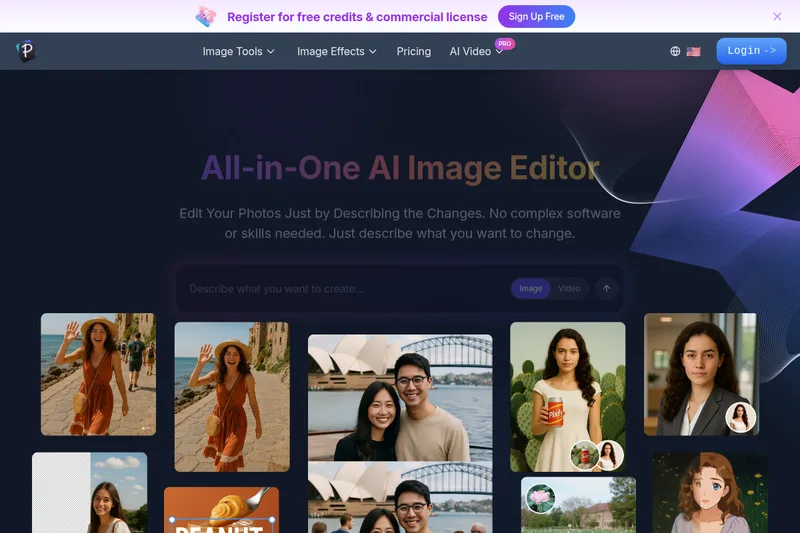
Profile Bakery is an AI headshot generator that creates professional-quality headshots from a single selfie, offering a free preview without signup and paid full packages (personalized training) typically delivered in ~15 minutes.

Uwear.ai
Uwear.ai is an enterprise AI visual production platform for fashion that converts product assets into studio-quality on-model photos and videos at scale, with locked art direction, automated QA, and delivery to PIM/DAM or storefronts via Studio, API, or MCP integrations.
Fluximage
Fluximage is a web-based AI image generation platform that hosts multiple image models (including Ideogram 2.0 and several FLUX.1 variants) for creating logos, posters, web designs, and other generated imagery. The site offers a browser UI with prompt input, style controls, and a free try option.

Wizart
Wizart is a B2B visual commerce platform that offers AI-powered product visualizers, APIs, plugins and a MaterialCloud to help manufacturers, retailers and e-commerce businesses let customers preview products (wallcoverings, flooring, tiles, rugs, etc.) in realistic, interactive visualizations and increase conversions.
Premium Alternatives
Aithumbnail
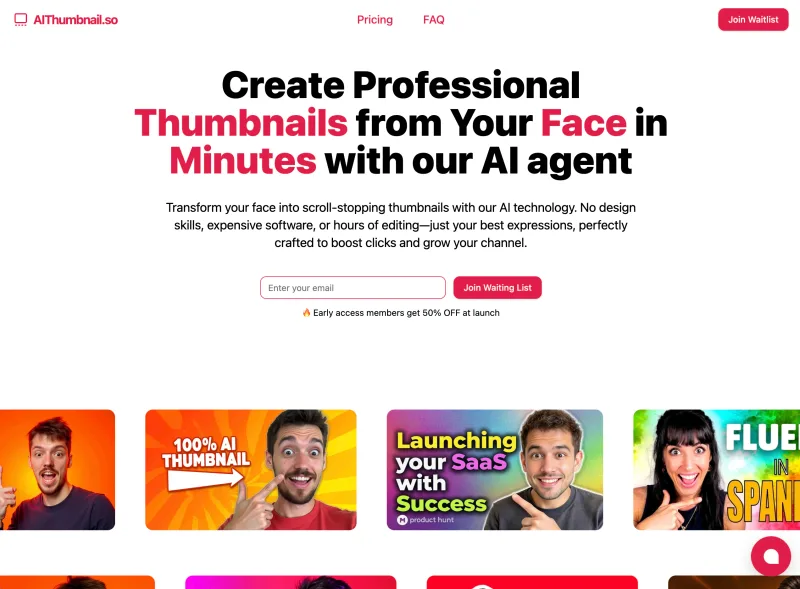
AIThumbnail.so is an AI-powered thumbnail maker for YouTube and creators that generates high-converting thumbnails in under a minute, offering features like Replica Mode, one-photo face integration, and AI smart suggestions to boost CTR and views.
Photostudio
Blockode AI Photo Studio is an AI-powered photoshoot generator that trains a custom model from your uploaded selfies to produce stylized, high-resolution AI photoshoots. It targets users who want custom-generated portraits with options for commercial use.

Ghibli Art Generator
Ghibli Art Generator is a web-based AI tool that transforms user photos into Studio Ghibli–inspired artwork using a proprietary deep-learning style generator, offering multiple film-style filters, batch processing, and downloadable high-resolution outputs.


DreamPic.AI
DreamPic.AI is a web service that uses AI (Stable Diffusion + DreamBooth) to train a personalized model from user photos and generate high-resolution, stylized images and avatars of people in hundreds of styles.

Illusion Diffusion
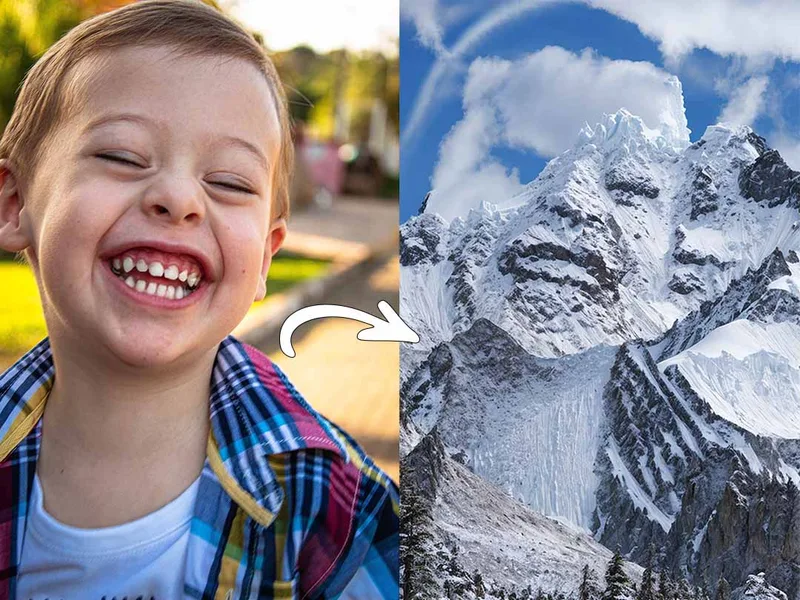
Illusion Diffusion is a web-based AI photo-to-art generator that transforms designs, text, or photos into illusion-style artwork using ControlNet, OpenPose, and Stable Diffusion models. It offers credit-based image generation, downloadable results, and presets for text-to-image and brand/logo reimagining.
Aiportraitgen
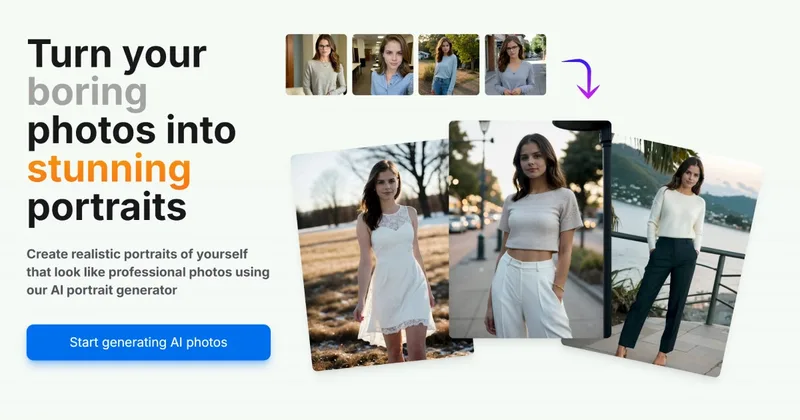
AI Portrait Gen is an online AI portrait generator that creates realistic, high-quality portrait photos from a few user-supplied photos. It offers customizable locations, outfits and styles, pay-as-you-go credits (no subscription), and privacy protections for uploaded images.