

chippy
Chippy is a Chrome/Chromium browser extension that brings ChatGPT-powered assistance into any webpage for summarization, research, translation, and quick replies without switching tabs.
chippy is chat software teams evaluate for education & research. Use this page to review pricing, integration signals, and the best alternatives before you commit.
Profile facts come from the vendor source. AiMatch labels unknown pricing or API details instead of estimating them.
Review official source →Quick Overview
Best for: Education & Research
What it does
Chat software for decision-makers comparing workflow fit and alternatives.
Best fit
Education & Research
Pricing snapshot
Freemium from Free
Next step
Compare chippy with similar tools before you shortlist it.
Compare this tool before you shortlist it
Review alternatives, pricing posture, and workflow fit side by side.
Chippy is a browser extension for Google Chrome and Chromium-based browsers that integrates ChatGPT into web browsing. It provides in-page access to ChatGPT functionality to summarize, research, translate, and answer questions without switching tabs. The extension emphasizes easy input (typing or selecting text), suggested prompts with follow-ups, a focused search limited to the current page, and an email assistant for drafting replies. Chippy stores conversations and the user's OpenAI API key locally in the browser, does not track browser history, and does not require an account.
Chippy is a browser extension that integrates ChatGPT for online AI assistance.
Own this listing?
Claim this page for a one-time $29 to add pricing, features, screenshots, verified owner details, and a clearly labeled 30-day category position after the profile is live.
Claim this listing for $29Key Features
ChatGPT integration
Brings ChatGPT functionality directly into the browser so you can use AI to summarize, research, translate, and answer questions on any webpage.
Easy input
Type your question directly or select text on a page for Chippy to analyze, eliminating copy/paste.
Suggested prompts & follow-ups
Provides suggested prompts to get started and relevant follow-up prompts to dig deeper.
Focused page search
Option to narrow Chippy's search to the current page for information beyond ChatGPT’s 2021 knowledge cutoff.
Email assistant
Quickly open Chippy to help draft short email replies.
Local storage & privacy
Conversations and the user's OpenAI API key are stored locally in the browser; Chippy does not track browser history and doesn't require an account.
Theme selection
After installation users can select a theme (e.g., Windows 98, Dark, Light, Glossy).
Pricing
Chippy provides twenty free GPT-3.5 queries daily.
Free
Free- Twenty GPT-3.5 queries daily
Use with OpenAI API key
N/A (uses the user's OpenAI API key for additional queries or GPT-4)- Allows more queries and GPT-4 when using your OpenAI API key
Use Cases
On-page summarization and research
Summarize long articles or research content directly on the page and use the focused page search to surface page-specific information.
Drafting quick email replies
Use the Email assistant to compose or refine brief replies without leaving the browser.
Translation and question answering while browsing
Translate text and ask questions about page content immediately via the extension's interface.
Extending ChatGPT beyond its cutoff
Narrow searches to the current page to access information beyond ChatGPT’s 2021 knowledge cutoff.
Integrations
OpenAI API
Users can supply their OpenAI API key to enable more queries or access GPT-4.
Google Chrome / Chromium
Installs as a browser extension for Google Chrome and Chromium-based browsers.
Benefits
Limitations
Frequently Asked Questions
Is Chippy Free?
What’s the catch?
How does Chippy protect my data?
How do I install Chippy?
How do I upgrade Chippy?
What browsers are supported?
Getting Started
- 1 Step 1: Click “Add Extension” on the Chippy site to open the Chrome Web Store.
- 2 Step 2: Click “Add to Chrome” in the Chrome store to install the extension.
- 3 Step 3: Once installed, select your preferred theme and open Chippy to begin using it.
- 4 Step 4 (optional): Provide your OpenAI API key to access more queries or GPT-4.
Support
Website / Support page
Support link and Privacy Policy are available from the Chippy website (https://chippyai.com/).
API
Compare chippy with similar tools
See how it stacks up against alternatives
Related Tools
View all 81 →





Premium Alternatives


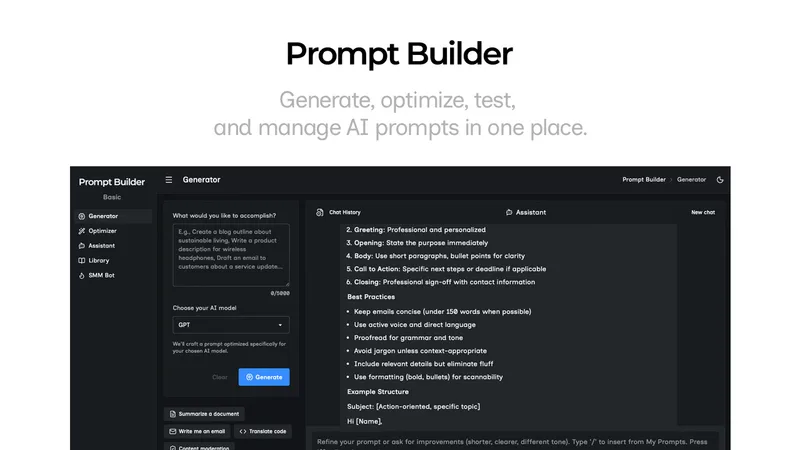
Promptbuilder
Prompt Builder is a web app that generates, optimizes, tests, and manages AI prompts tuned to specific models (ChatGPT, Gemini, Claude, Grok, etc.), with a prompt library, optimizer, built-in chat assistant, and versioning for prompt workflows.

pandachat-ai
PandaChat runs supervised AI customer operations for complex Adria/DACH e‑commerce stacks: a managed team of specialists and supervisors that connects to your systems, handles multilingual 24/7 support across channels, and sends daily briefings with value reports.
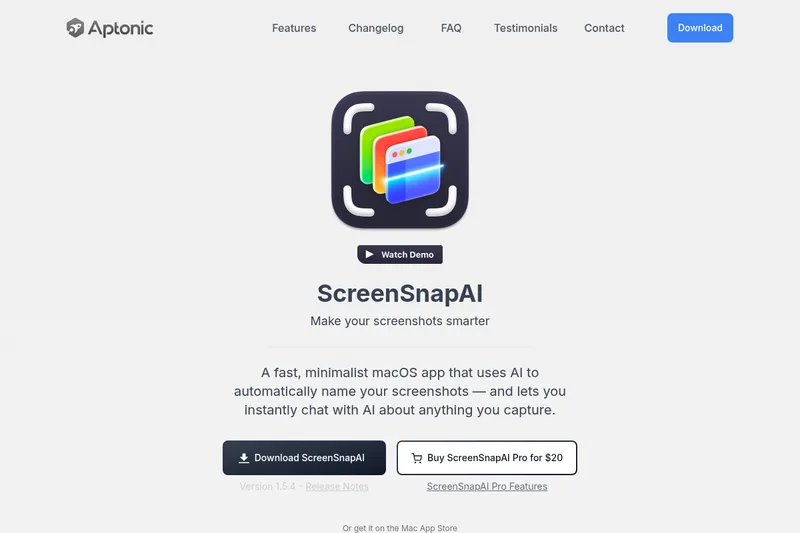
screensnapai
ScreenSnapAI is a native macOS app that automatically names and tags screenshots and lets users ask AI questions about selected areas of their screen. It supports Intel and Apple Silicon Macs running macOS 13 or later.
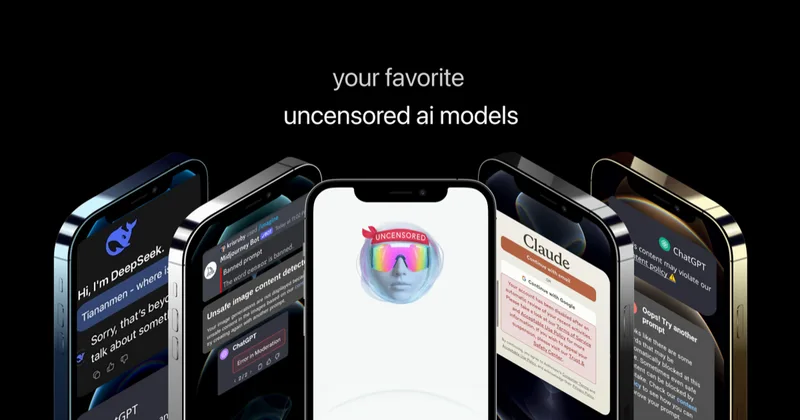
Uncensored
Uncensored AI is a chat and developer platform that provides access to a broad catalog of powerful, minimally filtered AI models for chat, voice, vision, code, and API access, with privacy features like auto-redaction and developer tooling.