
Remove Background Online
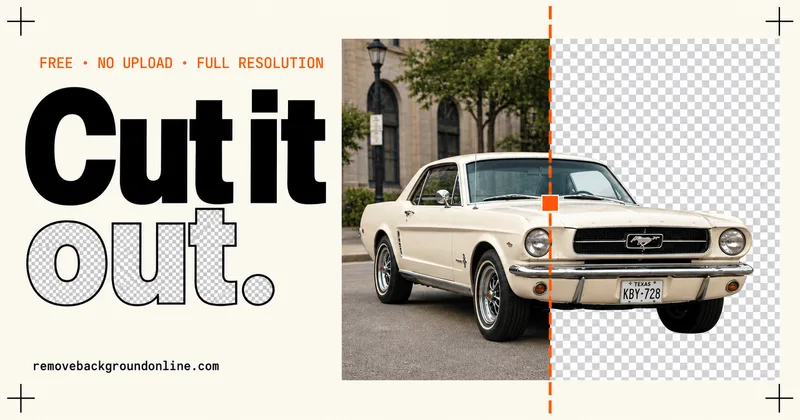
Remove Background Online is a free, browser-based AI background remover that cuts out subjects from JPG/PNG/WebP images and exports full-resolution transparent PNGs (HD, 4K and beyond) with no signup, no watermark, and no uploads — the model runs locally in your browser.
Remove Background Online is image & design software teams evaluate for creative & design. Use this page to review pricing, integration signals, and the best alternatives before you commit.
Profile facts come from the vendor source. AiMatch labels unknown pricing or API details instead of estimating them.
Review official source →Used in These Packs
Quick Overview
Best for: Creative & Design
What it does
Image & Design software for decision-makers comparing workflow fit and alternatives.
Best fit
Creative & Design
Pricing snapshot
Free from Free
Next step
Compare Remove Background Online with similar tools before you shortlist it.
Compare this tool before you shortlist it
Review alternatives, pricing posture, and workflow fit side by side.
Remove Background Online is a browser-based background remover that automatically separates the subject from its background using a neural network that runs locally in the user's browser. It accepts JPG, PNG, and WebP inputs and exports a true transparent PNG with an alpha channel at the original resolution (no quality cap). The service is free, requires no account or install, places no watermark on downloads, and keeps images on the user's device (no uploads). The first use downloads a 45–90 MB model to the browser cache; subsequent uses are fast and can work offline.
Free AI background remover that runs entirely in your browser — no sign-up. Remove Background Online is a AI Tool featured on Dang.ai. Learn more about Remove Background Online's AI tool.
Own this listing?
Claim this page for a one-time $29 to add pricing, features, screenshots, verified owner details, and a clearly labeled 30-day category position after the profile is live.
Claim this listing for $29Key Features
Local AI model (runs in browser)
The neural network model runs on the user's device inside the browser; images never leave the device and the model is cached after the first download (45–90 MB).
Full-resolution output
No resolution cap: the tool applies the cutout mask to the original pixels so a 12-megapixel photo exports as a 12-megapixel PNG (HD, 4K and beyond).
True transparent PNG export
All results export as PNG with an alpha channel (JPEG/WebP inputs are converted on the fly to PNG + alpha without recompression).
Multiple input formats
Accepts JPG, JPEG, PNG, and WebP images via drag-and-drop, file browse, or paste (Ctrl+V).
Background replacement options
After removal, you can add a white background, pick any color (brand hex), or swap in a custom backdrop; green-screen keying is also supported.
Editing tools
Post-process controls including a 'Magic Brush' for hand-polishing edges, edge softness and edge shift adjustments.
No signup, no watermark
Service is free to use with unlimited images, no account required and no watermark on downloads.
Cross-platform & offline-capable
Works in browsers on Windows, Mac, Android, and iPhone; after the model is cached it works offline.
Pricing
Unlimited free use: full-resolution transparent PNG downloads with no watermark and no account.
Free
Free- Unlimited images
- Full-resolution PNG exports
- No watermark
- No account required
Use Cases
Ecommerce catalog images
Create catalog-ready product shots with pure white or brand-colored backgrounds for marketplaces and listings.
Photographers
Produce full-resolution transparent PNGs suitable for client delivery without recompression or quality loss.
Marketing & advertising creatives
Quickly generate cutouts for ads, campaign assets, and social media creatives.
Profile pictures & social
One-off portrait cutouts for avatars and profile images.
Signatures & documents
Remove backgrounds from photographed or scanned signatures to place clean transparent PNGs into PDFs and forms.
Logos & design
Lift logos and illustrations off backgrounds to use in layouts and designs.
Developers
Embed the client-side tool on websites without a backend; the site notes developer embedding as a usage scenario.
Media & publishing
Fast cutouts for article images, thumbnails, and editorial assets.
Car dealerships
Create consistent inventory photos from lot images by removing backgrounds and placing subjects on uniform backdrops.
Enterprise privacy-sensitive workflows
Because images never leave the device, enterprises can avoid data-flow agreements tied to server uploads.
Integrations
Embed on your site
The page notes the tool can be embedded on sites for users without requiring a backend: 'A tool your users can embed — with zero backend.'
Benefits
Limitations
Frequently Asked Questions
Is this background remover really free?
Are my photos uploaded to a server?
How do I remove the background from a JPG or PNG?
Will the result be full resolution and HD?
Can I add a white background to my photo instead?
Can I change the background color of a photo?
Can it remove a white background from a logo?
Can it remove the background from a signature?
How does this compare to Photoshop?
How is this different from remove.bg?
Is this an app or software I need to install?
Do you have an API?
Why is the first image slower?
Does it work on videos?
Getting Started
- 1 Open the tool from the site (click 'Open the tool').
- 2 Drop an image, paste it with Ctrl+V, or browse to select a JPG, PNG, or WebP file.
- 3 Wait for the model to run (first run downloads the model ~45–90 MB), then download the transparent PNG or apply a background color and export.
Support
Docs / Guides
On-site guides explain how to remove backgrounds, add white backgrounds, change colors, and other workflows.
Feedback
The site invites users to 'Send feedback' to shape the roadmap; feedback link is available on the page.
FAQ
A built-in FAQ on the site answers common questions about usage, privacy, and features.
API
Compare Remove Background Online with similar tools
See how it stacks up against alternatives
Related Tools
View all 386 →

Bewerbungsbild
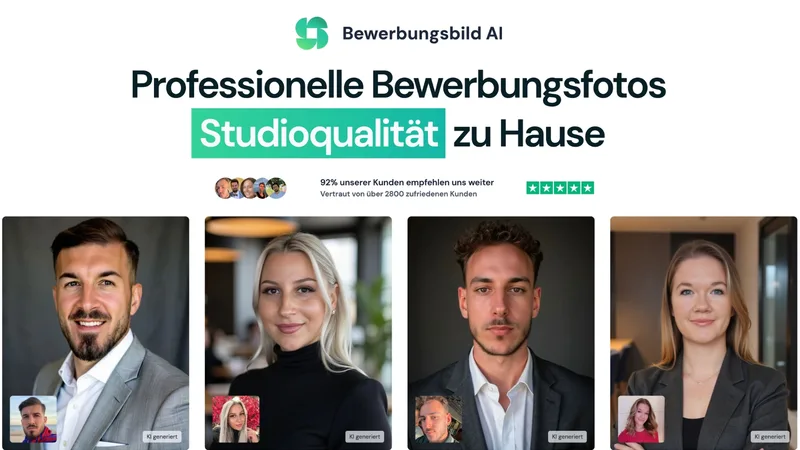
Bewerbungsbild AI is a Germany-based AI service that generates studio-quality application (Bewerbungs) photos from user selfies, offering dozens to hundreds of professional variations, quick turnaround, and dedicated packages starting at €29.

Describepicture
Describe Picture is an AI-powered web tool that instantly analyzes images to produce detailed descriptions, alt text, tags, markdown, OCR-extracted text, and can convert screenshots into code. It targets accessibility, SEO, content workflows, and creative image generation.
Nanobanana2
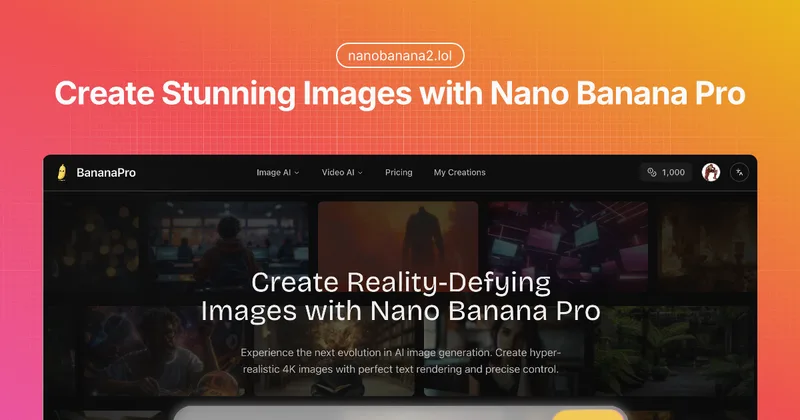
Nano Banana Pro (BananaPro) is a web-based AI image generator focused on hyper-realistic, native 4K image creation with precise text rendering, studio lighting controls, and professional output for designers and studios.

Aiheadshotmasters
AI Headshot Masters provides AI-generated, studio-quality professional headshots for individuals and teams, producing dozens of polished portraits from user-supplied selfies in minutes without a traditional photoshoot.
Premium Alternatives

Picture to Text
Picture to Text is an online OCR image-to-text converter that extracts editable text from images, screenshots, PDFs and handwritten notes using advanced OCR technology. It offers free and paid tiers with batch processing, multi-format support, and multi-language extraction.


Artiphoria AI
Artiphoria AI is a web-based AI image generation software that creates unique images in one click using neural networks and machine learning, aimed at artists, designers, creators and businesses.

imaginebuddy
Imagine Buddy is a web-based library of professionally crafted AI product photoshoot prompts that helps creators and brands generate campaign-ready product imagery using AI image generators like Gemini, ChatGPT/DALL·E, Midjourney, and Stable Diffusion.

Hairstyleai
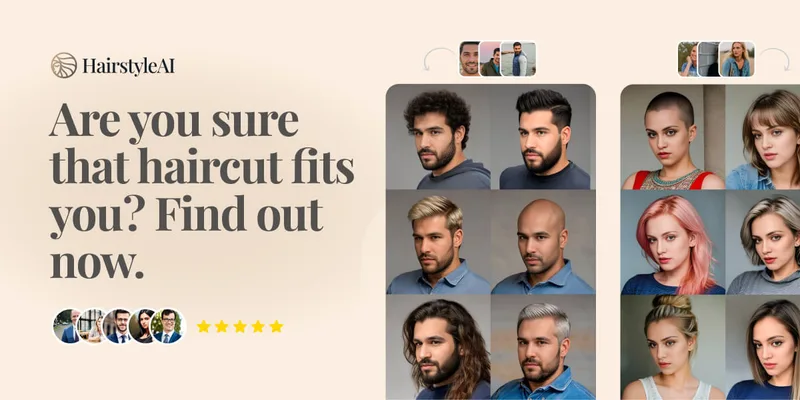
HairstyleAI is a virtual AI hairstyle try-on service (powered by HeadshotPro.com) that lets users preview new haircuts on their photos before committing to a real cut, offering dozens of generated looks and downloadable HD images.

Aux Machina
Aux Machina is an AI-powered image creation platform that generates custom, royalty-free visuals and offers upcoming AI-assisted image-editing tools, aimed at creators, marketers, and teams who need quick, high-quality images.

GPT Image 2.5
GPT Image 2.5 is a prompt-based image generation and editing workspace offering two model modes—Flare for fast creative exploration and Sunburst for detail-focused edits—designed for product visuals, portraits, campaigns, and other content creation workflows.