
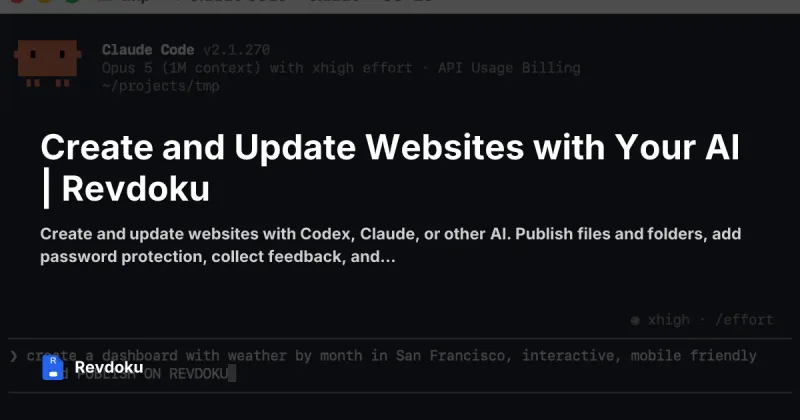
Revdoku
Revdoku is a web platform that turns HTML, folders, prototypes and other files into live, shareable websites and mini-apps with built-in backend features (forms, notifications, analytics) and direct integration with AI tools for creating and updating sites.
Revdoku is developer tools software teams evaluate for developer tools. Use this page to review pricing, integration signals, and the best alternatives before you commit.
Profile facts come from the vendor source. AiMatch labels unknown pricing or API details instead of estimating them.
Review official source →Used in These Packs
Quick Overview
Best for: Developer Tools
What it does
Developer Tools software for decision-makers comparing workflow fit and alternatives.
Best fit
Developer Tools
Pricing snapshot
Freemium from Free
Next step
Compare Revdoku with similar tools before you shortlist it.
Compare this tool before you shortlist it
Review alternatives, pricing posture, and workflow fit side by side.
Revdoku converts vibe-coded HTML pages, folders of assets (PDFs, images, videos), app or game prototypes, and other files into live https:// websites within seconds. It provides built-in backend features such as forms, email notifications for submissions, visitor analytics, password protection or verified-email access, and support for custom domains. The platform is designed for designers, developers, and agencies who want to publish, update, and collect feedback on websites and mini-apps quickly, and it integrates directly with AI tools (Codex, ChatGPT, Claude, Gemini, Cursor) via skills or an MCP server to create and update sites from an AI workflow.
Revdoku turns AI-generated reports, dashboards, and prototypes into live websites you can share, protect, and update without changing the URL. Revdoku is a AI Tool featured on Dang.ai. Learn more about Revdoku's AI tool.
Own this listing?
Claim this page for a one-time $29 to add pricing, features, screenshots, verified owner details, and a clearly labeled 30-day category position after the profile is live.
Claim this listing for $29Key Features
AI integrations
Connect Claude, Codex, ChatGPT, Gemini, Cursor and other compatible AI tools via a Revdoku skill or MCP server to create, update and manage websites from the AI app.
Instant publishing
Publish vibe-coded HTML pages, prototypes, folders of files, or other content as a live website within seconds.
Folder-to-website conversion
Turn folders containing PDFs, HTML, images and videos into a browsable website automatically.
Built-in backend & forms
Includes web forms (contact, feedback, lead capture, approvals) with email notifications for each submission and configurable delivery behavior.
Visitor feedback widget
Visitors can select areas and text to add reactions or comments; owners receive notifications referencing specific documents, page numbers, or video timestamps.
Analytics
View visits, opened pages, outbound clicks, downloads and visitor activity in the dashboard; availability and retention vary by plan.
Access control & security
Make sites public, password-protected, or limited to verified email addresses; every site uses HTTPS and supports custom domains.
Agency/multi-account management
Manage multiple client accounts from one place, switch between clients, and invite members with account-wide access.
CLI & MCP server
Provides CLI commands and an MCP server endpoint to connect AI apps and automate publishing (examples: npx skills add, codex mcp add, claude mcp add).
Pricing
Free plan available (public or password-protected sites, basic visitor analytics, forms and email alerts).
Free
Free- Public or protected sites
- Visitor analytics (availability/retention depends on plan)
- Forms and email alerts
Agency
See website / contact sales- Manage multiple client accounts from one place
- Invite members with account-wide access
Use Cases
Mobile prototype
Turn a vibe-coded mobile app prototype into a clickable website with visitor feedback enabled.
Designer portfolio
Publish a vibe-coded portfolio as a live website and collect requests or feedback from visitors.
Folder to website (documents & media)
Make a browsable site from a folder containing PDFs, HTML, images and videos; feedback submissions reference documents and timestamps.
Product waitlist
Publish a landing page with a waitlist form to collect emails for a product launch.
B2B lead magnet
Publish a landing page that requires email capture to deliver a PDF report or other gated resource.
Browser game
Publish a vibe-coded game prototype as a playable online game and collect visitor feedback.
Curated/scraped content
Republish automatically collected content (e.g., weekly remote jobs) through Revdoku with a built-in feedback widget.
Integrations
Claude, Codex, ChatGPT, Gemini, Cursor
Connect these AI apps via Revdoku skills, prompts, or MCP to create and update websites directly from the AI.
MCP server / CLI
Use the MCP endpoint and local CLI commands to integrate with developer workflows and automate publishing.
Cloudflare / AWS
Platform runs on Cloudflare and AWS (infrastructure providers referenced on the site).
Benefits
Limitations
Frequently Asked Questions
What can I build with Revdoku?
Can I update a website after I share it?
Does Revdoku support forms and analytics?
Can I control who sees a website?
Can Revdoku run a server or database for my website?
Can I connect my favorite AI app?
Can my agency use Revdoku for multiple clients?
Getting Started
- 1 Create an account at https://revdoku.com/ and open the dashboard.
- 2 Connect your AI app by installing the Revdoku skill or adding the MCP endpoint (examples: npx skills add revdoku/revdoku, codex mcp add revdoku --url https://app.revdoku.com/mcp).
- 3 Publish content: paste vibe-coded HTML/pages or point to a folder, add forms or widgets as needed, then publish and share the generated https:// URL.
Support
Docs
Access documentation, guides and API Reference from the Revdoku Resources section on the website.
CLI
Command-line tools and examples are provided (e.g., npx skills add) and documented in the Resources/CLI section.
API Reference
API Reference is listed in Resources for developers integrating via MCP or programmatic workflows.
Blog / Changelog
Product updates and examples are available via the blog and changelog linked in Resources.
API
https://revdoku.com/ (API Reference and MCP setup are listed in the site Resources)
Compare Revdoku with similar tools
See how it stacks up against alternatives
Related Tools
View all 149 →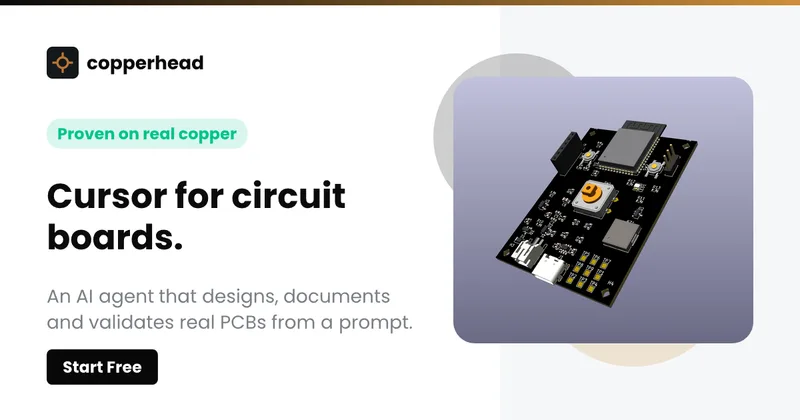
Copperhead
Copperhead is an open-source AI engineering platform and CLI that helps hardware teams design, verify, and ship printed circuit boards by editing KiCad files, running KiCad checks (ERC/DRC), and producing gerbers, firmware, and documentation in a gated, auditable pipeline.


Docs.dev Your Own Hosted Docs Platform in Minutes
Docs.dev is a deployable documentation template that runs as a Cloudflare Worker in your account, using your GitHub repo as the source of truth and agent-powered drafting (e.g., Claude Code or Codex) to generate reviewable docs branches that your team publishes via commit.

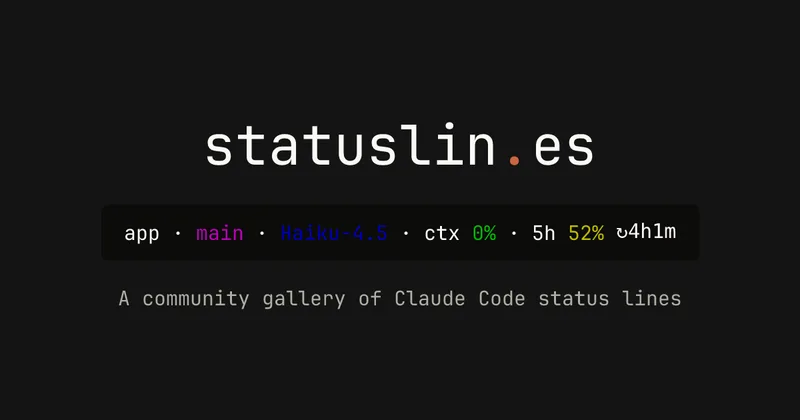
statuslin.es
statuslin.es is a community gallery of Claude Code status lines—copyable, previewed scripts and themes for terminal/status-bar displays that show Claude model stats (tokens, cost, limits), git info, and other runtime metrics.

Bullet · Fast, by design.
Bullet is a fast coding agent and developer tool that routes, searches, and executes code-focused tasks with a tight loop to minimize latency — offered as a macOS download and currently available in private beta.

Premium Alternatives
%22%2F%3E%20%3Ctext%20x%3D%2250%25%22%20y%3D%2250%25%22%20dominant-baseline%3D%22central%22%20text-anchor%3D%22middle%22%20font-family%3D%22system-ui%2C-apple-system%2Csans-serif%22%20font-weight%3D%22700%22%20font-size%3D%2250%22%20fill%3D%22white%22%3EO%3C%2Ftext%3E%20%3C%2Fsvg%3E)
OTP Inspired actor supervisor based full stack templates
ShipStacks provides production-grade, OTP-inspired full-stack SaaS templates that include supervisors/actor patterns, auth, payments, uploads, AI chat and agent playbooks, and Docker-ready deployment in multiple languages and frameworks.
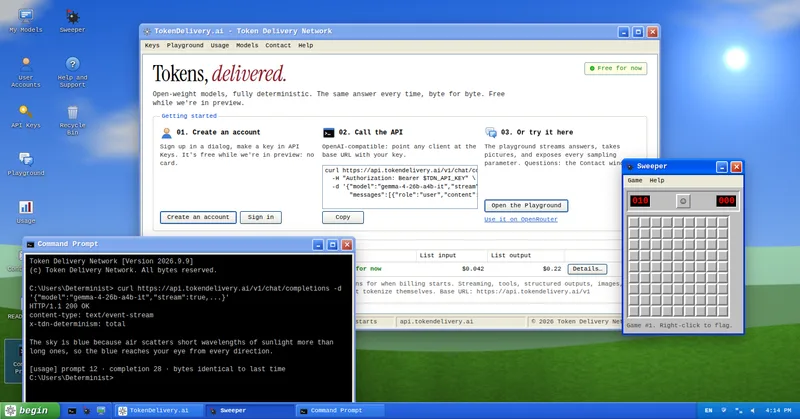
TokenDelivery.ai
TokenDelivery.ai (Token Delivery Network) is an OpenAI-compatible model API and playground that offers reproducible, deterministic model outputs, streaming responses, multimodal inputs (images and short videos), and exposed sampling parameters. It is free during preview and provides API keys, a playground, and a documented base URL for developers.

Servers for AI, not another AWS
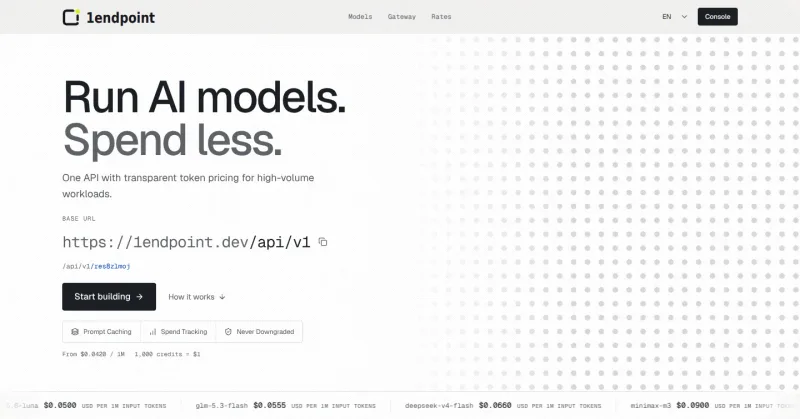
RAW offers dedicated GPU and CPU servers specifically built for AI workloads — provision real metal with root access and CUDA via a single API. It emphasizes low cost (claims up to 100× cheaper than AWS), $0 egress, fast provisioning, and enterprise features for inference, training, agents, and vector databases.

MacVisor Runs VMs with VLANs and Firewall on Apple Silicon
MacVisor is a native Apple Silicon virtualization platform for running and managing macOS and Linux VMs, with Windows 11 and AI sandboxes available as Tech Previews. It includes snapshots, templates, VLAN networking, host-enforced firewall controls, and CLI automation.

runpod
Runpod is an AI Developer Cloud that provides on-demand GPU infrastructure—Pods, Serverless endpoints, and multi-node Clusters—enabling teams to experiment, train, fine-tune, deploy, and scale AI workloads across 31 global regions with support for 30+ GPU SKUs.