runcomfy
RunComfy is a cloud platform for ComfyUI that provides ready-to-run ComfyUI environments, fast GPU machines, reproducible workflow snapshots, and a serverless API to turn workflows into autoscaling endpoints—designed for creators, educators, and production use.
runcomfy is image & design software teams evaluate for image & design. Use this page to review pricing, integration signals, and the best alternatives before you commit.
Profile facts come from the vendor source. AiMatch labels unknown pricing or API details instead of estimating them.
Review official source →Used in These Packs
Quick Overview
Best for: Image & Design
What it does
Image & Design software for decision-makers comparing workflow fit and alternatives.
Best fit
Image & Design
Pricing snapshot
Freemium from Get started for Free (no specific limits published on page)
Next step
Compare runcomfy with similar tools before you shortlist it.
Compare this tool before you shortlist it
Review alternatives, pricing posture, and workflow fit side by side.
RunComfy is a hosted ComfyUI platform that provides unmodified ComfyUI environments in the cloud so users can run node-based image and video generation workflows without local setup. It offers ready-to-run templates, persistent model storage, multiple on-demand GPU sizes, and an Auto-Setup Agent that handles dependencies, custom nodes, and model downloads so creators can open and run workflows in seconds. The platform also supports turning saved workflows into serverless, autoscaling APIs for production usage and collaboration features for sharing reproducible workflow environments with teams, students, or followers.
Cloud-based ComfyUI platform for AI art creation with fast GPUs and easy workflows.
Own this listing?
Claim this page for a one-time $29 to add pricing, features, screenshots, verified owner details, and a clearly labeled 30-day category position after the profile is live.
Claim this listing for $29Key Features
No‑setup Auto‑Setup Agent
Drop a workflow.json and RunComfy will handle missing nodes, models, and dependencies; open the provided link and run the workflow in the browser.
Native, Unmodified ComfyUI
Provides a first-party, unmodified ComfyUI environment to ensure parity between local and cloud runs and seamless transitions.
200+ Ready‑to‑Run Templates
Curated ComfyUI workflows spanning image/video generation, editing, upscaling, 3D and more, available to run without additional setup.
Fast Model Downloads & Persistent Storage
Download models directly from Civitai, Hugging Face, and Google Drive (advertised 25x faster than local uploads) and persist models across sessions.
ComfyUI‑Manager for Node Installation
Pre-installed manager to install and manage custom ComfyUI nodes and spin up multiple distinct ComfyUI environments.
Multiple On‑Demand GPU Sizes
Offers GPU machines with VRAM options ranging from 16GB up to 141GB to support models of different sizes.
Serverless ComfyUI API
Turn any cloud‑saved workflow into an autoscaling HTTPS API endpoint with parameterized inputs, versioning, run history, real‑time monitoring and pay‑as‑you‑go GPU billing.
Reproducible Workflow Environments & Sharing
Save a workflow snapshot that includes workflow JSON, OS/Python environment, ComfyUI, custom nodes and models; share via link to reproduce the exact environment.
Browser‑based ComfyUI (No Local Install)
RunComfy enables ComfyUI in a browser without local installation so users can start creating immediately.
Support & Community
Offers support via Discord and email and provides guides, tutorials, and resources for ComfyUI users.
Pricing
Get started for Free (RunComfy advertises a free entry to try ComfyUI in the browser).
Free
Get started for Free (no specific limits published on page)- Access to browser ComfyUI
- Use of templates
- Upload/download models and try the service
Pay‑as‑you‑go GPU Billing
Pay-as-you-go GPU billing (no per‑GPU prices published on page)- Autoscaling serverless API
- Pay only while jobs are running
- Versioned deployments and monitoring
Education / Team / Enterprise
Contact sales for education, team or enterprise plans- Shared balances, optional Pro discounts on GPU usage
- Dedicated arrangements for institutions and enterprises
Use Cases
Rapid Prototyping and Production Inference
Build visually in ComfyUI Cloud and convert saved workflows into serverless APIs for production-scale inference with autoscaling and pay‑as‑you‑go billing.
Education and Workshops
Provide consistent, zero‑install environments for students and workshop participants so everyone works from the same reproducible setup; supports classroom and tutorial workflows.
VFX and Professional Creators
Used by VFX professionals and creators to run advanced image/video workflows, fine‑tune LoRAs and train models on dedicated GPUs for production projects.
Collaboration and Sharing
Share complete ComfyUI environments via link so teammates or followers can load the exact workflow, nodes, and models without manual setup.
Integrations
Civitai
Direct model downloads from Civitai into RunComfy machines (faster downloads and persisted storage).
Hugging Face
Direct model downloads from Hugging Face into RunComfy and persistent model storage across sessions.
Google Drive
Ability to download models from Google Drive into RunComfy machines.
Discord
Community and technical support channel; RunComfy links to Discord for support and community.
Benefits
Limitations
No verified limitations are available.
Frequently Asked Questions
What is ComfyUI?
How can I get started with ComfyUI?
Is there a ComfyUI API service?
Can I upload and download my own models or LoRAs?
Can I install and manage nodes within RunComfy ComfyUI cloud?
Is there technical support available?
Getting Started
- 1 Sign up and click "Get started for Free" to create an account and open ComfyUI in your browser.
- 2 Drop a workflow.json or choose from 200+ templates; RunComfy auto‑sets up dependencies, nodes, and models for you.
- 3 Save your cloud workflow to preserve the environment or click "Deploy" to turn it into a Serverless API for programmatic use.
Support
Discord
Community and technical support via RunComfy Discord (linked from site).
Support email: [email protected] for technical help and inquiries.
Docs & Tutorials
RunComfy provides guides, ComfyUI tutorials, API docs and other resources linked from the site (Resources section).
System Status
Site includes a System Status page link to view uptime/incident information.
API
RunComfy ComfyUI API information and links available on the RunComfy site (see ComfyUI API / Explore API references on the product page).
Compare runcomfy with similar tools
See how it stacks up against alternatives
Related Tools
View all 372 →

hitpaw-photo-ai
HitPaw FotorPea (formerly HitPaw Photo Enhancer) is an AI-powered photo enhancement tool that denoises, unblurs, colorizes, upscales (to multi‑K resolutions) and generates images using models like Nano Banana Pro. It is available as desktop apps for Windows and Mac, an online service, mobile apps, and a Photoshop plugin.


uwear-ai
Uwear.ai is an enterprise AI visual production platform for fashion that converts product assets into studio-quality on-model photos and videos at scale, with locked art direction, automated QA, and delivery to PIM/DAM or storefronts via Studio, API, or MCP integrations.

developersoft-ai-image-generation
Developersoft AI Studio is a web-based image generation tool for creators and brands that produces platform-ready thumbnails, social creatives, and consistent AI characters from a single selfie in about 30 seconds.
generated-photos
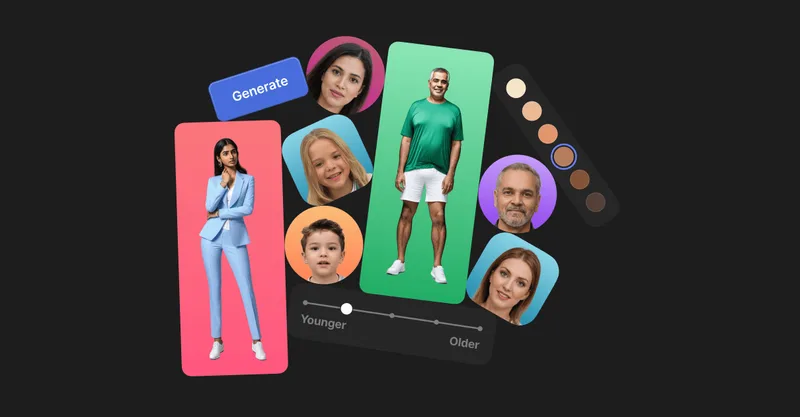
Generated Photos provides AI-generated, photorealistic faces and full-body humans for creative and commercial projects, offering searchable galleries, real-time generators, datasets, and API/bulk options to scale usage.


Imgunblur
ImgUnblur is a browser-based AI image unblur and enhancement tool that restores clarity to blurry photos using deep learning. It offers instant processing, batch unblur for up to 30 images, privacy protections, and a free-to-start experience with optional paid credits.
Premium Alternatives

RoomAI
RoomAI is a web-based AI room-design tool that restyles real room photos while preserving the room geometry (walls, windows, openings, ceiling height and camera angle). It offers 300+ styles, 20+ room presets, virtual staging and decluttering with fast, full-resolution results for property listings, designers, photographers and homeowners.

Aiportraitgen
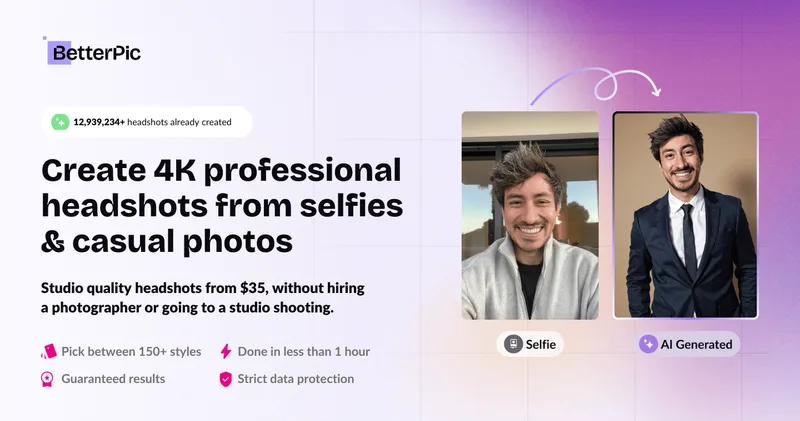
AI Portrait Gen is an online AI portrait generator that creates realistic, high-quality portrait photos from a few user-supplied photos. It offers customizable locations, outfits and styles, pay-as-you-go credits (no subscription), and privacy protections for uploaded images.
Createacaricatureofme
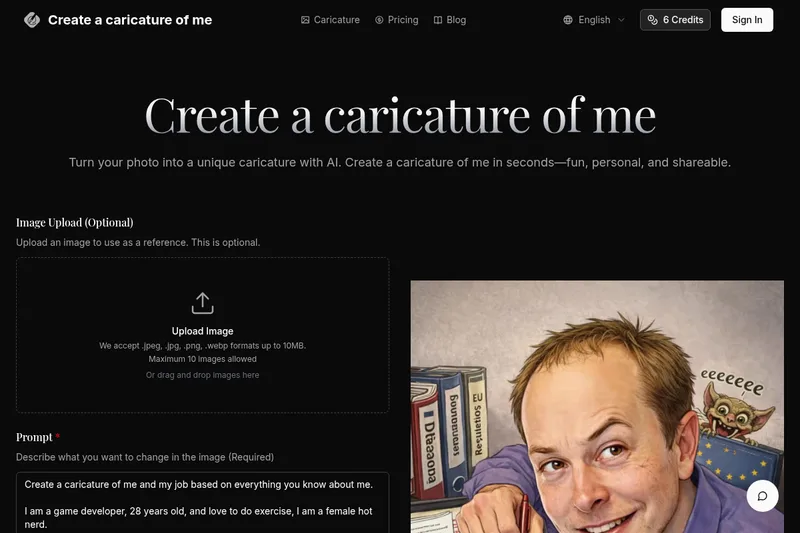
Create a Caricature of Me is a web-based AI image tool that turns user photos into personalized caricatures in seconds. Users can upload images, provide a prompt, choose AI models and output formats, then generate and download stylized caricatures for social, personal, or light professional use.


precheck-ai-ai-face-data
PreCheck is an AI-powered facial recognition and face-search platform that lets users upload a single photo to find where that face appears across the web, and also provides reverse phone and email lookups for identity, reputation management, and fraud prevention.

prompt-hunt
Prompt Hunt is a web platform for creating, browsing, and sharing AI-generated art using curated prompt templates and its in-house Chroma model, aimed at creatives, teams, and prompt engineers.