
Photobooth AI
Photobooth AI is a web and mobile photobooth app that uses AI-driven styles and custom prompts to transform user portraits for events, parties, and personal use, offering an event mode for guest participation and sharing.
Photobooth AI is image & design software teams evaluate for creative & design. Use this page to review pricing, integration signals, and the best alternatives before you commit.
Profile facts come from the vendor source. AiMatch labels unknown pricing or API details instead of estimating them.
Review official source →Used in These Packs
Quick Overview
Best for: Creative & Design
What it does
Image & Design software for decision-makers comparing workflow fit and alternatives.
Best fit
Creative & Design
Pricing snapshot
Pricing available on request
Next step
Compare Photobooth AI with similar tools before you shortlist it.
Compare this tool before you shortlist it
Review alternatives, pricing posture, and workflow fit side by side.
Photobooth AI is an online photobooth application that runs on web, Android, and iOS, enabling users to upload a photo and transform portraits instantly using a library of AI styles or custom prompts. It is designed for casual use and events—users can create and customize photobooths for guests, choose styles, and share results via links, email, or QR codes.
The product includes an Event Mode for organizers: select credit packages, apply branding (colors and logos), pick or create styles, open the photobooth on devices or invite participants via code, and let guests capture and share portraits. The site advertises a free trial of 3 credits with no credit card required.
AI-powered photobooth app for creating unique and memorable photos at events and parties.
Own this listing?
Claim this page for a one-time $29 to add pricing, features, screenshots, verified owner details, and a clearly labeled 30-day category position after the profile is live.
Claim this listing for $29Key Features
AI style library
Choose from many predefined AI styles (classic, premium themes like Halloween, space, historical, career icons, Disney, music, etc.) to transform portraits.
Custom styles / prompts
Create your own prompt or custom styles to produce unique portrait results beyond the built-in library.
Event Mode and dashboard
Create events from a dashboard, choose number of credits, customize the photobooth with colors and logos, and manage guest access.
Multi-platform access
Photobooth AI is available on Web, Android, and iOS so attendees can use phones, tablets, or computers.
Share and export
Guests can save portraits and share them via link, email, or QR code.
Guest access via code
Invite participants to join the photobooth app using an event code for streamlined onboarding at events.
Pricing
3 free credits - No credit card required
Use Cases
Event entertainment (weddings, birthdays, parties)
Add branded, themed AI portraits to guest experiences at social events using Event Mode and shared photobooth access.
Corporate events and conferences
Provide attendees with unique, shareable portraits that can be customized with company colors and logos for trade shows or corporate gatherings.
Personal portrait creation
Create stylized personal portraits (AI twin) for social sharing or keepsakes using the app’s styles or custom prompts.
On-site or remote guest participation
Allow guests to use a tablet, phone, or computer to take and transform photos during an event and share instantly.
Integrations
No verified integration details are available.
Benefits
Limitations
Frequently Asked Questions
Can I try Photobooth AI for free?
What types of devices is the app compatible with?
Getting Started
- 1 Step 1: Register on the site to get 3 free credits (no credit card required).
- 2 Step 2: From the dashboard create an event, choose number of credits, and customize the photobooth with colors and logos.
- 3 Step 3: Select styles from the library or create a custom prompt, open the photobooth on web or mobile or invite guests via code, then let guests take and share photos.
Support
docs
Help section and FAQ available via the site's Help page.
contact
Contact link available in the site footer (use the site's Contact page).
blog
Blog posts and guides (e.g., how to set up a DIY photobooth, how to create events) are available on the site.
API
Compare Photobooth AI with similar tools
See how it stacks up against alternatives
Related Tools
View all 386 →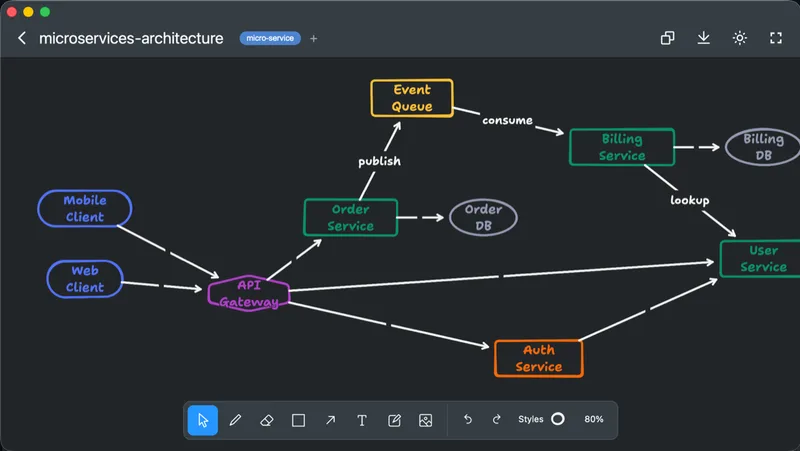

Sketchtoimage
SketchToImage is a web app that transforms hand-drawn or uploaded sketches into styled images using AI, with options to upscale outputs and convert images into short videos.
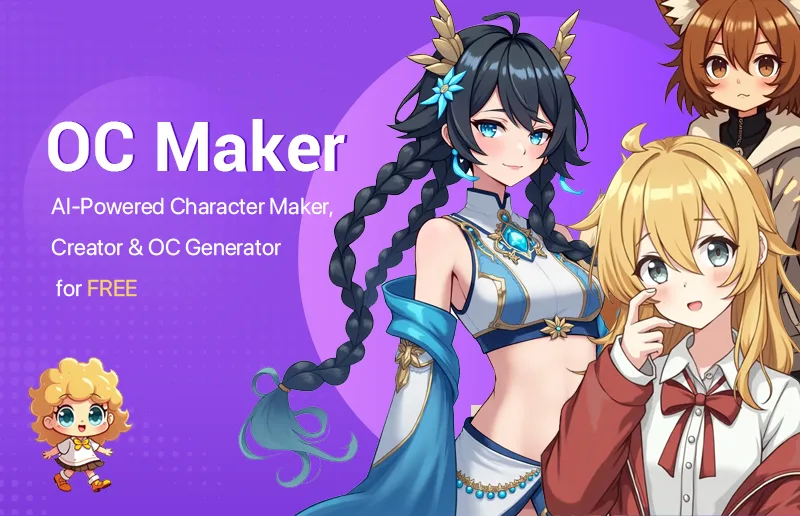
OC Maker
OC Maker is an AI-powered web app for designing, customizing, animating, and chatting with original characters (OCs). It provides text-to-image and image-to-image generation, AI animation to MP4, character chat, and several creator-focused generators and editors — available with a free tier and paid credit-based subscriptions.
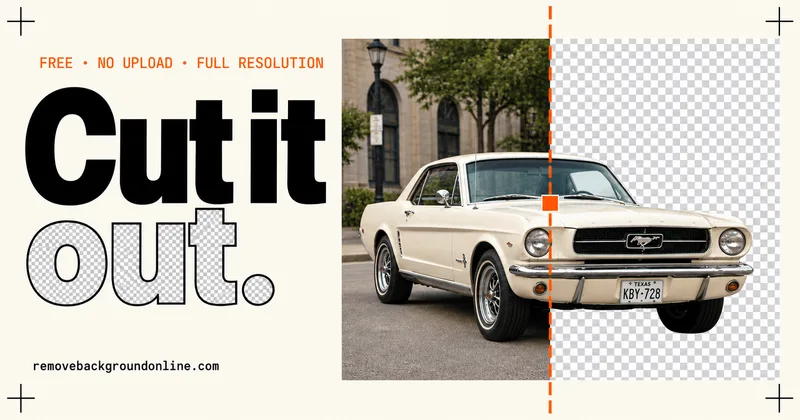
Remove Background Online
Remove Background Online is a free, browser-based AI background remover that cuts out subjects from JPG/PNG/WebP images and exports full-resolution transparent PNGs (HD, 4K and beyond) with no signup, no watermark, and no uploads — the model runs locally in your browser.

free-ai-clipart-generator
Free AI clipart generator that creates custom 1024×1024 PNG clipart on demand—no sign-up, no watermarks. Pick a style, type an idea, and download ready-to-use images with an hourly high-quality quota and curated PNG collections.
Banananano.ai
Banana Nano (banananano.ai) is an independent AI image-editing platform built around Google's Nano Banana family of image models, offering natural-language text-to-image generation, high-accuracy visual editing, one-shot and multi-image workflows, and a credit-based model selection interface for creators and professional visual workflows.
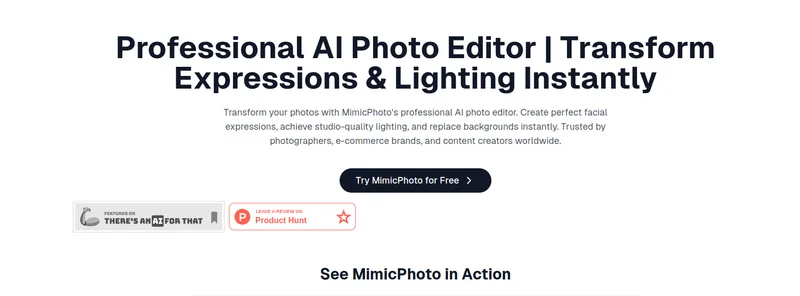
mimicphoto
MimicPhoto is an AI-powered photo and video editing platform offering 30+ specialized tools—from facial expression editing and virtual try-on to video generation—designed for creators and professional workflows with real-time, studio-quality results.
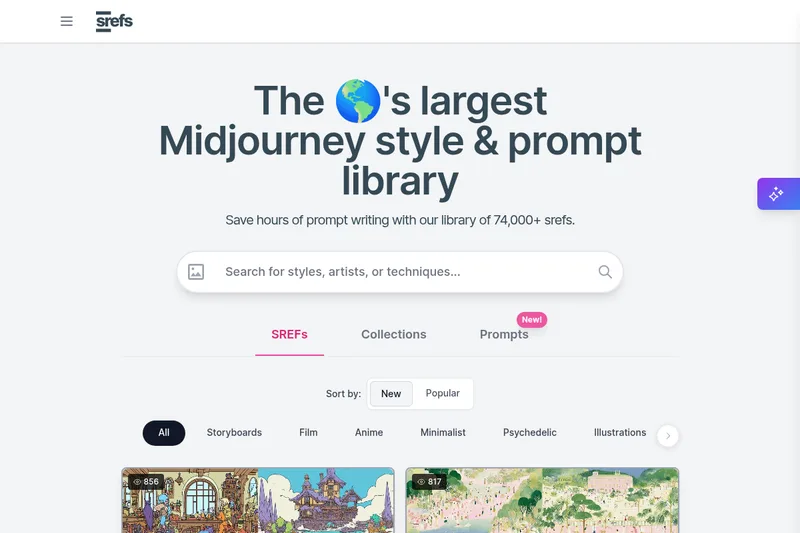
Srefs.co
Srefs.co is a searchable library of Midjourney style reference codes (sref) — the world's largest collection of styles (74,000+ srefs) that lets users apply consistent visual aesthetics to AI-generated images, use multiprompt comparisons, save and organize styles, and request API access.
Premium Alternatives
Prophotos
ProPhotos is a commercial AI-powered headshot generator that creates photorealistic, industry-specific professional headshots from user-uploaded photos, aimed at individuals and enterprises wanting quick, production-ready portraits for LinkedIn, resumes, and corporate use.

GPT Image 2.5
GPT Image 2.5 is a prompt-based image generation and editing workspace offering two model modes—Flare for fast creative exploration and Sunburst for detail-focused edits—designed for product visuals, portraits, campaigns, and other content creation workflows.
RoomAI
RoomAI is a web-based AI room-design tool that restyles real room photos while preserving the room geometry (walls, windows, openings, ceiling height and camera angle). It offers 300+ styles, 20+ room presets, virtual staging and decluttering with fast, full-resolution results for property listings, designers, photographers and homeowners.
imaginebuddy
Imagine Buddy is a web-based library of professionally crafted AI product photoshoot prompts that helps creators and brands generate campaign-ready product imagery using AI image generators like Gemini, ChatGPT/DALL·E, Midjourney, and Stable Diffusion.
Photostudio
Blockode AI Photo Studio is an AI-powered photoshoot generator that trains a custom model from your uploaded selfies to produce stylized, high-resolution AI photoshoots. It targets users who want custom-generated portraits with options for commercial use.