
Saga
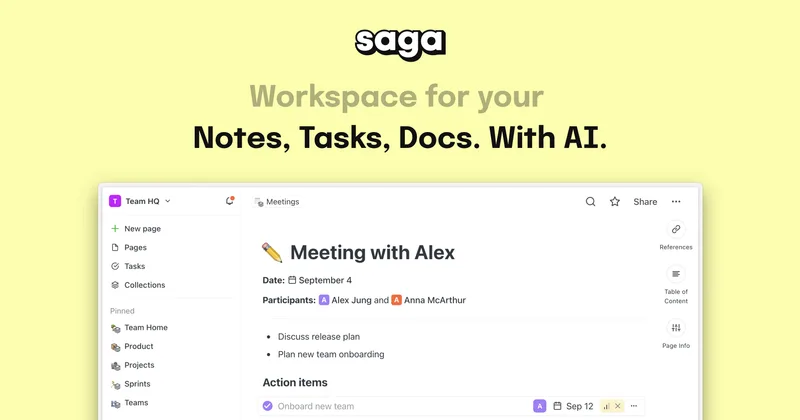
Saga brings notes, documents, tasks, and an AI assistant into one connected workspace. Teams use it to organize shared knowledge and coordinate work.
One of 132 tools in Productivity
Who it's for
- Teams managing shared notes and documentation who want pages, references, and tasks in one workspace.
- Project or product teams that want lightweight task tracking and a Kanban view alongside their notes.
- Individuals and small teams looking for a free workspace with AI, notes, documents, and tasks.
Not the right fit if…
- Teams that need more than three members on a free workspace: Saga's Free plan supports up to three members; the Standard plan is $8 per member per month.
How it fits your workflow
Create notes, documents, and tasks in Saga, then connect related information with automatic page linking and references. Search helps users find workspace information.
Use integrated tasks or the Kanban view to organize work and track task progress. Teammates can edit and share content in real time.
Use Saga AI in the workspace and connect Google Drive or Linear to find information across apps. Google Drive files can also be opened side by side.
Pricing
Free: Free for personal use and small teams, with unlimited pages and tasks, up to 3 members per workspace, and 5,000 words of Saga AI per month.
Free
$0
- · Unlimited pages and tasks
- · Up to 3 members per workspace
- · Saga AI with 5,000 words per month
Standard
$8 per member per month
- · Unlimited pages and tasks
- · Unlimited workspace members
- · Unlimited Saga AI
Prices checked on Oct 4, 2026 from the vendor's site. They can change; confirm before you buy.
Key features
- Notes and documents
- Write, edit, and share notes and documents in a workspace designed to be simple and fast.
- AI assistant
- Use Saga AI, described as an assistant using the latest models, to help get work done without copying and pasting across tools.
- Integrated tasks
- Manage lightweight tasks inside notes to help keep team work aligned.
- Kanban view
- Organize tasks on a visual board, track progress, and move tasks between stages.
- Real-time collaboration
- Edit, share, and stay synced with teammates in real time.
- Connected knowledge
- Use automatic page linking, references, and live blocks to navigate relationships and keep information up to date.
Works with
- Google Drive
- Linear
Limitations to know
- The Free plan limits workspaces to 3 members.
- The Free plan includes 5,000 words of Saga AI per month.
Alternatives to consider
-
Coda (now Superhuman Docs)
Choose it if your team needs documents and spreadsheets combined with apps, templates, and built-in automation.
-
Saner.AI
Choose it if you want a personal assistant focused on notes, email, tasks, and files rather than Saga's team workspace for connected notes, docs, and tasks.
Getting started
- Sign up for a free Saga account.
- Download the MacOS or Windows app if you want a desktop version.
- Create notes, documents, or tasks in your workspace.
- Invite teammates; the Free plan supports up to three members per workspace.