

Coda (now Superhuman Docs)
Coda (now Superhuman Docs) is an all-in-one collaborative workspace that combines documents, spreadsheets, and apps with built-in automation, templates, and an integrated AI assistant to help teams organize work and reduce manual tasks.
Coda (now Superhuman Docs) is productivity software teams evaluate for productivity. Use this page to review pricing, integration signals, and the best alternatives before you commit.
Profile facts come from the vendor source. AiMatch labels unknown pricing or API details instead of estimating them.
Review official source →Used in These Packs
Quick Overview
Best for: Productivity
What it does
Productivity software for decision-makers comparing workflow fit and alternatives.
Best fit
Productivity
Pricing snapshot
Pricing available on request
Next step
Compare Coda (now Superhuman Docs) with similar tools before you shortlist it.
Compare this tool before you shortlist it
Review alternatives, pricing posture, and workflow fit side by side.
Coda (branded on the site as Superhuman Docs) is positioned as an all-in-one collaborative workspace that blends the familiarity of documents with the power and flexibility of apps and databases. The product emphasizes team collaboration, customizable templates, and integrations to centralize work in a single place for teams across Product, Sales, Engineering, Design, Marketing, and HR. Coda also highlights built-in AI capabilities—Coda AI—for chat, content generation, summarization, and AI-driven columns to automate and accelerate routine tasks.
All-in-one collaborative workspace blending docs, spreadsheets, apps, and AI.
Own this listing?
Claim this page for a one-time $29 to add pricing, features, screenshots, verified owner details, and a clearly labeled 30-day category position after the profile is live.
Claim this listing for $29Key Features
Collaborative docs that act like apps
Docs are described as familiar like a doc and engaging like an app, allowing teams to create interactive solutions with tables, views, and personalized layouts.
Coda AI (chat, assistant, AI column)
Integrated AI features include AI chat for Q&A and brainstorming, an AI assistant to generate or summarize content and tables, and AI columns to turn data into insights or auto-generated content.
Tables, views, and formulas
Tables communicate with each other, edits sync everywhere, and views are personalized; users can add formulas, buttons, and automations to build custom workflows.
Integrations & Packs
Coda supports connecting many external tools and mentions 600+ integrations, enabling workflows that pull data from Google Calendar, push updates to Slack, embed Figma, create Jira tickets, and more.
Templates & Gallery
A gallery of templates and published solutions for many team scenarios (team hubs, meeting notes, OKR trackers, roadmaps, CRMs) to accelerate onboarding and adoption.
Packs and API
The site references Packs and an API/Beta program to extend and integrate Coda with other services.
Pricing
Get started for free (site offers a free entry-level option; detailed paid tiers are referenced on the pricing page but specific prices are not listed on the provided page).
Use Cases
Product team collaboration
Product teams can use a Product team hub, decision docs, roadmaps, and specialized templates to centralize planning and decision-making.
Sales account and opportunity management
Sales teams can use account hubs, CRMs, mutual action plans, and templates to manage account planning and sales processes.
Engineering tracking and dashboards
Engineering teams can run a team hub, Jira dashboards, headcount budgeting, and OKR tracking within Coda.
Design reviews and visual QA
Design teams can use templates like design critique, visual QA trackers, and FigJam integrations to streamline feedback and asset management.
Marketing planning and content operations
Marketing teams can use launch briefs, content calendars, checklists, and forecasting templates to coordinate campaigns and content.
HR workflows and hiring
HR teams can centralize hiring hubs, 1:1 notes, talent reviews, and ticketing systems integrated with Slack.
Integrations
Google Calendar
Pull Google Calendars into the team wiki to surface scheduling and timeline data.
Slack
Push updates into Slack automatically to keep teams informed of changes and actions.
Figma
Embed Figma files into project briefs to centralize design assets alongside related work.
Jira
Create Jira tickets from feedback tables and track Jira metrics within Coda dashboards.
600+ integrations
The site notes support for over 600 integrations via Packs and built-in connectors to streamline workflows.
Benefits
Limitations
No verified limitations are available.
Frequently Asked Questions
No verified FAQs are available.
Getting Started
- 1 Step 1: Visit the site and click 'Get started for free' to create an account.
- 2 Step 2: Explore templates or the Gallery to find pre-built solutions for your team or scenario.
- 3 Step 3: Connect integrations (Packs) and add tables, formulas, buttons, and automations to tailor docs to your workflows.
- 4 Step 4: Use Coda AI features (AI chat, assistant, AI columns) to accelerate content generation and insights; contact sales if you need enterprise support.
Support
Docs
Help center and product documentation accessible from the site (Help center link).
Contact support
Contact support and Contact sales links are provided on the site for assistance and enterprise inquiries.
Community
Superhuman community and community resources are referenced for peer support and shared templates.
Services/Partners
Options to hire a Services Partner or partner with Coda are available for implementation help.
Request a demo
Request a demo option for teams evaluating the product.
API
API Beta program referenced on the site (APIBeta program).
Compare Coda (now Superhuman Docs) with similar tools
See how it stacks up against alternatives
Related Tools
View all 132 →
Windrunner
Windrunner is an AI-powered project collaboration and work management platform that combines work items, decisions, blockers, evidence, and progress into a single shared workspace to help teams coordinate work and review AI-proposed updates.

threadfork
threadfork is a macOS native, on-device AI notetaker that records, transcribes, and organizes meetings locally on Apple Silicon — generating summaries, threads (commitments/decisions), entities, and semantic search without sending audio to the cloud.


Afterlid, guarded lid closed work for macOS
Afterlid is a native macOS menu‑bar app that keeps downloads, renders, backups, dev servers, remote access, and local AI agents running after you close the lid by offering guarded modes (Sleepy, Awake, Always On) with built‑in battery, thermal, heartbeat, and time limits.
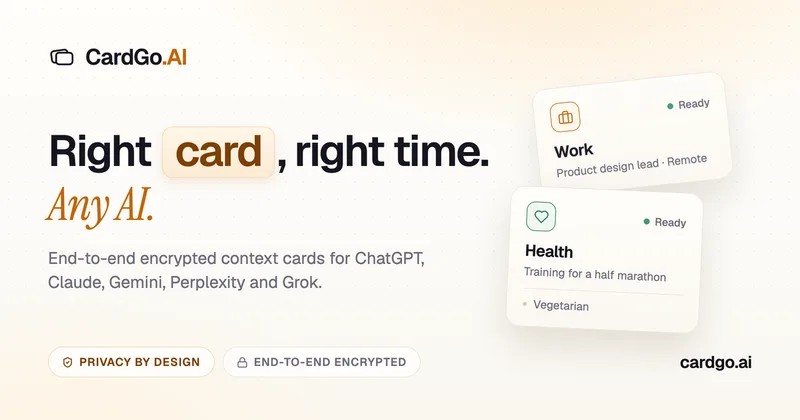
CardGo
CardGo is a Chrome extension and context-management product that stores small, reusable, end-to-end encrypted AI context “cards” you attach to chats (ChatGPT, Claude, Gemini, Perplexity, Grok) so multiple AI tools can access the right user context without sharing your full profile.
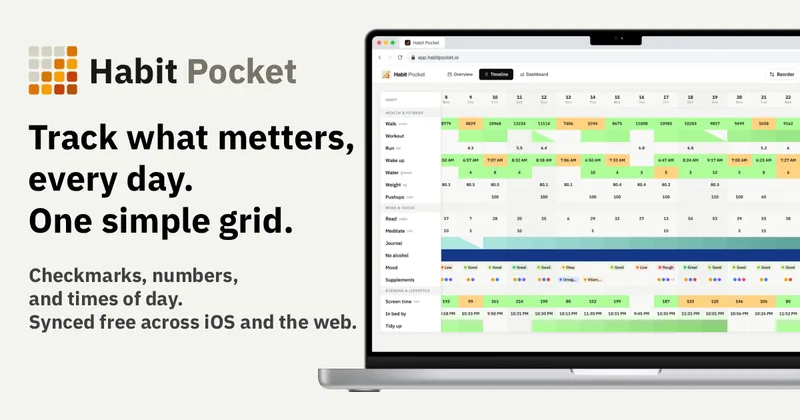
Habit Pocket
Habit Pocket is a multi-platform habit tracker that logs yes/no checks, numeric values, times, and categorical selections in a single grid, plus charts and AI integrations to reveal correlations between habits, sleep, mood, and energy.
Premium Alternatives
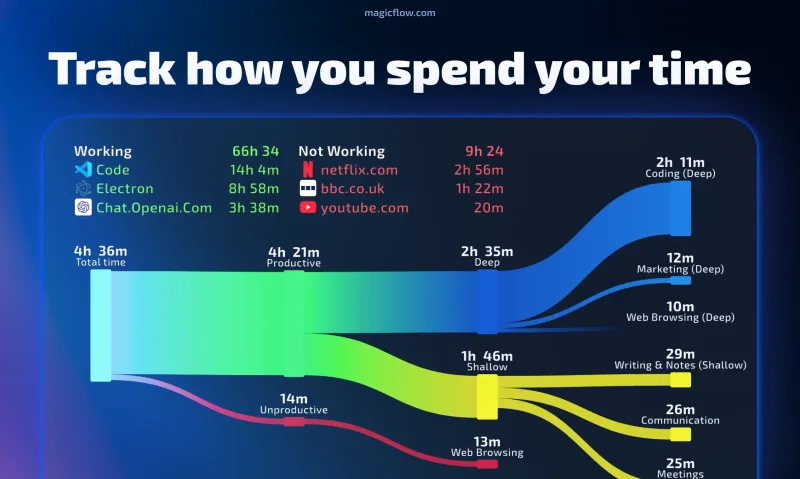

Inbox Zero
Inbox Zero is an AI email assistant that organizes and labels inbox messages, drafts replies in the user's voice, and helps manage email from web, mobile, Slack, or Telegram. It works alongside Gmail or Outlook rather than replacing the email client.

AI Summarizer (summarizer.org)
AI Summarizer (summarizer.org) is a web-based AI-powered text summarization tool that shortens text while preserving main points, supporting text, DOCX, images and URLs, multiple output styles (paragraphs, bullet points), multiple languages, and optional premium features.
gistreader
GistReader is a web-based read-it-later app that uses AI to summarize articles and remove distractions, supporting individual pages and RSS feeds while syncing content across devices.
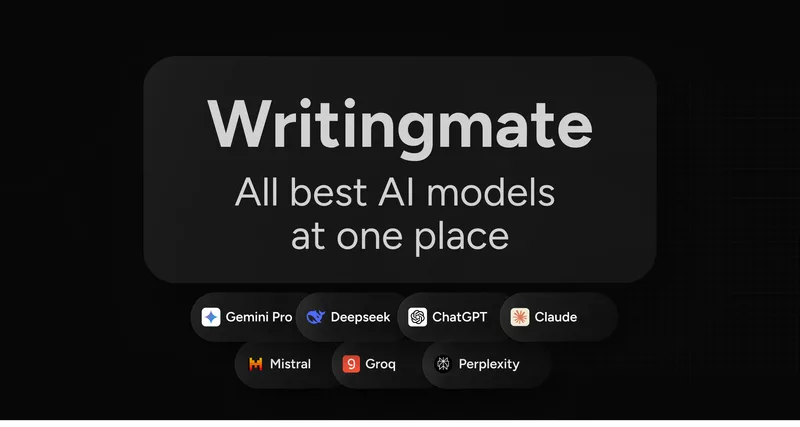
Writingmate
Writingmate is an all-in-one AI workspace that brings chat, files, web search, image and video generation, and 350+ third-party models (GPT, Claude, Gemini, Grok, Sora, Veo, etc.) into a single app designed for productivity, content, and team work.

HigLabo Mail Agent
HigLabo Mail Agent is part of HigLabo, an AI-powered integrated workspace that organizes inboxes and automatically converts actionable emails into tasks to help teams and individuals reduce context switching and work more efficiently.