ToneBird
ToneBird is a desktop assistant that drafts context-aware replies in your voice directly inside apps you already use (Gmail, Slack, WhatsApp, etc.), remembering relationships and prior conversation facts to suggest appropriate responses.
ToneBird is ai tools software teams evaluate for chat. Use this page to review pricing, integration signals, and the best alternatives before you commit.
Profile facts come from the vendor source. AiMatch labels unknown pricing or API details instead of estimating them.
Review official source →Used in These Packs
Quick Overview
Best for: Chat
What it does
AI Tools software for decision-makers comparing workflow fit and alternatives.
Best fit
Chat
Pricing snapshot
Freemium from $0
Next step
Compare ToneBird with similar tools before you shortlist it.
Compare this tool before you shortlist it
Review alternatives, pricing posture, and workflow fit side by side.
ToneBird is a desktop assistant that helps users draft replies in their own voice directly inside the reply fields of apps they already use. It recalls relationship context, earlier conversations, and relevant facts to produce suggested replies you can pick, tweak, and insert into the target app's compose box. ToneBird is offered as downloadable apps for macOS and Windows and supports a range of messaging and email apps; it inserts drafts but does not send messages for you. The product also exposes choices about model providers (managed model or your own model key) and provides local controls such as exporting or deleting learned conversation data.
AI reply assistant that remembers your relationships Discussion | Link
Own this listing?
Claim this page for a one-time $29 to add pricing, features, screenshots, verified owner details, and a clearly labeled 30-day category position after the profile is live.
Claim this listing for $29Key Features
In-place reply drafting
Drafts suggested replies directly inside the compose/reply fields of supported apps so you can pick, edit, and insert the text without switching apps.
Relationship & context memory
Remembers who you’re talking to, past promises, and conversation facts to adapt wording and stay consistent with previous interactions.
Multi-app support
Works beside reply fields in apps such as Gmail, Slack, WhatsApp, iMessage, Discord, WeChat, Lark, and X (support depends on the app and the field).
Tone profile & per-person adjustments
Provides controls for tone (e.g., warmer, more precise, add humor) and preserves your voice while tailoring replies to different recipients.
Keyboard shortcut & orb activation
Open ToneBird by clicking the orb or pressing Option twice on Mac / Ctrl twice on Windows to access replies quickly.
Insert-only workflow
Inserts a drafted reply into your app's reply box; ToneBird does not send messages on your behalf — you review and send using the app’s send button.
Calendar & tasks integrations in workflow
Can prepare calendar events (Apple Calendar or Google Calendar) from conversations and brings promised quotes, unanswered questions, and dates into a follow-up list.
Model provider options & data handling
Supports using a managed model provider (requests forwarded) or using your own model key so writing requests go directly to that provider; documentation references providers and data handling.
Local controls for learned data
Your tone profile, person cards, learned corrections, and usage counts live on your device with options to export or delete them in Settings.
Multi-language UI
Interface and suggestions are shown in multiple languages (English, Español, 中文, 日本語).
Pricing
Free: $0 — 15 uses every day and 30 contacts.
Free
$0- 15 uses every day
- 30 contacts
Standard
$9.90/month (billed monthly)- 100 uses every day
- 100 contacts
Pro
$39.90/month (billed monthly)- 1,000 uses every day
- 1,000 contacts
Enterprise
Custom- Custom daily usage
- Custom contacts
- Team-focused pricing
Use Cases
Professional email & Slack replies
Quickly draft context-aware responses in work email and team chat while preserving tone and previously stated commitments.
Customer communications
Recall customer-specific facts and past issues to produce tailored, consistent replies in customer-facing channels.
Scheduling from conversations
Extract proposed meeting times from chats and prepare calendar events (Apple or Google Calendar) directly from the conversation.
Follow-ups and task management
Collect promised quotes, unanswered questions, and dates into a follow-up list to ensure commitments are tracked across apps.
Cross-app composition
Draft and insert replies in many messaging apps without leaving the current conversation or rebuilding context.
Integrations
Gmail
Draft replies directly in Gmail compose/reply fields.
Slack
Suggest and insert replies inside Slack messages and threads.
WhatsApp / iMessage / Discord / WeChat / Lark / X
Offer in-place reply drafting for a range of messaging apps (support depends on the app and the field).
Apple Calendar / Google Calendar
Prepare and add calendar events from conversation text and confirmed times.
Model providers
Works with a managed model provider or with your own model key so requests can go directly to that provider.
Benefits
Limitations
Frequently Asked Questions
What does ToneBird do?
Does it work on Mac and Windows?
Which apps can I use it in?
Does ToneBird send messages for me?
Can my conversation reach an AI provider?
Getting Started
- 1 Download ToneBird for macOS or Windows from the website.
- 2 Open a reply field in a supported app, then open ToneBird (click the orb or press Option twice on Mac / Ctrl twice on Windows).
- 3 Choose a suggested reply, tweak if needed, insert it into the compose box, then review and send using the app’s send button.
Support
docs
Support & FAQ and setup help available via the website (All questions and setup help).
download
Download installers and platform details from the website (Download for Mac / Download for Windows).
API
Compare ToneBird with similar tools
See how it stacks up against alternatives
Related Tools
View all 81 →


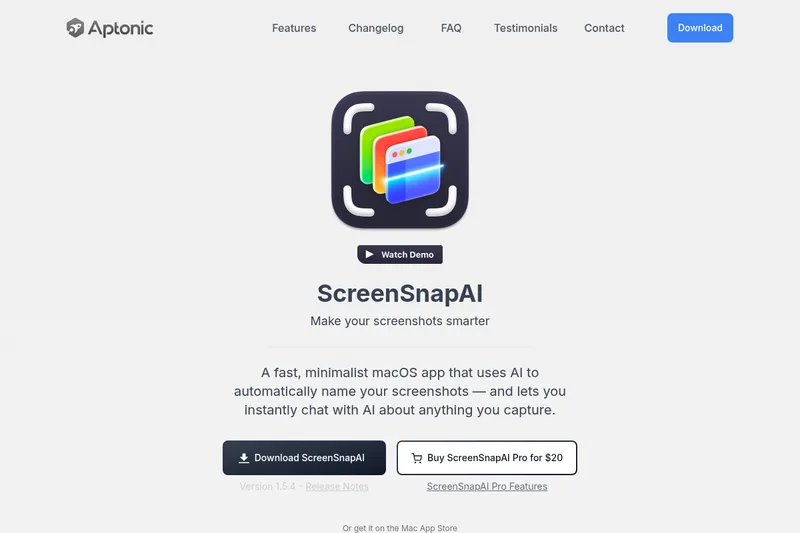
screensnapai
ScreenSnapAI is a native macOS app that automatically names and tags screenshots and lets users ask AI questions about selected areas of their screen. It supports Intel and Apple Silicon Macs running macOS 13 or later.

Chat 4O AI
Chat 4O AI is a browser-based platform for chatting with multiple AI models and generating images and videos. It brings text, image, and video tools together in one interface for creative work and problem-solving.
Premium Alternatives
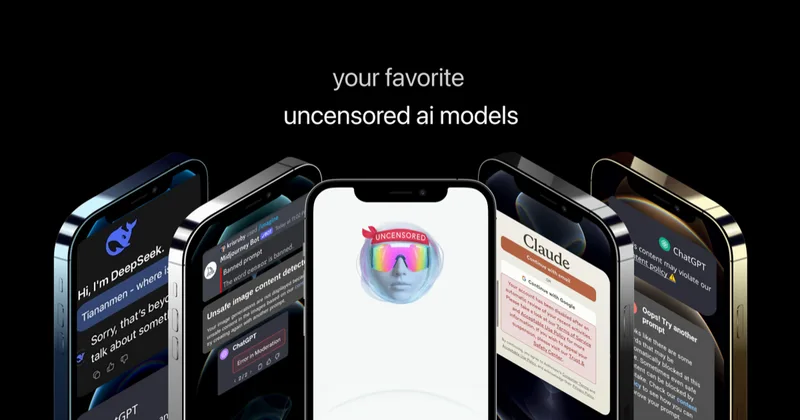
Uncensored
Uncensored AI is a chat and developer platform that provides access to a broad catalog of powerful, minimally filtered AI models for chat, voice, vision, code, and API access, with privacy features like auto-redaction and developer tooling.

screensnapai
ScreenSnapAI is a native macOS app that automatically names and tags screenshots and lets users ask AI questions about selected areas of their screen. It supports Intel and Apple Silicon Macs running macOS 13 or later.

pandachat-ai
PandaChat runs supervised AI customer operations for complex Adria/DACH e‑commerce stacks: a managed team of specialists and supervisors that connects to your systems, handles multilingual 24/7 support across channels, and sends daily briefings with value reports.
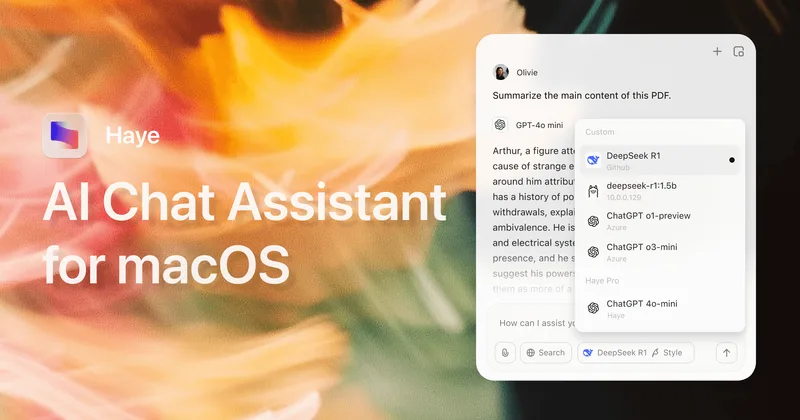
Promptbuilder
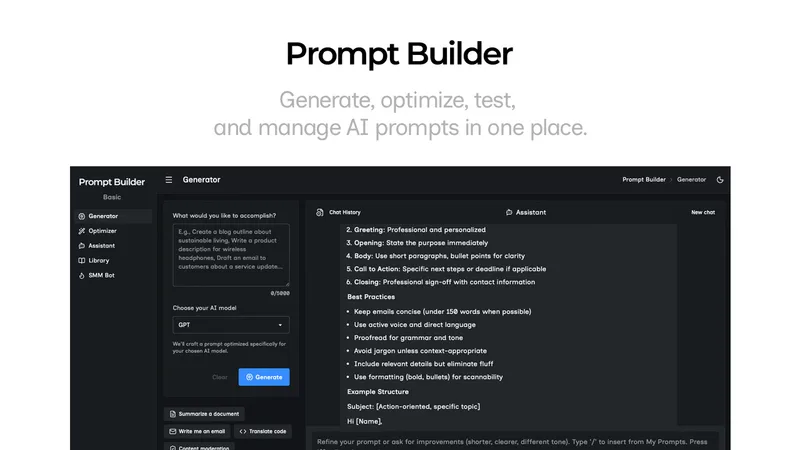
Prompt Builder is a web app that generates, optimizes, tests, and manages AI prompts tuned to specific models (ChatGPT, Gemini, Claude, Grok, etc.), with a prompt library, optimizer, built-in chat assistant, and versioning for prompt workflows.