Battery Life and Health
Battery Life and Health is a Mac utility app that provides a clean, space-saving battery indicator showing charge level and remaining time, along with battery health and hardware info for MacBook devices.
Battery Life and Health is productivity software teams evaluate for productivity. Use this page to review pricing, integration signals, and the best alternatives before you commit.
Used in These Packs
Quick Overview
Best for: Productivity
What it does
Productivity software for decision-makers comparing workflow fit and alternatives.
Best fit
Productivity
Pricing snapshot
Paid from $1.99
Next step
Compare Battery Life and Health with similar tools before you shortlist it.
Compare this tool before you shortlist it
Review alternatives, pricing posture, and workflow fit side by side.
Battery Life and Health
Battery Life and Health is designed for MacBook, MacBook Pro, and MacBook Air users who want a more informative and visually clear battery indicator than the default system offering. The app displays battery percentage or estimated time remaining directly inside the menu bar icon, enhancing convenience by eliminating the need to click the icon to see battery status. It also provides battery health condition and hardware information accessible via an option-click on the icon. The app supports macOS 11.0 or later and includes features like a dynamic battery icon fill and optional color modes for better visual clarity.
A simple, compact battery indicator for macOS that shows battery percentage or remaining time with a clean, minimal icon. It includes color mode for quick visual clarity and lets users check battery health and hardware info.
Own this listing?
Claim this page to add pricing, features, screenshots, and verified owner details.
Claim this listingKey Features
Battery Percentage or Time Remaining
Displays either the battery percentage or the estimated time remaining inside the menu bar icon for quick glance information.
Color Mode
Adds optional color to the battery icon to improve visual clarity and make battery status easier to interpret.
Battery Health and Hardware Info
Hold the Option key and click the battery icon to view detailed battery health condition and hardware information.
Dynamic Battery Icon
The battery icon dynamically fills to reflect the current battery level, available on macOS Big Sur and later.
Pricing
Standard
$1.99- Full app functionality
- Battery percentage or time remaining display
- Battery health and hardware info access
- Color mode support
Use Cases
Monitoring Battery Life
Users can easily monitor their MacBook's battery percentage or remaining time at a glance without extra clicks.
Checking Battery Health
Users can check the health status of their MacBook battery to determine if a replacement is needed.
Visual Battery Alerts
With color mode, users can quickly identify battery status visually, although a low battery alert feature is suggested for future updates.
Integrations
Claim this listing to add integrations.
Benefits
Limitations
Frequently Asked Questions
Does the app collect any user data?
Which Mac models are supported?
Can I see the battery health status?
Is there a low battery alert feature?
Getting Started
- 1 Download and install Battery Life and Health from the Mac App Store.
- 2 Launch the app to see the battery indicator appear in the menu bar.
- 3 Customize the display to show battery percentage or time remaining and enable color mode if desired.
- 4 Hold Option and click the icon to view battery health and hardware information.
Support
App Support
Support is available via the developer's Twitter page at https://x.com/AlexSieroshtan
Documentation
Privacy policy and additional information are available at https://gist.githubusercontent.com/sieroshtan/e4a12da1d244976f4de397a088a20903/raw/8bd3a15c5d2bb63bc6935f785669e8e3d2004063/Battery%2520Life%2520Indicator
API
Compare Battery Life and Health with similar tools
See how it stacks up against alternatives
Related Tools
View all 183 →
Autoslide AI PowerPoint Add In
Autoslide AI PowerPoint Add-In is a productivity tool designed to help professionals create and format PowerPoint presentations faster using AI-driven slide formatting, content generation, and a rich resource library.

Obsidian to Notes
Obsidian to Notes is a macOS app that imports your Obsidian vault into Apple Notes, preserving formatting, folder structure, attachments, and links, all running 100% offline on your Mac.

Mealpractice
MealPractice is an AI-powered meal planning tool that generates personalized recipes, helps organize weekly meal plans, and creates automated shopping lists with one-time credit-based purchases rather than subscriptions.

velocitipm
VelocitiPM is an AI-powered product management platform that automates product discovery and accelerates product delivery, enabling teams to build the right products 10x faster with unified workflows and AI-driven insights.

chatgpt-toolbox
ChatGPT Toolbox is a powerful browser extension designed to enhance and organize your ChatGPT experience with features like multi-step prompt chaining, folder management, media gallery, audio conversion, and advanced search capabilities.

Budget-Friendly Alternatives
Shortsrobot.com
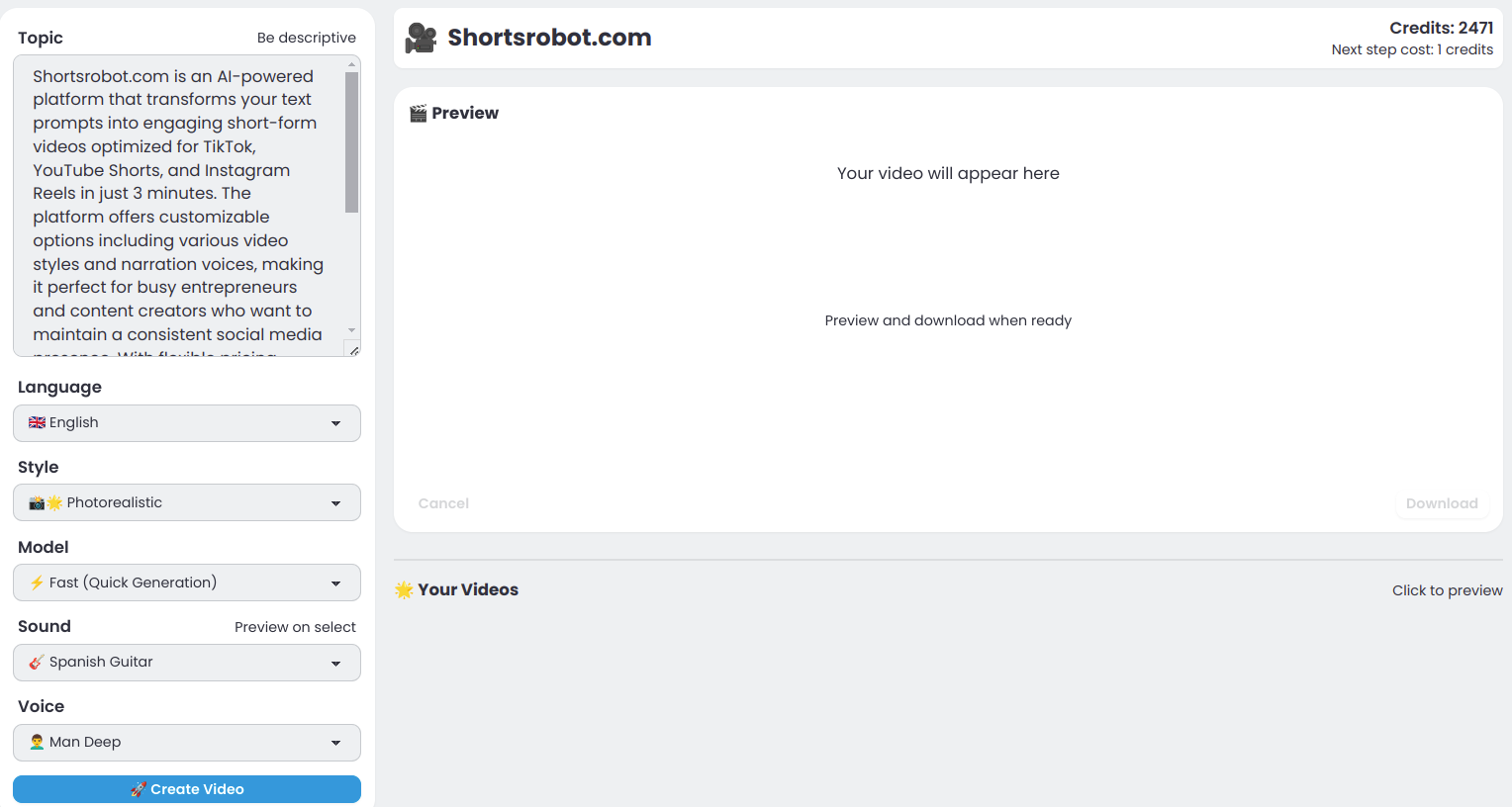
ShortsRobot is an AI-powered video shorts generator that transforms user prompts into engaging, ready-to-post short-form videos optimized for TikTok, YouTube Shorts, and Instagram Reels, enabling effortless automated content creation.

RecordsKeeper.AI
RecordsKeeper.AI is an AI-powered records management automation platform that transforms chaotic data into actionable strategic intelligence, offering secure, compliant, and intelligent document handling for enterprises and SMBs.

Questgen
Questgen is an AI-powered quiz generator that creates various types of assessments such as MCQs, True/False, Fill-in-the-blanks, and more from text, PDFs, videos, and other formats instantly. It is designed for educators, students, HR teams, and edtech companies to save time and enhance learning and assessment processes.

ClipNow.ai
ClipNow.ai is an AI-powered tool that transforms long-form videos into engaging short clips optimized for platforms like TikTok, Instagram Reels, YouTube Shorts, and more with just one click.

SellerPic
SellerPic is an AI-powered platform that transforms ordinary product photos into stunning, high-converting visuals and videos, boosting e-commerce sales by up to 20%. It offers tools for creating model-on-image shots, multi-angle views, and promotional content without traditional photoshoots.
BypassEngine
Bypass Engine is an AI humanizer and detection engine that rewrites AI-generated text into natural, human-like writing designed to evade leading AI detectors and improve readability. It targets students, marketers, researchers, and content creators who need undetectable, plagiarism-free output in multiple languages.