
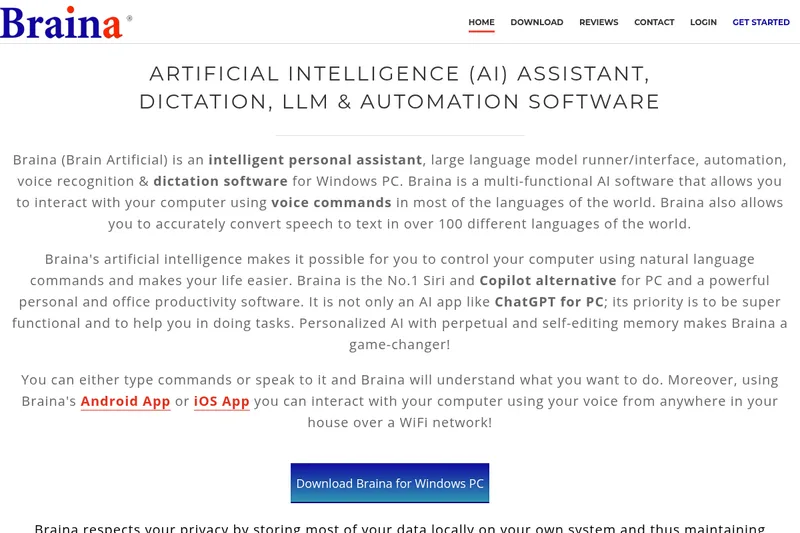
Brainasoft
Braina (Brain Artificial) is a multifunctional Windows PC AI assistant that provides voice control, speech-to-text dictation in 100+ languages, integration with major cloud and local LLMs, automation, multimodal (vision) capabilities, and tools for text, image and video generation, transcription, and local document chat (RAG).
Brainasoft is ai agents software teams evaluate for ai agents. Use this page to review pricing, integration signals, and the best alternatives before you commit.
Profile facts come from the vendor source. AiMatch labels unknown pricing or API details instead of estimating them.
Review official source →Quick Overview
Best for: AI Agents
What it does
AI Agents software for decision-makers comparing workflow fit and alternatives.
Best fit
AI Agents
Pricing snapshot
Contact for pricing
Next step
Compare Brainasoft with similar tools before you shortlist it.
Compare this tool before you shortlist it
Review alternatives, pricing posture, and workflow fit side by side.
Braina (Brain Artificial) is an intelligent personal assistant and multifunctional AI application for Windows PC that combines voice recognition/dictation, LLM access, automation and multimodal AI features. It lets users interact with their computer via typed or spoken natural-language commands, convert speech to text in over 100 languages, run or connect to both cloud and local large language models, and perform a wide range of productivity tasks.
Targeted at general users as well as professionals and researchers, Braina emphasizes privacy (storing most data locally), persistent personalized memory, and local execution of language models to give users control over their data. Mobile apps for Android and iOS allow remote voice control of the PC over WiFi.
Braina (Brain Artificial) is a multifunctional Windows PC AI assistant that provides voice control, speech-to-text dictation in 100+ languages, integration with major cloud and local LLMs, automation, multimodal (vision) capabilities, and tools for text, image and video generation, transcription, and local document chat (RAG).
Own this listing?
Claim this page for a one-time $29 to add pricing, features, screenshots, verified owner details, and a clearly labeled 30-day category position after the profile is live.
Claim this listing for $29Key Features
Voice typing & Dictation
Braina Pro converts voice to text in any website or software (e.g., MS Word, Notepad) and supports more than 100 languages and accents for fast, accurate dictation.
LLM Integration (Cloud & Local)
Integrated support for many major LLMs (e.g., OpenAI GPT 5.5/5.4 mini, Anthropic Claude Sonnet/Opus, Google's Gemini Pro/Flash, Grok) and ability to run free/open-source models locally on the user's computer.
Persistent LLM Memory (Personal AI)
Personalized AI with perpetual and self-editing memory that learns from conversations, can recall context-specific memories, and pass them to LLMs for enhanced responses.
LocalLibrary (Local RAG)
Create collections of documents and chat with them using local or cloud LLMs to query and extract information from PDFs, files, and other documents.
Multimodal / Vision LLM Support
Braina can process and understand text and visual data to provide more comprehensive responses.
Advanced AI Image Generation & Editing
Text-to-image and image editing using multiple generative models (examples listed include GPT Image 2, Nano Banana, Grok Imagine, Seedream, Z Image Turbo).
Advanced AI Video Generation
Text-to-video, image-to-video and reference-to-video generation using state-of-the-art models (examples listed include Seedance, Veo, Kling, Grok Imagine Video).
Transcription (Audio & Video)
Offline transcription of audio (.wav, .mp3, .m4a) and video (.mp4) files to text on the user's computer.
Chat with PDFs, Webpages & Screenshots
Add documents, webpages, images, and screenshots as inputs to local or cloud AI models and interact with them conversationally.
Web Search for LLMs
In-depth web researcher feature to combine web search with LLMs for up-to-date responses and reference links; works with local and cloud models.
AI Writing & Grammar Assistant
Provides translation, grammar correction, spelling, punctuation, and capitalization fixes and can write or edit text directly into any software or website.
Advanced AI Automation
Automate computer tasks using LLMs/LAMs to create self-operating workflows and trigger actions autonomously.
Mobile Remote Control (Android/iOS)
Android and iOS apps convert a smartphone/tablet into a wireless microphone to command Braina on the PC over WiFi.
Custom Commands, Replies & Hotkeys
Define custom voice commands, replies and hotkeys to trigger actions such as launching software, websites, or keyboard macros.
Media Playback & Search
Play and search songs and videos locally or online (e.g., SoundCloud, YouTube) and control playback and volume via voice.
Text-to-Speech
Natural-sounding text-to-speech for reading e-books, emails and web content with selectable voices and adjustable speed.
Math & Calculator
Solve arithmetic, trigonometry, powers, percentages, prime checks and other mathematical problems with spoken answers.
File, Program & Web Navigation
Open/search files, folders, websites, programs and special system locations quickly via commands and fast local file search.
Keyboard Macros & Automation
Create keyboard macros and automate repetitive keystroke-driven tasks across applications and webpages.
Notes, Alarms & Reminders
Record memos, to-dos, bookmarks and contacts; set multiple alarms and reminders and schedule automated tasks.
Window & System Controls
Built-in commands to control application windows (maximize, minimize, close, switch, scroll) and perform system actions (shutdown remotely).
Pricing
Current pricing details are not available from the vendor source.
Use Cases
Dictation & Accessibility
Use Braina for hands-free typing and dictation across any application, improving accessibility and efficiency for users who prefer voice input.
Research & Document Q&A (Local RAG)
Researchers and professionals can create LocalLibrary collections and conversationally query PDFs, webpages, and documents using local or cloud models.
Content Creation & Coding Assistance
Generate articles, emails, programming code and edits directly into any open software (e.g., Word, Gmail, Visual Studio) using integrated LLMs and voice/text commands.
Privacy-sensitive Local AI
Run open-source language models locally on the user's machine to maintain data privacy and control while performing LLM tasks.
Media Control & Home Convenience
Control media playback, search songs/videos, and command the PC remotely via mobile app over WiFi for home convenience.
Automation of Repetitive Tasks
Automate keystrokes, startup actions, scheduled reminders and self-operating workflows to reduce manual repetitive work.
Transcription & Media Processing
Transcribe audio and video files offline for meeting notes, interviews, and content repurposing.
Integrations
Cloud LLMs (OpenAI, Anthropic, Google, Grok etc.)
Integrated access to major cloud LLMs such as OpenAI GPT 5.5/5.4 mini, Anthropic Claude Sonnet/Opus, Google's Gemini Pro/Flash, Grok for conversational and generation tasks.
Local Open-Source Models
Support for running free/open-source models locally (examples mentioned include Llama, Mistral, Qwen, DeepSeek, Gemma, Phi) to preserve privacy and control.
Generative Image & Video Models
Connectors to multiple image/video generation models (e.g., GPT Image 2, Nano Banana, Grok Imagine, Seedream, Seedance, Veo, Kling).
Online Media Sources (YouTube, SoundCloud)
Search and play songs/videos from local drives and online platforms such as SoundCloud and YouTube via voice commands.
Mobile Apps (Android & iOS)
Android and iOS applications that act as wireless microphones and remote controls for Braina running on a PC over WiFi.
Benefits
Limitations
No verified limitations are available.
Frequently Asked Questions
No verified FAQs are available.
Getting Started
- 1 Step 1: Download Braina for Windows PC from the official Braina product page.
- 2 Step 2: Install and launch Braina on your Windows computer and follow any in-app setup for speech recognition and LLM access.
- 3 Step 3: (Optional) Install the Braina Android or iOS app and connect it over WiFi to use your mobile device as a wireless microphone and remote control.
Support
Community forums
Community Forums referenced on the site for user discussion and assistance.
Contact
Site includes a 'Contact' / 'Contact Us' link for direct inquiries.
Documentation / In-product 'Read more' pages
Multiple 'Read more about ...' pages linked from the product page for details on features and usage.
API
Compare Brainasoft with similar tools
See how it stacks up against alternatives
Related Tools
View all 651 →
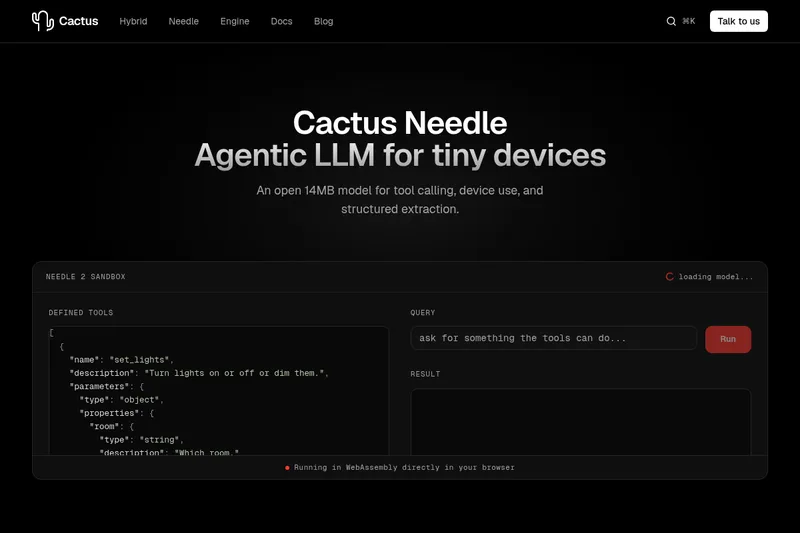
Needle2
Needle 2 is an open, production-ready 45M-parameter agentic LLM from Cactus designed for tool calling, device control, and structured extraction on extremely small devices; the shipped CQ2-bit binary is ~14 MB and runs in ~28 MB of RAM across Cortex-M, microcontrollers, phones, Raspberry Pi and WebAssembly.
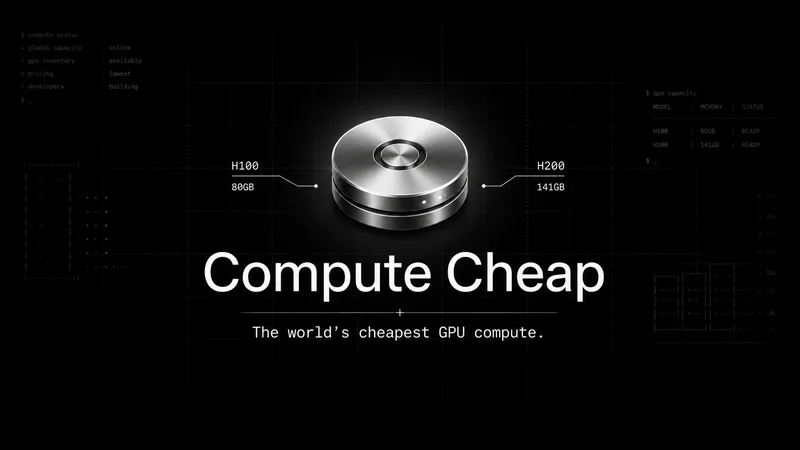
The cheapest GPU cloud
Compute Cheap provides low-cost GPU compute for training and inference, offering H100 and H200 SXM GPUs as interruptible or reserved capacity with published per-GPU-hour pricing and a simple request/reserve/run workflow.
Oodle.ai
Oodle Agent Observability provides agent/LLM observability at scale with S3-backed columnar storage, fast search (<1s P99), out-of-the-box AI-powered insights, and flat ingestion-based pricing designed to retain 100% of traces affordably for debugging and optimizing production agents.


Premium Alternatives
Abliterated LLM provider for cyber tasks
Refuseless hosts GLM 5.3 Abliterated models through an OpenAI-compatible API for cybersecurity and coding work. The page states that prompts are not retained and shows integrations with OpenCode and Pi.
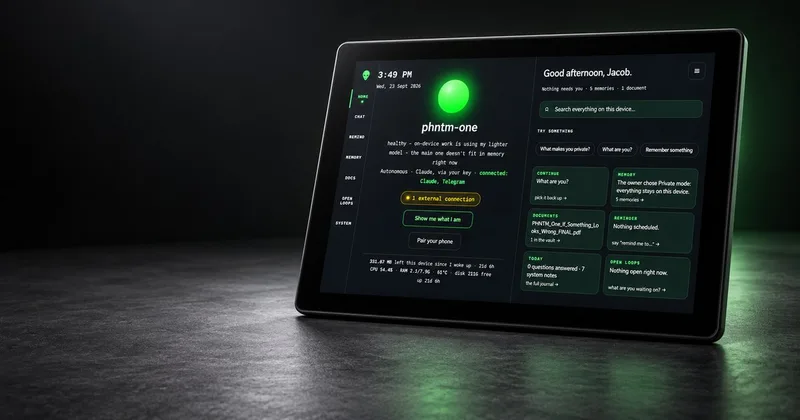
PHNTM ONE
PHNTM One is a private, local-first AI appliance: a hand-built desktop device (Raspberry Pi 5, 8 GB, 10.1″ touchscreen) that runs an on-device model (Gemma 3 4B) to provide a voice-capable assistant, memories, document reading, timers, Home Assistant integration and offline knowledge — sold as a one-time $549 purchase with no subscription and zero telemetry by default.
AletheionAGI
AletheionAGI provides a grounded-memory layer for AI systems that enforces evidence-bound delivery, namespace isolation, and policy authorization so AI readers cannot produce unsupported claims. It's targeted at production-facing use cases like customer support, commerce agents and internal copilots.
ClaudeThings
ClaudeThings provides a packaged, continuously-updating set of 89 specialized agents, 103 pre-built skills, and 181 slash commands that act as an AI engineering and marketing team for Claude Code — delivered as a private GitHub repo and installed with a single npx command. It adapts to any stack via a CLAUDE.md project manifest and is sold as a one-time purchase with lifetime updates.

Wonderchat
Wonderchat is an AI concierge platform that builds site-embedded chat agents to deflect repetitive support questions, qualify leads, and answer using your approved content with citations; built for teams across SaaS, industrial, healthcare and e-commerce and deployable in minutes.