

Butterfish Shell
Butterfish Shell is an open-source CLI tool that wraps your existing shell (bash/zsh) and adds integrated ChatGPT-style LLM prompting, autosuggestions, and an optional agent (Goal Mode) so you can ask for commands, debug failures, and get contextual help directly in the terminal.
Butterfish Shell is developer tools software teams evaluate for developer tools. Use this page to review pricing, integration signals, and the best alternatives before you commit.
Profile facts come from the vendor source. AiMatch labels unknown pricing or API details instead of estimating them.
Review official source →Used in These Packs
Quick Overview
Best for: Developer Tools
What it does
Developer Tools software for decision-makers comparing workflow fit and alternatives.
Best fit
Developer Tools
Pricing snapshot
Freemium from Free (MIT license)
Next step
Compare Butterfish Shell with similar tools before you shortlist it.
Compare this tool before you shortlist it
Review alternatives, pricing posture, and workflow fit side by side.
Butterfish Shell is a shell wrapper that provides integrated LLM prompting and autosuggestions inside your existing terminal (bash or zsh) on macOS and Linux. By starting a command with a capital letter you send a prompt to an OpenAI-compatible model; the LLM receives recent shell history and output so you can ask contextual questions like why a command failed or request a command to accomplish a task. It also includes Goal Mode (agents that propose or optionally execute commands), CLI utilities for summarization, embeddings-based indexing/search, and a Neovim plugin for LLM-driven edits. Butterfish is open source (MIT) and stores configurable prompt wrappers and auth tokens in the user's configuration directory.
AI-powered command-line tool for shell prompting and autocompletion.
Own this listing?
Claim this page for a one-time $29 to add pricing, features, screenshots, verified owner details, and a clearly labeled 30-day category position after the profile is live.
Claim this listing for $29Key Features
Shell wrapper for bash and zsh
Runs a wrapped instance of your existing shell (defaults to zsh on macOS), intercepts IO and buffers input/output to provide contextual LLM prompting without altering typical shell workflows.
Prompt by capitalized commands
Start a command with a capital letter to send it as a ChatGPT-style prompt; the AI sees recent shell history and output so you can ask contextual questions and iterate on answers.
Goal Mode (agent)
Start a command with ! to let Butterfish propose commands to achieve a goal and with !! to allow unsafe execution without confirmation; the agent can iterate on failures and request feedback.
GPT autosuggest
Provides command autosuggestions (Copilot-like) based on shell history and LLM outputs, which can be applied with Tab; autosuggest model and timeout are configurable.
Configurable and transparent prompts
Prompt wrappers are visible and editable at ~/.config/butterfish/prompts.yaml; verbose mode prints raw API requests/responses and logs to a temp file.
Model & provider flexibility
Defaults to OpenAI but can target any OpenAI-compatible API via --base-url (-u), and the manual/ autosuggest models are configurable with flags like -m and -a.
CLI utilities (summarize, index, gencmd, etc.)
Includes commands to summarize files, generate shell commands from prompts (gencmd), manage embeddings and index local files for semantic search (index, indexsearch, indexquestion).
Neovim plugin
butterfish.nvim enables LLM prompting from inside Neovim to rewrite code blocks and perform in-editor LLM tasks.
Installation options
Install via Homebrew (brew install bakks/bakks/butterfish) or go install; first run prompts for an OpenAI API key and stores it at ~/.config/butterfish/butterfish.env.
Verbose logging and debugging
Verbose flags (-v, -vv, -L) expose full LLM prompts and responses and may write logs to /var/tmp/butterfish.log for inspection.
Pricing
Butterfish itself is open source and free to use under the MIT license. However, using LLM features requires an OpenAI API key and may incur charges from OpenAI (the page notes you will need a subscription or pay for API use if you do not have free credits).
Open Source
Free (MIT license)- Complete Butterfish source and CLI available under the MIT license
- Installable via Homebrew or go install
Use Cases
Generate shell commands
Ask the LLM for a command to accomplish a task (e.g., find files, install deps) and receive suggested commands that include context from recent history.
Debug failing commands
Ask 'Why did that command fail?' and the LLM, with access to shell output, will explain failures and suggest corrected commands.
Agentic task execution (Goal Mode)
Use Goal Mode to have the agent propose and iterate on commands to reach a stated goal, optionally allowing unsafe execution with !!.
Code/file summarization and search
Use the summarize and embeddings-based index/indexsearch/indexquestion commands to semantically summarize files and query local codebases.
Autocomplete and command suggestions
Receive Copilot-style autosuggestions in the terminal based on prior commands and LLM outputs, applied with Tab.
LLM-driven edits in Neovim
Use the butterfish.nvim plugin to prompt LLMs from within Neovim for code transformations and rewrites.
General ChatGPT-style prompts
Because it exposes a ChatGPT interface, you can also ask general questions (e.g., recipes) directly from the terminal.
Integrations
OpenAI (and OpenAI-compatible APIs)
Uses OpenAI models by default and accepts a --base-url (-u) for any OpenAI-compatible API including local model servers.
Neovim (butterfish.nvim)
Plugin for prompting LLMs and performing edits from within Neovim.
Homebrew / Go toolchain
Distributed via Homebrew formula and as a Go installable binary.
Benefits
Limitations
Frequently Asked Questions
Which platforms and shells does Butterfish support?
How do I install Butterfish?
Where is my OpenAI API key stored?
Is Butterfish free?
Getting Started
- 1 Install Butterfish: either brew install bakks/bakks/butterfish (macOS) or go install github.com/bakks/butterfish/cmd/butterfish@latest.
- 2 Run the shell wrapper: start it with butterfish shell (or alias bf="butterfish" to shorten).
- 3 Provide OpenAI credentials when prompted: paste your OpenAI API key; it's saved to ~/.config/butterfish/butterfish.env.
- 4 Optionally configure model, autosuggest, prompts, and verbose logging via flags and by editing ~/.config/butterfish/prompts.yaml.
- 5 Use the command reference (butterfish shell --help and butterfish --help) to explore features like Goal Mode, autosuggest, and the CLI utilities.
Support
GitHub (issues/repo)
Project and support available at https://github.com/bakks/butterfish for issues, feedback, and source code.
Docs / CLI help
In-tool help via butterfish --help and butterfish shell --help; verbose logging (-v, -vv) and logs are written to /var/tmp/butterfish.log.
API
Compare Butterfish Shell with similar tools
See how it stacks up against alternatives
Related Tools
View all 149 →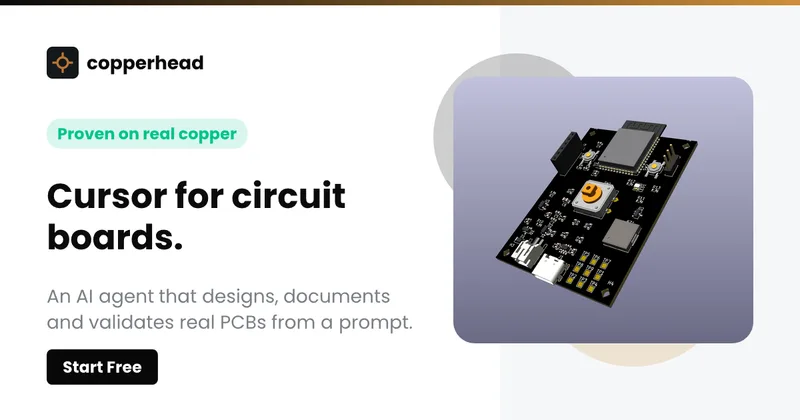
Copperhead
Copperhead is an open-source AI engineering platform and CLI that helps hardware teams design, verify, and ship printed circuit boards by editing KiCad files, running KiCad checks (ERC/DRC), and producing gerbers, firmware, and documentation in a gated, auditable pipeline.


Docs.dev Your Own Hosted Docs Platform in Minutes
Docs.dev is a deployable documentation template that runs as a Cloudflare Worker in your account, using your GitHub repo as the source of truth and agent-powered drafting (e.g., Claude Code or Codex) to generate reviewable docs branches that your team publishes via commit.


Bullet · Fast, by design.
Bullet is a fast coding agent and developer tool that routes, searches, and executes code-focused tasks with a tight loop to minimize latency — offered as a macOS download and currently available in private beta.
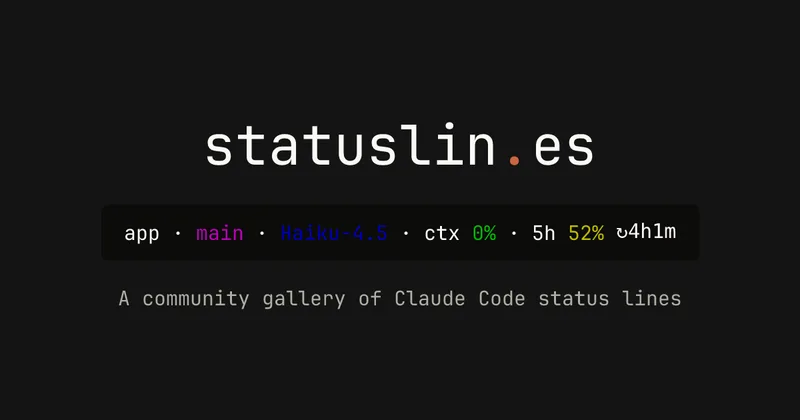
statuslin.es
statuslin.es is a community gallery of Claude Code status lines—copyable, previewed scripts and themes for terminal/status-bar displays that show Claude model stats (tokens, cost, limits), git info, and other runtime metrics.

Premium Alternatives
%22%2F%3E%20%3Ctext%20x%3D%2250%25%22%20y%3D%2250%25%22%20dominant-baseline%3D%22central%22%20text-anchor%3D%22middle%22%20font-family%3D%22system-ui%2C-apple-system%2Csans-serif%22%20font-weight%3D%22700%22%20font-size%3D%2250%22%20fill%3D%22white%22%3EO%3C%2Ftext%3E%20%3C%2Fsvg%3E)
OTP Inspired actor supervisor based full stack templates
ShipStacks provides production-grade, OTP-inspired full-stack SaaS templates that include supervisors/actor patterns, auth, payments, uploads, AI chat and agent playbooks, and Docker-ready deployment in multiple languages and frameworks.
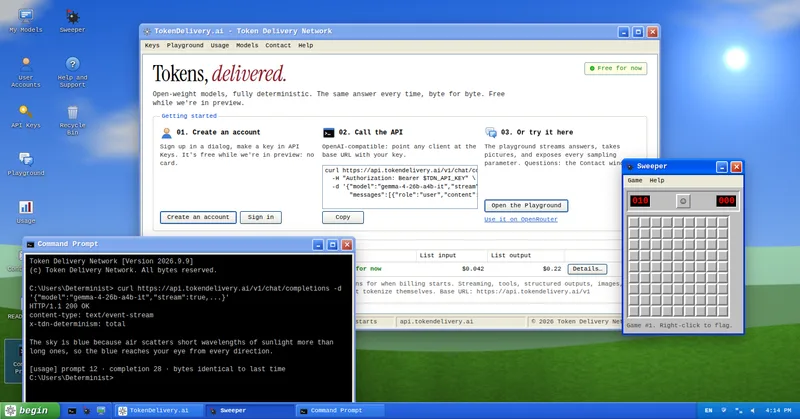
TokenDelivery.ai
TokenDelivery.ai (Token Delivery Network) is an OpenAI-compatible model API and playground that offers reproducible, deterministic model outputs, streaming responses, multimodal inputs (images and short videos), and exposed sampling parameters. It is free during preview and provides API keys, a playground, and a documented base URL for developers.

Servers for AI, not another AWS
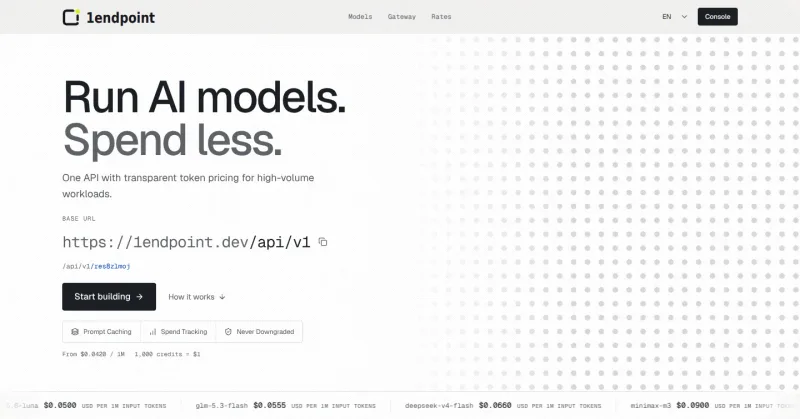
RAW offers dedicated GPU and CPU servers specifically built for AI workloads — provision real metal with root access and CUDA via a single API. It emphasizes low cost (claims up to 100× cheaper than AWS), $0 egress, fast provisioning, and enterprise features for inference, training, agents, and vector databases.

MacVisor Runs VMs with VLANs and Firewall on Apple Silicon
MacVisor is a native Apple Silicon virtualization platform for running and managing macOS and Linux VMs, with Windows 11 and AI sandboxes available as Tech Previews. It includes snapshots, templates, VLAN networking, host-enforced firewall controls, and CLI automation.
wrapfast
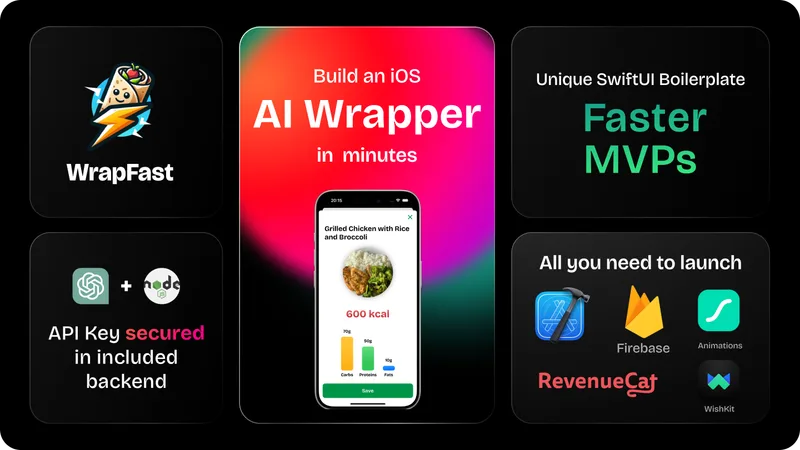
WrapFast is a SwiftUI boilerplate and starter kit for building iOS apps and AI wrappers quickly. It includes an Xcode SwiftUI project, a Node.js Express backend to secure AI API keys, AI integrations (OpenAI & Anthropic), monetization flows, cloud database support, documentation, and a Discord community aimed at indie makers and solo founders.

builderkit
BuilderKit is a modular Next.js AI boilerplate and starter kit that provides deployable TypeScript code, pre-built AI apps, UI components, auth, payments, and integrations to accelerate building and shipping AI SaaS products.