

ChartDB
ChartDB is a database schema visualization and data-modeling tool that instantly generates editable ER diagrams from database schemas, available as a Cloud service and a self-hosted open-source editor.
ChartDB is no-code platforms software teams evaluate for developer tools. Use this page to review pricing, integration signals, and the best alternatives before you commit.
Profile facts come from the vendor source. AiMatch labels unknown pricing or API details instead of estimating them.
Review official source →Used in These Packs
Quick Overview
Best for: Developer Tools
What it does
No-code platforms software for decision-makers comparing workflow fit and alternatives.
Best fit
Developer Tools
Pricing snapshot
Freemium from Start for free (exact pricing details not provided on the supplied page)
Next step
Compare ChartDB with similar tools before you shortlist it.
Compare this tool before you shortlist it
Review alternatives, pricing posture, and workflow fit side by side.
ChartDB is a database visualization and data-modeling tool that converts database schemas into editable ER diagrams. It is offered as both a hosted Cloud product (get a diagram in just 15 seconds) and a self-hosted, free and open-source editor (noted as +20k stars on GitHub). The product focuses on engineering workflows including team collaboration, schema migration, and documentation, and supports import, edit, and export workflows for database diagrams.
ChartDB instantly turns your database schema into a beautiful, editable ER diagram with a single query. It is free, open-source, and built for developers to make database exploration and design intuitive and shareable.
Own this listing?
Claim this page for a one-time $29 to add pricing, features, screenshots, verified owner details, and a clearly labeled 30-day category position after the profile is live.
Claim this listing for $29Key Features
AI ER Diagram Generator
An AI-powered agent that transforms database ideas or prompts into fully editable and optimized ER diagrams in seconds.
Instant Import (single query)
A single query per database retrieves the entire schema so you can get a diagram in about 15 seconds.
Export SQL / DDL
Download diagrams as SQL (DDL) scripts in your preferred SQL dialect or as images for documentation.
Auto-sync / Sync Database
Keep your diagram automatically in sync with a live database.
Real-time Collaboration
Invite teammates to view and edit diagrams in real time with auto-save and collaborative editing features.
Embeddable, Shareable Diagrams & Docs
Generate customizable, scalable documentation and embeddable ERD previews for Notion/Miro/Confluence and other docs.
Versioning & Diffs
Track schema changes with diffs and version history to monitor updates over time.
Advanced Editor
Editor features include undo/redo, create/manage tables and relationships, copy/paste, duplicate, subject areas, and notes.
Open Source & Self-Hosted Option
ChartDB is available as a free, open-source self-hosted editor (noted with GitHub stars) for customers needing data control and customization.
Broad DBMS Support
Full support for popular relational DBMS and cloud data warehouses.
Pricing
Self-hosted option is free and open source; ChartDB Cloud advertises a free start/trial but full pricing details are not shown on the supplied content.
ChartDB Cloud
Start for free (exact pricing details not provided on the supplied page)- Visualize databases instantly in the browser
- Quick import via single query
- Real-time collaboration
Self-Hosted (Open Source)
Free / open source (noted +20k stars on GitHub)- Full control over data and setup
- Customizable and ideal for security-conscious deployments
Use Cases
Visualize Existing Databases
Instantly generate ER diagrams from an existing database schema to understand and document structure.
Data Modeling & Design
Create and edit database designs with an editor that supports tables, relationships, notes, and subject areas.
Schema Migration
Generate DDL scripts and track diffs/version history to support schema migrations and changes.
Team Collaboration & Documentation
Share embeddable, visually appealing diagrams and collaborate in real time with teammates.
Self-hosted / Security-sensitive Deployments
Deploy self-hosted to maintain control over data, configuration, and security posture.
Integrations
PostgreSQL
Import and visualize PostgreSQL schemas.
MySQL / MariaDB
Import and visualize MySQL and MariaDB schemas.
Microsoft SQL Server
Import and visualize SQL Server schemas.
SQLite
Import and visualize SQLite schemas.
ClickHouse
Support for ClickHouse schemas.
CockroachDB
Support for CockroachDB schemas.
Oracle
Support for Oracle schemas.
Snowflake
Support for Snowflake cloud data warehouse.
BigQuery
Support for BigQuery data warehouse.
Cloudflare D1
Mentioned as optimized for up-and-coming DB technologies such as Cloudflare D1.
Embeds (Notion, Miro, Confluence)
Page references embedding live ERDs in Notion, Miro, or Confluence in FAQs.
Benefits
Limitations
No verified limitations are available.
Frequently Asked Questions
No verified FAQs are available.
Getting Started
- 1 Step 1: Start for free on ChartDB Cloud or choose the self-hosted open-source editor.
- 2 Step 2: Connect your database or run the provided single-query import to fetch your schema (about 15 seconds).
- 3 Step 3: Edit the generated ER diagram, collaborate with teammates, then export as SQL (DDL) or image and embed/share documentation.
Support
docs
Documentation and product docs linked from the site (Docs).
chat / community
Discord community/support (Discord referenced on the page).
social
Twitter and GitHub presence for announcements and issues.
demo / sales
Book a demo / Get Started options on the site for onboarding and sales.
API
Compare ChartDB with similar tools
See how it stacks up against alternatives
Related Tools
View all 141 →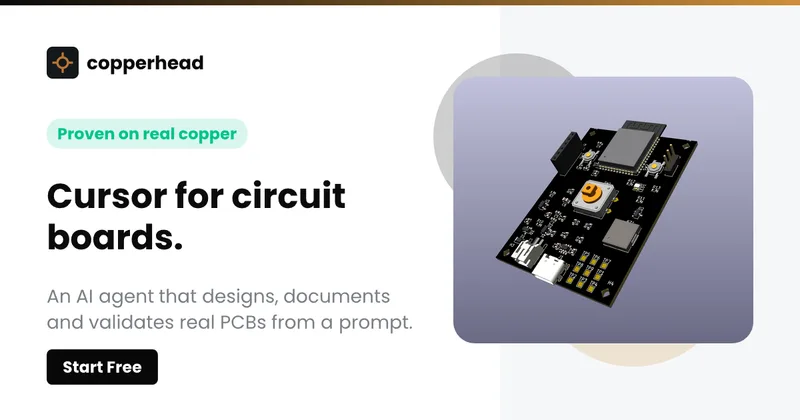
Copperhead
Copperhead is an open-source AI engineering platform and CLI that helps hardware teams design, verify, and ship printed circuit boards by editing KiCad files, running KiCad checks (ERC/DRC), and producing gerbers, firmware, and documentation in a gated, auditable pipeline.

Docs.dev Your Own Hosted Docs Platform in Minutes
Docs.dev is a deployable documentation template that runs as a Cloudflare Worker in your account, using your GitHub repo as the source of truth and agent-powered drafting (e.g., Claude Code or Codex) to generate reviewable docs branches that your team publishes via commit.


Bullet · Fast, by design.
Bullet is a fast coding agent and developer tool that routes, searches, and executes code-focused tasks with a tight loop to minimize latency — offered as a macOS download and currently available in private beta.
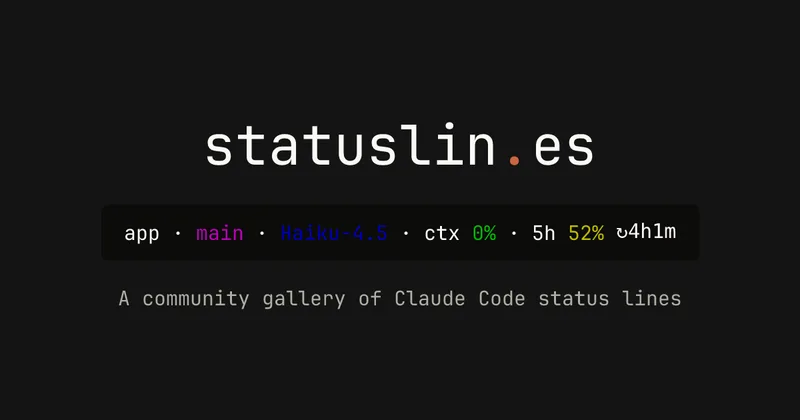
statuslin.es
statuslin.es is a community gallery of Claude Code status lines—copyable, previewed scripts and themes for terminal/status-bar displays that show Claude model stats (tokens, cost, limits), git info, and other runtime metrics.


Premium Alternatives
%22%2F%3E%20%3Ctext%20x%3D%2250%25%22%20y%3D%2250%25%22%20dominant-baseline%3D%22central%22%20text-anchor%3D%22middle%22%20font-family%3D%22system-ui%2C-apple-system%2Csans-serif%22%20font-weight%3D%22700%22%20font-size%3D%2250%22%20fill%3D%22white%22%3EO%3C%2Ftext%3E%20%3C%2Fsvg%3E)
OTP Inspired actor supervisor based full stack templates
ShipStacks provides production-grade, OTP-inspired full-stack SaaS templates that include supervisors/actor patterns, auth, payments, uploads, AI chat and agent playbooks, and Docker-ready deployment in multiple languages and frameworks.
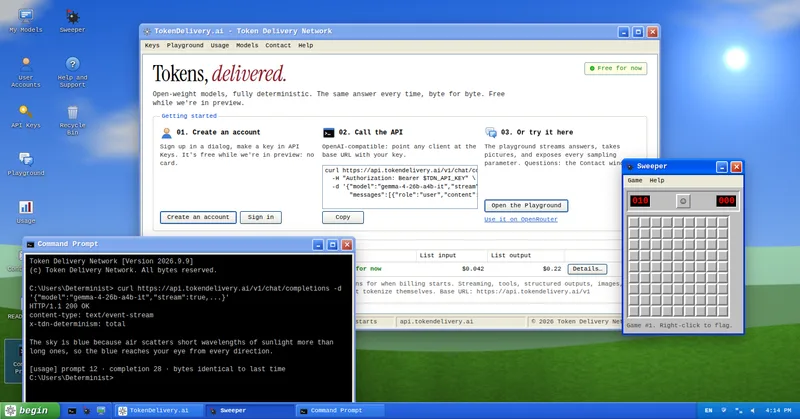
TokenDelivery.ai
TokenDelivery.ai (Token Delivery Network) is an OpenAI-compatible model API and playground that offers reproducible, deterministic model outputs, streaming responses, multimodal inputs (images and short videos), and exposed sampling parameters. It is free during preview and provides API keys, a playground, and a documented base URL for developers.

Servers for AI, not another AWS
RAW offers dedicated GPU and CPU servers specifically built for AI workloads — provision real metal with root access and CUDA via a single API. It emphasizes low cost (claims up to 100× cheaper than AWS), $0 egress, fast provisioning, and enterprise features for inference, training, agents, and vector databases.

builderkit
BuilderKit is a modular Next.js AI boilerplate and starter kit that provides deployable TypeScript code, pre-built AI apps, UI components, auth, payments, and integrations to accelerate building and shipping AI SaaS products.

ratio1
Ratio1 is a blockchain-powered, decentralized AI operating system and edge/cloud computing platform that enables rapid development and deployment of AI apps, a tokenized GPU compute marketplace, and node-based infrastructure via Node Deeds and the $R1 utility token.

runpod
Runpod is an AI Developer Cloud that provides on-demand GPU infrastructure—Pods, Serverless endpoints, and multi-node Clusters—enabling teams to experiment, train, fine-tune, deploy, and scale AI workloads across 31 global regions with support for 30+ GPU SKUs.