Chatshape
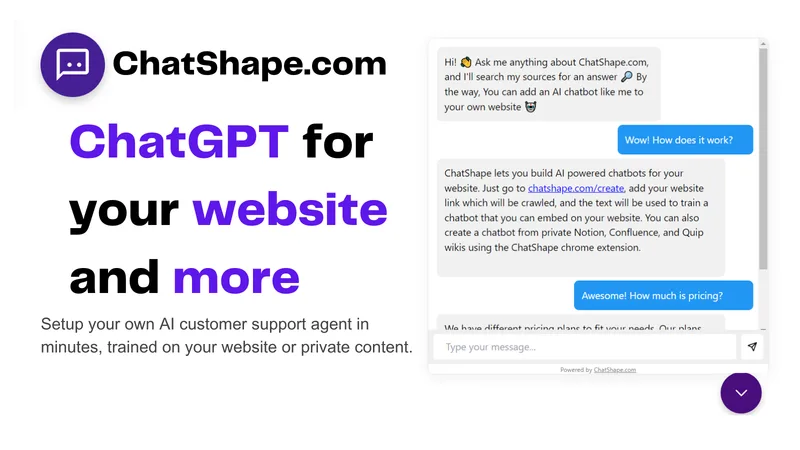
ChatShape is a web-based service that builds AI-powered chatbots for websites by crawling provided site links or uploaded PDFs, enabling 24/7 customer support, lead collection, and easy embedding via a script tag.
Chatshape is chatbots & assistants software teams evaluate for business operations. Use this page to review pricing, integration signals, and the best alternatives before you commit.
Profile facts come from the vendor source. AiMatch labels unknown pricing or API details instead of estimating them.
Review official source →Quick Overview
Best for: Business Operations
What it does
Chatbots & Assistants software for decision-makers comparing workflow fit and alternatives.
Best fit
Business Operations
Pricing snapshot
Contact for pricing
Next step
Compare Chatshape with similar tools before you shortlist it.
Compare this tool before you shortlist it
Review alternatives, pricing posture, and workflow fit side by side.
ChatShape provides a service to build AI-powered chatbots for websites by crawling a provided site link or by using uploaded PDF documents as training sources. After crawling visible, copyable text from specified pages, ChatShape generates a chatbot that can be customized (branding, color, tone), tuned (prompt and start message), and embedded on a website via a script tag. The product is aimed at businesses seeking 24/7 customer support, lead collection, higher conversion rates, and time savings, with a dashboard to view messages, leads, and export data.
ChatShape is a web-based service that builds AI-powered chatbots for websites by crawling provided site links or uploaded PDFs, enabling 24/7 customer support, lead collection, and easy embedding via a script tag.
Own this listing?
Claim this page for a one-time $29 to add pricing, features, screenshots, verified owner details, and a clearly labeled 30-day category position after the profile is live.
Claim this listing for $29Key Features
Website crawler & bot creation
Provide a website link at chatshape.com/create; the crawler grabs visible, copyable text from pages, shows extracted links, and generates a chatbot from those sources.
PDF upload
Upload multiple PDF files to ChatShape and create a chatbot from those documents.
Embed via script tag
After generating a chatbot, copy the provided script tag and add it to your website's HTML to make the chatbot available on your site.
Lead collection
Enable an email input form in the chat window to collect leads, view their conversations in the dashboard, see metadata such as country of origin, and export leads to CSV.
Customizable responses and branding
Customize the chatbot's branding, color, tone, start message, and prompt text instructions to tune how the AI responds to customers.
Analytics & exports
All chatbot messages are recorded and viewable in the dashboard and can be exported as files.
Pricing
Current pricing details are not available from the vendor source.
Use Cases
24/7 Customer Support
Deploy a chatbot to answer customer questions instantly and provide round-the-clock support, improving response times and customer experience.
Lead Generation
Automatically collect visitor emails and lead information through a chat input form and export collected leads for follow-up.
Conversion Optimization
Use the chatbot to engage visitors, answer questions, and convert more visitors into customers by customizing tone and messaging.
Knowledge base from documents
Create chatbots from PDFs or site content to surface document-based answers to visitors' questions.
Integrations
Shopify
Link available: Add AI Chatbot to Shopify Store (site includes a dedicated link for Shopify integration guidance).
WordPress
Link available: Add AI Chatbot to Wordpress website (site includes a dedicated link for WordPress integration guidance).
Benefits
Limitations
Frequently Asked Questions
What is ChatShape?
What happens when I use my website link to create a bot? What info does the bot read?
Can I create a chatbot from a PDF file?
Can I collect leads/emails from visitors?
Can I view chatbot analytics and how many people chat with the bot?
Can I update how my bot responds to customer requests before I embed it?
What is the maximum number of sources I can create a bot from?
Can I add custom data to my bot beyond just scraping my website?
Getting Started
- 1 Step 1: Go to chatshape.com/create and enter the URL of your website (or upload PDFs) to begin.
- 2 Step 2: Review the links and visible, copyable text the crawler extracted and select sources to use.
- 3 Step 3: Click the button to generate your chatbot from the selected sources.
- 4 Step 4: Customize the bot's prompt, start message, branding, color, and tone in the dashboard.
- 5 Step 5: Copy the provided script tag and add it to your website's HTML to embed the chatbot; view conversations and leads in the dashboard.
Support
Contact via [email protected] (listed on site footer).
docs
Site includes links and blog resources (e.g., Add AI Chatbot to Shopify Store, Add AI Chatbot to Wordpress website, how-to guides) for setup and guidance.
API
Compare Chatshape with similar tools
See how it stacks up against alternatives
Related Tools
View all 175 →

Feedyou
Feedyou provides conversational and generative AI solutions for customer and employee support, including chatbots, voicebots, emailbots, a knowledge base, and live agent assistance. Its platform is used by companies to automate interactions across customer service, HR, recruitment, and e-commerce.
Summaverse
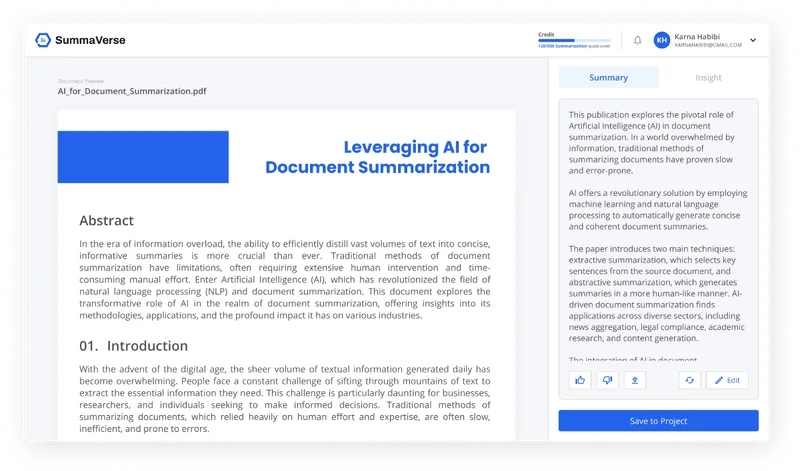
SummaVerse is an AI-powered web app that transforms documents into concise summaries and conversational chatbots, enabling users to extract key insights, share findings, and build customizable document-chat interfaces.

ChatPersona AI
ChatPersona AI is an AI-powered OnlyFans chat tool delivered through a Chrome extension. It generates responses using selectable personas and is marketed to creators seeking to manage subscriber conversations, tips, and PPV sales.
guestguru-ai
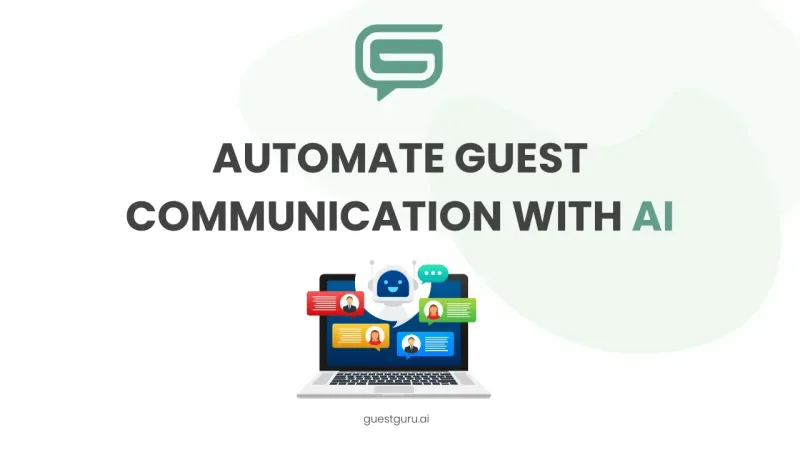
Guest Guru AI automates guest messaging and answers common questions for short-term rental hosts and property managers. It connects with property management systems and major booking channels; the site says it is joining Zeevou and invites users to join a waitlist.

MARA
MARA is AI-powered hotel reputation management software that helps hotel teams draft review replies in their brand voice, analyze guest feedback, and manage reputation workflows across properties. It combines a shared review inbox, analytics, surveys, widgets, and integrations.

AI Chatbot by Elfsight
AI Chatbot by Elfsight creates a website chatbot that learns from your site and supplied content, answers customer questions, captures leads, and can guide visitors toward bookings or purchases. It is designed for businesses that want to handle enquiries without staffing a live chat inbox.
miniapps.ai
miniapps.ai is a discovery and creation platform for free AI-powered mini apps and chat-based tools that provides access to a wide catalog of community-built apps and multiple large AI models for tasks like writing, coding, image and audio generation.
Premium Alternatives

trainmy-ai
TrainMyAI builds custom, on-premise or cloud-hosted AI chatbots using retrieval-augmented generation (RAG) for private content, with access via WhatsApp, the web, and a private API while keeping all data on your own server.
ChatPersona AI
ChatPersona AI is an AI-powered OnlyFans chat tool delivered through a Chrome extension. It generates responses using selectable personas and is marketed to creators seeking to manage subscriber conversations, tips, and PPV sales.

swms-ai
SWMS AI uses industry-specific safety information to generate customized risk assessments and safety documents, and provides Oscar, an AI assistant for workplace safety questions. It is designed for teams in industries including construction, mining, oil and gas, logistics, and facilities management.