

Getleo
Getleo (Leo AI) is an engineering-grade, domain-specific AI assistant built for mechanical engineers and engineering teams to unlock PLM knowledge, run engineering calculations, and accelerate product design and part reuse.
Getleo is ai agents software teams evaluate for creative & design. Use this page to review pricing, integration signals, and the best alternatives before you commit.
Profile facts come from the vendor source. AiMatch labels unknown pricing or API details instead of estimating them.
Review official source →Quick Overview
Best for: Creative & Design
What it does
AI Agents software for decision-makers comparing workflow fit and alternatives.
Best fit
Creative & Design
Pricing snapshot
Contact for pricing
Next step
Compare Getleo with similar tools before you shortlist it.
Compare this tool before you shortlist it
Review alternatives, pricing posture, and workflow fit side by side.
Leo (Getleo) is an engineering-focused generative AI platform designed for mechanical engineers and engineering organizations. The product markets itself as an AI assistant that unlocks PLM knowledge, provides answers grounded in an organization’s PLM data and trusted engineering sources, and helps build complete assemblies by reusing parts and running calculations.
Leo emphasizes a domain-specific Large Mechanical Model (LMM) trained for engineering best practices and validated against over 1M trusted engineering sources. The platform is positioned for enterprise use with SOC 2 certification, GDPR compliance, and claims of rapid ROI, reduced design mistakes, and 24/7 white-glove support.
Getleo (Leo AI) is an engineering-grade, domain-specific AI assistant built for mechanical engineers and engineering teams to unlock PLM knowledge, run engineering calculations, and accelerate product design and part reuse.
Own this listing?
Claim this page for a one-time $29 to add pricing, features, screenshots, verified owner details, and a clearly labeled 30-day category position after the profile is live.
Claim this listing for $29Key Features
PLM-grounded Answers
Provides answers grounded in your PLM data and 1M+ engineering sources rather than random internet information ('Ask any question and get accurate answers grounded in your PLM data and 1M+ engineering sources').
Build Complete Assemblies
From high-level design to detailed geometry, Leo finds formulas, runs calculations, and reuses existing parts to build complete assemblies ('Build Complete Assemblies... Leo finds formulas, runs calculations, and reuses existing parts to build complete assemblies').
Parts Discovery
Finds the best parts from your PLM and '120M+ vendor parts' to accelerate part selection and reuse ('Find the best parts from your PLM and 120M+ vendor parts').
Engineering Calculations
Solves complex engineering calculations (stress analysis, material selection) by identifying formulas, running calculations, and citing trusted sources—reducing reliance on spreadsheets ('Solve Complex Engineering Calculations... Leo identifies the right formulas, runs the calculations and cites trusted sources - no spreadsheets required').
Domain-Specific AI (LMM)
Patented Large Mechanical Model purpose-built for engineering that captures organizational best practices from CAD and text files and validates them against trusted sources ('Our patented Large Mechanical Model (LMM) is purpose-built for engineering').
Enterprise Security & Compliance
SOC 2 certified, GDPR compliant, with 'industry-standard protection' and 'zero training on your data' claimed on the site.
24/7 White-Glove Support
Around-the-clock customer support and white-glove assistance to maximize customer experience ('24/7 Customer Support' and 'White glove support').
Pricing
Current pricing details are not available from the vendor source.
Use Cases
Accelerate Design Problem Solving
Use Leo to speed up engineering problem solving—from stress analysis to material selection—by automating formula selection and calculations ('Improve time-to-market by accelerating problem solving... From stress analysis to material selection').
Increase Part Reuse and Reduce Errors
Identify and reuse existing parts from PLM and vendor catalogs to cut design mistakes and reuse components across projects ('Cut a third of design mistakes, boost part reuse across your projects').
Unlock Legacy Knowledge
Extract and leverage institutional knowledge from CAD and text files to keep teams aligned with organizational best practices ('Unlock Your Legacy Knowledge... captures your org's best practices from CAD and text files').
Answer Engineering Questions with Grounded Sources
Ask natural language questions and receive answers grounded in PLM and validated engineering sources rather than general internet results ('Ask any question and get accurate answers grounded in your PLM data and 1M+ engineering sources').
Integrations
Onshape (PTC)
Page includes partner quotes and mentions an 'upcoming direct integration between our systems' with Onshape by PTC (quote from Jon Hirschtick).
Benefits
Limitations
No verified limitations are available.
Frequently Asked Questions
No verified FAQs are available.
Getting Started
- 1 Step 1: Click the 'Start with Leo' CTA or sign in to begin onboarding ('Start with Leo')
- 2 Step 2: Connect PLM, CAD files and relevant text documents so Leo can capture organizational best practices ('captures your org's best practices from CAD and text files')
- 3 Step 3: Ask questions, explore parts and calculations in Leo and use white-glove support for setup and optimization ('Ask any question...','Explore Parts','24/7 Customer Support')
Support
24/7 support
White-glove, 24/7 customer support to resolve issues and maximize the Leo experience ('24/7 Customer Support' and 'White glove support').
Community
Join the Leo AI Community to connect with other engineers, get answers from the team, and request features ('Need help? Join the Leo AI Community').
Newsletter
Subscribe to the engineering newsletter to learn about new capabilities and get practical tips ('Subscribe to our engineering newsletter').
API
Compare Getleo with similar tools
See how it stacks up against alternatives
Related Tools
View all 672 →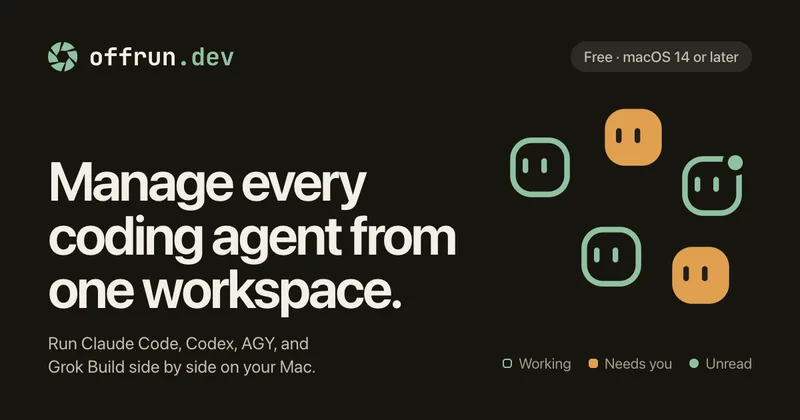
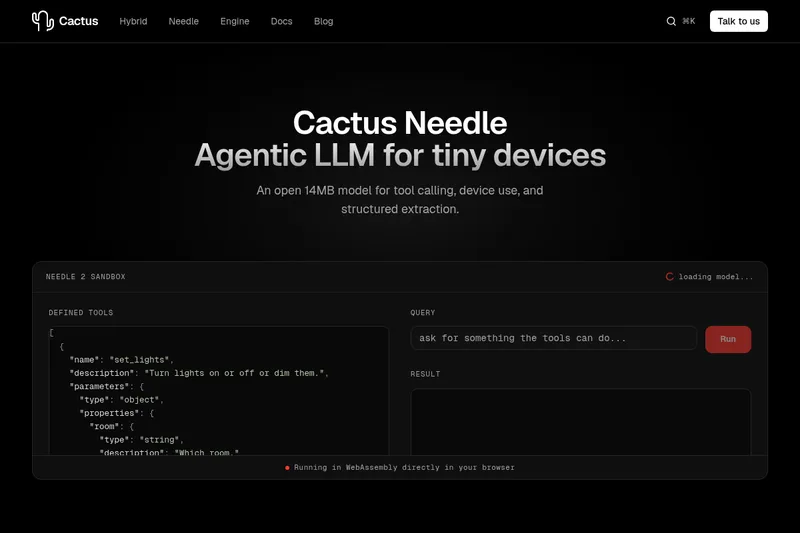
Needle2
Needle 2 is an open, production-ready 45M-parameter agentic LLM from Cactus designed for tool calling, device control, and structured extraction on extremely small devices; the shipped CQ2-bit binary is ~14 MB and runs in ~28 MB of RAM across Cortex-M, microcontrollers, phones, Raspberry Pi and WebAssembly.
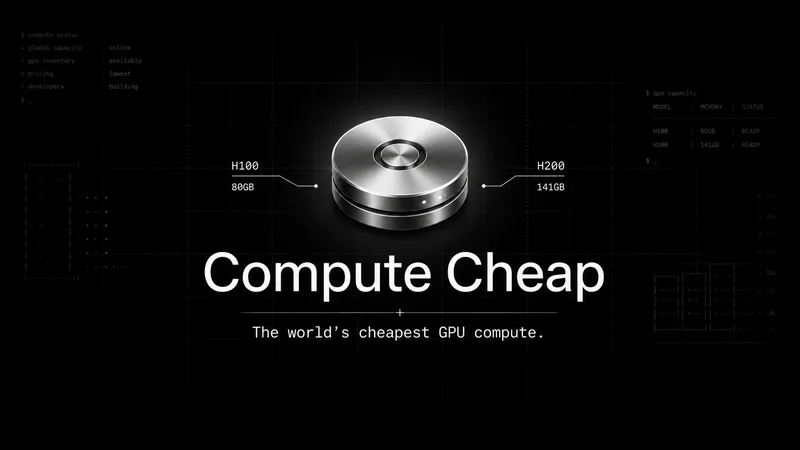
The cheapest GPU cloud
Compute Cheap provides low-cost GPU compute for training and inference, offering H100 and H200 SXM GPUs as interruptible or reserved capacity with published per-GPU-hour pricing and a simple request/reserve/run workflow.
Oodle.ai
Oodle Agent Observability provides agent/LLM observability at scale with S3-backed columnar storage, fast search (<1s P99), out-of-the-box AI-powered insights, and flat ingestion-based pricing designed to retain 100% of traces affordably for debugging and optimizing production agents.


Premium Alternatives
Abliterated LLM provider for cyber tasks
Refuseless hosts GLM 5.3 Abliterated models through an OpenAI-compatible API for cybersecurity and coding work. The page states that prompts are not retained and shows integrations with OpenCode and Pi.
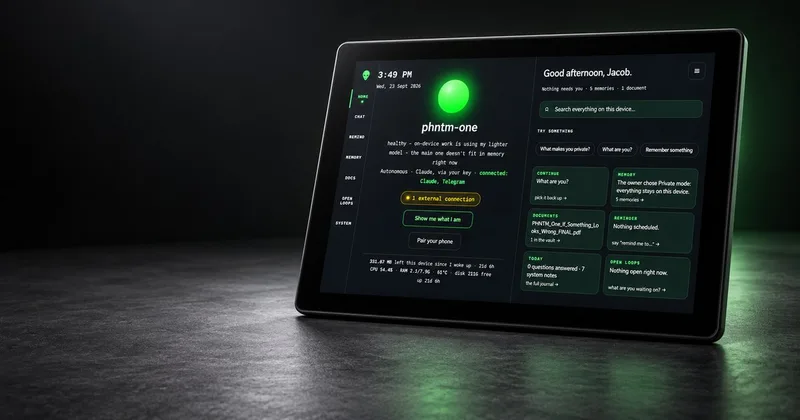
PHNTM ONE
PHNTM One is a private, local-first AI appliance: a hand-built desktop device (Raspberry Pi 5, 8 GB, 10.1″ touchscreen) that runs an on-device model (Gemma 3 4B) to provide a voice-capable assistant, memories, document reading, timers, Home Assistant integration and offline knowledge — sold as a one-time $549 purchase with no subscription and zero telemetry by default.
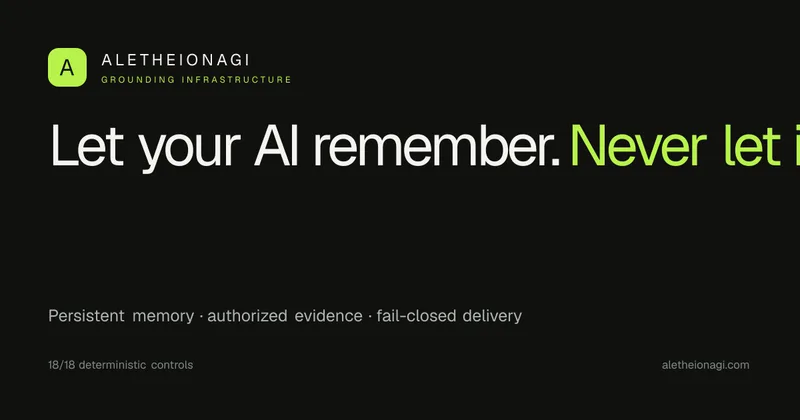
AletheionAGI
AletheionAGI provides a grounded-memory layer for AI systems that enforces evidence-bound delivery, namespace isolation, and policy authorization so AI readers cannot produce unsupported claims. It's targeted at production-facing use cases like customer support, commerce agents and internal copilots.

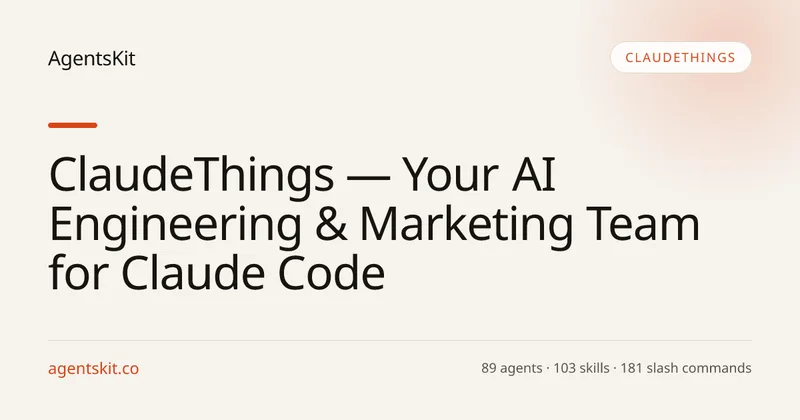
ClaudeThings
ClaudeThings provides a packaged, continuously-updating set of 89 specialized agents, 103 pre-built skills, and 181 slash commands that act as an AI engineering and marketing team for Claude Code — delivered as a private GitHub repo and installed with a single npx command. It adapts to any stack via a CLAUDE.md project manifest and is sold as a one-time purchase with lifetime updates.

Fireworks AI
Fireworks AI is an enterprise-grade platform for training, fine-tuning, and serving open and closed AI models, offering a drop-in replacement for closed-model APIs, an optimized inference engine, and tooling to own specialized intelligence and reduce AI spend.