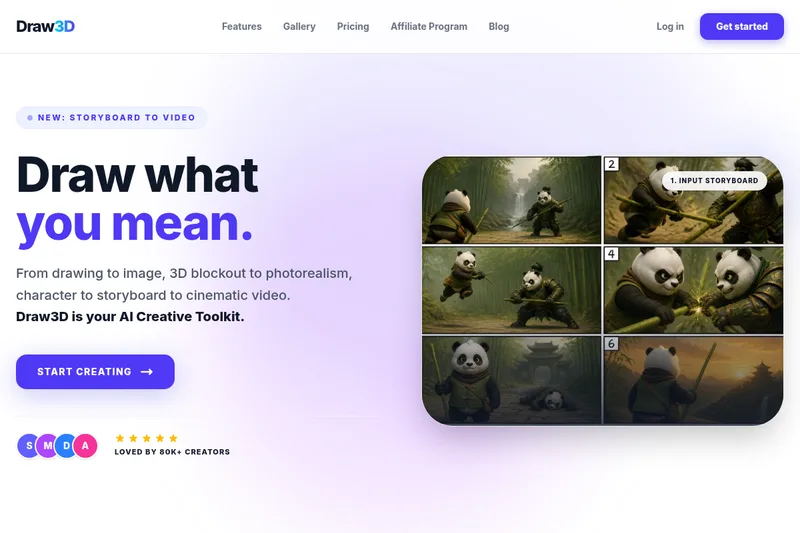
grok-ai-image-generator-2-0
Grok AI Image Generator (Grok 2.0) is a web-based text-to-image AI tool that generates high-quality images using Flux.1 family models (Flux.1 Pro, Flux.1 Dev, Flux.1 Schnell) and includes an editor, download/sharing, and plans for developers and professionals.
grok-ai-image-generator-2-0 is image & design software teams evaluate for image & design. Use this page to review pricing, integration signals, and the best alternatives before you commit.
Profile facts come from the vendor source. AiMatch labels unknown pricing or API details instead of estimating them.
Review official source →Used in These Packs
Quick Overview
Best for: Image & Design
What it does
Image & Design software for decision-makers comparing workflow fit and alternatives.
Best fit
Image & Design
Pricing snapshot
Freemium from $0
Next step
Compare grok-ai-image-generator-2-0 with similar tools before you shortlist it.
Compare this tool before you shortlist it
Review alternatives, pricing posture, and workflow fit side by side.
Grok AI Image Generator (Grok 2.0) is a browser-based text-to-image service that converts user prompts into high-quality visuals using the Flux.1 model family (Flux.1 Pro, Flux.1 Dev, Flux.1 Schnell). The site positions itself as a fast, user-friendly tool for both casual creators and professionals, offering a built-in editor for post-generation adjustments and options to download or share images. Available plans include a free trial with credits, a Pro plan aimed at professional users, and a Developer plan that includes API access and integrations.
AI image generator creating high-quality images from text prompts quickly and easily.
Own this listing?
Claim this page for a one-time $29 to add pricing, features, screenshots, verified owner details, and a clearly labeled 30-day category position after the profile is live.
Claim this listing for $29Key Features
Text-to-image generation
Converts text prompts into images using AI models (Flux.1 family).
Multiple AI models (Flux.1 Pro / Dev / Schnell)
Choose between Flux.1 Pro for professional-grade visuals, Flux.1 Dev for development integrations, and Flux.1 Schnell for rapid generation.
Built-in editor
After generating an image, use the site’s editor to fine-tune colors, details, and other adjustments before downloading.
Real-time processing
Claims instant or near-instant generation with rapid iterations (emphasized for Flux.1 Schnell).
Download & sharing
Download generated images or share them directly to social media.
Developer/API access
Developer plan offers API integration and dedicated support for embedding the generator into apps and workflows.
Open-source availability
Page states the project is open-source and available on GitHub and Hugging Face.
Pricing
Free plan with 30 credits, access to high-quality images and Flux.1 Schnell features.
Free Trial
$0- Access basic features
- Includes 30 credits
- Access to Flux.1 Schnell features
- Community support
Pro Version
$29/month- Full access to Flux.1 Pro and premium features
- Unlimited usage (as described on the page)
- Priority support
Developer Version
$49/month- Full access to Flux.1 Dev and API integration
- All Dev Models
- API access and dedicated support
Use Cases
Creative content generation
Generate visuals for social posts, marketing materials, concept art, and personal projects using text prompts and style controls.
Professional design workflows
Use Flux.1 Pro to produce high-quality, industry-ready images for design and production needs.
Developer integration
Integrate Grok's models into applications via API access provided in the Developer plan for programmatic image generation.
Rapid prototyping and iteration
Use Flux.1 Schnell for fast experiments and rapid image iterations.
Commercial projects
FAQ affirms images generated can be used commercially, making it suitable for business and advertising use.
Integrations
API integration
Developer plan includes API access to integrate Grok image generation into apps and workflows.
Creative tools and platforms
Site claims the generator can be 'seamlessly' integrated with favorite creative tools and platforms for smooth workflows.
GitHub & Hugging Face
Page states the project is open-source and available on GitHub and Hugging Face.
Benefits
Limitations
Frequently Asked Questions
What is Grok AI Image Generator?
What are the main features of Grok AI Image Generator?
Is there a free plan for Grok AI Image Generator?
How does Grok AI Image Generator compare to other AI image generators?
Can I use Grok AI Image Generator for commercial projects?
Is Grok AI Image Generator open-source?
Is there a mobile app for Grok AI Image Generator?
How can I get support for Grok AI Image Generator?
Getting Started
- 1 Step 1: Visit grokaiimagegenerator.org and click the 'Start' button.
- 2 Step 2: Enter a text prompt describing the desired image and click 'Generate'.
- 3 Step 3: Customize the generated image using the built-in editor (adjust colors, details, etc.).
- 4 Step 4: Download your image or share it directly on social media.
- 5 Step 5: Experiment with different models (Flux.1 Pro, Dev, Schnell) to match your needs.
Support
Primary support contact via [email protected].
priority support
Priority support available for Pro plan subscribers.
dedicated support
Developer plan includes dedicated support.
community support
Free Trial users have access to community support.
API
Compare grok-ai-image-generator-2-0 with similar tools
See how it stacks up against alternatives
Related Tools
View all 386 →


Lovenanobananapro
Love Nano Banana Pro (LNBP) is an AI image editor and generator that creates photorealistic 1K/2K/4K visuals with advanced prompt reasoning, precise text rendering, and professional editing controls, powered by Gemini 3.0 Pro.

Imagedescribe
ImageDescribe.net is an AI image analysis workspace that converts images into descriptions, OCR text, captions, prompts, and interactive image-based Q&A for accessibility, SEO, e-commerce, creative briefs, and research workflows.
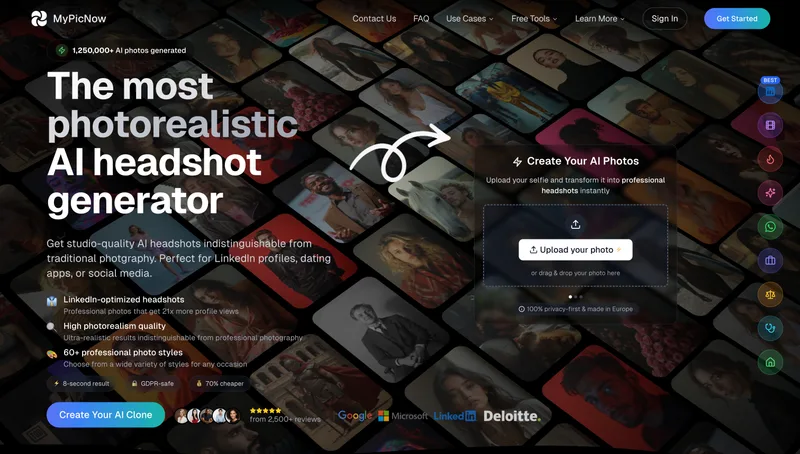
RoomAI
RoomAI is a web-based AI room-design tool that restyles real room photos while preserving the room geometry (walls, windows, openings, ceiling height and camera angle). It offers 300+ styles, 20+ room presets, virtual staging and decluttering with fast, full-resolution results for property listings, designers, photographers and homeowners.
photofairy
PhotoFairy is an AI-powered photo-to-art app and creative canvas for turning photos into stylized artwork and performing image editing and design tasks, aimed at photo editing and graphic design workflows.
Premium Alternatives
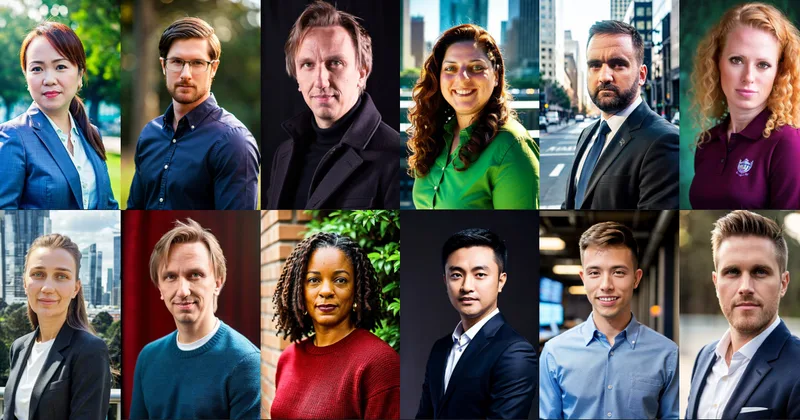
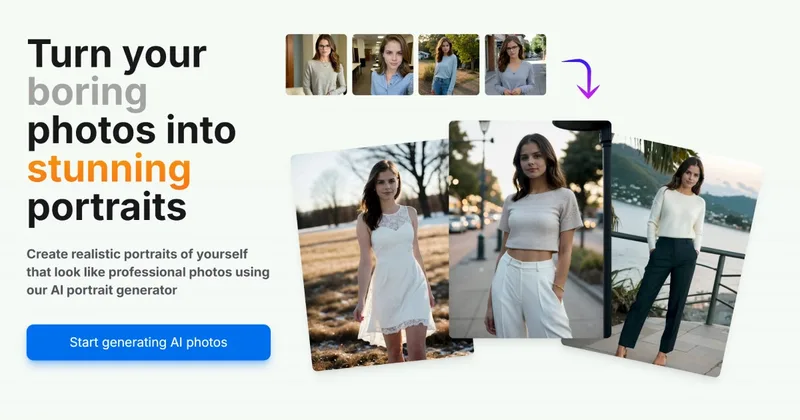
Aiportraitgen
AI Portrait Gen is an online AI portrait generator that creates realistic, high-quality portrait photos from a few user-supplied photos. It offers customizable locations, outfits and styles, pay-as-you-go credits (no subscription), and privacy protections for uploaded images.

drawingpics
DrawingPics is a native macOS app for Apple Silicon that converts sketches into photorealistic or stylized images in real time using Core ML and the Apple Neural Engine. It runs fully offline, is available as a one-time purchase, and targets creators and small studios.
Illusion Diffusion
Illusion Diffusion is a web-based AI photo-to-art generator that transforms designs, text, or photos into illusion-style artwork using ControlNet, OpenPose, and Stable Diffusion models. It offers credit-based image generation, downloadable results, and presets for text-to-image and brand/logo reimagining.


Aux Machina
Aux Machina is an AI-powered image creation platform that generates custom, royalty-free visuals and offers upcoming AI-assisted image-editing tools, aimed at creators, marketers, and teams who need quick, high-quality images.