

Skriptr
Skriptr is an AI-powered research and writing platform for academic work that helps you research, learn, and write from your own uploaded sources while producing traceable citations and collaborative documents.
Skriptr is ai tools software teams evaluate for education & research. Use this page to review pricing, integration signals, and the best alternatives before you commit.
Profile facts come from the vendor source. AiMatch labels unknown pricing or API details instead of estimating them.
Review official source →Used in These Packs
Quick Overview
Best for: Education & Research
What it does
AI Tools software for decision-makers comparing workflow fit and alternatives.
Best fit
Education & Research
Pricing snapshot
Free from $0 per month
Next step
Compare Skriptr with similar tools before you shortlist it.
Compare this tool before you shortlist it
Review alternatives, pricing posture, and workflow fit side by side.
Skriptr is an AI research and writing platform designed for academic work that pairs generative assistance with grounding in the sources you supply. It lets users import PDFs, DOCX, web pages, recordings, images and notes into a personal project library; every citation links back to the page it came from so outputs are traceable. The product offers agent-style skills (Learning Companion, Literature Review, Field Overview, Devil's Advocate) to map fields, teach content, and challenge claims, and supports collaborative documents with tracked edits and export options for academic submission.
AI workspace for students Discussion | Link
Own this listing?
Claim this page for a one-time $29 to add pricing, features, screenshots, verified owner details, and a clearly labeled 30-day category position after the profile is live.
Claim this listing for $29Key Features
Grounded AI that cites your library
Skriptr cites only from sources in your own library and links each citation to the page it came from, producing traceable references and an automatic reference list.
Library and source import
Bring in PDFs, DOCX, web pages, recordings, images and notes; PDFs and other files are imported into your project library for use by the AI.
Agent skills (Learning Companion, Literature Review, Devil's Advocate, etc.)
A single agent can map a field, teach it, or argue against your claim; skills include guided tutoring, flashcards, quizzes, visual overviews, debates, and close readings of papers.
Collaboration and role-based access
Invite collaborators as admins, editors or viewers to work in the same document simultaneously with shared access to the project library.
Drafting workflow with tracked edits
The system puts an outline into the document first, drafts part-by-part with you, and records edits as tracked changes you can accept or undo.
Import and export interoperability
Import existing drafts from Word or Overleaf; export finished work to Word, PDF or Markdown with references intact.
Audio transcription (paid plans)
Paid plans include audio transcription and dictation when importing recordings.
Tiered AI usage and pay-as-you-go extras
Plans vary by monthly AI usage (Free has limited daily AI usage; Pro/Ultra increase monthly usage and provide options for extra pay-as-you-go usage).
Traceability and project privacy controls
You can delete individual sources or whole projects; Skriptr states uploaded materials stay private to your project and are not used to train models.
Pricing
Free plan with limited daily AI usage, unlimited projects and documents, 5 source uploads per project, and citations/collaboration/export functionality.
Free
$0 per month- Limited daily AI usage
- Unlimited projects and documents
- 5 source uploads per project
- Citations, collaboration and export
Pro
$10 per month- Everything in Free, plus extended monthly AI usage
- 100 source uploads per project
- Audio transcription and dictation
- Option to turn on pay-as-you-go extra usage
Ultra
$30 per month- Everything in Pro, plus highest monthly AI usage
- Early access to new features
Use Cases
Academic research and literature reviews
Map a field, build literature matrices, and produce a literature review grounded in PDFs and articles you upload.
Learning and tutoring
Use the Learning Companion, flashcards, quizzes, and visual overviews to learn a topic from the sources in your library.
Drafting and writing academic papers
Agree on an angle, outline in-document, and draft sections part-by-part while tracking changes and citations.
Defending and critiquing claims
Use the Devil's Advocate skill to argue the opposite side of a claim using only your own sources.
Collaborative projects and group writing
Invite collaborators with role-based permissions to edit and view the same documents and library.
Transcribing recorded interviews or lectures
Import recordings and receive audio transcription on paid plans to incorporate into research and notes.
Integrations
Word
Import drafts from Word and export finished drafts to Word (stated import/export interoperability).
Overleaf
Import existing drafts from Overleaf to continue writing in Skriptr.
Benefits
Limitations
Frequently Asked Questions
Is using Skriptr cheating?
Will it just write my paper for me?
Are the citations real?
Can I work on a project with other people?
What can I upload, and what can I export?
What happens to the material I upload?
Getting Started
- 1 Step 1: Visit skriptr.ai and click 'Get started' or 'Start for free' to create an account.
- 2 Step 2: Create a project and upload sources (PDFs, DOCX, web pages, recordings, images, notes) into your library.
- 3 Step 3: Choose a task or agent skill (e.g., Learning Companion, Literature Review, Devil's Advocate), agree the angle, and begin drafting with traced citations and tracked edits.
Support
Contact page
Site navigation includes a 'Contact' link for inquiries (see site navigation).
Company / Legal pages
Footer links to Company, Pricing, Privacy, Terms, Cookies provide policy and product information.
Connect via the site's LinkedIn link in the footer.
API
Compare Skriptr with similar tools
See how it stacks up against alternatives
Related Tools
View all 143 →
ThoughtDAG
ThoughtDAG is an open-source, desktop-first application that makes LLM context visible, editable, and reproducible by representing context as an editable directed acyclic graph (wires = context) and letting users preview and control exactly what the model receives.

LLM Attention Visualization
A browser-based interactive visualization that shows how transformer LLMs allocate attention to past tokens during generation by aggregating attention weights and value magnitudes across heads and layers.

PilotCite
PilotCite is a SaaS platform that helps brands monitor and improve their visibility in AI-generated answers (ChatGPT, Perplexity, Google AI, Gemini, Claude, Copilot, Grok) by tracking citations, auditing site citability, benchmarking competitors, and generating source-backed content.

Knowledge graph skill for Claude/Kimi Code
SysEdge is an ontological knowledge graph and CLI for multi-agent Claude Code and Kimi Code teams that models requirements, tests, and architecture standards to surface specification, test, and standards gaps before code ships and to reduce agent orientation tokens.
HieraticBench
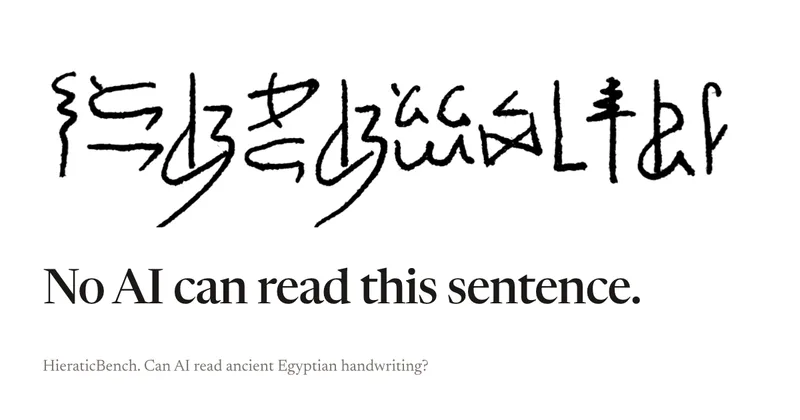
HieraticBench is an open benchmark for testing whether AI models can identify and read hieratic, the cursive handwriting of ancient Egypt. It includes a public leaderboard, evaluation harness, and dataset of documents and individual signs.
Redactle LLM Leaderboard
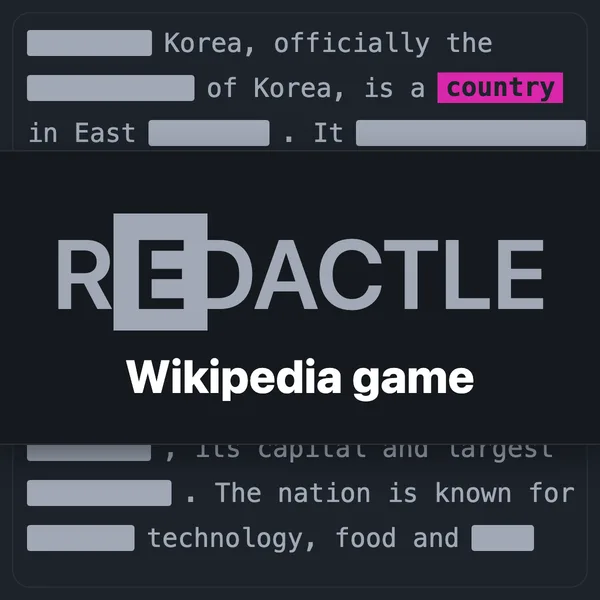
A public benchmark dashboard that evaluates how well large language models (LLMs) solve Redactle puzzles by running standardized evaluations and publishing ranked results, costs, and performance metrics.
Premium Alternatives

CiteRank
CiteRank is a weekly SaaS monitoring tool that re-asks buyer questions of major AI answer engines (ChatGPT, Perplexity, Google AI Overviews, Gemini and Claude) to record whether they cite your site, name your brand, or leave you absent, and delivers board-style reports and competitor/source lists.

SermonAI
SermonAI is a web-based sermon preparation platform for pastors, combining AI-assisted research and writing with planning, sermon organization, preaching tools, and content repurposing. Its AI research can be tailored to a pastor’s denomination, Bible translation, and trusted voices.

grantboost
Grantboost is an AI grant discovery and proposal-writing platform for nonprofits, agencies, universities, and other mission-driven organizations. It matches funding opportunities to an organization’s programs and helps draft proposals using its past content and brand voice.

OutlierKit
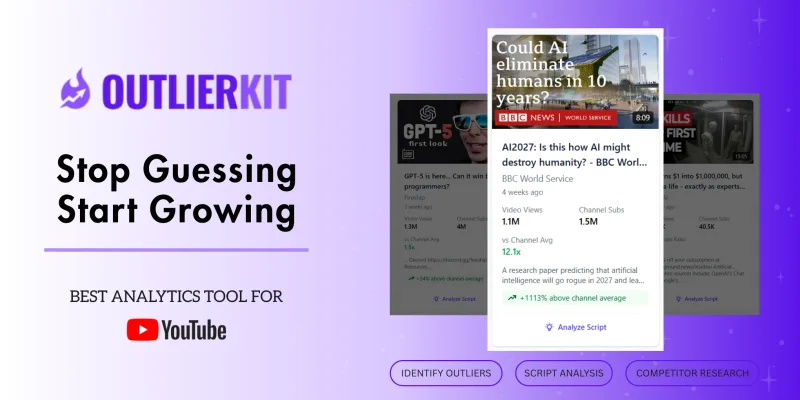
OutlierKit is a YouTube competitor analysis and outlier research platform that maps niche-wide opportunities from a single seed channel, surfaces overperforming videos, analyzes audience psychology, sponsors, and monetization, and offers AI-powered script/hook analysis and integrations for creators, teams, and agencies.