

tomat
Tomat is a desktop data-processing app that lets users build visual workflows to clean, transform, enrich and analyze large Excel/CSV datasets using AI, run locally on Windows and macOS, and scale to hundreds of thousands or millions of rows.
tomat is business intelligence software teams evaluate for education & research. Use this page to review pricing, integration signals, and the best alternatives before you commit.
Profile facts come from the vendor source. AiMatch labels unknown pricing or API details instead of estimating them.
Review official source →Used in These Packs
AI Tools for Excel & Spreadsheets Pack
View this curated Starter Pack
AI Business Productivity Tools
View this curated Starter Pack
AI Marketing Tools
View this curated Starter Pack
AI Analytics & Business Intelligence Tools
View this curated Starter Pack
AI Developer & Coding Tools
View this curated Starter Pack
AI Automation & Workflow Tools
View this curated Starter Pack
Quick Overview
Best for: Education & Research
What it does
Business Intelligence software for decision-makers comparing workflow fit and alternatives.
Best fit
Education & Research
Pricing snapshot
Free from Includes 30,000 trial credits (no credit card needed to get started).
Next step
Compare tomat with similar tools before you shortlist it.
Compare this tool before you shortlist it
Review alternatives, pricing posture, and workflow fit side by side.
Tomat is a desktop application for cleaning, transforming, enriching and analyzing Excel and CSV files using visual workflows and integrated AI. It is designed to process large files locally without uploading data to the cloud, enabling point-and-click pipeline building (filter, sort, group, merge, pivot, branch) and applying AI prompts row-by-row for enrichment, verification, summarization or web research. The product targets users who work with tabular data at scale (from single rows up to a million rows), offering reusable step-based pipelines and quick insight and reporting features for non-technical users who know Excel.
No-code data analytics platform with AI for CSV and Excel analysis.
Own this listing?
Claim this page for a one-time $29 to add pricing, features, screenshots, verified owner details, and a clearly labeled 30-day category position after the profile is live.
Claim this listing for $29Key Features
Visual workflow builder
Create reusable step-by-step pipelines (filter, sort, group, merge, stack, pivot, branch) with drag-and-drop steps and instant result previews — no formulas or code required.
Row-by-row AI node
Add a 'Use AI' node to apply a single prompt to every row for enrichment, extraction, cleanup or verification; supports prompt chains and a Web Search option for web research.
Local, large-file processing
Open and work with files of any size locally — files never leave your machine, avoiding uploads, ZIPs and long loaders.
Scale to large datasets
Run AI over datasets of any size, from 1 to 1M rows, and purchase additional AI credits to scale usage.
Data quality and insights
Get instant info on data quality, unique values, distributions, and key statistics within workflows.
Reporting and export
Add charts directly to workflows, build reports and export them as PDF.
Connectors
Support for PostgreSQL and Snowflake connectors and access to additional data sources upon request.
Pricing
30,000 trial credits included; no credit card required to start.
Trial
Includes 30,000 trial credits (no credit card needed to get started).- 30,000 trial AI credits
- Access to the Tomat app for local workflows
Solo (customizable AI credits)
Purchase additional AI credits; credits start from 500,000 for $5 (users select number of credits on the Account page).- Customizable AI credit packages
- Ability to add more credits and lower cost per credit with larger purchases
Use Cases
Bulk web research and enrichment
Enter a prompt once and apply it across thousands of rows to enrich or research entries using the Web Search option in the AI node.
CSV/Excel cleanup and consolidation
Automate cleaning, merging and restructuring of messy CSVs from multiple sources using visual steps instead of manual Excel work.
Data verification and classification
Run verification, summarization, sentiment analysis or extraction tasks across many rows using AI prompts and adjust credits based on dataset size.
Reporting and pivoting
Create pivots, charts and exportable reports directly from workflows for analysis and presentation.
Database connector workflows
Use PostgreSQL and Snowflake connectors to build workflows that integrate with data warehouses and other sources.
Integrations
PostgreSQL
Connector support to load and work with PostgreSQL data sources in workflows.
Snowflake
Connector support to load and work with Snowflake data sources in workflows.
OpenAI API (used by Tomat)
Tomat uses the official OpenAI API to process AI prompts and web research when enabled.
Benefits
Limitations
Frequently Asked Questions
How to use AI?
How to buy AI credits?
How many AI credits do I need?
Can Tomat work with other file formats besides CSV and Excel?
What skills are needed to start working with Tomat?
What operating systems do you support?
Is Tomat safe and secure to use?
Getting Started
- 1 Download and install the Tomat app (available for Windows and macOS).
- 2 Create a new workflow and add a “Source” node to load any CSV or Excel file (or use supported connectors).
- 3 Add a “Use AI” node, enter your prompt and optionally enable Web Search; test prompts on a few rows and then apply to all data.
Support
Docs
Product documentation available from the website (Docs link).
Community
Community resources and forums referenced on the site for user questions.
Contact / Sales
Use the 'Talk to us' / contact links on the website or the Account page in-app for purchases and access to additional data sources.
API
Compare tomat with similar tools
See how it stacks up against alternatives
Related Tools
View all 198 →
DeepSQL
DeepSQL is a self‑hosted, 24/7 automated DBA and data engineering assistant that monitors database workloads, optimizes slow queries, and ships BI dashboards. It provides a built-in agent, CLI/MCP server, and Slack integration to let teams query, analyze, and put databases on autopilot while keeping data inside their VPC.
Strata
Strata is a business intelligence platform combining governed semantic modeling, self-service dashboards, AI analytics agents, and federated OLAP routing. It helps data teams and business users explore warehouse data while keeping queries grounded in a governed model.

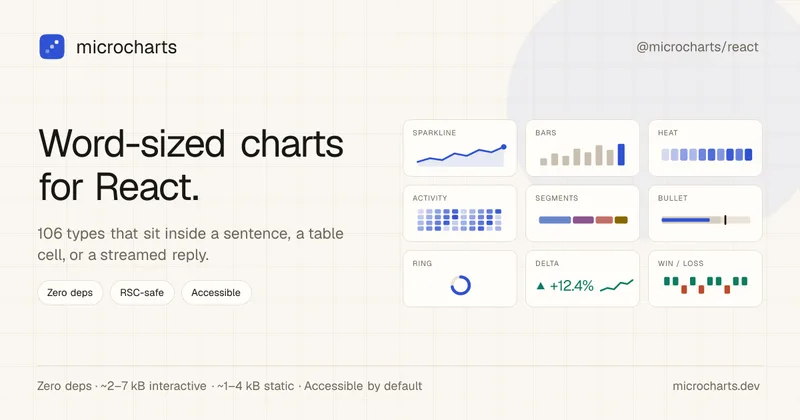
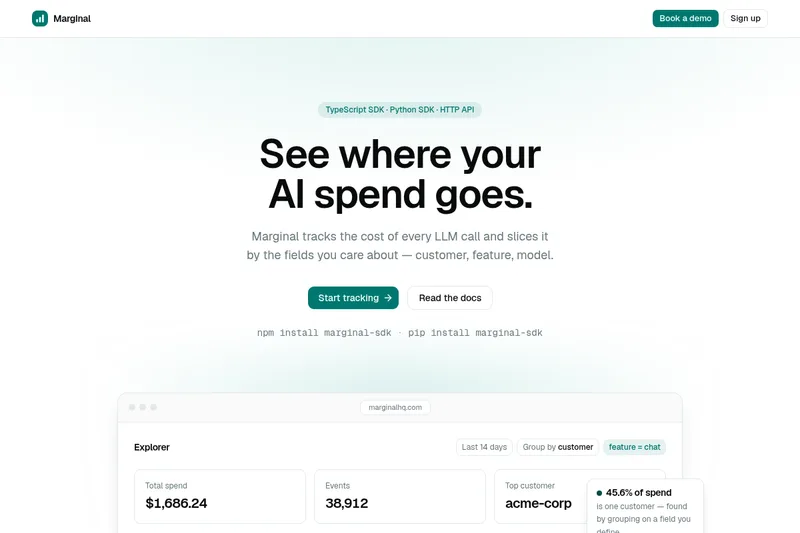
Tiny React charts that fit in a line of text, zero deps
microcharts is a zero-dependency React library of word-sized charts and sparklines (106 chart types) designed to fit inside a sentence, table cell, or streamed assistant reply. It emphasizes tiny bundle size, accessibility, theming, and AI-friendly machine-readable surfaces.

Data Storytelling Platform
Datastory is an AI-assisted data visualization and storytelling platform for turning uploaded, linked, or catalog data into annotated charts and publishable narratives. Users can share work as standalone links, website embeds, or high-quality images.
Premium Alternatives

Documentpro
DocumentPro is an API-first document intelligence platform that extracts structured data from invoices, purchase orders, tax forms and other documents for embedding into software platforms; it emphasizes fast integration, AI-powered extraction, and maintenance-free production operation.


Jeda.ai
Jeda.ai is a patented Visual AI Workspace that combines multi-LLM reasoning, 300+ analytical frameworks, and an infinite collaborative canvas to transform prompts, documents, and datasets into framework-grounded visual outputs (matrices, mind maps, flowcharts, infographics) for teams and enterprises.

Portals.co
Portals.co is an AI-powered customer feedback platform that uses website popups and linkable forms to collect feedback, ask AI-drafted follow-up questions, and analyze responses into actionable insights.

Prisync
Prisync is an AI-powered competitor price tracking, monitoring, and dynamic pricing SaaS that helps ecommerce sellers, brands and suppliers monitor competitor prices across channels (Shopify, Amazon, Google Shopping, marketplaces), enforce MAP, and automate price adjustments to optimize profitability.

Predict Expert AI
Predict Expert AI is a B2B-focused AI company that builds tailored AI models, web/mobile apps, chatbots, automation workflows, forecast models and API integrations to deliver generative and predictive intelligence and real-time operational insights for businesses.

Helium 10
Helium 10 is an e-commerce seller software suite for researching products and keywords, optimizing listings, managing operations, and analyzing advertising and sales across Amazon, Walmart, and TikTok Shop. Its Helium AI agent and MCP connection help sellers ask questions about their business and use Helium 10 data in external AI tools.
Usesaaskit
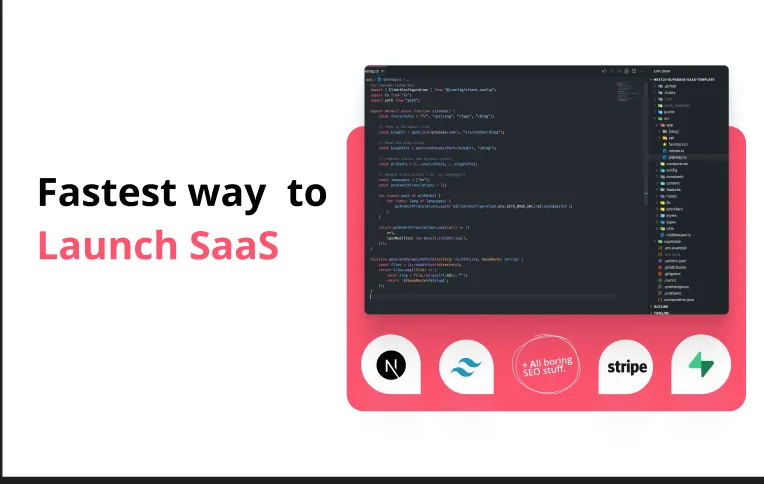
useSAASkit is a Next.js and React Native SaaS boilerplate that bundles AI-ready code (Vercel AI SDK), authentication, multi-organization support, admin tools, billing, marketing pages, analytics and i18n to help founders launch AI-powered SaaS and mobile apps quickly.