
TwinMind
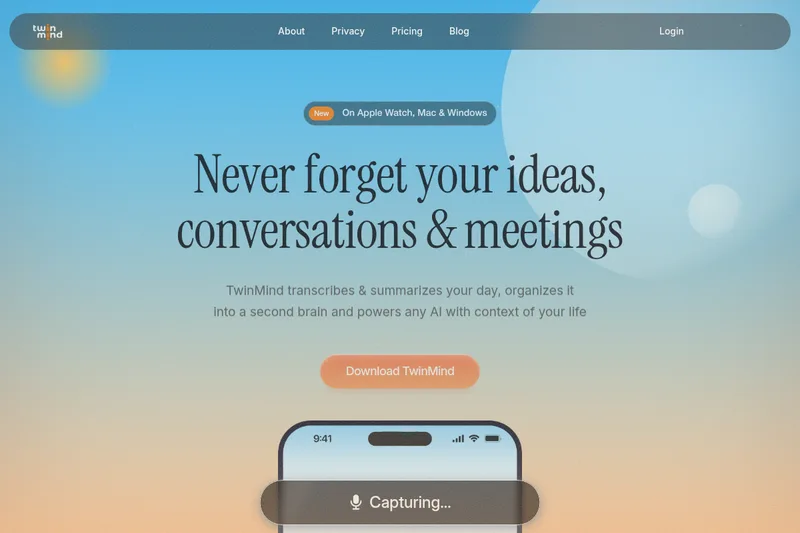
TwinMind transcribes and summarizes meetings and daily conversations, then organizes them into a personal knowledge base. Professionals and individuals can use that context to find information, ask AI questions, and prepare drafts or reports.
One of 51 tools in Transcription
Who it's for
- Founders and executives who want meeting summaries, action items, and searchable context from conversations.
- Professionals who need to use meeting, email, and web context to answer questions or draft follow-up materials.
- People who want to capture and organize conversations across supported devices, including Mac, Windows, mobile, and Apple Watch.
How it fits your workflow
Install TwinMind on a supported device and capture meetings, conversations, or other activity. The page says it transcribes speech in 140+ languages and can run for over 16 hours.
TwinMind produces transcripts, summaries, daily recaps, and action items, then organizes information around people, places, and projects.
Ask questions using context from conversations, email, and the web, or use that context to create drafts and other content. The page names ChatGPT, Claude, Gemini, and MCP integrations.
Pricing
Free: Unlimited transcription, unlimited summaries & AI chats, daily digests & recaps, and save unlimited audio for $0.00.
Free
$0.00
- · Unlimited transcription
- · Unlimited summaries & AI chats
- · Daily digests & recaps
- · Save unlimited audio
Pro
$15 / month
- · Everything in Free
- · Speaker identification
- · Access to ChatGPT, Gemini & Claude
- · Phone call recording
Max
$30 / month
- · Everything in Pro
- · 10x limits on all Pro features
- · Auto-tag & draft emails
- · Access to Claude Opus, GPT 5.5 and extended thinking AI models
Prices checked on Jul 15, 2026 from the vendor's site. They can change; confirm before you buy.
Key features
- Real-time transcription
- Transcribes audio in real time and saves text; claims world's highest transcription accuracy and supports 140+ languages.
- Unlimited transcription & summaries
- Offers unlimited transcription hours, unlimited summaries and AI chats; marketed as 'Free Forever' for core capture capabilities.
- Meeting notes & action items
- Automatically turns Google Meet, Zoom, and Teams calls into structured notes and action items.
- Email Assistant / Draft replies
- Drafts email replies in your voice using context from past emails and meetings; can automate email drafts and auto-tagging (Pro/Max features).
- Offline & privacy-first mode
- Offline mode transcribes without recording audio, stores transcripts and chats locally, and provides optional encrypted cloud backups; states no third-party data sharing and that audio is not stored by default.
- Multi-model access
- Provides access to multiple AI models (ChatGPT, Gemini, Claude, and higher-tier models like Claude Opus, GPT 5.5 on Max) from within the app.
Works with
- Google Meet / Zoom / Microsoft Teams
- Chrome Extension
- AI models (ChatGPT, Gemini, Claude, Claude Opus, GPT 5.5)
Alternatives to consider
-
NoteWave
Choose it if your primary need is recording live or uploaded meetings and producing meeting intelligence designed for teams and enterprises.
-
Mindly
Choose it if you want a macOS-first second-brain app focused on capturing and connecting notes, links, files, and voice recordings.
-
HyNote AI
Choose it if you need to summarize a wider range of specific inputs, including PDFs, images, video, and web content.
Getting started
- Choose a TwinMind app or extension for a supported platform: iPhone, Android, Mac, Windows, Apple Watch, or Chrome.
- Download TwinMind and begin capturing conversations or other daily activity.
- Review transcripts, summaries, daily recaps, and organized memories.
- Use the stored context to ask questions or create drafts and other content.