
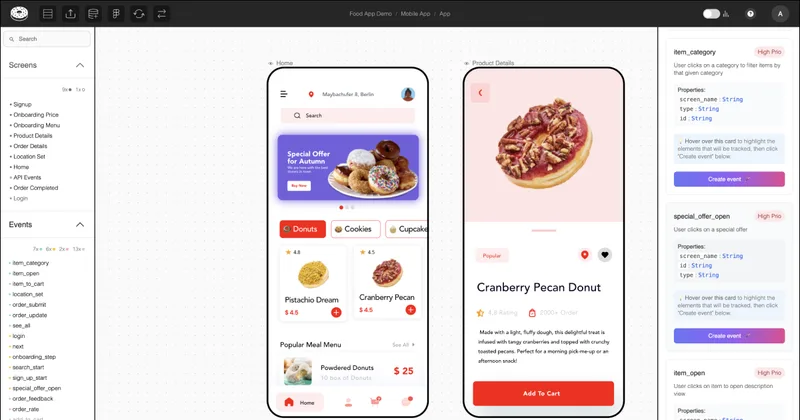
Glazedanalytics
Glazed is a visual tracking plan tool that links tracking documentation directly to Figma designs and uses AI to generate event suggestions and implementation-ready prompts, helping product teams replace spreadsheets and reduce tracking bugs while supporting iOS, Android, and Web workflows.
Glazedanalytics is developer tools software teams evaluate for developer tools. Use this page to review pricing, integration signals, and the best alternatives before you commit.
Profile facts come from the vendor source. AiMatch labels unknown pricing or API details instead of estimating them.
Review official source →Used in These Packs
Quick Overview
Best for: Developer Tools
What it does
Developer Tools software for decision-makers comparing workflow fit and alternatives.
Best fit
Developer Tools
Pricing snapshot
Freemium from $29/month per editor
Next step
Compare Glazedanalytics with similar tools before you shortlist it.
Compare this tool before you shortlist it
Review alternatives, pricing posture, and workflow fit side by side.
Glazed replaces traditional tracking spreadsheets and markdown specs with visual tracking documentation directly linked to Figma designs. It is designed for product teams, data teams, and developers who need cross-platform (iOS, Android, Web) tracking consistency and integration with analytics platforms like Amplitude, Mixpanel, PostHog, and Segment. Glazed's AI analyzes Figma screens to suggest events that match an existing taxonomy, generates implementation-ready prompts for AI coding assistants, and embeds developer-facing specifications into the Figma canvas via a plugin so teams can eliminate alignment meetings and reduce implementation bugs.
Glazed is a visual tracking plan tool that links tracking documentation directly to Figma designs and uses AI to generate event suggestions and implementation-ready prompts, helping product teams replace spreadsheets and reduce tracking bugs while supporting iOS, Android, and Web workflows.
Own this listing?
Claim this page for a one-time $29 to add pricing, features, screenshots, verified owner details, and a clearly labeled 30-day category position after the profile is live.
Claim this listing for $29Key Features
Figma-linked visual tracking documentation
Embed tracking specifications directly on Figma design components so developers click a UI element to see event names, property definitions, element selectors, and implementation notes without leaving the design canvas.
AI-powered event suggestions
AI analyzes Figma designs and learns your existing taxonomy (Amplitude, Mixpanel, PostHog, or custom CSV) to suggest relevant events, properties, and naming that match your established patterns.
Implementation-ready AI prompts
Generate prompts optimized for AI coding assistants (Cursor, Claude Code, Codex, Bolt, Lovable, Replit) to produce client-side tracking code that product teams or designers can paste into AI tools and deploy after developer review.
Component-level specifications
Define exact property values, data types, conditional logic, annotations, tags, and metadata directly on design elements, enabling instance-level customization without breaking canonical event definitions.
Cross-platform single source of truth
Project namespace and unified event repository prevent duplicate events and ensure iOS, Android, and Web implement identical event definitions for consistent cross-platform analytics.
Schema import and analytics integrations
Import existing tracking schema from Amplitude, Mixpanel, PostHog, or Segment so AI prioritizes reusing existing events and maintains taxonomy consistency.
Auto-sync and collaboration
Auto-sync between the Glazed platform and the Figma plugin for seamless team collaboration and real-time visibility of tracking specs where teams already work.
Pricing
7-day free trial; Figma plugin viewers available without additional cost (as advertised)
Editor
$29/month per editor- Includes 1 editor seat (Starter example)
- 300 linked events (Starter example)
- 1 project (Starter example)
Viewer
$6/month per viewer- Figma plugin viewers
- Access to view visual tracking specs
Use Cases
Developer-led handoffs
Create visual tracking plans in Glazed, sync specs to the Figma plugin, and allow developers to implement tracking from in-canvas specifications with precise element selectors and platform-specific guidance.
Self-service AI implementation
Product managers and designers generate implementation-ready prompts from Figma specs, paste them into AI coding assistants (Cursor, Claude Code, Bolt, Lovable), and produce client-side tracking code for developer PR review to speed delivery.
Cross-platform taxonomy consistency
Maintain a single repository of canonical events so iOS, Android, and Web teams implement identical event names and properties, preventing fragmented event naming and broken analytics funnels.
Component-level customization
Specify instance-specific properties and conditional logic on individual design components (e.g., different properties per product category) while preserving canonical event definitions.
Integrations
Amplitude
Import schema and maintain event taxonomy consistency with Amplitude.
Mixpanel
Import schema and align event naming and properties with Mixpanel.
PostHog
Connect PostHog schema for AI-aware event suggestions.
Segment
Schema import and compatibility with Segment-based analytics stacks.
AI coding assistants (Cursor, Claude Code, Codex, Bolt, Lovable, Replit)
Generate implementation-ready prompts that work with popular AI coding assistants to produce tracking code.
Benefits
Limitations
Frequently Asked Questions
No verified FAQs are available.
Getting Started
- 1 Import your Figma design file into Glazed.
- 2 Optionally upload your existing tracking schema from Amplitude, Mixpanel, PostHog, Segment, or a custom CSV so AI learns your taxonomy.
- 3 Review AI event suggestions, customize component-level properties if needed, then either sync specs to the Figma plugin for developer implementation or generate AI prompts for coding assistants to implement client-side tracking.
Support
docs
Documentation available (page header lists 'Documentation').
sales/contact
Contact Sales option listed in the site header for demos and inquiries.
demo
Book a demo to see visual tracking plans and workflows in action; 'Try Glazed free or book a demo' is advertised.
API
Compare Glazedanalytics with similar tools
See how it stacks up against alternatives
Related Tools
View all 141 →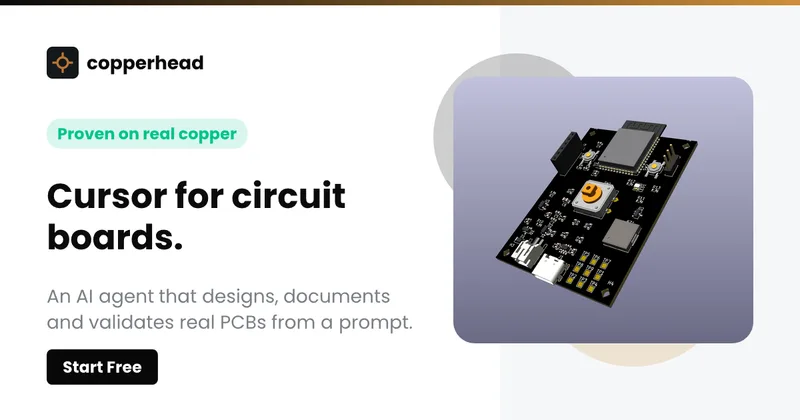
Copperhead
Copperhead is an open-source AI engineering platform and CLI that helps hardware teams design, verify, and ship printed circuit boards by editing KiCad files, running KiCad checks (ERC/DRC), and producing gerbers, firmware, and documentation in a gated, auditable pipeline.


Docs.dev Your Own Hosted Docs Platform in Minutes
Docs.dev is a deployable documentation template that runs as a Cloudflare Worker in your account, using your GitHub repo as the source of truth and agent-powered drafting (e.g., Claude Code or Codex) to generate reviewable docs branches that your team publishes via commit.

Bullet · Fast, by design.
Bullet is a fast coding agent and developer tool that routes, searches, and executes code-focused tasks with a tight loop to minimize latency — offered as a macOS download and currently available in private beta.
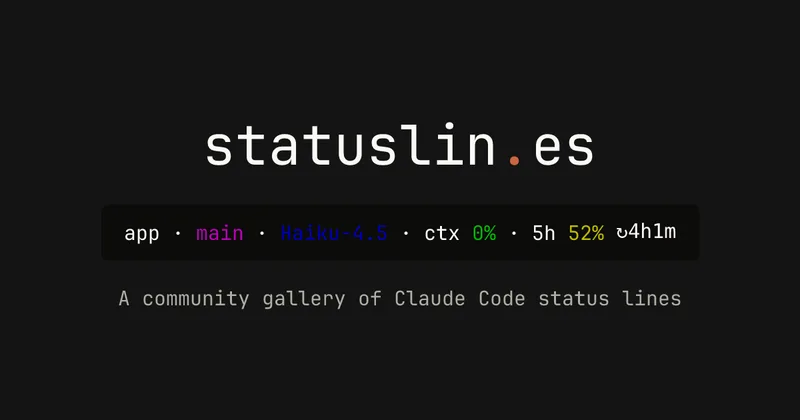
statuslin.es
statuslin.es is a community gallery of Claude Code status lines—copyable, previewed scripts and themes for terminal/status-bar displays that show Claude model stats (tokens, cost, limits), git info, and other runtime metrics.


Premium Alternatives
%22%2F%3E%20%3Ctext%20x%3D%2250%25%22%20y%3D%2250%25%22%20dominant-baseline%3D%22central%22%20text-anchor%3D%22middle%22%20font-family%3D%22system-ui%2C-apple-system%2Csans-serif%22%20font-weight%3D%22700%22%20font-size%3D%2250%22%20fill%3D%22white%22%3EO%3C%2Ftext%3E%20%3C%2Fsvg%3E)
OTP Inspired actor supervisor based full stack templates
ShipStacks provides production-grade, OTP-inspired full-stack SaaS templates that include supervisors/actor patterns, auth, payments, uploads, AI chat and agent playbooks, and Docker-ready deployment in multiple languages and frameworks.
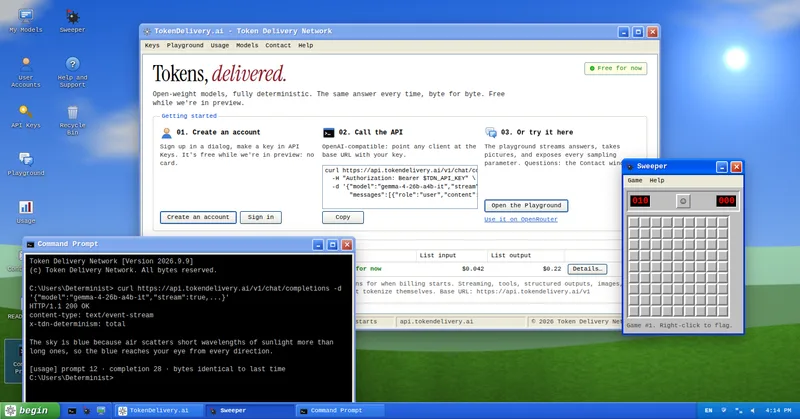
TokenDelivery.ai
TokenDelivery.ai (Token Delivery Network) is an OpenAI-compatible model API and playground that offers reproducible, deterministic model outputs, streaming responses, multimodal inputs (images and short videos), and exposed sampling parameters. It is free during preview and provides API keys, a playground, and a documented base URL for developers.
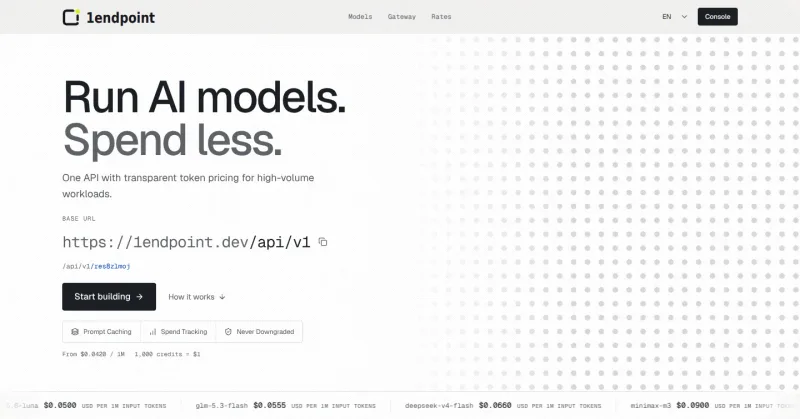

Servers for AI, not another AWS
RAW offers dedicated GPU and CPU servers specifically built for AI workloads — provision real metal with root access and CUDA via a single API. It emphasizes low cost (claims up to 100× cheaper than AWS), $0 egress, fast provisioning, and enterprise features for inference, training, agents, and vector databases.

ratio1
Ratio1 is a blockchain-powered, decentralized AI operating system and edge/cloud computing platform that enables rapid development and deployment of AI apps, a tokenized GPU compute marketplace, and node-based infrastructure via Node Deeds and the $R1 utility token.

runpod
Runpod is an AI Developer Cloud that provides on-demand GPU infrastructure—Pods, Serverless endpoints, and multi-node Clusters—enabling teams to experiment, train, fine-tune, deploy, and scale AI workloads across 31 global regions with support for 30+ GPU SKUs.